
Introduction
This manual provides essential information for the proper use and maintenance of your CLABEL 1"x1" Thermal Sticker Label Paper. These self-adhesive thermal labels are designed for compatibility with thermal label printers, including the CLABEL CT221D model, and are suitable for various applications such as address labels, logos, shipping labels, barcodes, and QR codes.
Product Features
- Size: 1"x1" (25.4x25.4mm) labels, 1000 labels per roll.
- Material: High-quality thermal label material.
- Durability: Water-resistant, oil-resistant, strong adhesion, and abrasion-resistant for long-lasting prints.
- Compatibility: Designed for use with CLABEL CT221D and other compatible desktop thermal label printers.
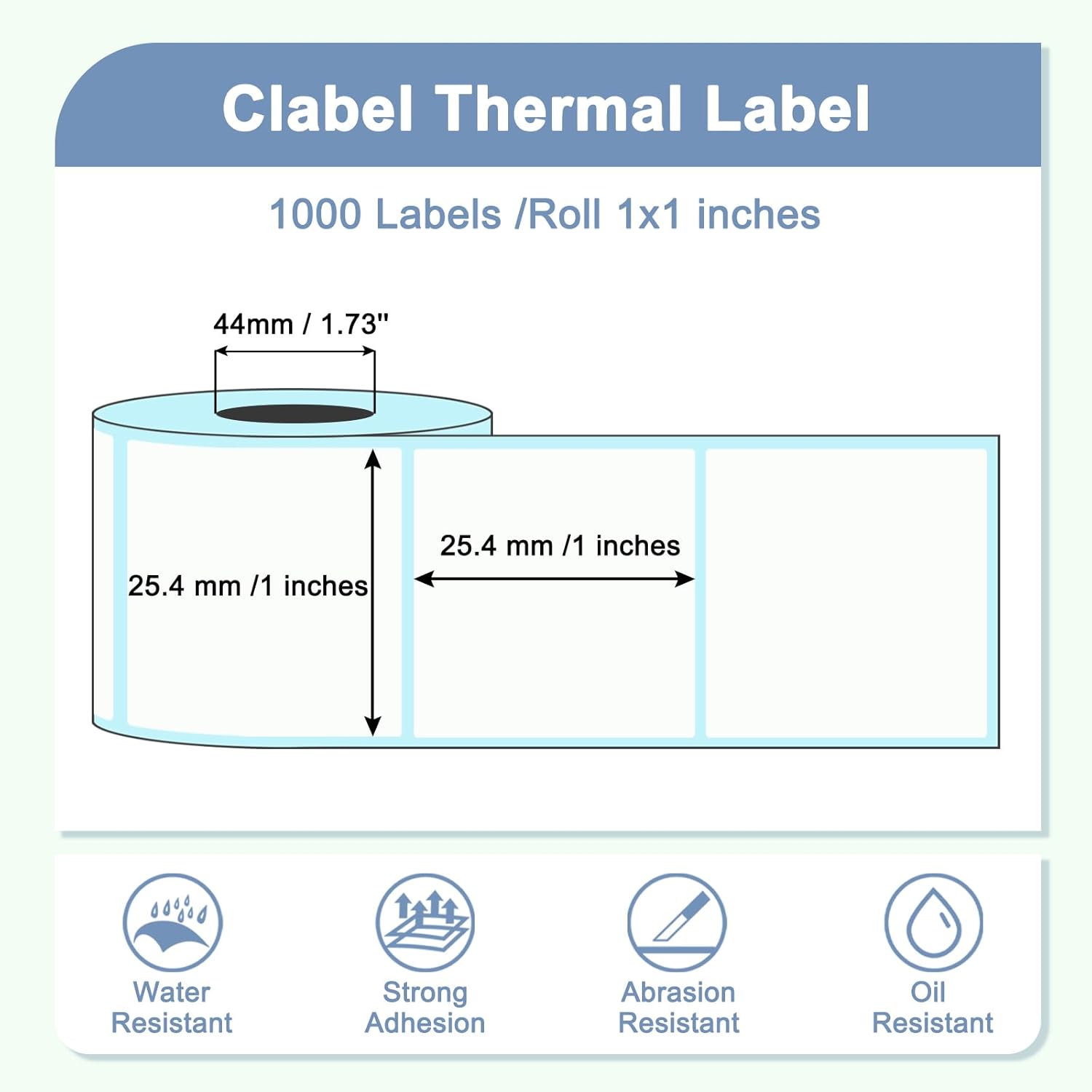
Image: CLABEL 1"x1" Thermal Label dimensions and key features.
Specifications
| Brand | CLABEL |
| Model Number | LAB-HC11-1000 |
| Label Size | 1"x1" (25.4x25.4mm) |
| Labels per Roll | 1000 |
| Material Type | Thermal Label Material |
| Color | White |
| Item Weight | 4.2 ounces |
| Package Dimensions | 3.5 x 3.46 x 1.46 inches |
Setup and Installation
To ensure optimal printing performance, follow these steps for loading the thermal label roll into your compatible thermal label printer:
- Open Printer Cover: Gently open the cover of your thermal label printer according to its specific instructions.
- Insert Label Roll: Place the CLABEL thermal label roll onto the spindle or into the designated compartment. Ensure the labels feed from the bottom of the roll and the leading edge is aligned correctly.
- Adjust Guides: Adjust the label guides to fit snugly against the edges of the label roll, preventing misalignment during printing.
- Close Cover: Close the printer cover securely.
- Calibrate (if necessary): Some printers may require calibration after loading new labels. Refer to your printer's manual for calibration procedures.

Image: CLABEL thermal labels are compatible with many desktop thermal printers.

Image: Thermal paper specifically designed for CLABEL CT221D Label Printer.
Operating Instructions
Once the labels are loaded, you can begin printing. The process generally involves:
- Design Your Label: Use your printer's software or a compatible label design application to create your desired label content (text, barcodes, QR codes, images).
- Select Printer: Ensure your thermal label printer is selected as the output device in your software.
- Verify Settings: Confirm that the label size settings in your software match the 1"x1" dimensions of the CLABEL thermal paper. Incorrect settings can lead to misprints or wasted labels.
- Print: Send the print job to your thermal label printer.
Maintenance and Storage
To maintain the quality and longevity of your CLABEL thermal labels:
- Storage: Store label rolls in a cool, dry place away from direct sunlight and excessive heat. High temperatures can cause premature darkening of thermal labels.
- Handling: Avoid touching the thermal printing surface with bare hands, as oils and dirt can affect print quality.
- Printer Cleaning: Regularly clean your thermal printer's print head and platen roller as recommended by the printer manufacturer to prevent debris buildup and ensure clear prints.
Troubleshooting
If you encounter issues while using your CLABEL thermal labels, consider the following:
- Labels Not Printing Correctly/Too Small:
- Verify that the label size settings in your printing software precisely match the 1"x1" (25.4x25.4mm) dimensions of the CLABEL labels.
- Ensure the label roll is loaded correctly and the guides are adjusted properly.
- Perform a printer calibration if available.
- Faint or Missing Prints:
- Check if the thermal print head is clean. Refer to your printer's manual for cleaning instructions.
- Ensure the labels are loaded with the correct side facing the print head (the thermal sensitive side).
- Labels Jamming:
- Check for any obstructions in the paper path.
- Ensure the label roll is not too tight or too loose.
- Verify that the label guides are not too tight against the roll.
Applications
CLABEL 1"x1" thermal labels are versatile and can be used for a wide range of labeling needs:
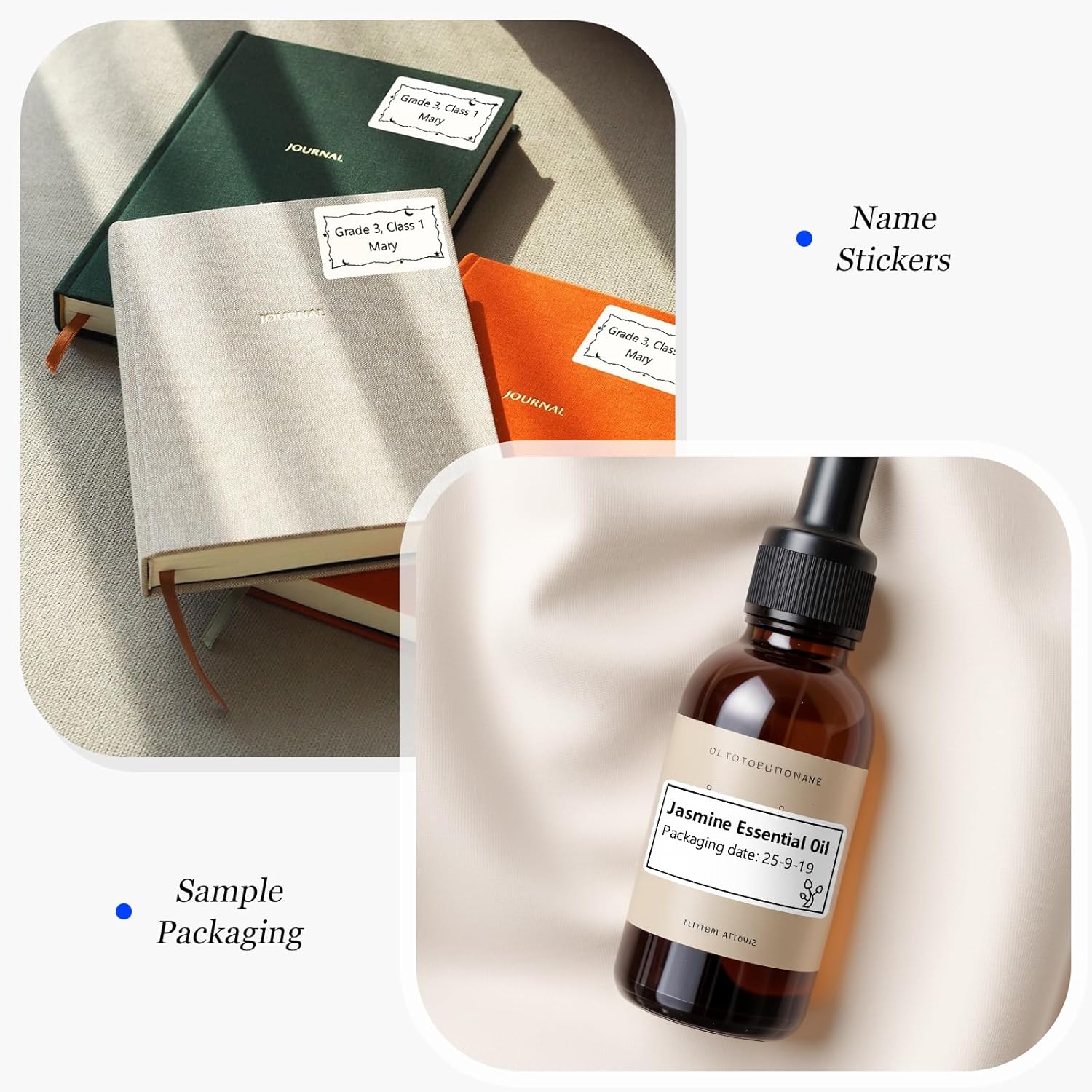
Name Stickers & Sample Packaging

Ideal for personalizing items or labeling small product samples.
Food Categories & Office Labels
Organize pantry items or categorize office files efficiently.
Price Tags & Food Labels
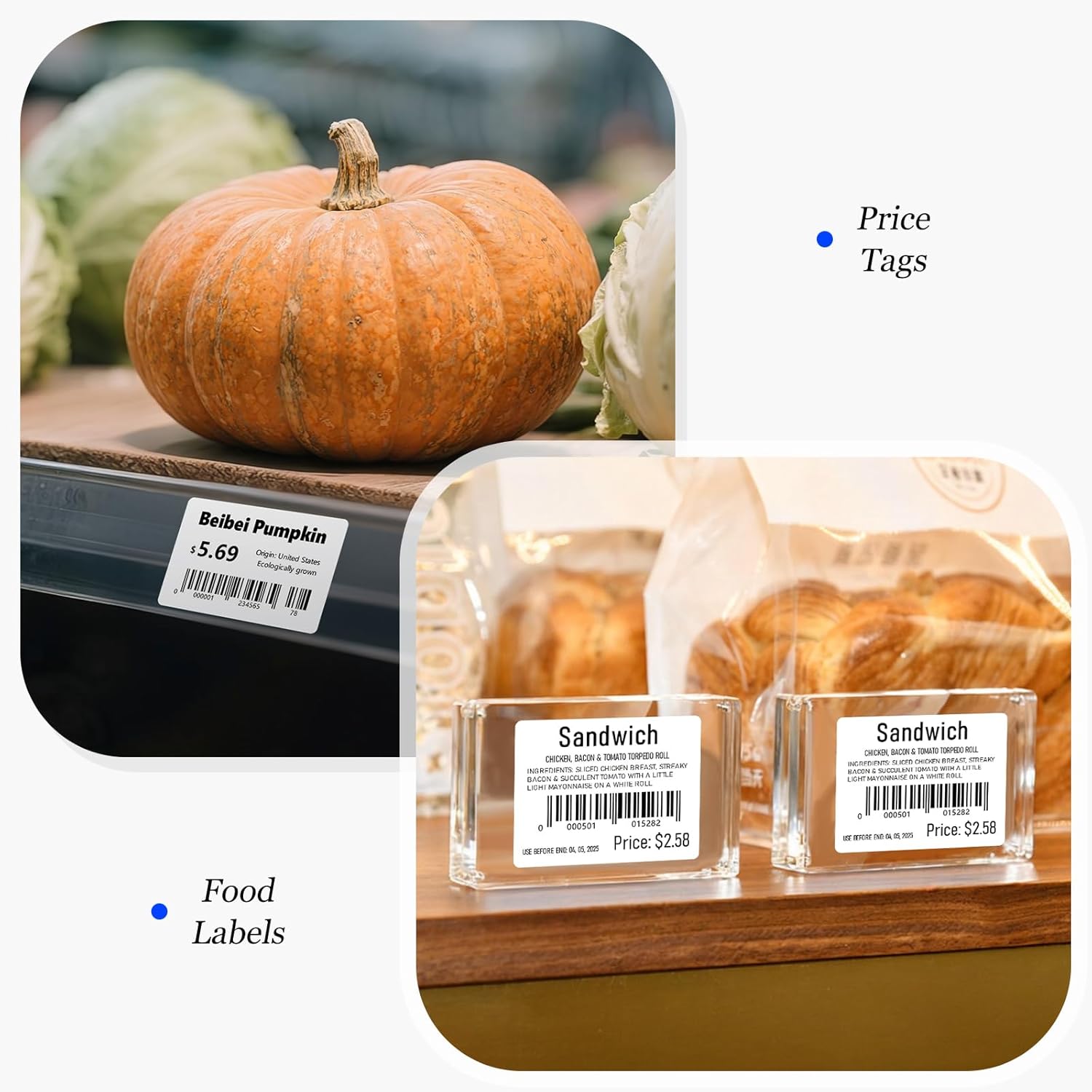
Suitable for retail pricing and detailed food product information. Example barcodes: 0000501015282, 0000001234565.
Flower & Cake Labels

Perfect for small businesses to brand floral arrangements or baked goods. Example barcode: 12345678.
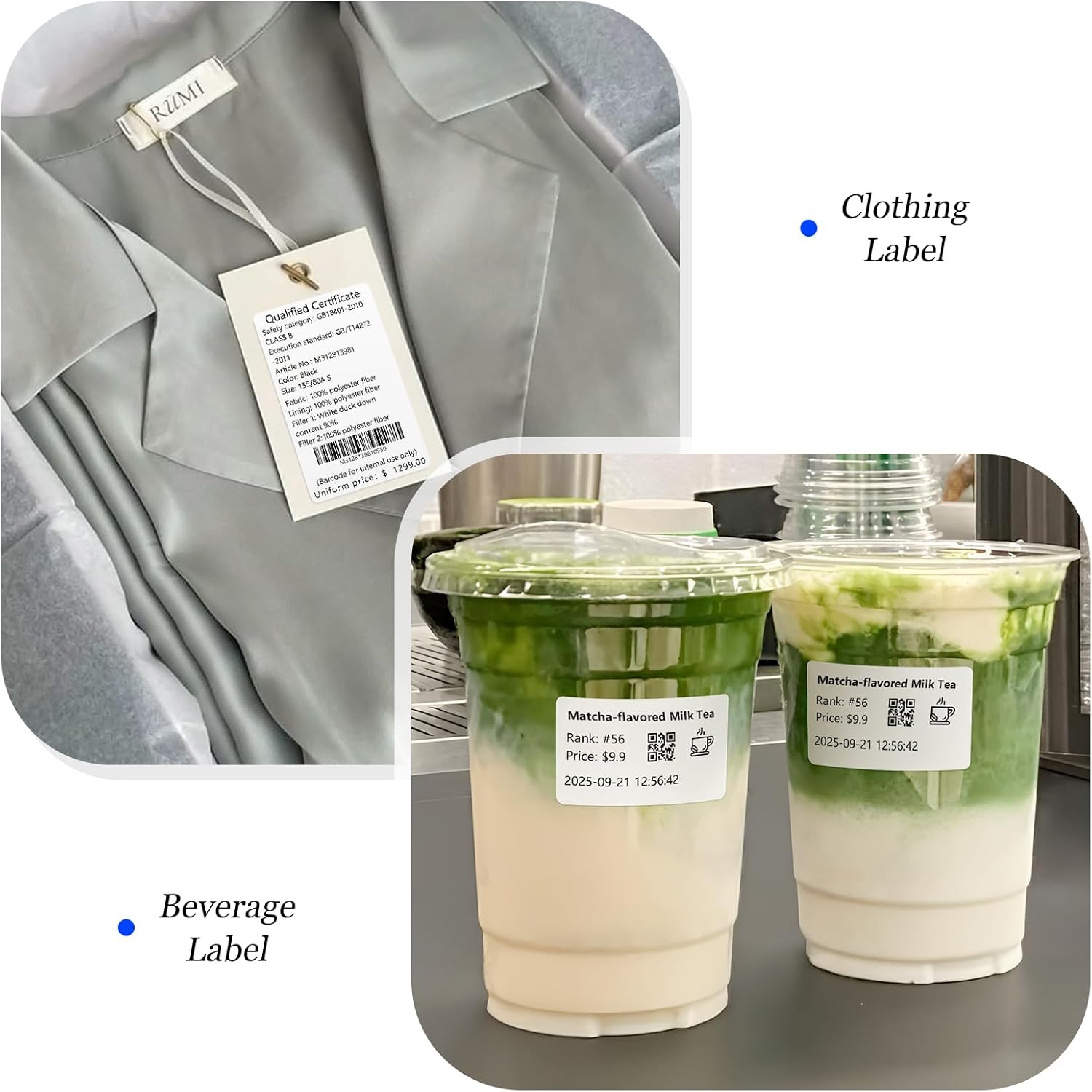
Clothing & Beverage Labels
Versatile for product identification on apparel or custom beverage labeling. Example QR code: 562973923.
Warranty and Support
CLABEL thermal label paper is manufactured to high-quality standards. For any questions regarding product compatibility, performance, or support, please contact CLABEL customer service through the retailer where the product was purchased or visit the official CLABEL website for assistance.
While specific warranty details for consumable label paper are not typically provided, CLABEL stands behind the quality of its products. Please retain your proof of purchase for any inquiries.