
BLIPBLOX SK2
BLIPBLOX SK2 Synthesizer User Manual
Model: SK2
Introduction
The BLIPBLOX SK2 Synthesizer is an electronic music device designed to introduce users of all ages to the world of music creation. It features real signal flow, hundreds of built-in melodies, and tactile controls, making sound exploration intuitive and engaging. This manual provides essential information for setting up, operating, maintaining, and troubleshooting your SK2 Synthesizer.
Package Contents
Your BLIPBLOX SK2 Synthesizer package includes:
- BLIPBLOX SK2 Synthesizer Unit
- 3 AA Batteries (pre-installed)
- Case
Setup
1. Battery Installation
The SK2 Synthesizer comes with 3 AA batteries pre-installed. If you need to replace them:
- Locate the battery compartment on the underside of the device.
- Open the compartment cover.
- Insert 3 new AA batteries, ensuring correct polarity (+/-).
- Close the compartment cover securely.
2. Powering On/Off
To power on the SK2 Synthesizer, locate the On/Off switch, typically on the side or back of the unit, and slide it to the "On" position. To power off, slide the switch to the "Off" position.

Figure 1: Side view of the SK2 Synthesizer, highlighting the Audio Out, MIDI In, DC 5V power input, and On/Off switch.
Operating Instructions
Basic Play and Sound Creation
The SK2 Synthesizer is designed for immediate play. Simply turn it on and begin exploring the hundreds of built-in melodies. Use the colorful controls and knobs to sculpt your own unique sounds and beats.
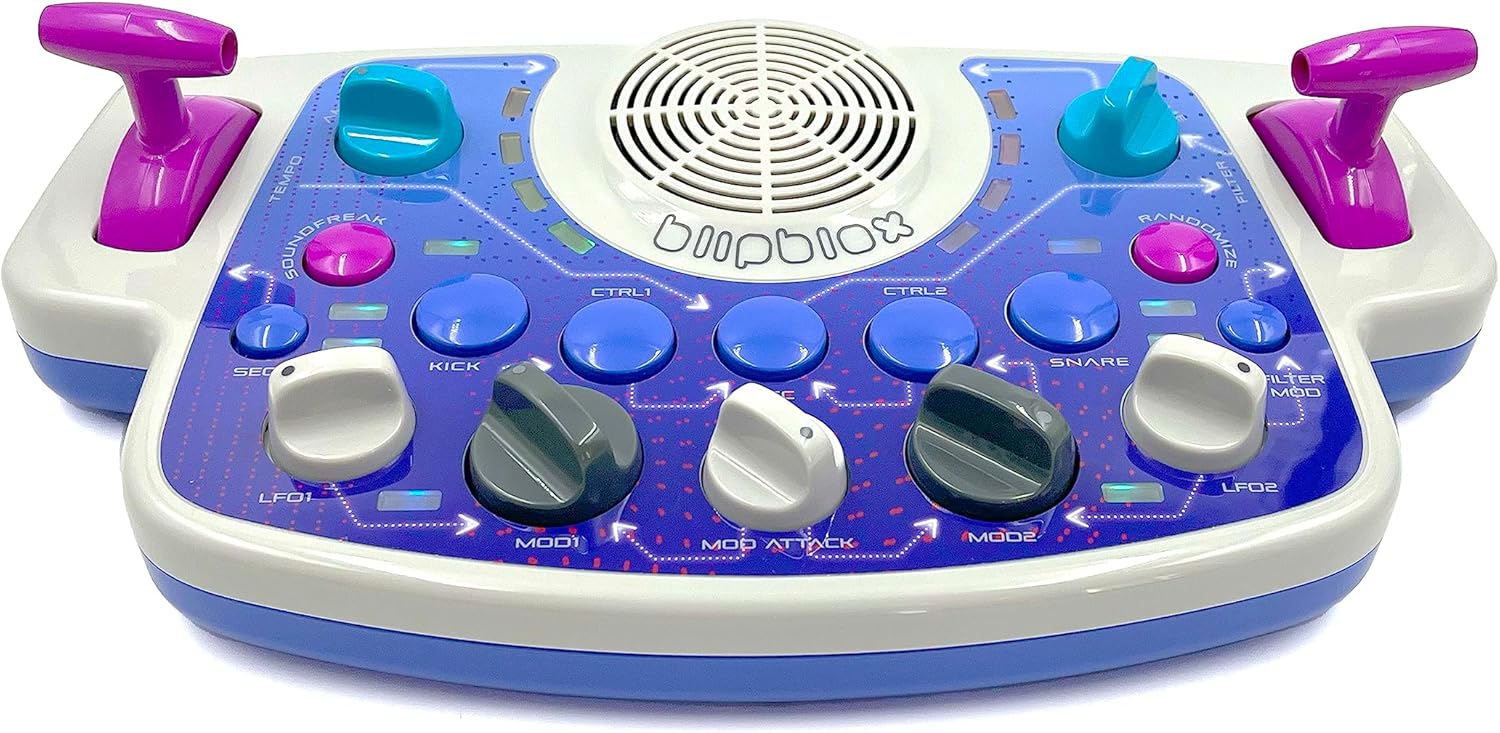
Figure 2: Top view of the SK2 Synthesizer, showing the main control panel with various buttons and knobs for sound manipulation.

Figure 3: An adult demonstrating interaction with the SK2 Synthesizer's controls.

Figure 4: A child's hands engaging with the SK2 Synthesizer, highlighting its ease of use for younger users.
Advanced Connectivity
For professional use, the SK2 Synthesizer features 5-pin MIDI In and a ¼” Stereo Audio Out. These ports allow you to connect the device to external equipment such as keyboards, drum machines, or Digital Audio Workstations (DAWs). You can also instantly synchronize the SK2 to other devices using MIDI time code.
- MIDI In: Connect to a MIDI controller or another MIDI device to control the SK2.
- Audio Out: Connect to external speakers, headphones, or an audio interface for amplified sound or recording.
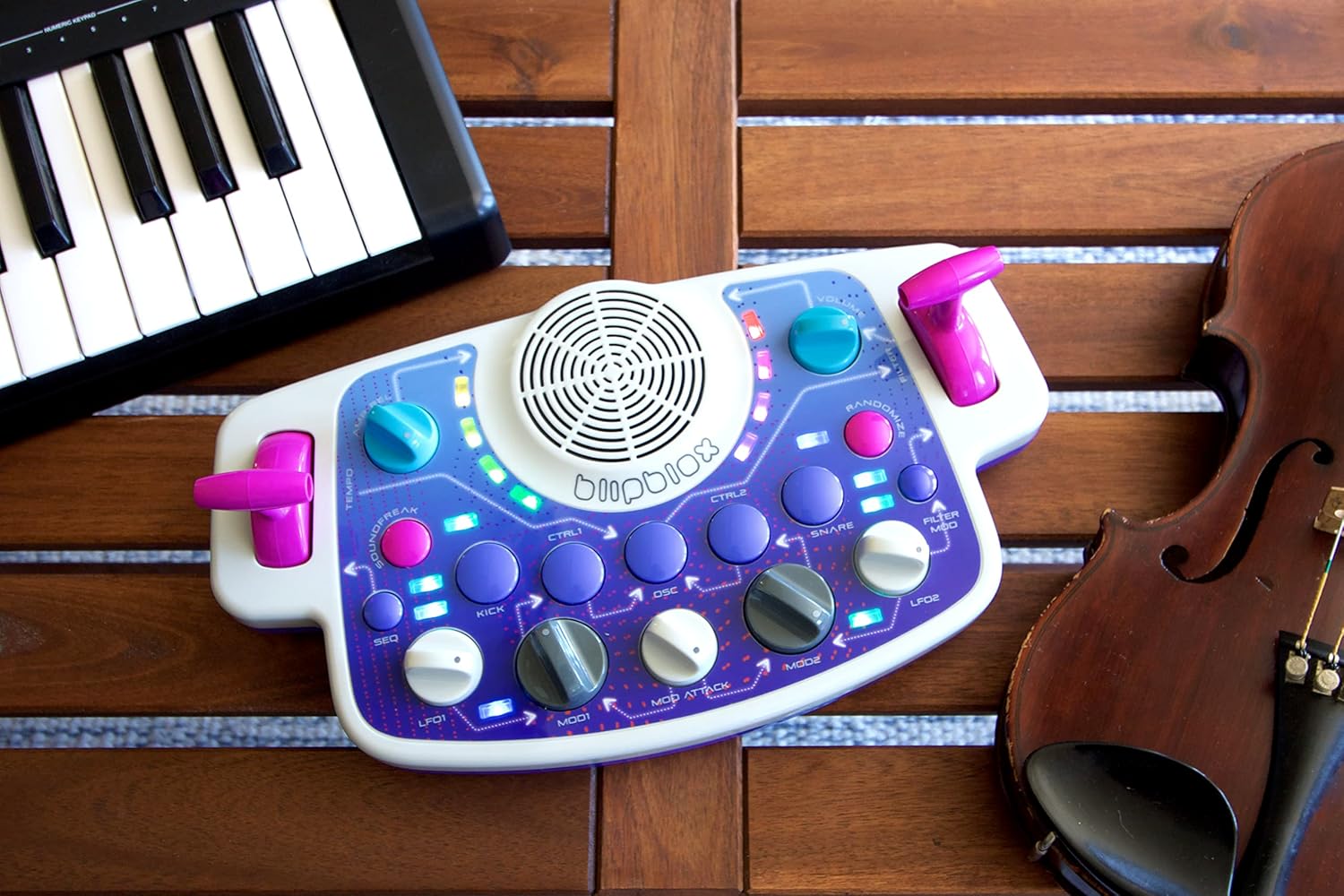
Figure 5: The SK2 Synthesizer shown alongside other musical instruments, illustrating its versatile connectivity options.
Portability
The SK2 Synthesizer is designed for portability. It operates on AA batteries and includes a built-in speaker, allowing you to create music anywhere without the need for external power or audio equipment.
Product Features and Design
The BLIPBLOX SK2 is engineered with user experience and safety in mind:
- Kid-Friendly Design: Knobs are designed not to be pulled off, and the device has no sharp corners or edges.
- Durable Construction: The plastic case is built to withstand impacts, drops, and spills.
- Certified Safety: Fully certified to international toy safety standards for ages 3 and up.
- Professional Sound: Engineered with advanced synthesizer technology to produce high-quality sounds and beats.
- Screen-Free Focus: Encourages hands-on interaction and creativity without relying on screens.

Screen-Free Focus

Built to Last

Real Synth Sounds

Fun at Any Age
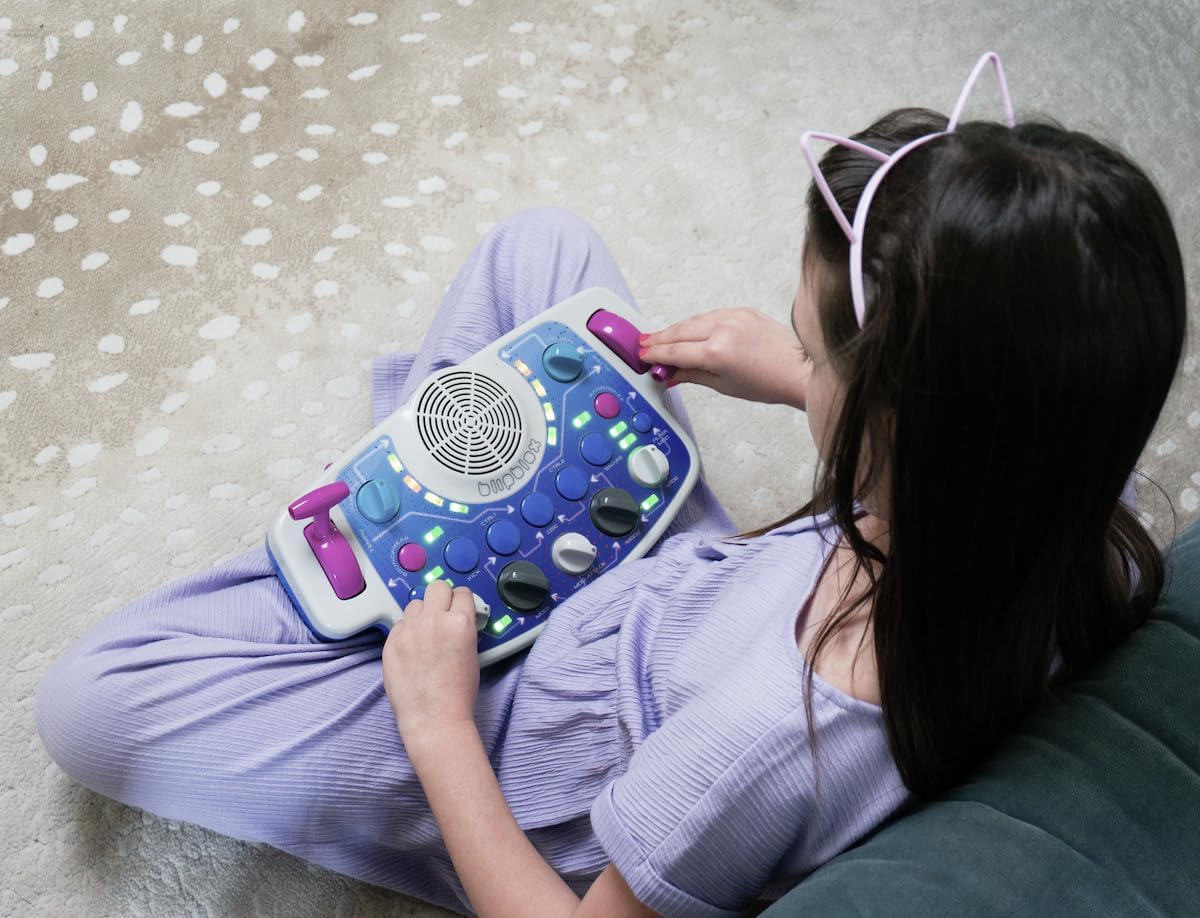
Figure 6: A user engaging with the SK2 Synthesizer, demonstrating its intuitive and accessible design.
Maintenance
Cleaning
To clean your SK2 Synthesizer, use a soft, dry cloth. Do not use abrasive cleaners or solvents, as these may damage the surface. Ensure no liquids enter the device's ports or openings.
Battery Care
If the device will not be used for an extended period, remove the batteries to prevent leakage and potential damage.
Troubleshooting
| Problem | Possible Cause | Solution |
|---|---|---|
| Device does not power on. | Batteries are dead or incorrectly installed. | Check battery polarity. Replace with fresh AA batteries. |
| No sound from built-in speaker. | Volume is too low or muted. | Adjust the volume knob. Ensure no headphones are plugged into the Audio Out if you intend to use the built-in speaker. |
| External device not responding via MIDI. | Incorrect MIDI cable connection or settings. | Ensure the 5-pin MIDI cable is securely connected to both devices. Verify MIDI settings on the external device. |
Specifications
- Model Number: SK2
- Dimensions: 14.68 x 12.28 x 3.82 inches
- Item Weight: 3.12 pounds
- Power Source: 3 AA batteries (included) or DC 5V (adapter not included)
- Connectivity: 5-pin MIDI In, ¼” Stereo Audio Out
- Manufacturer: Playtime Engineering
Safety Information
The BLIPBLOX SK2 Synthesizer is designed with safety as a priority. It is certified to international toy safety standards for ages 3 and up. Always supervise young children during use. Do not attempt to disassemble the unit or modify its components, as this may void the warranty and pose a safety risk.
Warranty and Support
For warranty information and customer support, please refer to the manufacturer's official website or contact Playtime Engineering directly. Keep your purchase receipt for warranty claims.
Manufacturer: Playtime Engineering
Related documentsSK2


Ask a question about this manual
Ask about setup, troubleshooting, compatibility, parts, safety, or missing instructions. Manuals+ will review the question and use this page’s manual context to help answer it.