
Product Overview
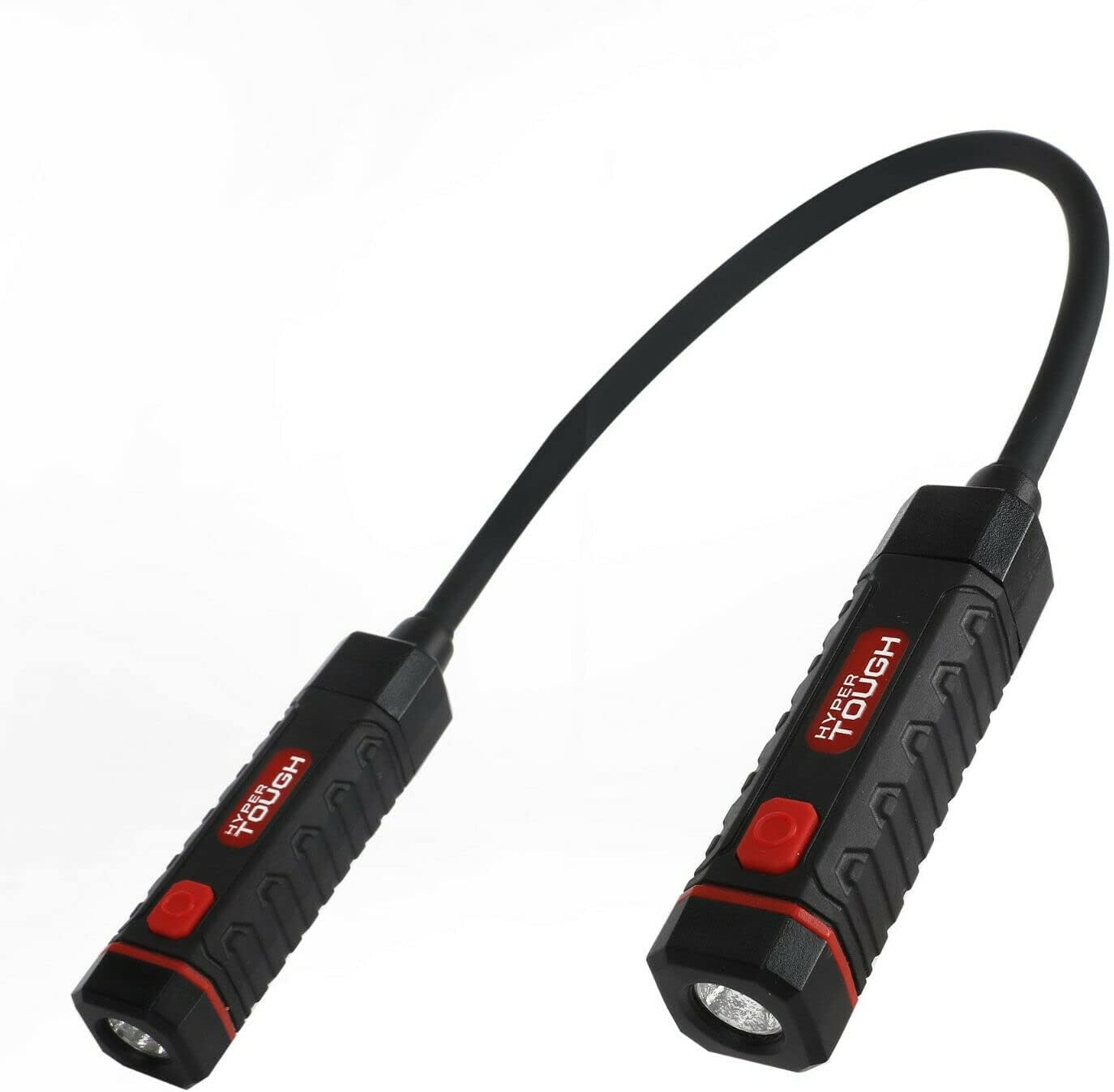
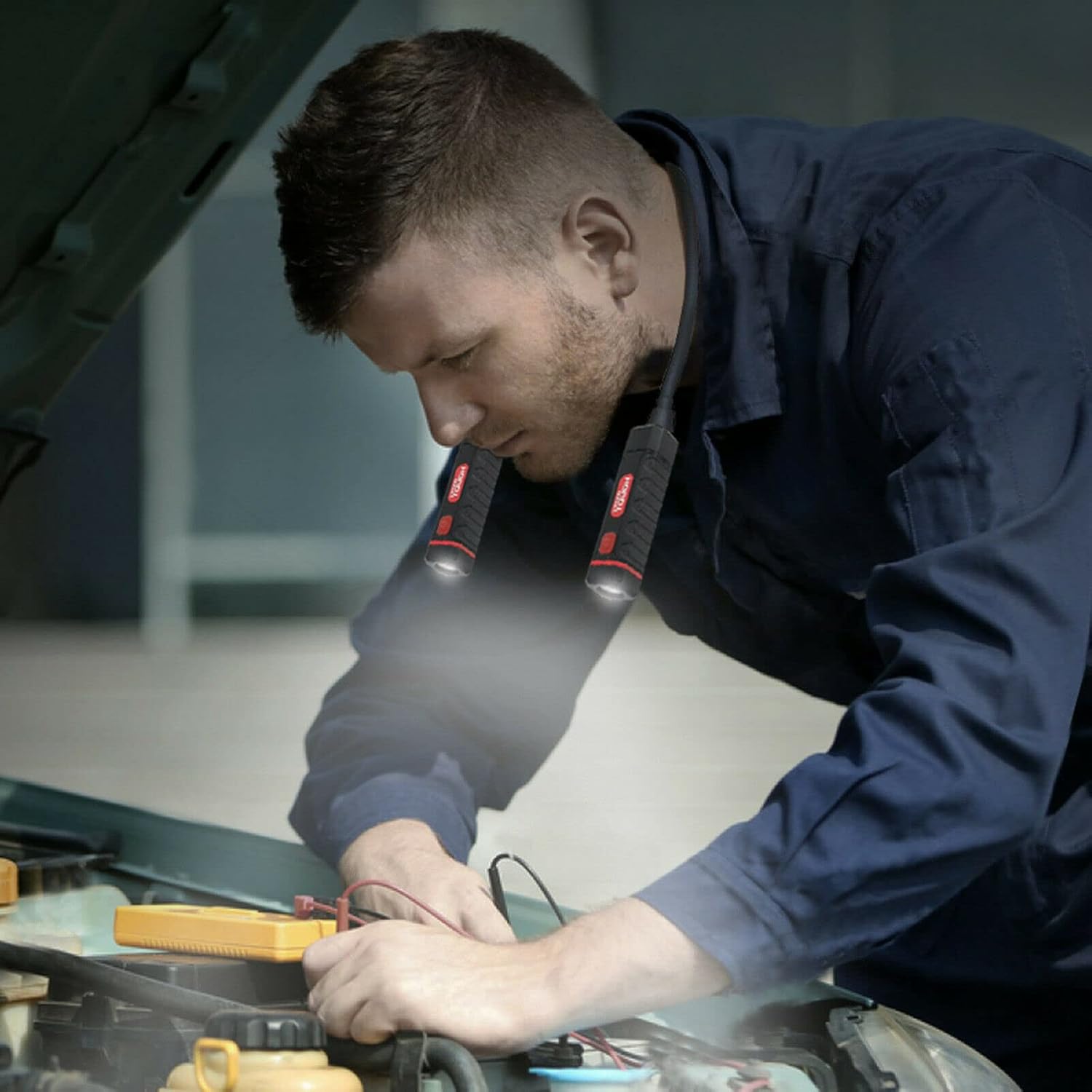
The Hyper Tough 160-Lumen LED Flex Neck Work Light, Model 7807, is designed for versatile, hands-free illumination in various work environments, particularly automotive tasks. Its flexible design allows it to be worn around the neck or wrapped around objects for targeted lighting.
Key Features:
- 160 Lumens Brightness: Provides ample illumination for detailed work.
- Flexible Design: Enables hands-free use by resting around the neck or wrapping around objects.
- 3 Lighting Modes: High, Medium, and Low settings for adjustable intensity.
- Oil Resistant: Durable construction suitable for automotive and workshop environments.
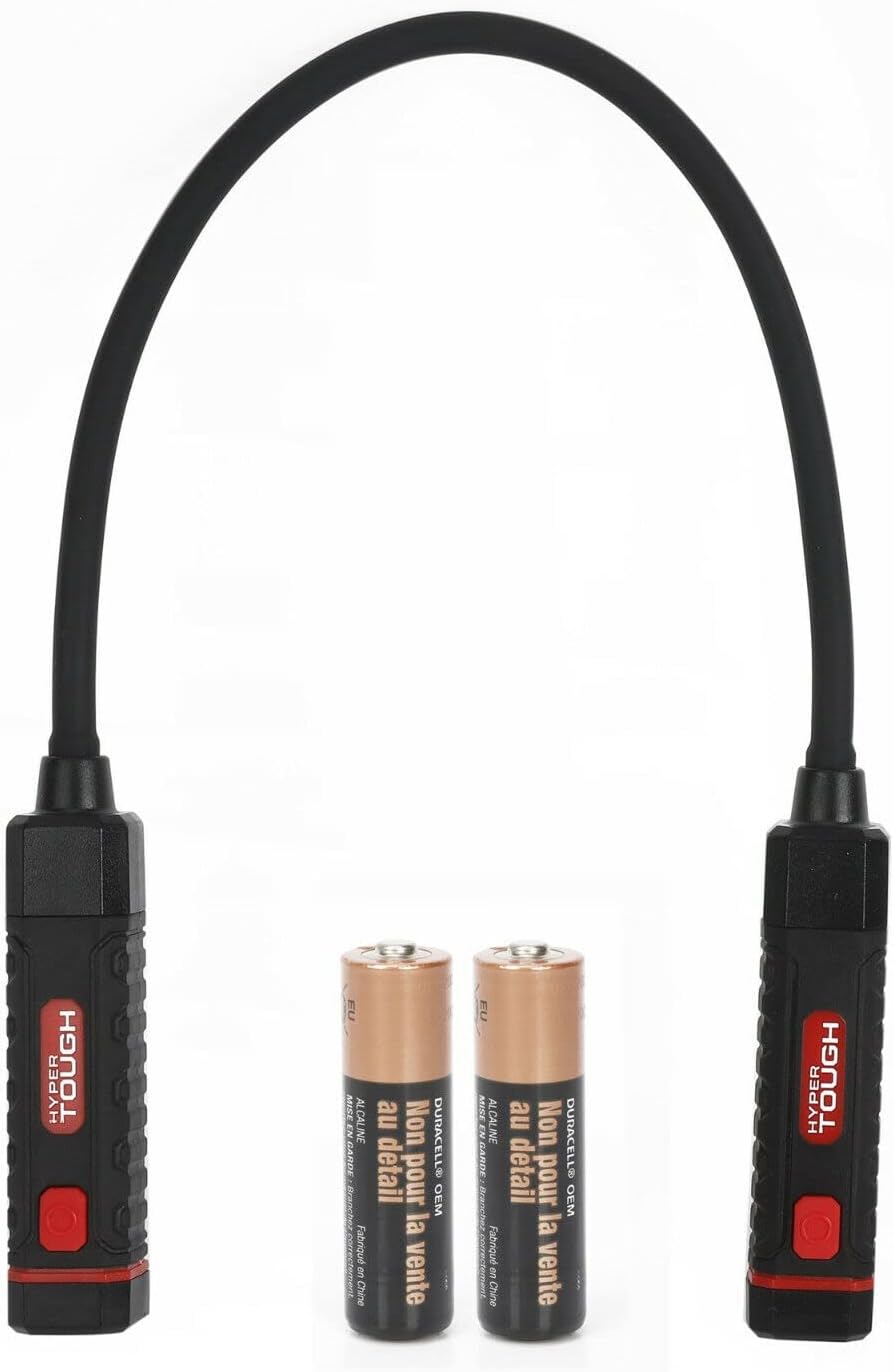
- Battery Powered: Operates on 2 AA batteries (included).
Package Contents
Upon opening the package, ensure all components are present and undamaged:
- 1 x Hyper Tough 160-Lumen Flexible Work Light
- 2 x AA Batteries

Setup and Battery Installation
The Hyper Tough Flexible Work Light requires two AA batteries for operation. Batteries are included with the product.
- Locate Battery Compartment: Each light head has a battery compartment at its base. Unscrew the cap of each light head.
- Insert Batteries: Insert one AA battery into each compartment, ensuring the positive (+) and negative (-) terminals align correctly with the indicators inside the compartment.
- Secure Cap: Screw the caps back onto the light heads firmly to ensure a secure connection and oil resistance.

Operating Instructions
The Hyper Tough Flexible Work Light features a single button on each light head to control power and switch between three lighting modes.
- Power On/Off: Press the red power button on either light head once to turn the light on. Press and hold the button for approximately 2 seconds to turn the light off.
- Change Modes: While the light is on, press the power button repeatedly to cycle through the lighting modes:
- First press: High Brightness (160 Lumens)
- Second press: Medium Brightness
- Third press: Low Brightness
- Fourth press: Cycles back to High Brightness
- Hands-Free Use: The flexible neck allows for various hands-free applications.
- Neck Wear: Drape the flexible neck around your neck, positioning the light heads to illuminate your work area directly in front of you.
- Wrapping: Wrap the flexible neck around pipes, car axles, or other objects to secure the light in place for specific tasks.

Maintenance and Care
Proper maintenance ensures the longevity and optimal performance of your Hyper Tough Flexible Work Light.
- Cleaning: Wipe the light with a clean, damp cloth. Avoid using abrasive cleaners or solvents, as they may damage the surface or internal components.
- Oil Resistance: The light is designed to be oil resistant. After exposure to oil, wipe it clean promptly to maintain its condition.
- Battery Replacement: If the light dims or fails to turn on, replace both AA batteries with new ones. Always replace both batteries at the same time.
- Storage: When not in use for extended periods, remove the batteries to prevent leakage and store the light in a cool, dry place away from direct sunlight.
Troubleshooting
| Problem | Possible Cause | Solution |
|---|---|---|
| Light does not turn on. |
|
|
| Light is dim or flickers. |
|
|
| Light modes do not change. |
|
|
Specifications
| Feature | Detail |
|---|---|
| Model | 7807 |
| Brightness | 160 Lumens |
| Light Source Type | LED |
| Power Source | Battery Powered |
| Battery Type | 2 x AA Alkaline Batteries (Included) |
| Modes | High, Medium, Low |
| Special Features | Flexible Design, Oil Resistant |
| Item Weight | 6.7 ounces |
| Package Dimensions | 10.75 x 5.55 x 0.91 inches |
| UPC | 681131046480 |

Warranty and Support
This product comes with a standard manufacturer's warranty. For specific warranty details, claims, or technical support, please refer to the warranty card included in your product packaging or visit the official Hyper Tough website.
For further assistance, you may contact Hyper Tough customer service.
- Manufacturer: Hyper Tough
- Website: Hyper Tough Official Website (Note: Hyper Tough products are primarily sold through Walmart, so their official presence is often linked there.)