
Veise RZ02A
Veise RZ02A Fingerprint Keyless Entry Deadbolt Instruction Manual
Model: RZ02A
Introduction
This manual provides comprehensive instructions for the installation, operation, and maintenance of your Veise RZ02A Fingerprint Keyless Entry Deadbolt. Please read this manual thoroughly before installation and use to ensure proper function and longevity of your lock.
Package Contents
Verify that all components are present before beginning installation:
- Veise RZ02A Keyless Entry Door Lock (Front and Rear Assemblies)
- 2 Backup Keys
- Latch
- Strike Plate
- Mounting Plate
- Screws
- Installation Instructions
- Programming Instructions
Setup and Installation
The Veise RZ02A deadbolt is designed for easy installation with a screwdriver. It is compatible with all American standard left and right-handed doors.
1. Door Compatibility Check
Before installation, ensure your door meets the following specifications:
- Door Thickness: 1-3/8" to 2" (35mm-50mm)
- Hole Diameter: 2-1/8" (54mm)
- Backset: 2-3/8" or 2-3/4" (60mm or 70mm)
- Minimum Distance: 2-1/8" (41mm) from door edge to center of bore hole
- Compatible with single cylinder deadbolts. Not compatible with mortise/integrated locks.
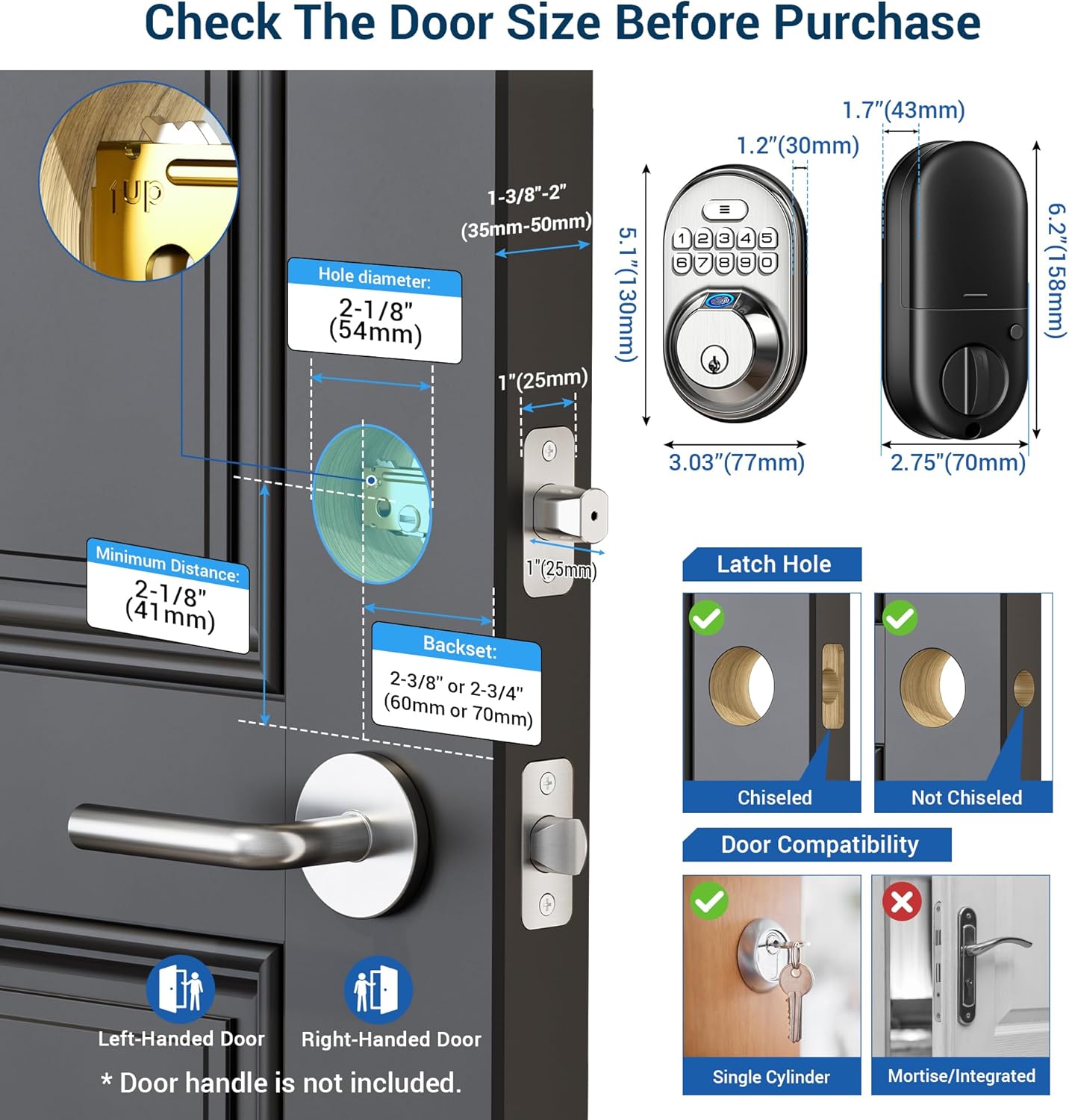
This image illustrates the necessary door measurements and types of latch holes (chiseled or not chiseled) for proper installation. It also shows compatibility with both left-handed and right-handed doors.
2. Installation Process
Follow the detailed installation instructions included in your package. The process typically involves:
- Installing the latch into the door edge.
- Mounting the exterior keypad assembly.
- Installing the interior mounting plate.
- Connecting the cable and installing the interior assembly.
- Testing the lock's functionality.
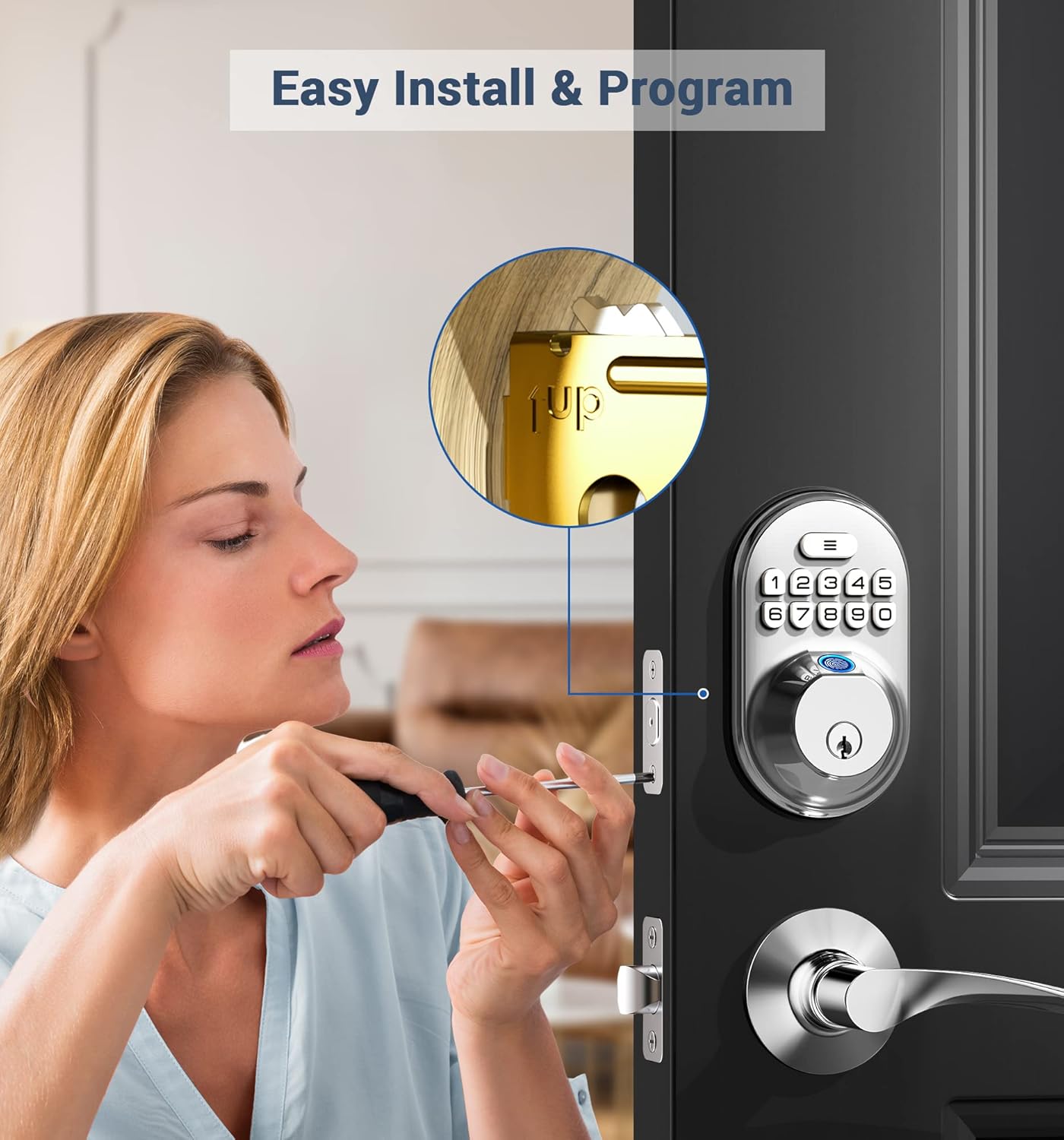
This image demonstrates the ease of installation, requiring only a screwdriver. The lock automatically identifies door handing (left or right) during setup.

The lock automatically adjusts for left or right-handed door configurations, simplifying the installation process.
Operating Instructions
The Veise RZ02A offers multiple keyless entry options for convenience and security.
1. Keyless Access Methods
- Fingerprint: Store up to 20 unique fingerprints for quick access.
- Password Codes: Program up to 20 custom password codes.
- One-Time Password: Generate temporary codes that automatically delete after a single use, ideal for visitors or service personnel.
- Backup Keys: Two physical keys are provided for traditional entry.
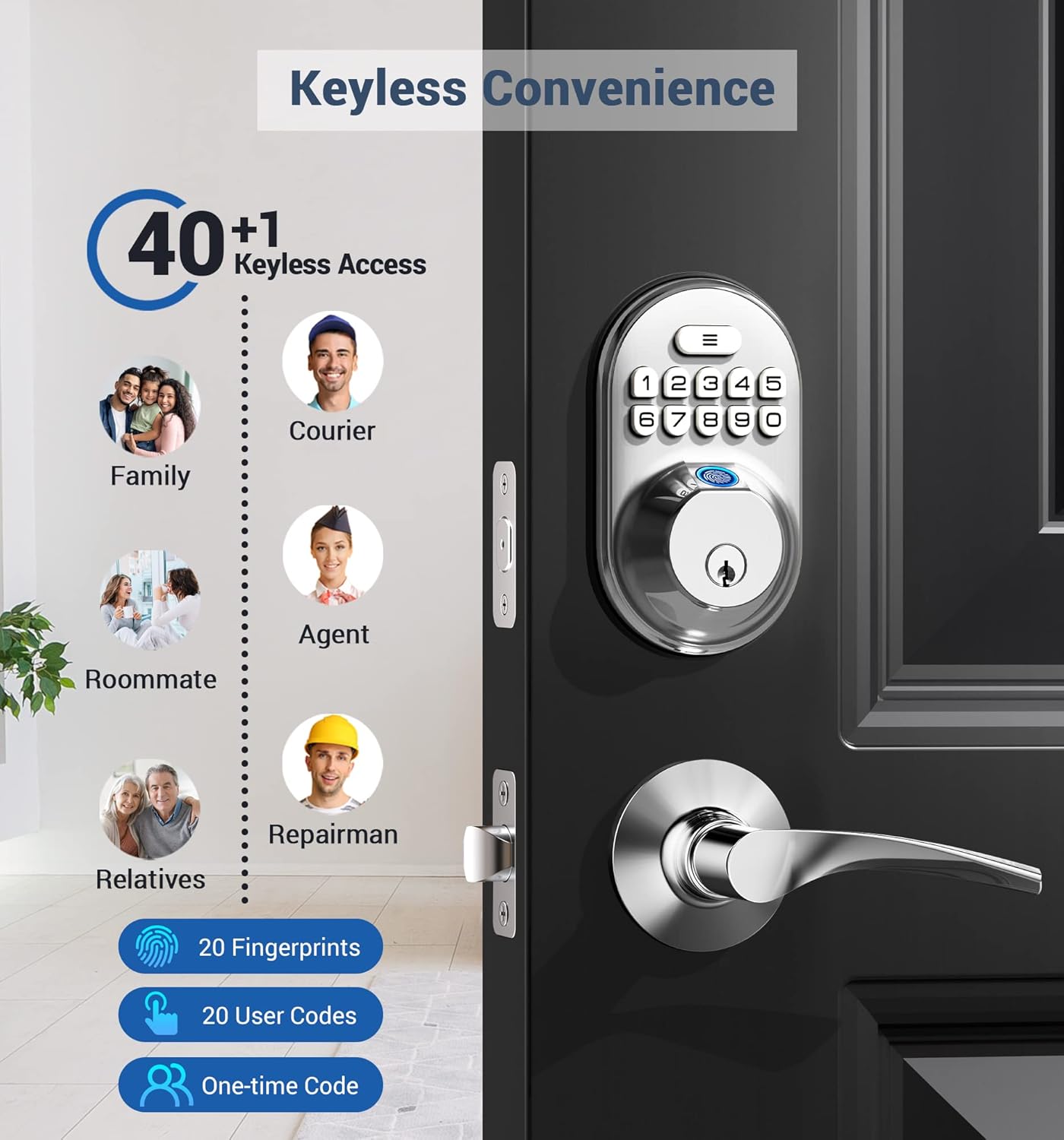
This image highlights the multiple keyless access options available, including fingerprints, user codes, and one-time codes, catering to various users like family, couriers, and repairmen.
2. Fingerprint Unlock
The lock features a fast fingerprint sensor for quick entry.

This image shows a user unlocking the door with a fingerprint, emphasizing the 0.3-second biometric recognition with a 99.9% recognition rate and 500 DPI resolution.

Detailed specifications for the fingerprint reader, including recognition speed and accuracy.
3. Password Entry and Anti-Peeping Function
Enter your password on the backlit keypad. To prevent others from guessing your code, you can enter random digits before or after your actual password.

This image demonstrates the anti-peeping password feature, allowing users to input extra digits to obscure their actual code from onlookers.

The anti-peeping password feature enhances security by allowing you to enter random digits before and after your actual code.
4. One-Time Password
For temporary access, you can generate a one-time password. This code will automatically delete after its first use.

This image depicts the use of a one-time password for a courier, highlighting its convenience for temporary access.
5. Auto-Lock and One-Touch Locking
- Auto-Lock: The deadbolt can be set to automatically lock after 10-99 seconds once the door is closed.
- One-Touch Locking: Press and hold any key for 2 seconds to manually lock the door from the outside.
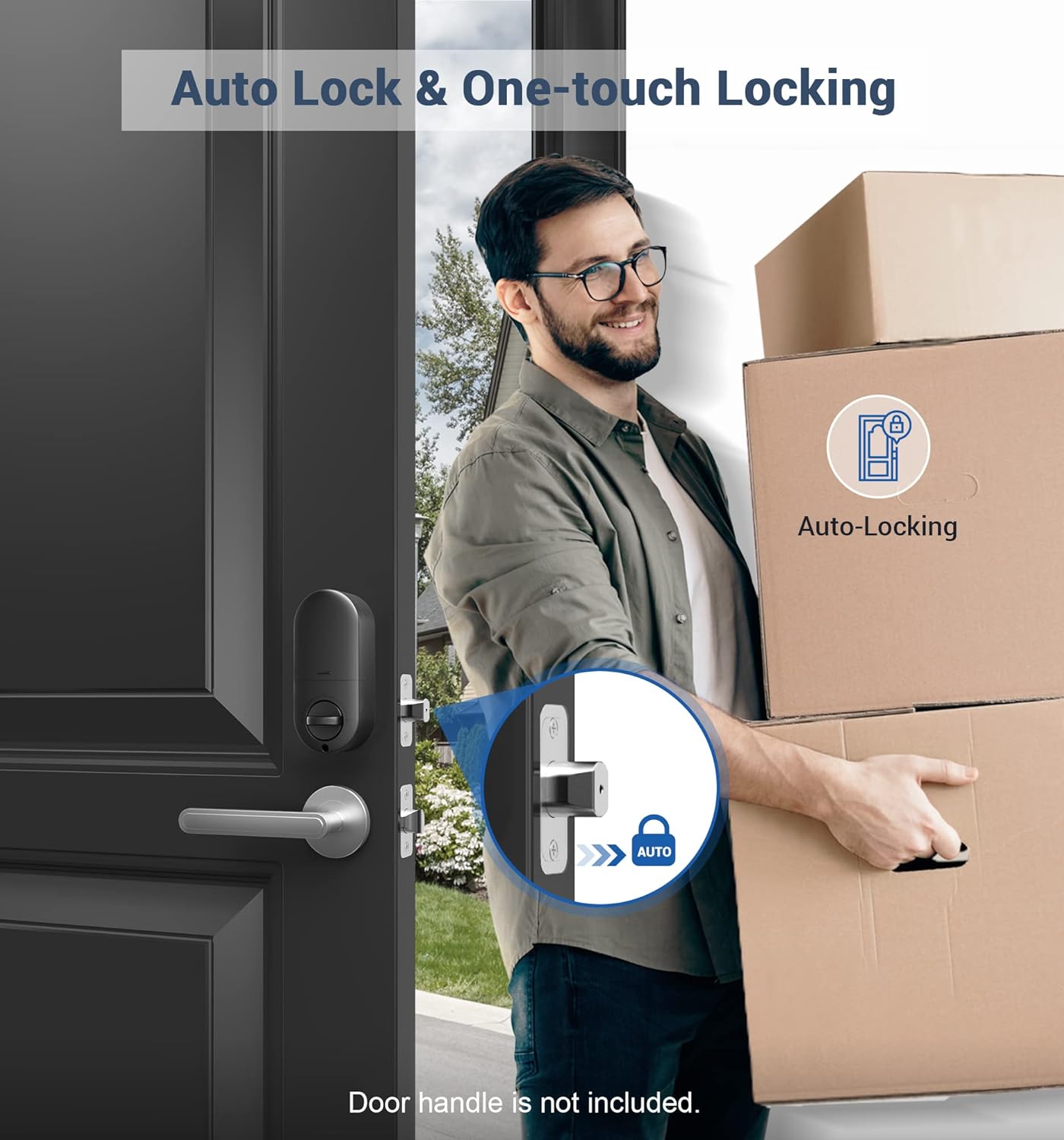
This image illustrates the auto-lock feature, which automatically secures the door after a set period, providing convenience when hands are full.

The auto-lock feature provides enhanced security by automatically locking the door within 10-99 seconds after it closes.
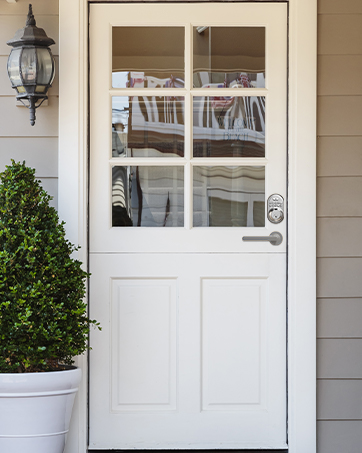
One-touch locking allows for quick manual locking by pressing any key for 2 seconds.
6. Security Features
- Wrong Code Protection: After 10 incorrect code attempts, the lock will enter a 3-minute lock-up period.
- Vacation Mode: Activates an alert if anyone attempts to unlock the door from either outdoor or indoor, providing an extra layer of security when you are away.
- Mute Mode: Disables keypad beeping sounds for quiet operation.
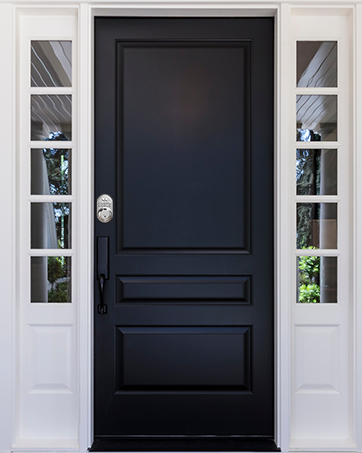
The lock features wrong code protection, initiating a 3-minute lock-up after 10 incorrect attempts.

Silent mode eliminates keypad beeping sounds for discreet operation.

Vacation mode provides an alert if any attempt is made to unlock the door, enhancing security while you are away.
7. Usage Tips for Different Members

This image provides recommendations for different users: fingerprint unlocking for clear prints, passcode or key for seniors/children/indistinct prints, one-time codes for visitors, and notes that no app/Wi-Fi is required, making it user-friendly for all ages.
Maintenance
1. Battery Replacement
The Veise RZ02A deadbolt is powered by four AA batteries (not included). It features a low battery alert to notify you when replacement is needed. Battery life can last up to one year under normal usage.
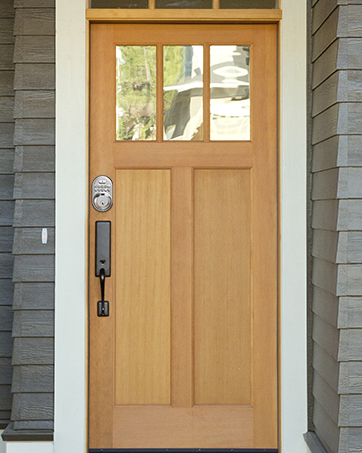
This image highlights the low battery alert and backlit keypad, indicating an approximate one-year battery life with 4 AA batteries (not included).
2. Cleaning
Clean the lock's exterior with a soft, damp cloth. Avoid abrasive cleaners or solvents that could damage the finish or electronic components.
Troubleshooting
- Lock not responding: Check battery levels. Replace batteries if the low battery alert is active or if the keypad is unresponsive.
- Fingerprint not recognized: Ensure your finger is clean and dry. Re-register your fingerprint if recognition issues persist.
- Keypad not working: Verify battery power. If the lock is in a 3-minute lock-up due to too many incorrect attempts, wait for the timer to expire.
- Auto-lock not engaging: Check the auto-lock settings in your programming instructions to ensure it is enabled and the delay time is set correctly.
- Lock mechanism stiff: Ensure the latch and strike plate are properly aligned and lubricated if necessary. Avoid over-tightening mounting screws.
For further assistance, refer to the detailed programming instructions or contact Veise customer support.
Specifications
| Feature | Detail |
|---|---|
| Model Number | RZ02A |
| Brand | Veise |
| Lock Type | Biometric, Keypad Deadbolt |
| Material | Aluminum |
| Color | Satin Nickel |
| Dimensions (L x W x H) | 3.4 x 4.9 x 6.9 inches |
| Item Weight | 1.85 pounds |
| Power Source | 4 AA Batteries (not included) |
| Special Features | Anti-Peeping Password, Auto Lock, One-Touch Locking, Vacation Mode, Mute Mode, Backlit Keypad, Low Battery Alert, Water Resistant, Spare Key, Fingerprint, One Time Password, User Codes Unlock |
| Certifications | ANSI Grade 3 |

This image details the ANSI Grade 3 certification, highlighting rigorous testing for keypad life, cylinder components pull, deadbolt strength, humidity, temperature, and face plate impact.
Warranty Information
Veise offers at least a 1-year product warranty. Please retain your proof of purchase for warranty claims.
Customer Support
For any questions, technical assistance, or warranty inquiries, please contact Veise customer support:
- Phone Support: Monday - Friday, 9 AM - 5 PM PST (Lifetime Phone Support)
- Email Assistance: 24/7 availability

Veise provides US-based support, ready to assist with any product-related queries.
Related documentsRZ02A


Ask a question about this manual
Ask about setup, troubleshooting, compatibility, parts, safety, or missing instructions. Manuals+ will review the question and use this page’s manual context to help answer it.