1. Introduction
Thank you for choosing the Tokvia T201 Senior Phone Charging Station. This manual provides essential information for the safe and efficient use of your charging station. Please read it thoroughly before use and keep it for future reference.
This charging station is designed to provide a convenient and secure charging solution for compatible Tokvia senior mobile phones, such as models T201, T221, and T288. It allows you to charge your phone by simply placing it in the dock, connecting the station to a power source via a USB-A to micro USB cable.
2. Safety Information
To ensure safe operation and prevent damage, please observe the following safety precautions:
- Use only the specified input voltage and current: DC 5.0V 500mA. Using an incompatible power adapter may damage the device or pose a safety risk.
- Do not expose the charging station to water, moisture, or extreme temperatures.
- Avoid dropping or subjecting the device to strong impacts.
- Do not attempt to disassemble, repair, or modify the charging station yourself. Contact qualified service personnel for assistance.
- Keep the charging station away from children and pets.
- Ensure proper ventilation around the charging station during use.
- Unplug the charging station from the power source when not in use for extended periods or during electrical storms.
3. Package Contents
Please check the package contents upon unboxing. If any items are missing or damaged, contact your retailer.
- Tokvia T201 Senior Phone Charging Station (1 unit)
- USB-A to Micro USB Cable (1 unit) (Note: Power adapter may be sold separately or included with your phone.)
- User Manual (This document)
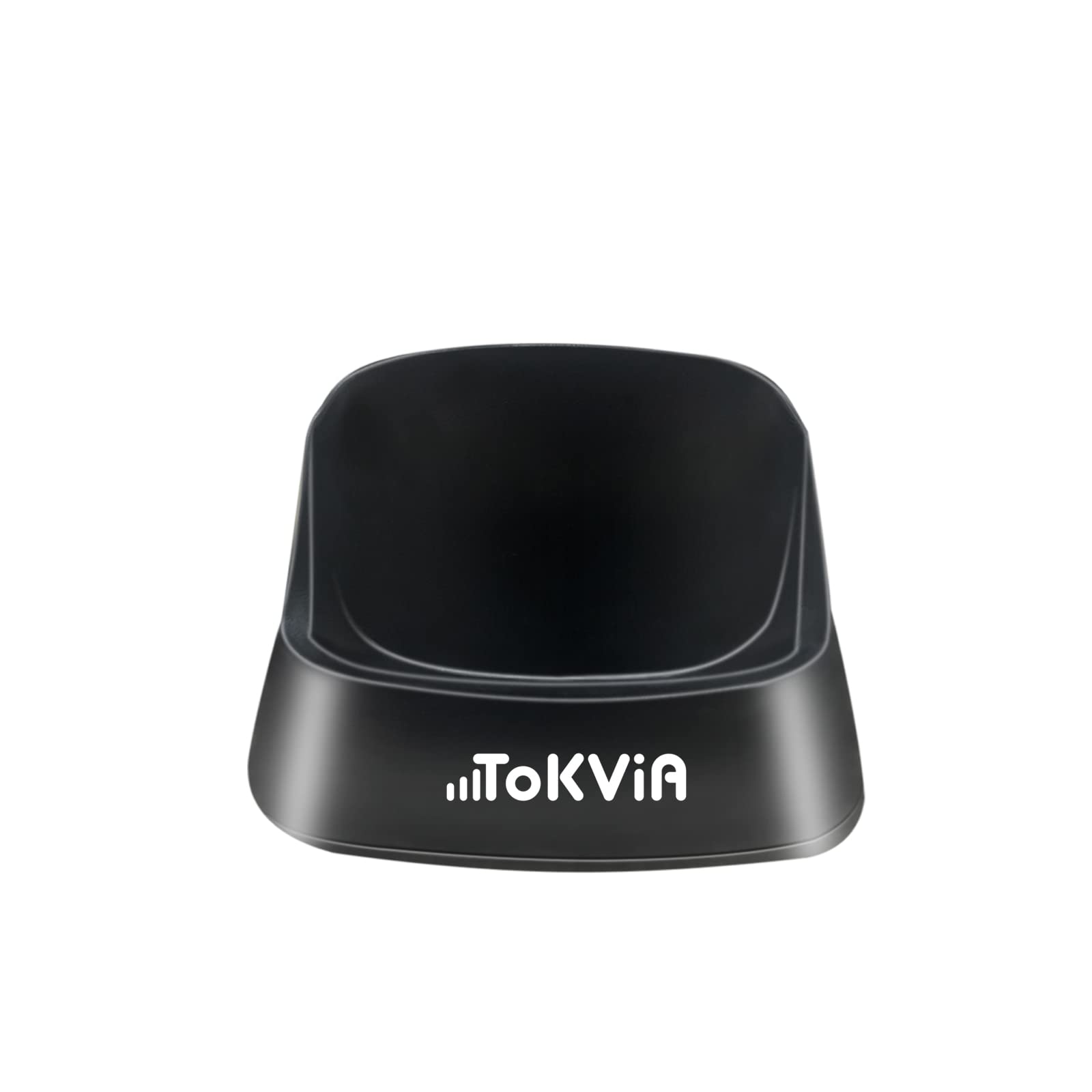
Image: The Tokvia T201 Senior Phone Charging Station. This image shows the compact design of the charging dock, typically used for senior mobile phones.
4. Setup Instructions
Follow these steps to set up your charging station:
- Connect the USB Cable: Insert the micro USB end of the provided cable into the micro USB port on the back or side of the Tokvia T201 charging station.
- Connect to Power: Insert the USB-A end of the cable into a compatible USB power adapter (e.g., a wall charger, not typically included) or a powered USB port on a computer.
- Power On: Plug the power adapter into a wall outlet. The charging station is now ready for use.
5. Operating Instructions
To charge your compatible Tokvia senior phone:
- Place the Phone: Carefully place your Tokvia senior phone into the charging station, ensuring that the charging contacts on the phone align with the contacts on the dock. The phone should sit securely in the cradle.
- Verify Charging: Once properly seated, your phone should indicate that it is charging (e.g., a charging icon on the screen or an LED indicator on the phone).
- Charging Time: The charging station is designed for fast and safe charging, typically fully charging a compatible phone within 2 hours.
- Remove Phone: Once charging is complete, simply lift your phone from the charging station.
6. Maintenance
Proper maintenance ensures the longevity of your charging station:
- Cleaning: Disconnect the charging station from the power source before cleaning. Use a soft, dry, lint-free cloth to wipe the surface. Do not use liquid cleaners, aerosols, or harsh chemicals.
- Storage: When not in use, store the charging station in a cool, dry place, away from direct sunlight and extreme temperatures.
- Avoid Obstructions: Ensure the charging contacts on both the station and your phone are clean and free from dust or debris to maintain efficient charging.
7. Troubleshooting
If you encounter issues with your charging station, refer to the following common problems and solutions:
| Problem | Possible Cause | Solution |
|---|---|---|
| Phone not charging |
|
|
| Slow charging |
|
|
| Charging station feels warm |
|
|
If the problem persists after trying these solutions, please contact Tokvia customer support.
8. Specifications
| Brand | TOKVIA |
| Model | T201 |
| Input | DC 5.0V 500mA |
| Output | DC 5.0V 500mA |
| Connector Type | Micro USB, USB |
| Special Feature | Fast Charge |
| Compatible Phone Models | Tokvia T201, T221, T288 (and other compatible senior phones) |
| Compatible Devices (General) | Smartphones (with compatible charging contacts), tablets, laptops (via USB port for power supply) |
9. Warranty and Support
Specific warranty information for the Tokvia T201 Senior Phone Charging Station is not provided in this document. For details regarding warranty coverage, terms, and conditions, please refer to the documentation included with your original product purchase or contact your retailer.
For technical support, troubleshooting assistance beyond what is covered in this manual, or inquiries about replacement parts, please contact Tokvia customer service through their official website or the contact information provided with your product.


