
Filter Queen AM4000
Filter Queen Defender Air Purifier Instruction Manual
Model: AM4000
1. Introduction
Thank you for choosing the Filter Queen Defender Air Purifier. This manual provides essential information for the safe and effective use, maintenance, and troubleshooting of your device. The Defender Air Purifier is designed to improve indoor air quality by filtering out harmful particles and odors.
The Filter Queen Defender is an FDA-Cleared Class II Medical Device, independently tested to eliminate harmful pollutants from the air, including bacteria and viruses. It features a 3-stage HEPA filtration system to capture particles down to 0.1 micron.

Image 1: Filter Queen Defender Air Purifier, White Base with Bronze Accent.
2. Important Safety Instructions
Please read all safety instructions before operating the appliance to reduce the risk of fire, electric shock, or injury.
- Ensure the power cord is not damaged and is properly plugged into a grounded outlet.
- Do not operate the unit with a damaged cord or plug.
- Keep the appliance away from water or moist environments.
- Do not insert objects into any openings.
- Unplug the unit before cleaning or performing any maintenance.
- This appliance is for indoor use only.
- Keep out of reach of children and pets.
3. Product Components
The Filter Queen Defender Air Purifier consists of the following main components:
- Main Unit (housing, motor, control panel)
- HEPA Filter (primary filtration)
- Activated Carbon Wrap (odor filtration)
- Power Cord
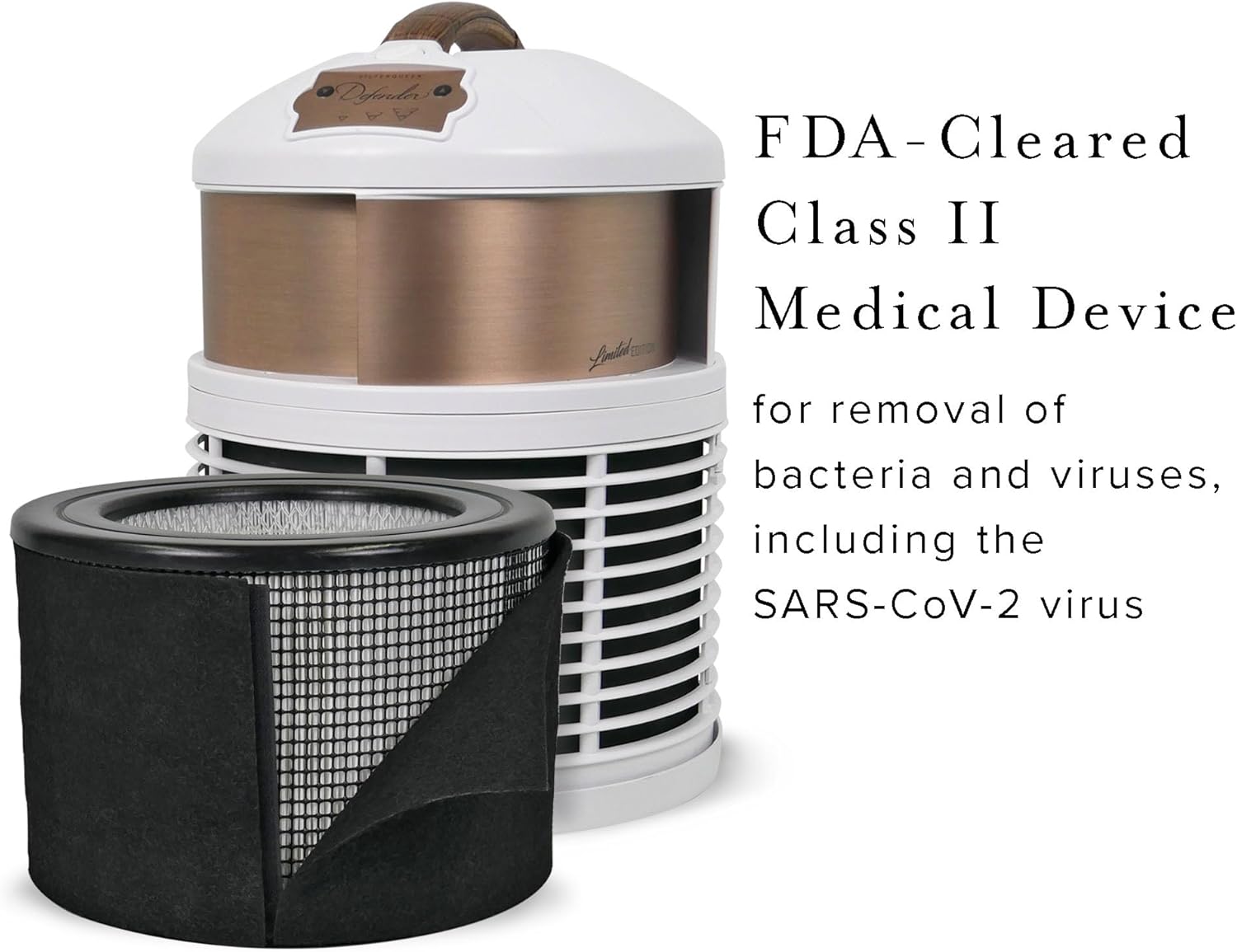
Image 2: The Defender Air Purifier with its filtration system components.
4. Setup Instructions
- Unpack the Unit: Carefully remove the air purifier from its packaging. Retain packaging for future transport or storage.
- Filter Installation: The filters are typically pre-installed. If not, refer to the Maintenance section for instructions on how to properly install the HEPA filter and activated carbon wrap. Ensure all protective packaging is removed from the filters before installation.
- Placement: Place the air purifier on a flat, stable surface in the room where air purification is desired. For optimal performance, ensure there is adequate space around the unit for 360-degree air intake and exhaust. Avoid placing it directly against walls or furniture that could obstruct airflow. The unit is lightweight and portable, allowing for flexible placement.
- Power Connection: Plug the power cord into a standard electrical outlet.

Image 3: Optimal placement of the Defender Air Purifier for 360-degree air circulation.
5. Operating Instructions
The Defender Air Purifier features touch controls for easy operation.
- Power On/Off: Press the power button on the control panel to turn the unit on or off.
- Fan Speed Adjustment: The unit offers multiple fan speeds. Press the fan speed button to cycle through the available settings (low, medium, high).
- Quiet Operation: At its lowest setting, the Defender operates at approximately 46 decibels, providing quiet air purification suitable for bedrooms or quiet spaces.
- Coverage Area: The unit is effective for rooms up to 700 square feet.
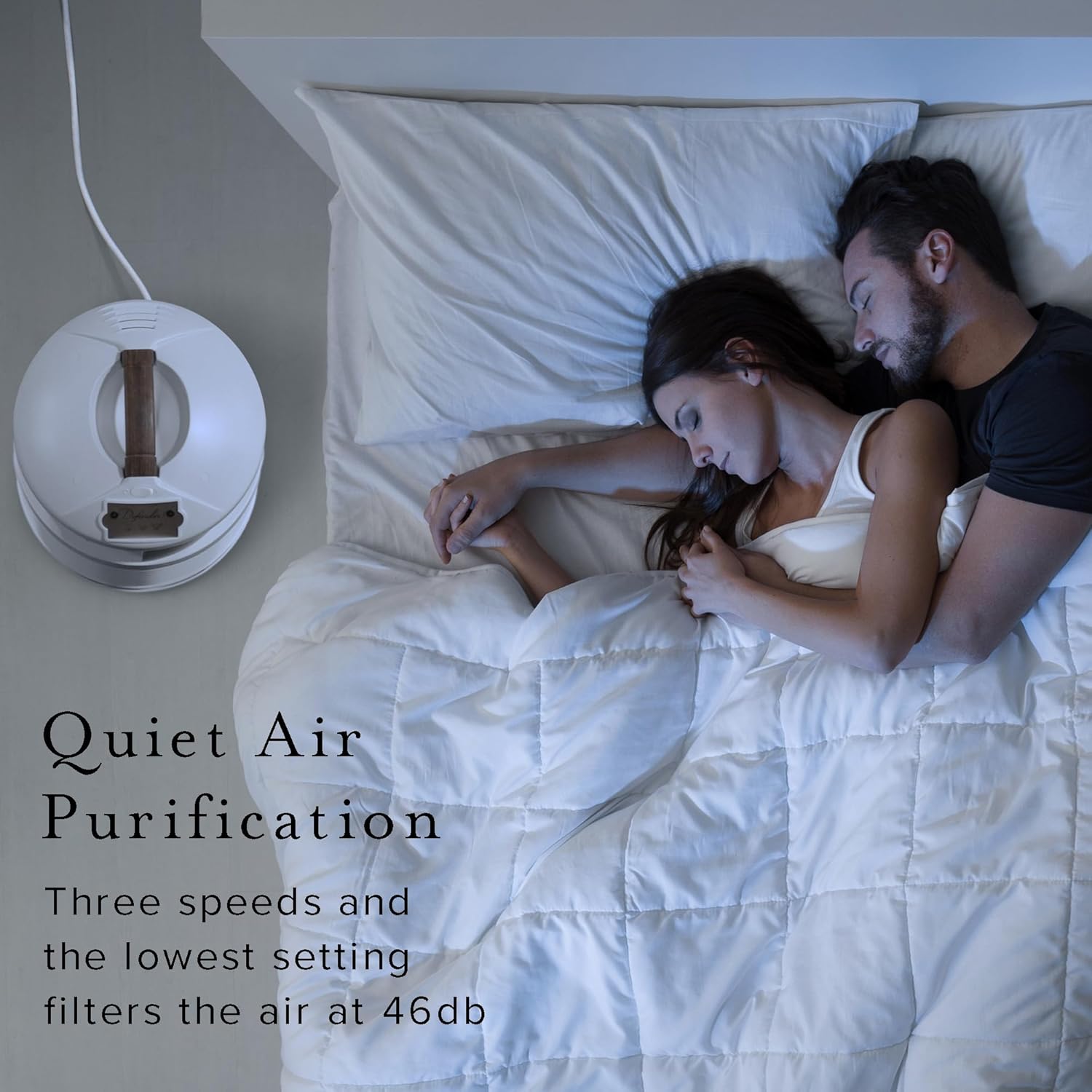
Image 4: The Defender Air Purifier providing quiet air purification in a bedroom.
6. Maintenance
Regular maintenance ensures optimal performance and longevity of your air purifier.
Filter Replacement
The HEPA filter and activated carbon wrap should be replaced approximately once a year, depending on usage and air quality. Always use genuine Filter Queen OEM filters to maintain performance and warranty validity.
- Power Off and Unplug: Before replacing filters, always turn off and unplug the air purifier from the wall outlet.
- Access Filters: Refer to your unit's specific design for accessing the filter compartment. This typically involves twisting or unlatching a section of the unit.
- Remove Old Filters: Carefully remove the used HEPA filter and activated carbon wrap. Dispose of them according to local regulations.
- Install New Filters: Place the new HEPA filter and activated carbon wrap into the unit, ensuring they are seated correctly. Follow any directional arrows on the filters.
- Secure Compartment: Close and secure the filter compartment.
- Plug In and Power On: Plug the unit back in and power it on.
Cleaning the Exterior
Wipe the exterior of the unit with a soft, dry cloth. Do not use abrasive cleaners or solvents. Ensure the unit is unplugged before cleaning.
7. Troubleshooting
| Problem | Possible Cause | Solution |
|---|---|---|
| Unit does not turn on | No power; Power cord not plugged in; Outlet malfunction | Check power cord connection; Try a different outlet; Ensure power switch is on |
| Reduced airflow | Clogged filters; Obstruction around intake/exhaust | Replace filters; Ensure clear space around the unit |
| Unusual noise | Unit on high setting (normal); Loose component; Obstruction in fan | Lower fan speed; Check for loose parts; Unplug and inspect fan for obstructions |
| Odor not removed effectively | Saturated carbon filter; Room size exceeds capacity | Replace activated carbon wrap; Ensure unit is appropriate for room size |
8. Specifications
- Brand: Filter Queen
- Model: AM4000
- Color: White - Bronze
- Product Dimensions: 12"D x 12"W x 15"H
- Item Weight: 12.75 pounds
- Floor Area Coverage: Up to 700 Square Feet
- Noise Level: 46 Decibels (on lowest setting)
- Controller Type: Touch Control
- Particle Retention Size: 0.10 micron
- Certification: FDA-Cleared Class II Medical Device, CARB Certified (EO Number G-14-081)
- UPC: 863342000349

Image 5: Product dimensions of the Defender Air Purifier.
9. Warranty Information
The Filter Queen Defender Air Purifier comes with a Lifetime Perpetual Warranty. Additionally, a 30-day in-home trial is provided to ensure satisfaction. For detailed terms and conditions of the warranty, please refer to the warranty card included with your product or contact customer support.
10. Customer Support
For further assistance, technical support, or to purchase replacement filters, please contact Filter Queen customer service. You can also visit the official Filter Queen store online for more information.
Online Store: Filter Queen Store
Related documentsAM4000


Ask a question about this manual
Ask about setup, troubleshooting, compatibility, parts, safety, or missing instructions. Manuals+ will review the question and use this page’s manual context to help answer it.