
Introduction
Thank you for choosing the Escape P6 Air Tan Portable Wireless Speaker. This manual provides essential information for setting up, operating, and maintaining your speaker to ensure optimal performance and longevity. The Escape P6 Air Tan is a high-performance portable wireless speaker designed for both indoor and outdoor use, offering exceptional sound quality and versatile connectivity options.
This speaker features a robust design with IPX4 water resistance, making it suitable for various environments. It supports multiple wireless streaming technologies including AirPlay 2, Chromecast built-in, Spotify Connect, and Bluetooth 5.0, along with multi-room audio capabilities.
Safety Information
Please read all safety instructions carefully before using the product. Keep this manual for future reference.
- Do not expose the speaker to extreme temperatures or direct sunlight for extended periods.
- Avoid dropping or subjecting the speaker to strong impacts.
- Do not immerse the speaker in water. While it is IPX4 rated for splash resistance, it is not waterproof.
- Use only the provided power adapter for charging.
- Do not attempt to disassemble or modify the speaker. This will void the warranty and may cause damage.
- Keep the speaker away from sources of heat, such as radiators, heat registers, stoves, or other apparatus (including amplifiers) that produce heat.
Package Contents
Ensure all items are present in the package:
- Escape P6 Air Tan Portable Wireless Speaker
- Power Adapter
- User Manual (this document)

Image: The Escape P6 Air Tan speaker, showcasing its tan fabric grille and integrated handle.
Setup
1. Initial Charging
Before first use, fully charge the speaker. Connect the provided power adapter to the speaker's charging port and then to a power outlet. The charging indicator light will show the charging status.
- A full charge provides up to 16 hours of playback at background volume or 8 hours at typical listening volume.
2. Powering On/Off
Press and hold the power button located on the top panel of the speaker until the indicator light illuminates. To power off, press and hold the power button again.
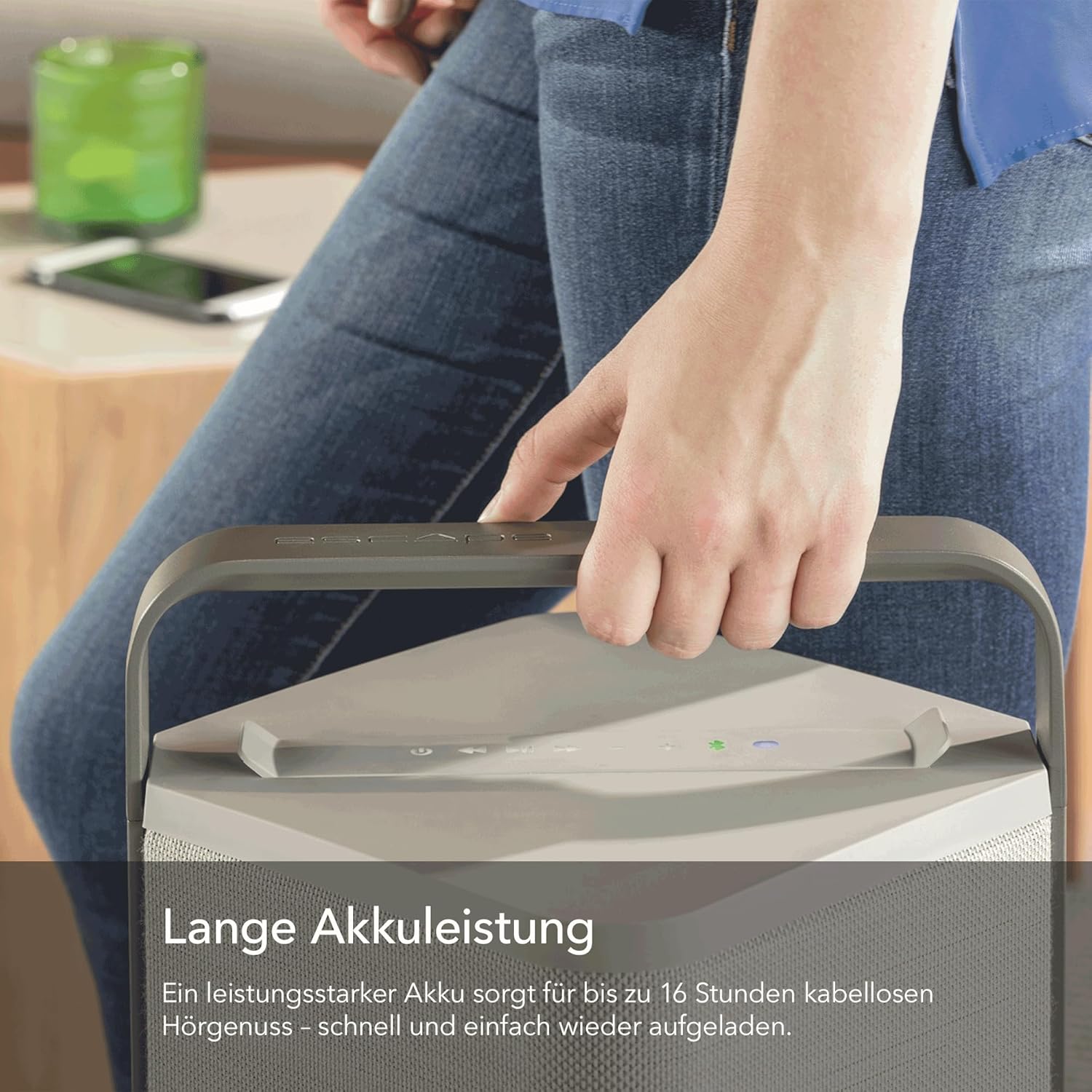
Image: A person carrying the Escape P6 Air speaker by its integrated handle, demonstrating its portability.
Operating
1. Bluetooth Connectivity
- Power on the Escape P6 Air speaker.
- Press the Bluetooth button on the speaker's top panel to enter pairing mode. The Bluetooth indicator will flash.
- On your device (smartphone, tablet, etc.), enable Bluetooth and search for available devices.
- Select "Escape P6 Air" from the list of devices.
- Once connected, the Bluetooth indicator will glow solid, and you can begin streaming audio.
2. Wi-Fi Streaming (AirPlay 2, Chromecast built-in, Spotify Connect, Roon)
The Escape P6 Air supports various Wi-Fi streaming protocols for multi-room audio and higher fidelity sound.
- Ensure your speaker is connected to your home Wi-Fi network. Refer to the Escape app (if available) or specific instructions for initial Wi-Fi setup.
- AirPlay 2: From an Apple device, select the AirPlay icon in your audio app and choose "Escape P6 Air" to stream.
- Chromecast built-in: From a Chromecast-enabled app, tap the Cast icon and select "Escape P6 Air" to stream.
- Spotify Connect: Open the Spotify app, play a song, tap the "Devices Available" icon, and select "Escape P6 Air".
- Roon: If you use Roon, the Escape P6 Air will appear as an available audio zone once connected to your network.

Image: A close-up view of the top control panel of the Escape P6 Air speaker, highlighting buttons for multi-room and simple operation.
3. Multi-Room Audio
Leverage AirPlay 2 or Chromecast built-in to integrate your Escape P6 Air with other compatible speakers for a synchronized multi-room audio experience. Follow the instructions within your streaming app (e.g., Apple Home app for AirPlay 2, Google Home app for Chromecast) to group speakers.
4. Radio Presets
The P6 Air features three dedicated preset buttons on its top panel. These can be configured to save your favorite airable radio stations for quick access. Refer to the Escape app or specific instructions for programming these presets.
5. Volume Control
Adjust the volume using the dedicated volume buttons on the speaker's top panel, or through your connected device/streaming app.

Image: The Escape P6 Air speaker positioned outdoors on a patio, demonstrating its 360-degree sound capabilities in a social setting.
Maintenance
Cleaning
- Ensure the speaker is powered off and disconnected from the power adapter before cleaning.
- Wipe the exterior surfaces with a soft, dry, lint-free cloth.
- For stubborn marks, lightly dampen the cloth with water. Avoid using harsh chemicals, solvents, or abrasive cleaners.
- Do not allow liquids to enter any openings.
Storage
- Store the speaker in a cool, dry place away from direct sunlight and extreme temperatures.
- If storing for an extended period, ensure the battery is partially charged (around 50%) to maintain battery health.

Image: The Escape P6 Air speaker placed outdoors on a tiled surface, emphasizing its IPX4 weather-resistant design.
Troubleshooting
| Problem | Possible Cause | Solution |
|---|---|---|
| Speaker does not power on. | Low battery; Power adapter not connected. | Charge the speaker fully. Ensure the power adapter is securely connected to both the speaker and a working power outlet. |
| No sound. | Volume too low; Device not connected; Incorrect input source. | Increase volume on both the speaker and your connected device. Ensure Bluetooth or Wi-Fi connection is established. Select the correct input source. |
| Bluetooth connection unstable. | Device too far; Obstructions; Interference. | Move your device closer to the speaker. Remove any obstructions between the devices. Avoid placing near other wireless devices. |
| Wi-Fi streaming issues. | Weak Wi-Fi signal; Incorrect network settings. | Ensure the speaker is within range of your Wi-Fi router. Check your router and network settings. Restart the speaker and your router. |
Specifications
| Model | P6AIRTAN |
| Audio Quality | 6.5-inch subwoofer, two custom-made 3-inch full-range drivers, 360-degree sound |
| Power Output | 60W RMS (digital amplifier with 24-bit DSP technology) |
| Wireless Connectivity | AirPlay 2, Chromecast built-in, Spotify Connect, Bluetooth 5.0, Roon |
| Multi-Room Audio | Yes (via AirPlay 2, Chromecast built-in) |
| Water Resistance | IPX4-rated (splash resistant) |
| Battery Type | Lithium Iron Phosphate (LiFePo4) |
| Battery Life | Up to 16 hours (background volume), 8 hours (typical listening volume) |
| Dimensions (H x W x D) | 21.6" x 9.9" x 10.3" (550 mm x 200 mm x 200 mm) |
| Weight | 16.5 lbs (7.5 kg) |
| Color | Tan |

Image: An exploded diagram showing the internal components of the Escape P6 Air speaker, including the subwoofer and full-range drivers.
Warranty and Support
For warranty information and technical support, please refer to the official Escape website or contact their customer service department. Keep your proof of purchase for warranty claims.
Online Support: Visit the official Escape website for FAQs, product registration, and contact information.
Customer Service: Contact details for customer service can typically be found on the manufacturer's website or in the product packaging.


