
Introduction
The Movo Wireless Mini UC is an ultracompact 2.4GHz wireless microphone system designed for capturing high-quality audio directly to your USB-C enabled devices. This includes iPhone 15 and newer models, Android phones, iPad Pro, and laptops. It is ideal for mobile content creation, vlogging, streaming, and interviews, providing clear and crisp sound without bulky equipment.
What's in the Box
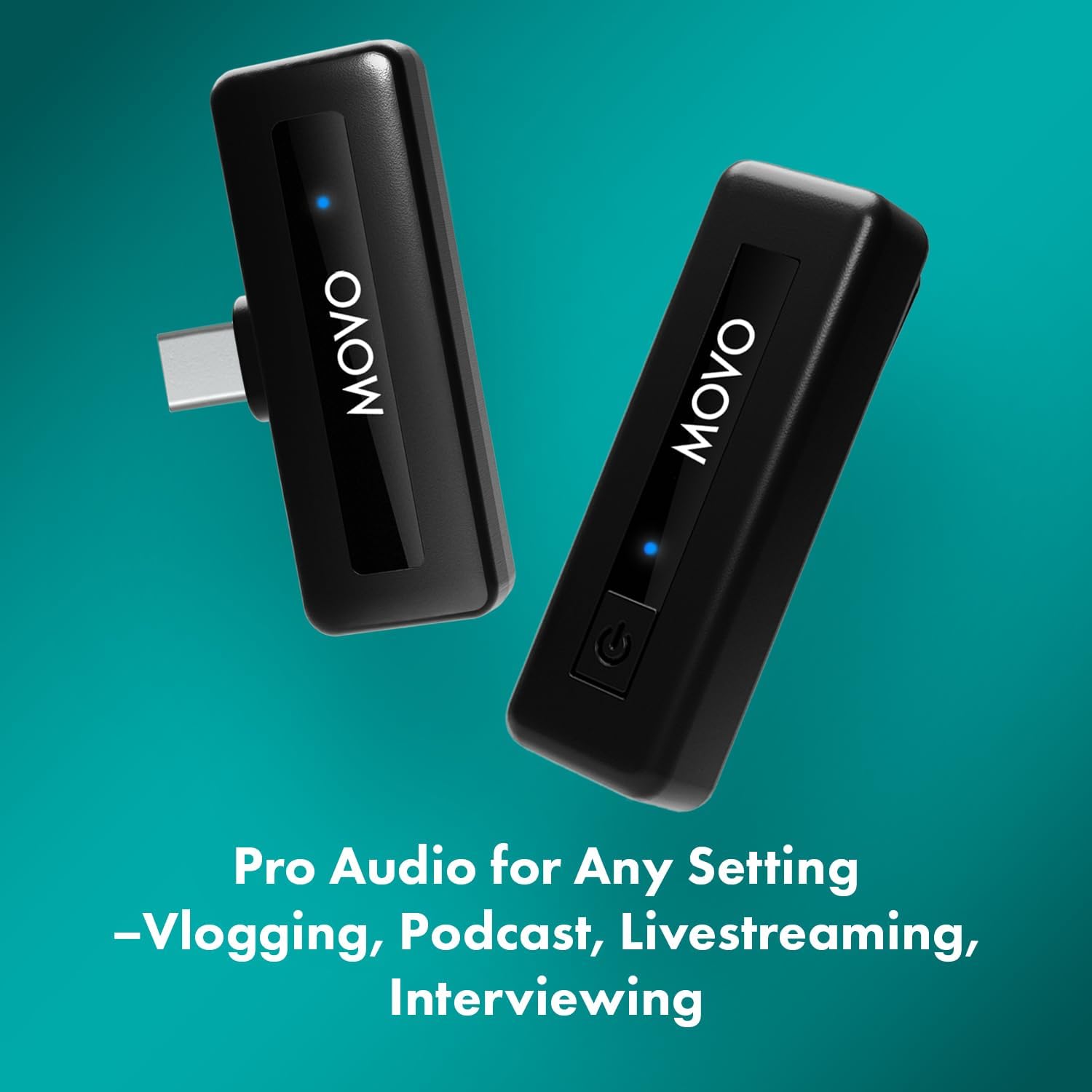
Your Movo Wireless Mini UC package includes the following components:
- Clip-on Microphone Transmitter
- USB-C Receiver
- USB-C to USB-A Charging Cable
- Foam Windscreen
- Carrying Pouch
Setup Instructions
- Charge the Devices: Before initial use, fully charge both the transmitter and receiver using the provided USB-C to USB-A charging cable. Each device has a dedicated charging port. The battery life is up to 10 hours on a full charge.
- Connect the Receiver: Plug the USB-C receiver directly into the USB-C port of your smartphone, tablet, or laptop.
- Power On the Transmitter: Press and hold the power button on the transmitter for 2 seconds to turn it on. The indicator light will turn solid blue when successfully paired with the receiver.
- Automatic Pairing: The transmitter and receiver are designed to automatically sync upon powering on. The solid blue light on both units indicates a successful connection.
- Attach the Transmitter: Clip the transmitter onto your clothing, ensuring the microphone is positioned to capture your voice clearly. You can wear it on the inside or outside of your shirt.
- Optional Windscreen: If recording outdoors or in windy conditions, attach the foam windscreen to the transmitter to reduce wind noise.

Operating Instructions
Once set up, the Movo Wireless Mini UC is ready for immediate use. No additional apps or drivers are typically required for basic functionality.
- Recording: Open your device's camera or audio recording application and begin recording. The microphone will automatically capture audio.
- Noise Cancellation: To activate or deactivate the noise cancellation feature, double-press the power button on the transmitter. When noise cancellation is active, the blue indicator light will blink every 2.5 seconds. This feature helps to reduce ambient background noise for clearer audio.
- Muting: To mute the microphone, short-press the power button once. Repeat the short press to unmute.
- Audio Playback: After recording, unplug the receiver from your device to enable audio playback through your device's speakers or connected headphones.
Features and Benefits
- USB-C Compatibility: Directly connects to iPhone 15 and newer, Android phones, iPad Pro, and laptops with a USB-C port.
- Built-in Lavalier Mic: The ultracompact transmitter features a professional-grade lavalier microphone for clear audio capture.
- Noise Cancellation: Integrated noise reduction technology ensures clean, controlled audio by minimizing ambient sounds.
- Long Battery Life: Enjoy up to 10 hours of continuous recording on a single charge, suitable for extended sessions.
- Stable Wireless Transmission: Utilizes 2.4GHz wireless technology for interference-free signal transmission up to 164 feet.
- One-Touch Muting: Easily mute and unmute the microphone with a single press of the power button.
- Plug & Play: Automatic wireless pairing and simple connectivity for immediate use.

Specifications
| Feature | Detail |
|---|---|
| Brand | Movo |
| Model Name | Wireless-MINI-UC or WMIC-UCS |
| Connectivity Technology | USB-C |
| Connector Type | USB Type-C |
| Special Feature | Noise Reduction |
| Compatible Devices | Smartphones, Tablets, Laptops |
| Color | Black |
| Polar Pattern | Omnidirectional |
| Microphone Form Factor | Lavalier |
| Power Source | Battery Powered (2 Lithium Polymer batteries included) |
| Signal-to-Noise Ratio | 78 dB |
| Frequency Range | 2.4GHz |
| Item Weight | 0.3 Ounces |
| Item Dimensions | 3 x 1 x 5 inches |
Troubleshooting
- No Audio Recording:
- Ensure both the transmitter and receiver are fully charged and powered on.
- Verify that the blue indicator lights on both devices are solid, indicating a successful connection.
- Check that the receiver is securely plugged into your device's USB-C port.
- Confirm that your recording application is correctly configured to use the external microphone.
- Poor Audio Quality/Excessive Noise:
- Activate the noise cancellation feature by double-pressing the power button on the transmitter.
- Ensure the foam windscreen is properly attached if recording in windy environments.
- Check for obstructions between the transmitter and receiver that might interfere with the 2.4GHz signal.
- Ensure the microphone is positioned correctly on your clothing, not rubbing against fabric.
- Intermittent Connection:
- Ensure the transmitter and receiver are within the 164-foot operating range.
- Avoid environments with excessive 2.4GHz interference (e.g., crowded Wi-Fi areas).
- Restart both the transmitter and receiver to re-establish the connection.
Maintenance
- Cleaning: Use a soft, dry cloth to clean the exterior of the transmitter and receiver. Do not use liquid cleaners or solvents.
- Storage: Store the microphone system in the provided carrying pouch when not in use to protect it from dust and damage. Keep it in a cool, dry place.
- Battery Care: For optimal battery longevity, avoid fully discharging the devices frequently. Recharge them regularly, especially if storing for extended periods.
Warranty and Support
The Movo Wireless Mini UC comes with a 1-year warranty. To activate your 2-year warranty and for further support, please refer to the information provided in your product packaging or visit the official Movo website.
For additional assistance, please visit the Movo Store on Amazon.


