
HUBBLE CONNECTED HCTNPDVX
Hubble Connected Dual Vision Smart HD Baby Monitor User Manual
Model: HCTNPDVX
Introduction
The Hubble Connected Dual Vision Smart HD Baby Monitor offers comprehensive monitoring of your baby's nursery. This system features both a wide-angle and a close-up view, along with advanced AI Motion Tracking, to provide parents with a complete perspective. The live stream can be accessed via the included 5-inch HD color parent unit or through the HubbleClub app on your smartphone, ensuring connectivity from anywhere. Key features include two-way talk, soothing sounds, and temperature sensing for your baby's comfort and safety.

Setup
Before using your Hubble Connected Dual Vision Smart HD Baby Monitor, ensure all components are present and follow these steps for proper setup.
What's in the Box:
- Parent Unit (5-inch HD color display)
- Baby Unit (Wi-Fi HD Dual Lens Camera)
- Power Adapter x2
- Quick Start Guide
- Universal Wall Mount

Initial Setup Steps:
- Power On: Connect both the Parent Unit and the Baby Unit to power outlets using the provided power adapters.
- Placement: Position the Baby Unit in the nursery. It can be placed on a tabletop or mounted on a wall using the universal wall mount. Ensure a clear view of the baby's crib and the surrounding area.
- Parent Unit Pairing: The Parent Unit and Baby Unit are typically pre-paired. If not, refer to the Quick Start Guide for pairing instructions.
- Wi-Fi Connection (Optional): For remote viewing and advanced features, download the HubbleClub app (compatible with Apple iOS and Android) and follow the in-app instructions to connect the Baby Unit to your home Wi-Fi network.


Operating Instructions
This section details the various functions and features of your baby monitor.
Viewing Options: Parent Unit & App
The monitor provides real-time video feed on both the 5-inch HD parent unit and your smartphone via the HubbleClub app. This dual viewing capability ensures you can stay connected whether you are at home or away.

Dual Vision Technology
Benefit from a unique patented design that provides both a close-up and a wide-angle view of your baby's nursery simultaneously. This allows for a comprehensive perspective of the entire room and your baby.

AI Motion Tracking & Remote Pan/Tilt/Zoom
The camera features advanced AI Motion Tracking, which automatically pans and tilts to keep your baby in frame. You can also remotely control the camera's pan, tilt, and zoom functions from the parent unit or the HubbleClub app to adjust your view as needed.


Two-Way Talk (ConnectChat™)
Utilize the ConnectChat™ feature for two-way audio communication with your child. This allows you to soothe your baby or communicate with them from another room.
Night Vision & Room Temperature Sensor
The camera provides clear infrared night vision for monitoring in low-light conditions. A built-in room temperature sensor helps you ensure your baby's comfort by providing real-time temperature readings.

HubbleClub App Features
The free HubbleClub app enhances your monitoring experience with numerous features:
- Live video feed and 2-way talk.
- Access to 1000s of lullabies, stories, and soothing sounds.
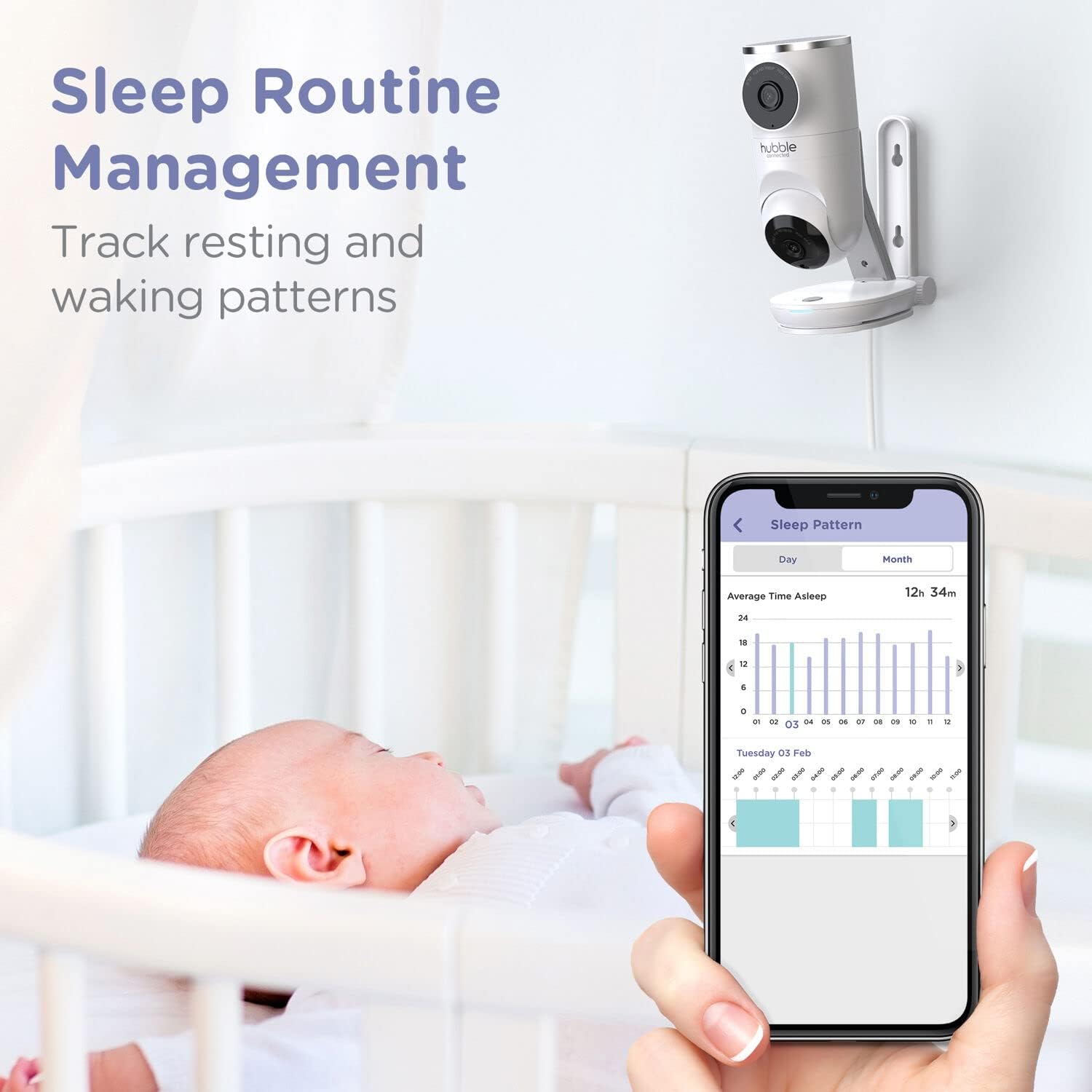
- Sleep support, parenting tips, and trackers.
- Baby growth and activity tracking.
- Ability to control all Hubble products from one app.

For more information and to download the app, visit: HubbleClub App
Maintenance
Proper maintenance ensures the longevity and optimal performance of your baby monitor.
- Cleaning: Use a soft, dry cloth to clean the parent unit and baby unit. Do not use abrasive cleaners or solvents.
- Battery Care: For models with rechargeable batteries, avoid fully discharging the battery frequently to prolong its lifespan.
- Storage: If storing the monitor for an extended period, ensure it is fully charged and stored in a cool, dry place.
Troubleshooting
If you encounter issues with your monitor, refer to these common troubleshooting tips. For more detailed assistance, consult the full user manual or contact customer support.
| Problem | Possible Solution |
|---|---|
| No image/sound on Parent Unit |
|
| Poor video quality |
|
| Interference/Static |
|
| AI Motion Tracking not working |
|
Specifications
| Feature | Detail |
|---|---|
| Brand | HUBBLE CONNECTED |
| Model Number | HCTNPDVX |
| UPC | 810074830270 |
| Screen Size (Parent Unit) | 5 Inches |
| Product Dimensions | 3.78"L x 3.15"W x 6.5"H |
| Item Weight | 1.13 Pounds |
| Battery Life | 24 Hours |
| Sensor Type | Temperature |
| Power Source | Corded Electric |
| Wattage | 5 watts |
| Special Features | Built In Light, HD Resolution, Night Vision, Portable |
| Material | Plastic |
Warranty
The Hubble Connected Dual Vision Smart HD Baby Monitor comes with a One (1) year Limited Warranty. Please retain your proof of purchase for warranty claims. For detailed warranty terms and conditions, refer to the documentation included with your product or visit the official Hubble Connected website.
Support
For further assistance, technical support, or to inquire about replacement parts, please visit the Hubble Connected support website or contact their customer service. Contact information can typically be found in the Quick Start Guide or on the official Hubble Connected website.
Online Resources:
- HubbleClub App: Download the App
- Hubble Connected Official Store: Visit Store
Related documentsHCTNPDVX

Ask a question about this manual
Ask about setup, troubleshooting, compatibility, parts, safety, or missing instructions. Manuals+ will review the question and use this page’s manual context to help answer it.