Introduction
Thank you for choosing the AUKTECH AK01 Pro Bluetooth Speaker. This powerful and versatile portable speaker is designed to deliver rich 360-degree sound with deep bass, dynamic LED lighting, and robust IPX7 waterproofing. With its long-lasting battery and convenient features like hands-free calling and voice assistant integration, the AK01 Pro is perfect for both indoor and outdoor adventures. This manual provides detailed instructions to help you get the most out of your speaker.

Figure 1: The AUKTECH AK01 Pro speaker featuring 360-degree audio, with an exploded view illustrating its internal high-performance drivers that deliver powerful sound.
Package Contents
- AUKTECH AK01 Pro Bluetooth Speaker
- USB-C Charging Cable
- 3.5mm Audio Cable (AUX cable)
- User Manual
Product Overview
Familiarize yourself with the speaker's buttons and ports for optimal use.

Figure 2: The control panel of the AUKTECH AK01 Pro, displaying the power button, Bluetooth/TWS button, volume controls, play/pause button, and the LED light ring.
Control Buttons:
- Power Button (⏻): Press and hold to power on/off. Short press to cycle through LED light modes.
- Bluetooth/TWS Button (Ⓑ): Short press to enter Bluetooth pairing mode. Long press to initiate True Wireless Stereo (TWS) pairing.
- Volume Down / Previous Track Button (-): Short press to decrease volume. Long press to go to the previous track.
- Volume Up / Next Track Button (+): Short press to increase volume. Long press to go to the next track.
- Play/Pause / Call / Voice Assistant Button (▶‖): Short press to play/pause music. Short press to answer/end a call. Long press to reject a call. Double press to activate voice assistant (Siri, Google Assistant, Alexa).
Ports:
- USB-C Charging Port: For charging the speaker.
- 3.5mm AUX-in Port: For wired audio connection.
Getting Started
1. Charging the Speaker
Before first use, fully charge the speaker. Use the included USB-C cable to connect the speaker to a USB power adapter (not included) or a computer's USB port. The LED indicator will show charging status and turn off when fully charged.
- A full charge provides up to 24 hours of playtime at moderate volume.
- Charging time is approximately 4 hours.
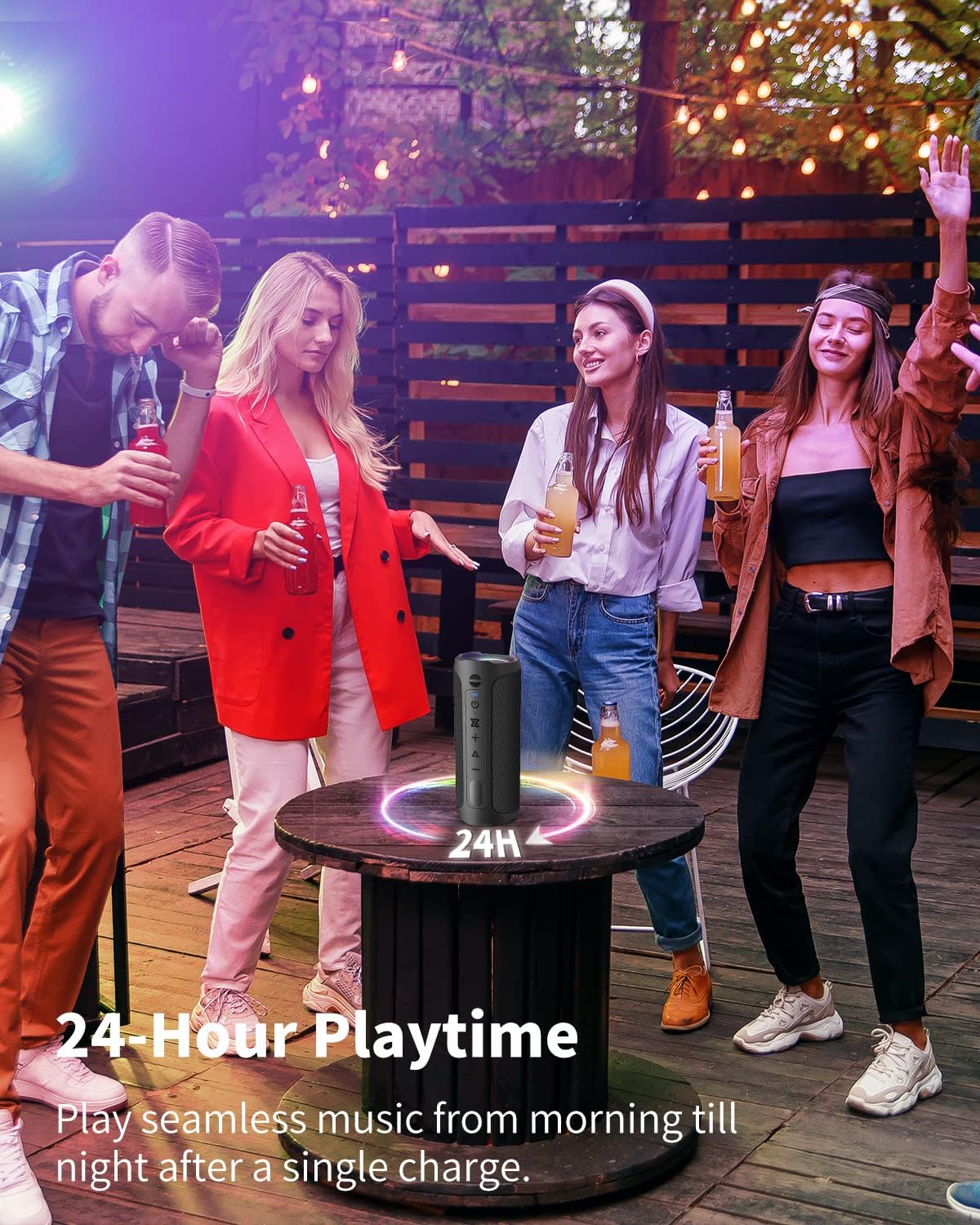
Figure 3: The AUKTECH AK01 Pro speaker is designed for extended use, offering up to 24 hours of continuous music playback on a single charge, ideal for all-day enjoyment.
2. Powering On/Off
- To Power On: Press and hold the Power Button (⏻) for 2-3 seconds until you hear an audible prompt and the LED light ring illuminates.
- To Power Off: Press and hold the Power Button (⏻) for 2-3 seconds until you hear an audible prompt and the LED light ring turns off.
Connectivity
1. Bluetooth Pairing
The AK01 Pro uses Bluetooth 5.0 for a fast and stable connection up to 30 meters (100 feet).
- Ensure the speaker is powered on. The LED light ring will flash, indicating it's in pairing mode.
- On your device (smartphone, tablet, laptop), enable Bluetooth and search for available devices.
- Select "AK01 Pro" from the list of devices.
- Once connected, you will hear a confirmation sound, and the LED light ring will glow steadily.
- The speaker will automatically reconnect to the last paired device when powered on, if within range.

Figure 4: The AUKTECH AK01 Pro speaker utilizes Bluetooth 5.0 technology, ensuring a stable and wide-ranging connection with various Bluetooth-enabled devices like smartphones, tablets, and computers.
2. AUX Connection
For devices without Bluetooth, use the 3.5mm audio cable.
- Connect one end of the 3.5mm audio cable to the AUX-in port on the speaker.
- Connect the other end to the audio output jack of your device (e.g., MP3 player, TV, desktop computer).
- The speaker will automatically switch to AUX mode.
3. True Wireless Stereo (TWS) Pairing
Pair two AK01 Pro speakers together for an immersive stereo sound experience.
- Ensure both AK01 Pro speakers are powered on and not connected to any Bluetooth device.
- On one speaker (this will be the primary speaker), long press the Bluetooth/TWS Button (Ⓑ) until you hear a TWS pairing prompt.
- The two speakers will automatically search for and connect to each other. Once connected, you will hear a confirmation sound.
- Now, connect your device to the primary speaker via Bluetooth as described in the
Related Documents - AK01 Pro

Auktech AK01 Bluetooth Speaker User Manual
User manual for the Auktech AK01 portable Bluetooth speaker, detailing its features, specifications, operation, and safety instructions in multiple languages.
AUKTECH AK01 Portable Bluetooth Speaker User Manual
User manual for the AUKTECH AK01 portable Bluetooth speaker, detailing its features, operation, specifications, safety guidelines, and customer support information.
Bellman & Symfon BE1370 Alarm Clock Pro: User Information, Safety, and Specifications
Comprehensive guide for the Bellman & Symfon BE1370 Alarm Clock Pro, covering intended use, safety warnings, operating conditions, technical specifications, and compliance information for users with hearing loss.
CEPTER CASTER PRO Microphone User Manual and Setup Guide
Comprehensive user manual for the CEPTER CASTER PRO Microphone. Learn about its features, specifications, connection, and usage for streaming, podcasting, and gaming. Includes setup instructions and troubleshooting tips.