
ReTrak ETLTCBLK
ReTrak Premier Series Retractable Lightning to USB-C Charge and Sync Cable User Manual
Model: ETLTCBLK
Product Overview
The ReTrak Premier Series Retractable Lightning to USB-C Charge and Sync Cable (Model: ETLTCBLK) is designed for efficient and convenient charging and data transfer for Apple devices. This cable features a retractable design for portability and tangle-free storage, supporting 18W high-speed charging and MFi certification for reliable performance.
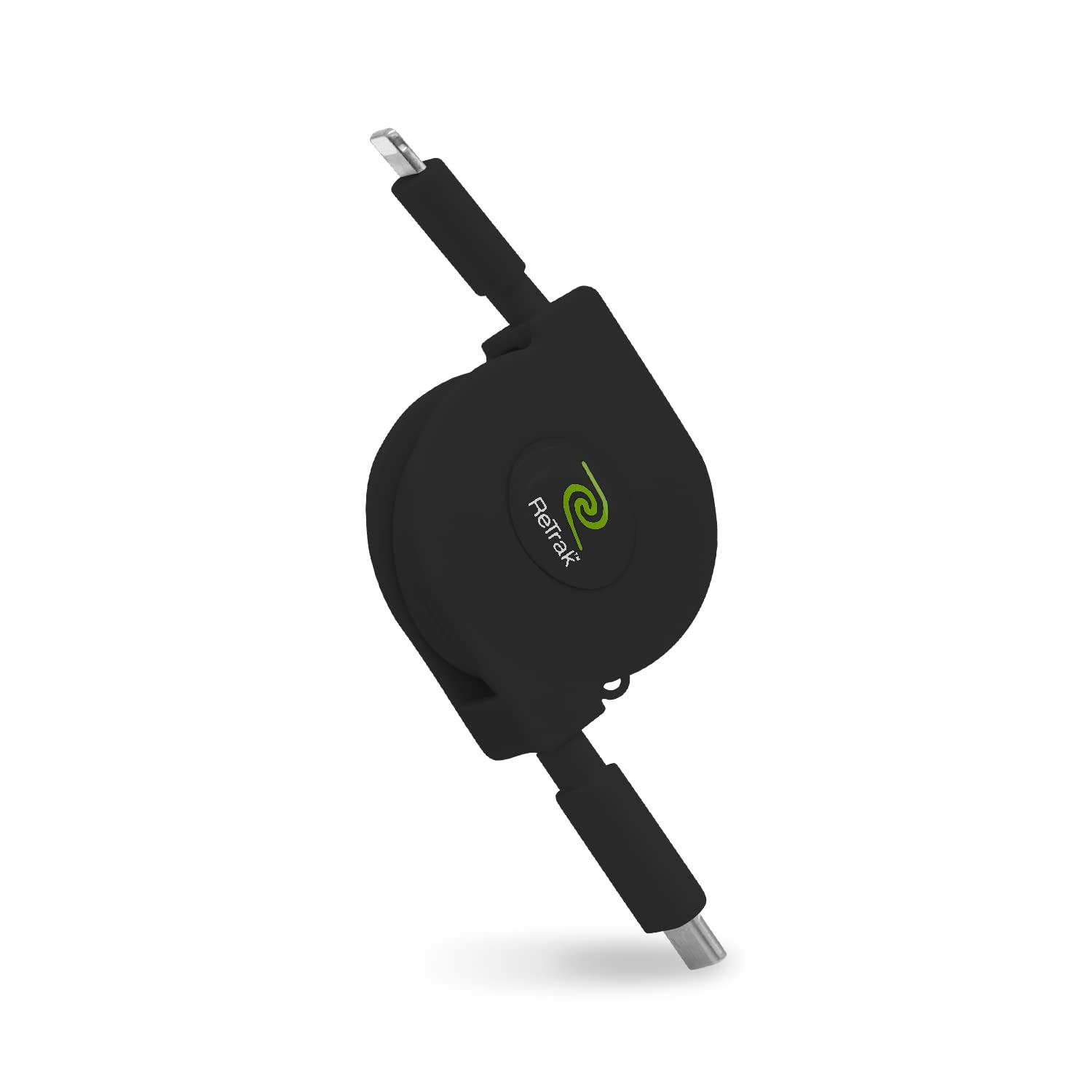
Image: The ReTrak Premier Series Retractable Lightning to USB-C Charge and Sync Cable in black, shown in its compact, retracted state.

Image: A hand placing the compact, retractable cable into a bag, demonstrating its portability.
Setup and Usage
Extending and Retracting the Cable
To extend the cable, gently pull both ends simultaneously until the desired length is reached. The cable extends up to 2.6 feet (0.8 meters). To retract, pull both ends slightly further, then release. The cable will automatically retract into its housing. Do not pull only one end, as this can damage the retraction mechanism.

Image: A diagram illustrating the proper method of extending the cable by pulling both the Lightning and USB-C ends simultaneously.
Charging Your Device
- Connect the Lightning connector end of the cable to your Apple device (iPhone, iPad, iPod).
- Connect the USB-C connector end of the cable to a compatible USB-C power adapter or port. For 18W high-speed charging, ensure your power adapter supports USB-C Power Delivery and is rated 18W or higher.
- Verify that your device indicates it is charging.

Image: An iPad connected to the ReTrak cable, displaying a charging indicator, demonstrating USB Power Delivery capability.
Data Transfer
To transfer data (music, movies, files) between your Apple device and a computer (e.g., MacBook with a USB-C port):
- Connect the Lightning connector end to your Apple device.
- Connect the USB-C connector end to a USB-C port on your computer.
- Follow the prompts on your device and computer to authorize the connection and begin data transfer.

Image: The Apple MFi Certified logo, indicating compatibility with iOS devices, shown alongside several iPhone models.
Maintenance
- Proper Retraction: Always pull both ends of the cable simultaneously when extending or retracting. Forcing one side can damage the internal mechanism.
- Cleaning: Use a soft, dry cloth to clean the cable and connectors. Avoid using harsh chemicals or abrasive materials.
- Storage: Store the cable in its fully retracted state when not in use to protect the cable and mechanism. Keep it in a cool, dry place away from direct sunlight and extreme temperatures.
- Avoid Stress: Do not bend the cable sharply at the connectors or apply excessive force when plugging/unplugging.
Troubleshooting
| Problem | Possible Cause | Solution |
|---|---|---|
| Device not charging. |
|
|
| Cable not retracting or extending properly. |
|
|
| Slow charging or data transfer. |
|
|
Specifications
- Model Number: ETLTCBLK
- Brand: ReTrak
- Connector Type: Lightning to USB-C
- Cable Length: Up to 2.6 feet (retractable)
- Charging Speed: Supports 18W High Speed Charging (with compatible adapter)
- Features: Retractable, Tangle-Free, MFi Certified, Ultra-Durable
- Product Dimensions: 1.5 x 0.75 x 4.5 inches (retracted)
- Weight: 2.47 ounces
- Manufacturer: Emerge Tech
Warranty and Support
For information regarding product warranty, returns, or technical support, please refer to the documentation included with your purchase or visit the official ReTrak website. Contact details for customer service are typically provided on the manufacturer's support page.
You can also visit the ReTrak Store on Amazon for additional product information and support resources.
Related documentsETLTCBLK

Ask a question about this manual
Ask about setup, troubleshooting, compatibility, parts, safety, or missing instructions. Manuals+ will review the question and use this page’s manual context to help answer it.