
1. Introduction
The Pokin MAF2 Humidifier Filter Replacement Wicks are designed to maintain optimal performance of your evaporative humidifier. These wicks facilitate the absorption of water and release moisture into the air, contributing to improved indoor air quality and comfort. Regular replacement ensures efficient humidification and helps prevent mineral buildup.

Image 1: Benefits of proper humidification with a quality filter.
2. Compatibility
These replacement wicks are compatible with various evaporative humidifier models. Please verify your humidifier model against the list below:
- Replaces Part Numbers: AIR-CARE MAF2, Kenmore Part # 15508, Noma Part # EF2.
- Compatible with AIRCARE/Essick Air/MoistAIR Models: MA0600, MA0601, MA0800, MA08000.
- Compatible with Kenmore Models: 15408, 154080, 17006, 29706, 29988, 29880C, 758.15408, 758.154080, 758.17006, 758.29706, 758.29988, 758.29880C.
- Compatible with Noma Models: CT0800, CT0800-0, CT08000.
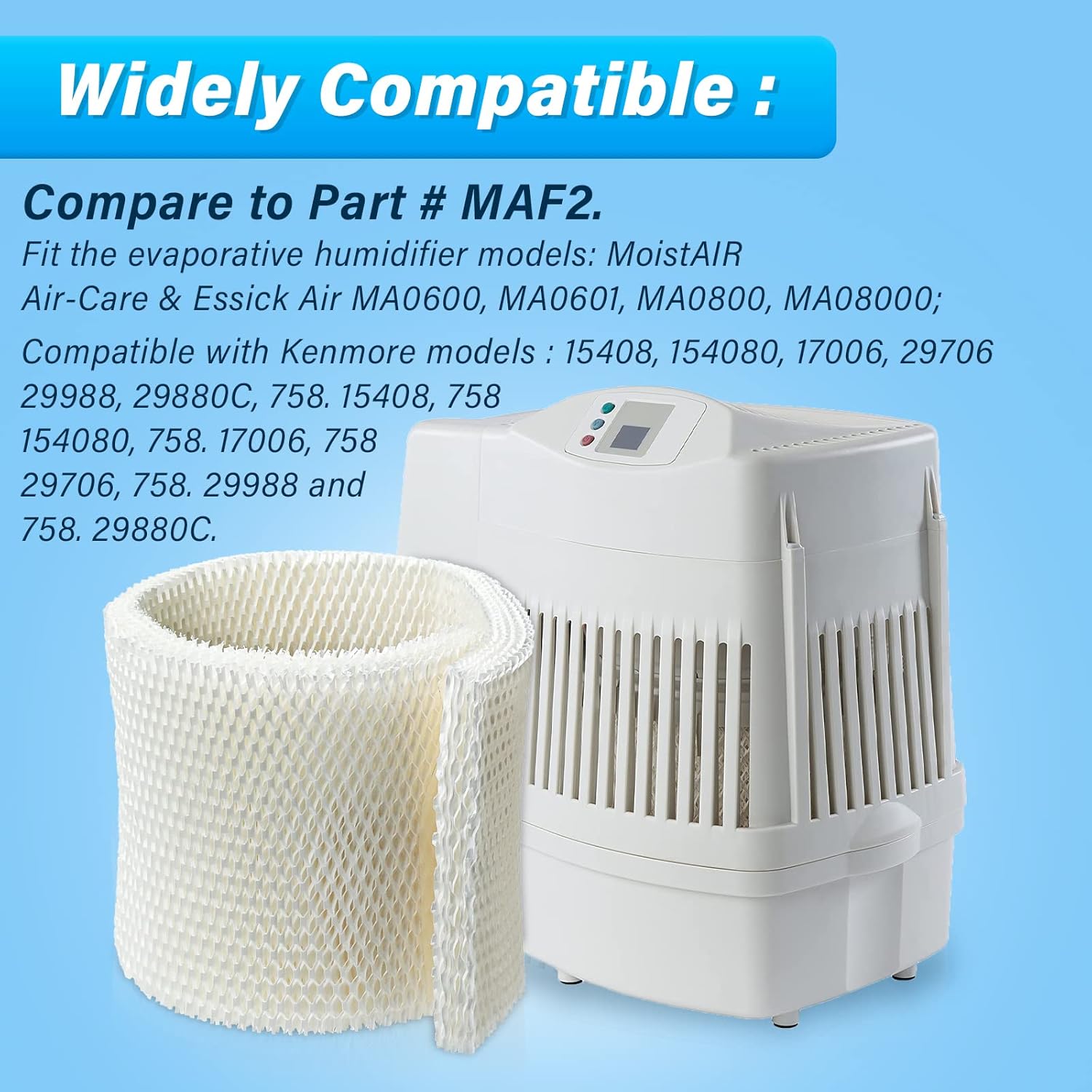
Image 2: Visual representation of filter compatibility with a humidifier.
3. Installation
Follow these steps to install your new humidifier filter wick:
- Step 1: Ensure the humidifier is unplugged and turned off.
- Step 2: Remove the top cover or housing of your humidifier to access the old filter.
- Step 3: Carefully remove the used filter wick from its position. Dispose of the old filter responsibly.
- Step 4: Place the new Pokin MAF2 filter wick into the humidifier's filter tray. Ensure it is seated correctly and securely. The filter is designed with a mesh structure for stability.
- Step 5: Reassemble the humidifier by replacing the top cover or housing.
- Step 6: Plug in the humidifier and turn it on.
Video 1: Demonstrates the installation process of the MAF2 humidifier filter wicks.

Image 3: High-efficiency filtration of the filter within a humidifier.
4. Operation (Filter Function)
The Pokin MAF2 filter wick is designed with a high-density, interwoven mesh structure that maximizes water absorption. This allows for efficient moisture output from your humidifier, improving indoor humidity levels. The filter also helps to capture minerals and pollutants from the water, preventing them from being released into the air as white dust, thus providing cleaner and more comfortable air.
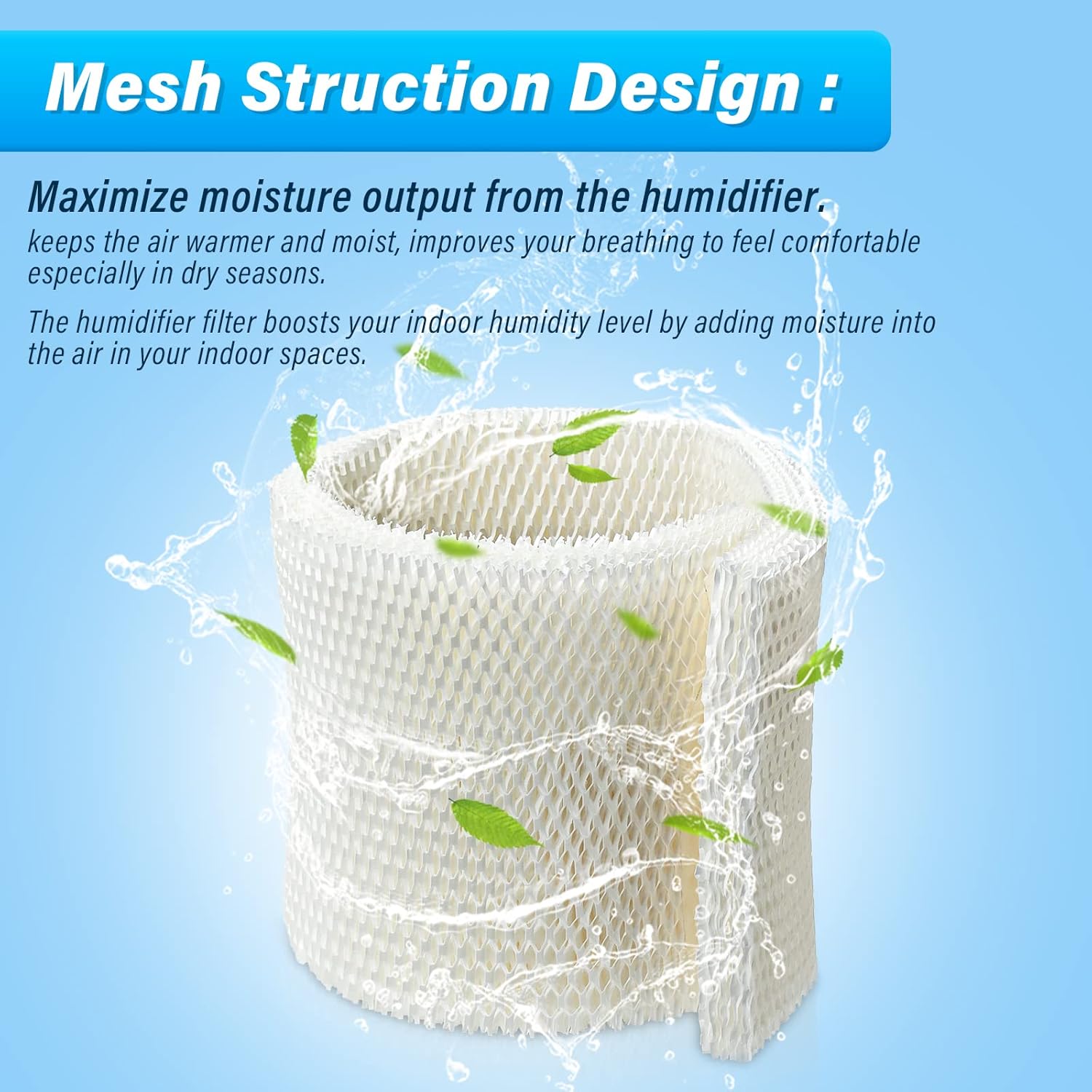
Image 4: Mesh structure design for optimal moisture output.
5. Maintenance
To ensure optimal performance and maintain healthy air quality, regular filter replacement is crucial. The lifespan of the filter depends on usage and water hardness.
- Replacement Schedule: For best results, replace the filter at the beginning of each humidification season or approximately every 2 months. In areas with hard water or heavy usage, more frequent replacement may be necessary.
- Cleaning: Always remove the filter when cleaning your humidifier to prevent damage or contamination. Do not attempt to wash or reuse old filters, as this can reduce efficiency and promote bacterial growth.

Image 5: Comparison of filter quality, highlighting features of a good filter.
6. Troubleshooting
If your humidifier is not performing as expected after filter installation, consider the following:
- Low Moisture Output: If the humidifier produces less mist or humidity, the filter may be saturated with minerals or nearing the end of its lifespan. Replace the filter as per the maintenance schedule.
- White Dust: The appearance of white dust around the humidifier indicates that minerals from the water are being released into the air. This suggests the filter is no longer effectively capturing minerals and needs replacement.
- Unusual Odors: If the humidifier emits an unpleasant odor, the filter might have developed mold or mildew. Replace the filter immediately and clean the humidifier thoroughly.
- Improper Fit: Ensure the filter is correctly seated in the humidifier tray. An improper fit can hinder water absorption and humidification.
7. Specifications
| Feature | Detail |
|---|---|
| Brand | Pokin |
| Model Name | MAF2 |
| Color | White |
| Operation Mode | Evaporative |
| Product Dimensions | 10"D x 8"W x 1"H (Approximate) |
| Item Weight | 8 ounces (per 2-pack) |
| Included Components | 2 Humidifier Wicking Filters |
| Material | High-quality filter paper with dense network structure |

Image 6: Pokin MAF2 Humidifier Filter Wicks.
8. Customer Support
For any questions regarding compatibility, installation, or performance of your Pokin MAF2 humidifier filter wicks, please contact us through Amazon's customer service. Our team is available to assist you with pre-sale and after-sale inquiries to ensure your satisfaction.
While specific warranty details are not provided, we are committed to resolving any issues you may encounter with our product.