
1. Introduction
This manual provides essential information for the safe and efficient use of your Innostyle Magnetic Wireless Power Bank. Please read this manual thoroughly before using the product and retain it for future reference.

Image 1.1: The Innostyle Magnetic Wireless Power Bank (Purple) magnetically attached to the back of an iPhone.
2. What's in the Box
Verify that all items are present upon unpacking:
- 1x Magnetic Wireless Power Bank (Model: IM20PD)
- 1x USB-A to USB-C Cable
- 1x User Manual (this document)
3. Product Overview
Familiarize yourself with the components and features of your power bank.

Image 3.1: Key components of the Innostyle Magnetic Wireless Power Bank, including the power button, USB-C IN/OUT port, Lightning IN port, and LED indicators.
- Power Button: Used to turn the device on/off and activate low-power mode.
- USB-C IN/OUT Port (20W): For charging the power bank and for wired fast charging of external devices.
- Lightning IN Port (18W): For charging the power bank using a Lightning cable.
- LED Indicators: Display the remaining battery level and charging status.
- Magnetic Charging Surface: For wireless charging of compatible devices.
4. Setup
4.1 Initial Charging of the Power Bank
Before first use, fully charge the power bank. Connect the provided USB-A to USB-C cable to the power bank's USB-C IN/OUT port and a compatible USB wall adapter (not included). Alternatively, use a Lightning cable with the Lightning IN port. The LED indicators will show charging progress.
4.2 Power On/Off
- To Turn On: Short press the power button once. The LED indicators will light up.
- To Turn Off: Short press the power button twice. The LED indicators will turn off.
5. Operating Instructions
5.1 Magnetic Wireless Charging (7.5W Max)
Align your compatible iPhone (iPhone 15/14/13/12 series) or AirPods with the magnetic charging surface on the power bank. The magnets will snap into place, and wireless charging will begin automatically. Ensure your iPhone is without a case or uses a magnetic-compatible case for optimal attachment and charging efficiency.

Image 5.1: Demonstrates the seamless magnetic attachment of the power bank to an iPhone for wireless charging.
5.2 Wired Fast Charging (20W PD Max)
Connect your device to the power bank's USB-C IN/OUT port using a USB-C to USB-C cable (for compatible devices) or a USB-C to Lightning cable (for iPhones). The power bank supports Power Delivery (PD) 20W fast charging, capable of charging an iPhone 13 from 0% to 50% in approximately 30 minutes.

Image 5.2: Illustration of 2-in-1 fast charging, showing both wireless (7.5W Max) and wired (20W Max) charging options.
5.3 Pass-through Charging
The power bank supports pass-through charging, allowing you to recharge the power bank itself while simultaneously charging your iPhone wirelessly or via cable. Connect the power bank to a wall adapter, then attach your iPhone for charging.

Image 5.3: Depiction of the power bank being recharged from a wall outlet while simultaneously charging an iPhone.
5.4 Charging Two Devices Simultaneously
You can charge two devices at the same time: one wirelessly via the magnetic surface and another via the USB-C port.
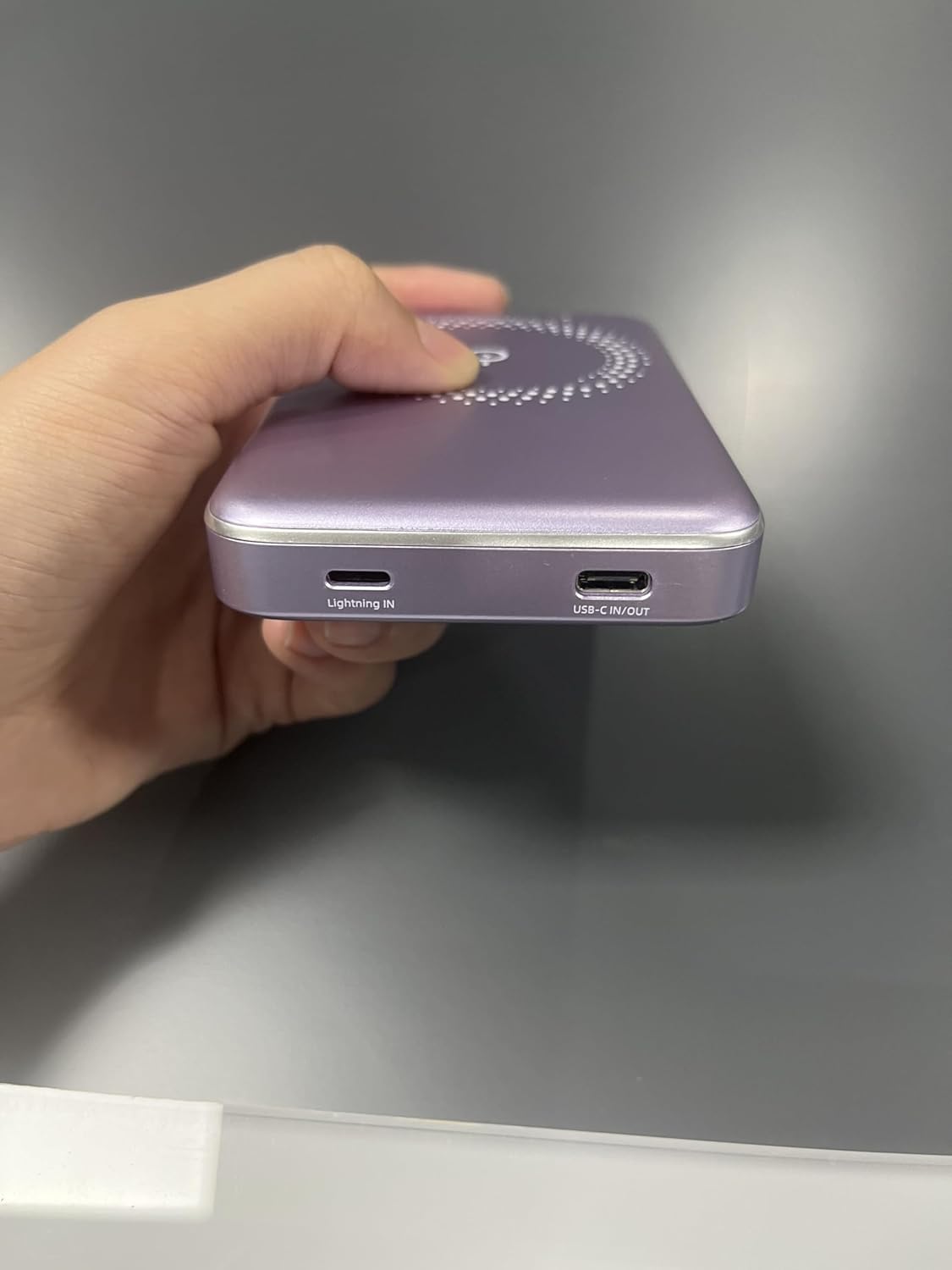
Image 5.4: The power bank simultaneously charging an iPhone wirelessly and another device via a wired connection.
5.5 Low-Power Mode
To enter low-power mode (for charging low-current devices like earbuds or smartwatches), press and hold the power button for 3 seconds. To exit low-power mode, press and hold the button for 3 seconds again.
5.6 Using Phone/Camera While Charging
The design of the power bank ensures that it does not obstruct your phone's camera lens, allowing for uninterrupted use while charging.
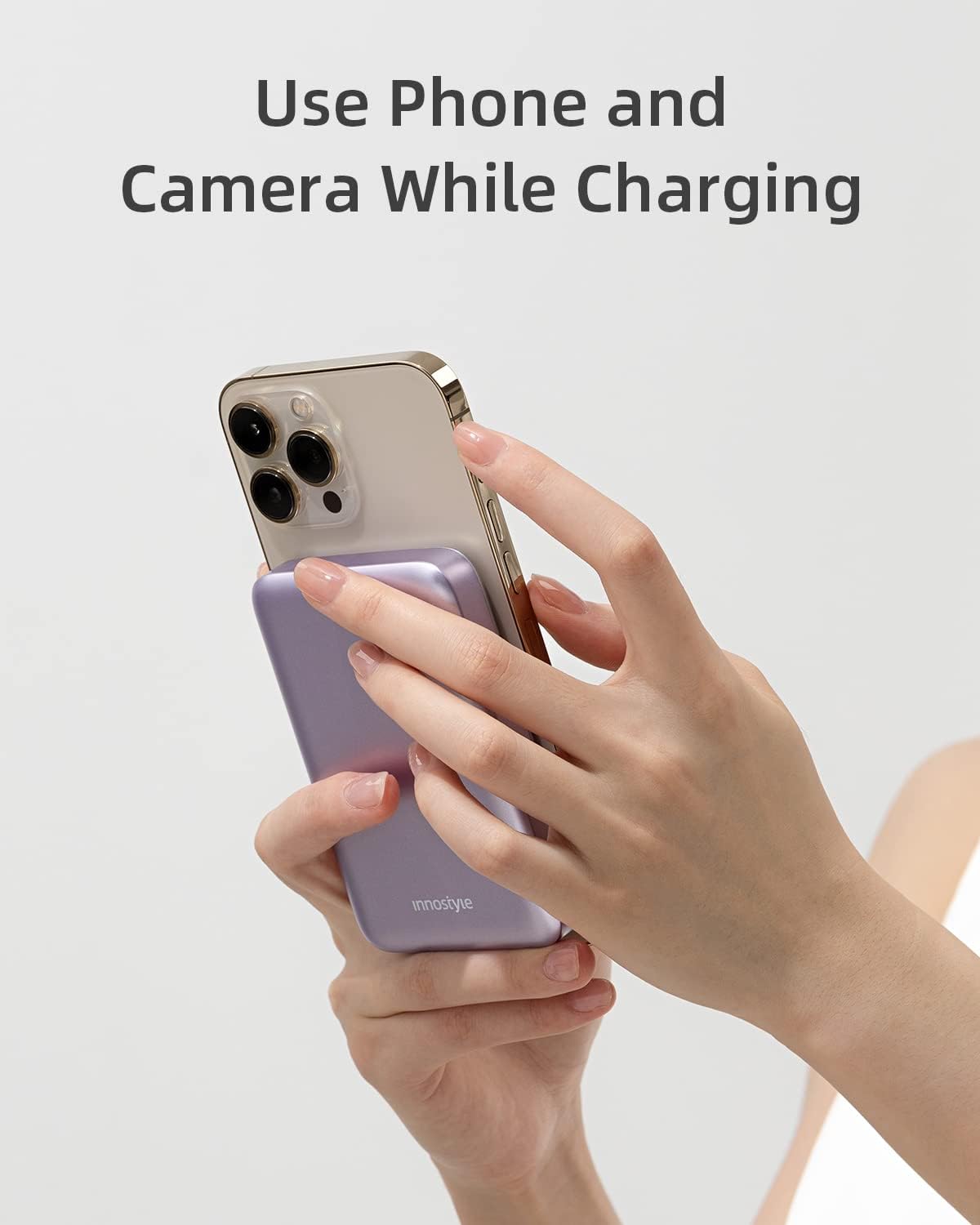
Image 5.5: The power bank attached to an iPhone, showing that the camera remains unobstructed during use.
6. Maintenance
- Cleaning: Use a soft, dry cloth to clean the surface of the power bank. Avoid using harsh chemicals or abrasive materials.
- Storage: Store the power bank in a cool, dry place away from direct sunlight, extreme temperatures, and humidity.
- Battery Care: To prolong battery life, fully charge the power bank at least once every three months if not in regular use.
7. Troubleshooting
| Problem | Possible Cause | Solution |
|---|---|---|
| Power bank not charging | Cable not connected properly; faulty cable/adapter; power bank fully discharged. | Ensure cables are securely connected. Try a different cable or wall adapter. Allow a few minutes for the power bank to respond if deeply discharged. |
| Device not charging wirelessly | Device not aligned; non-magnetic case; device not compatible; foreign object between power bank and device. | Realign the device. Remove any non-magnetic cases. Ensure your device supports wireless charging. Remove any foreign objects. |
| Slow charging | Using a standard charger instead of fast charger; cable not supporting fast charging; device not supporting fast charging. | Use a PD-compatible wall adapter and cable for fast charging. Ensure your device supports fast charging. |
| Power bank turns off unexpectedly | Low battery; overheating; short circuit protection activated. | Recharge the power bank. Allow the power bank to cool down. If the issue persists, contact customer support. |
8. Specifications
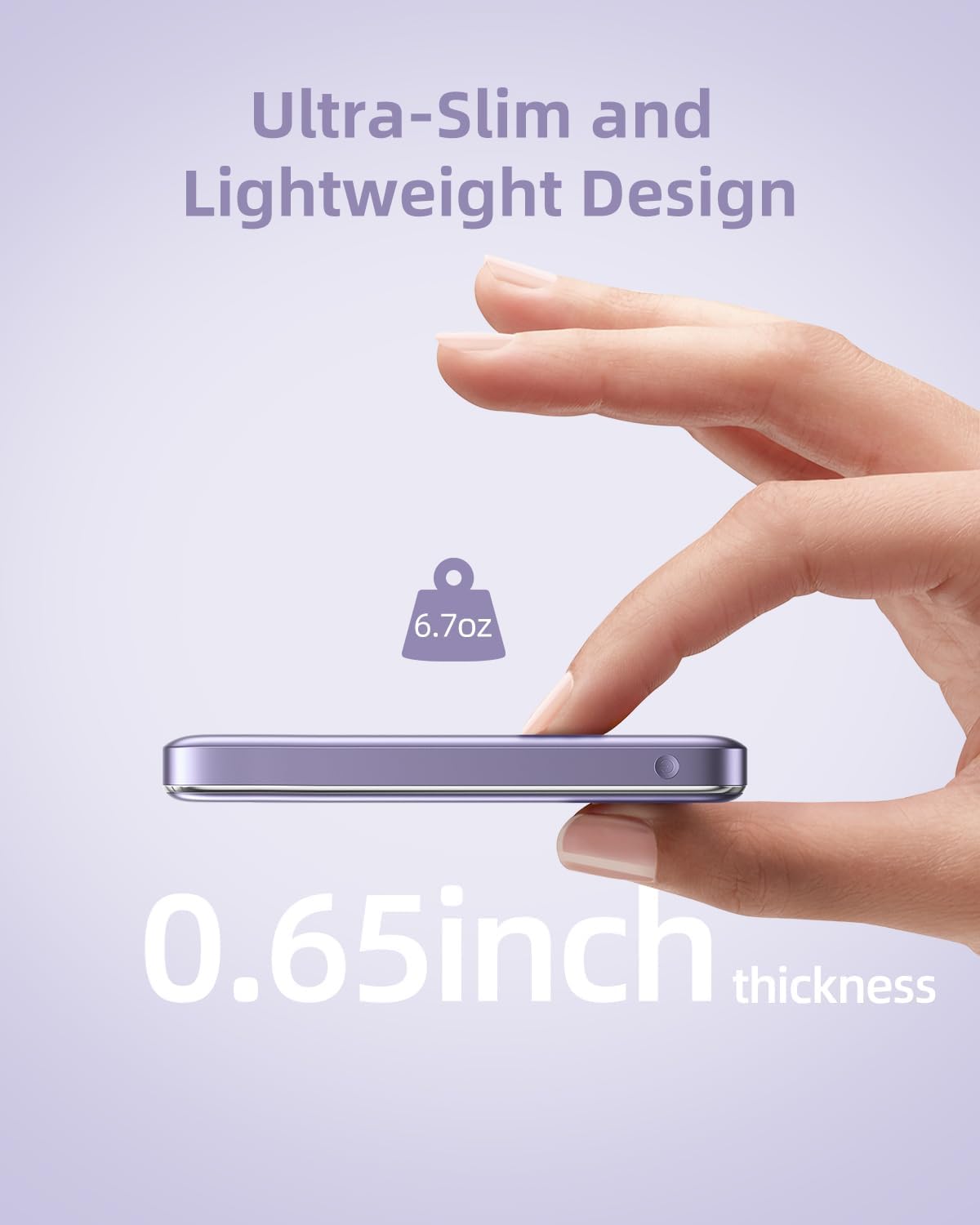
Image 8.1: The compact dimensions and light weight of the Innostyle Magnetic Wireless Power Bank.
| Feature | Detail |
|---|---|
| Model Number | IM20PD |
| Battery Capacity | 10000 Milliamp Hours (mAh) |
| Product Dimensions | 4.17 x 2.72 x 0.65 inches |
| Item Weight | 6.7 ounces |
| Wireless Charging Output | 7.5W Max |
| USB-C IN/OUT | 20W Power Delivery (PD) |
| Lightning IN | 18W |
| Special Features | Auto Shut-Off, Fast Charging, Pocket Size, Short Circuit Protection, Wireless Charging |
| Color | Purple |
9. Safety Information
- Do not expose the power bank to extreme temperatures (above 45°C or below 0°C).
- Avoid dropping, disassembling, or attempting to repair the device yourself.
- Keep away from water, moisture, and flammable materials.
- Do not place metal objects or magnetic cards between the power bank and your device during wireless charging.
- Dispose of the power bank according to local regulations for electronic waste.
10. Warranty and Support
For warranty information and customer support, please refer to the product packaging or visit the official Innostyle website. You may also contact the seller directly through your purchase platform for assistance.
Manufacturer: INNOSTYLE (Innostyle Innovations Co., Limited)
