
1. Introduction
Thank you for choosing the AGSHOME W3-3PACK Wireless Home Alarm System. This system is designed to provide reliable security for your home, office, camper, or apartment. It features a 120dB siren, door/window sensors, and smartphone app integration for remote control and notifications. Please read this manual carefully before installation and use to ensure proper operation and maximize the system's effectiveness.
2. Package Contents
Verify that all items listed below are present in your package:
- 1 x AGSHOME Base Station (WLAN Gateway)
- 2 x Door/Window Sensors
- 1 x Power Adapter
- 1 x User Manual
- Mounting Support and Adhesive Tape
Note: All sensors and remote controls are pre-paired with the base station for quick setup.

Image 1: AGSHOME WLAN Gateway Base Station. This image shows the compact base station plugged into a wall outlet, emitting a wireless signal, indicating its function as a central hub for the alarm system.
3. Product Overview
The AGSHOME W3-3PACK system is a wireless security solution designed for ease of use and effective protection.
Key Features:
- 120dB Siren: Provides a loud deterrent upon alarm activation.
- Smartphone App Integration: Connects to the Smart Life app for remote control, notifications, and system management.
- Expandable System: Supports up to 20 additional sensors (e.g., door/window, motion, wireless doorbell, water detectors) and 5 remote controls.
- Compact Base Station: Small, easy-to-use device that connects wirelessly without damaging walls.
- Emergency Battery: The base station includes a battery for emergency power, designed for short-term use during power outages. Consistent power supply via the adapter is recommended.

Image 2: Applicable Scenarios. This image illustrates various environments where the AGSHOME alarm system can be used, including family homes, hotels, rental houses, and for protecting against child climbing windows, window break-ins, and drawer theft.
4. Setup and Installation
The AGSHOME alarm system is designed for quick and easy installation without requiring technical expertise.
4.1 Base Station Placement and Power
- Choose a central location for the base station to ensure optimal wireless coverage for all sensors.
- Plug the power adapter into the base station and then into a standard wall outlet. The base station requires a continuous power supply for normal operation.
- Ensure your Wi-Fi network is 2.4GHz. The system does not support 5GHz Wi-Fi.
4.2 Sensor Installation (Door/Window Sensors)
The door/window sensors consist of two parts: a main unit (host) and a magnetic strip.
- Identify the main unit and the magnetic strip.
- Mount the main unit on the door or window frame and the magnetic strip on the moving part (door or window) itself.
- Ensure the two parts are aligned and placed within 10mm of each other when the door/window is closed.
- Use the provided adhesive tape or screws for secure mounting.

Image 3: Door/Window Sensor Gap Illustration. This image demonstrates the correct placement of the door/window sensor components. It shows that if the main unit and the magnetic strip are separated by more than 10 mm, the alarm will activate.

Image 4: Door/Window Security Alarm Activation. This image depicts a door/window sensor triggering an alarm, with a smartphone displaying a "Smart Life Open Alarm" notification, indicating a security breach.
4.3 App Connection (Smart Life App)
- Download the "Smart Life" app from your smartphone's app store (iOS or Android).
- Register or log in to your Smart Life account.
- Follow the in-app instructions to add the AGSHOME Base Station as a new device. Ensure your phone is connected to a 2.4GHz Wi-Fi network during this process.
- Once the base station is connected, the pre-paired sensors will automatically be recognized by the app.
5. Operating Instructions
Control your AGSHOME alarm system remotely using the Smart Life app.
5.1 Alarm Modes
The Smart Life app allows you to select different alarm modes:
- AWAY Mode: Activates all sensors. Use this mode when no one is home.
- HOME Mode: Activates selected perimeter sensors (e.g., door/window sensors) while allowing movement inside the property. Use this mode when you are home and want to feel safe.
- DISARMED Mode: All sensors are disarmed. The alarm will not trigger.
- SOS Function: Tap the SOS button in the app to quickly sound the siren on your Home Alarm System for emergency situations.

Image 5: Smart Life App Alarm Modes. This image displays the Smart Life app interface, showing options for "AWAY Mode," "HOME Mode," "DISARMED Mode," and "SOS," allowing users to remotely arm or disarm the alarm system.
5.2 Notifications
When an alarm is triggered, the system will activate the 120dB siren and send instant notifications to your smartphone via the Smart Life app.
5.3 Family Sharing
The Smart Life app supports family sharing, allowing multiple users to control and receive notifications from the alarm system. This is useful for households with multiple occupants.
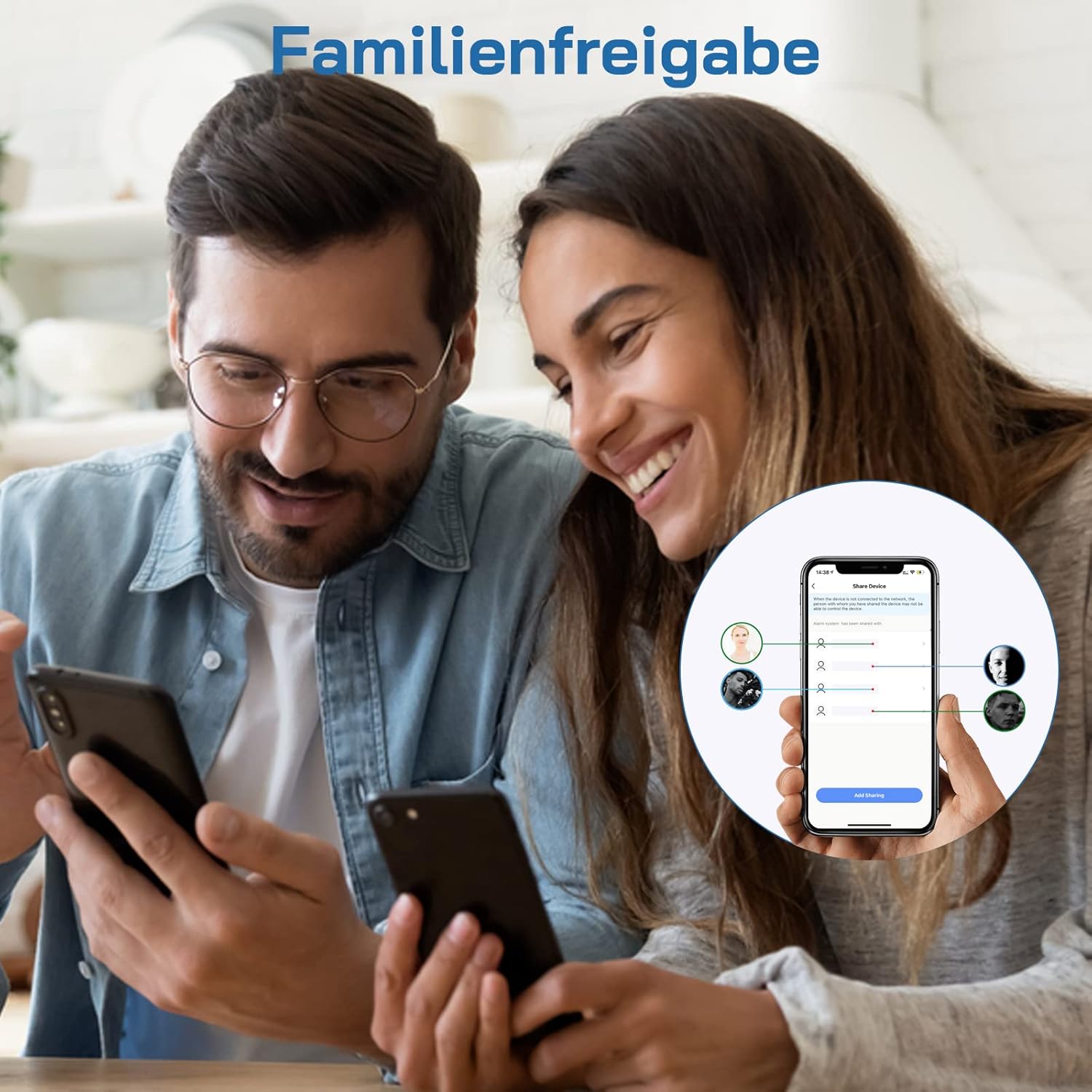
Image 6: Smart Life App Family Sharing. This image shows two people looking at a smartphone, with an overlay illustrating the "Share Device" function within the Smart Life app, enabling multiple users to access and manage the alarm system.
6. Maintenance
Regular maintenance ensures the longevity and optimal performance of your AGSHOME alarm system.
- Power Supply: Always use the provided power adapter for the base station. The internal battery is for emergency backup only.
- Sensor Batteries: The door/window sensors are powered by button cell batteries. Monitor battery levels via the Smart Life app and replace them as needed.
- Cleaning: Wipe the devices with a soft, dry cloth. Do not use liquid cleaners or aerosols.
- Connectivity: Ensure your Wi-Fi network is stable and operating on 2.4GHz for uninterrupted connectivity.
7. Troubleshooting
If you encounter issues with your AGSHOME alarm system, refer to the following common solutions:
| Problem | Possible Cause | Solution |
|---|---|---|
| System not connecting to Wi-Fi | Incorrect Wi-Fi frequency (5GHz) or weak signal. | Ensure your router is broadcasting a 2.4GHz network. Move the base station closer to the router. Re-attempt pairing in the Smart Life app. |
| Sensor not triggering alarm | Sensor parts too far apart, low battery, or sensor not properly paired. | Check that the main unit and magnetic strip are within 10mm when closed. Replace sensor batteries. Verify sensor status in the Smart Life app. |
| No app notifications | App notification settings disabled, or phone not connected to internet. | Check notification settings for the Smart Life app on your phone. Ensure your phone has an active internet connection. |
| Siren is not loud enough | Volume settings (if adjustable) or placement. | The siren is fixed at 120dB. Ensure the base station is not obstructed. |
8. Specifications
| Feature | Detail |
|---|---|
| Model Number | W3-3PACK |
| Dimensions | 13.2 x 7.2 x 2.5 cm |
| Weight | 130 grams |
| Siren Level | 120 Decibels |
| Power Source | Wired Electric (Power Adapter) |
| Emergency Battery Type | Alkaline (internal, for backup) |
| Sensor Battery Type | Button Cell (replaceable) |
| Installation Method | Screw-in or Adhesive |
| Compatible Devices | Smartphones (via Smart Life App) |
| Wireless Connectivity | 2.4GHz Wi-Fi only |
9. Warranty and Support
For warranty information or technical support, please refer to the contact details provided on the AGSHOME official website or contact your retailer. Keep your purchase receipt as proof of purchase.