
Introduction
This manual provides essential information for the safe and efficient operation of your JAYEGT Motorized Rotating Display Stand. Please read these instructions carefully before use and retain them for future reference.
The JAYEGT Motorized Rotating Display Stand is designed for showcasing products, photography, and video shooting. It features a robust design capable of handling significant loads and offers versatile rotation controls.

Image: A woman standing on the JAYEGT Motorized Rotating Display Stand, illustrating its capacity for heavy items.
Key Features
- High Load Capacity: Supports up to 350 lbs (158 kg), suitable for large and heavy items.
- Versatile Rotation: Offers 360-degree rotation with remote control, including clockwise and counter-clockwise directions.
- Multiple Modes: Features continuous and intermittent rotation options, along with 45°, 90°, and 180° angle circulation modes and position memory.
- Adjustable Speed: Rotation speed is adjustable from 20 to 60 seconds per cycle.
- Remote Control: Conveniently adjust angle, speed, and direction remotely.
- Portable Design: 16.5-inch diameter, 4.4 lbs (2 kg) net weight, powered by an included 110-220V to DC 15V adapter.
Setup
- Unpack the Stand: Carefully remove the rotating display stand, remote control, power adapter, and any included accessories from the packaging.
- Placement: Place the display stand on a stable, flat surface capable of supporting the stand's weight plus the weight of the item to be displayed.
- Connect Power: Insert the DC 15V adapter cable into the power socket on the side of the display stand. Plug the adapter into a standard 110-220V AC power outlet.
- Power On: Locate the power switch on the side of the stand and turn it to the 'ON' position. A small indicator light should illuminate.
- Remote Control: Ensure the remote control has batteries installed (not specified if included, assume user will check). The remote is pre-paired with the stand.

Image: Visual representation of the display stand's dimensions, maximum load capacity, and the included remote control.
Operating Instructions
The display stand can be operated using the remote control for various functions:
- Start/Stop Rotation: Press the Play/Pause button on the remote to start or stop the rotation.
- Change Direction: Use the clockwise/counter-clockwise buttons to reverse the rotation direction.
- Adjust Speed: Use the '+' and '-' buttons to increase or decrease the rotation speed. The speed ranges from 20 to 60 seconds per full cycle. Note that heavier loads may result in slower speeds.
- Angle Modes: Select specific rotation angles (45°, 90°, 180°) for intermittent rotation. The stand will rotate to the selected angle, pause, and then reverse. Pressing the left or right key again will resume full circle continuous rotation.
- Continuous/Intermittent: Toggle between continuous 360-degree rotation and intermittent rotation modes.
- Position Memory: The stand is equipped with position memory, allowing it to return to a set starting point.

Image: Remote control functions for direction, continuous/intermittent rotation, and specific angle settings.
Maintenance
- Cleaning: Wipe the surface of the display stand with a soft, dry cloth. Avoid using abrasive cleaners or solvents that may damage the finish.
- Storage: When not in use, store the display stand in a dry, cool place away from direct sunlight and extreme temperatures.
- Load Capacity: Do not exceed the maximum load capacity of 350 lbs (158 kg) to prevent damage to the motor and internal components.
- Power Cord: Regularly inspect the power cord for any signs of damage. If damaged, discontinue use and contact customer support.
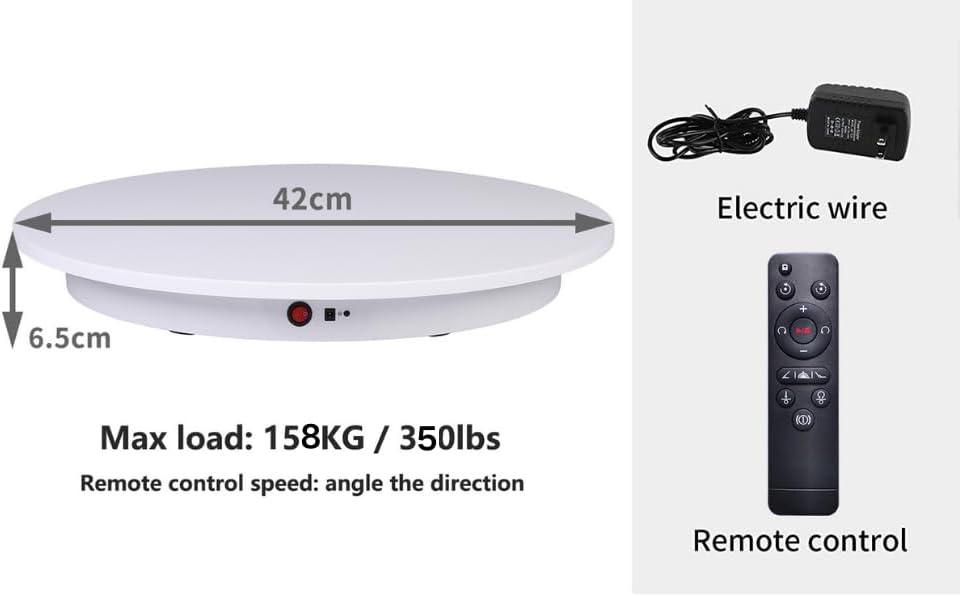
Image: Details of the non-slip base and power connections for proper handling and maintenance.
Troubleshooting
- Stand Not Turning On: Ensure the power adapter is securely connected to both the stand and a working power outlet. Check the power switch is in the 'ON' position.
- Remote Control Not Responding: Verify that the remote control batteries are correctly installed and not depleted. Ensure there are no obstructions between the remote and the stand's sensor.
- Irregular Rotation/Stalling: Check that the item placed on the stand does not exceed the maximum load capacity. Ensure the item is centered and balanced on the turntable.
- Noise During Operation: A slight motor hum is normal. Excessive or unusual noise may indicate an issue with the load or internal mechanism. Reduce the load and ensure proper placement.
Specifications
| Brand | JAYEGT |
| Model Number | JY-42 |
| Material | Acrylonitrile Butadiene Styrene (ABS) |
| Color | White |
| Item Diameter | 16.5 Inches (42 cm) |
| Item Weight | 4.4 Pounds (2 kg) |
| Maximum Weight Recommendation | 350 Pounds (158 kg) |
| Speed Range | 20-60 seconds per cycle |
| Power Adapter | 110-220V to DC 15V |
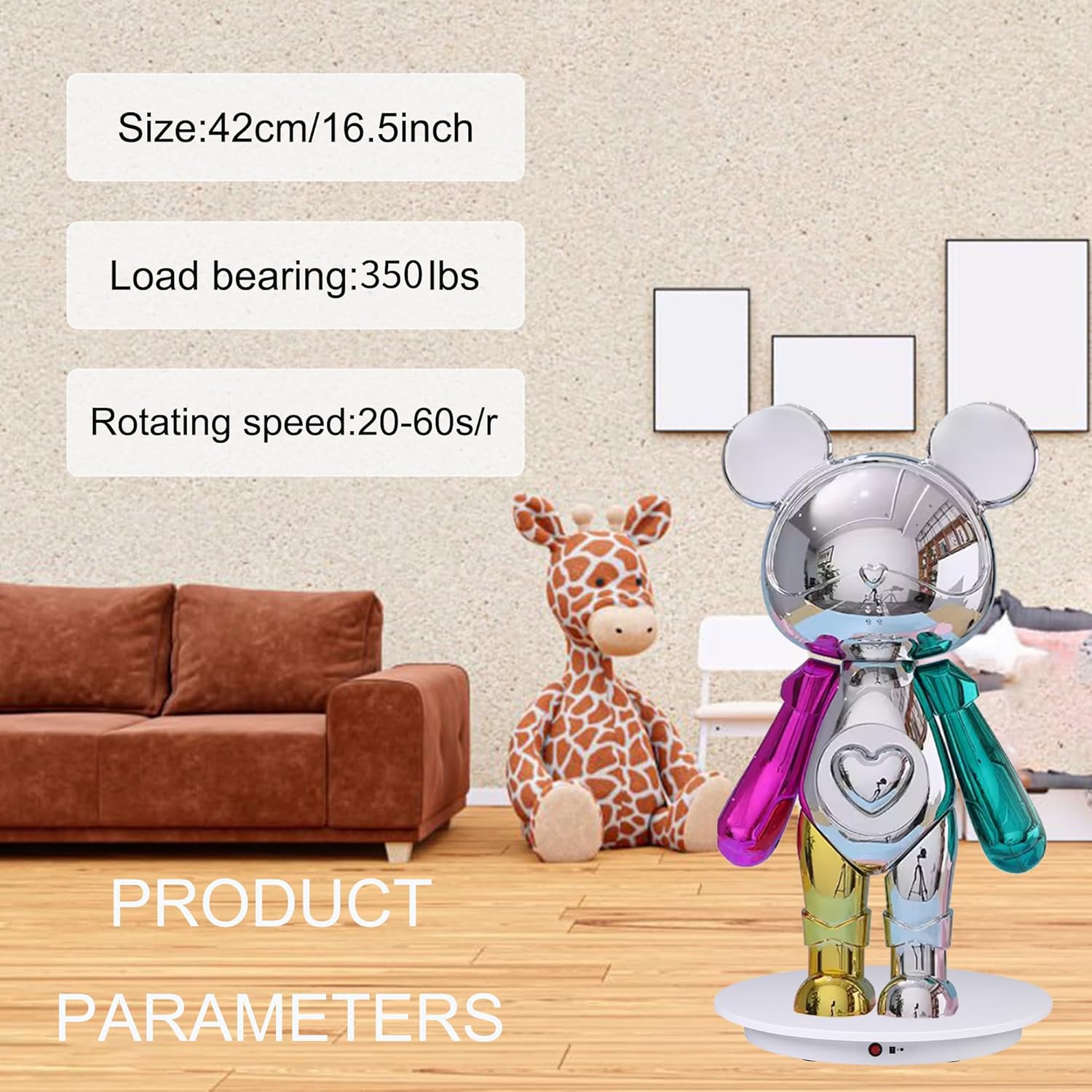
Image: Detailed product parameters including size, load capacity, and rotation speed.
Warranty and Support
For warranty information or technical support, please refer to the product packaging or contact JAYEGT customer service directly. Keep your purchase receipt as proof of purchase.


