
1. Introduction
Thank you for choosing JBL Tune Flex TWS Wireless Earbuds. This manual provides essential information for setting up, operating, and maintaining your earbuds to ensure optimal performance and longevity. Please read this manual thoroughly before using your device.
2. What's in the Box
- JBL Tune Flex TWS Earbuds
- Charging Case
- USB-C Charging Cable
- Multiple Sizes of Ear Tips

Image: JBL Tune Flex TWS product packaging, showing the earbuds, charging case, and accessories.

Image: Included ear tips in various sizes and the orange USB-C charging cable.
3. Setup
3.1 Charging the Earbuds and Case
Before first use, fully charge your JBL Tune Flex TWS earbuds and charging case. Connect the provided USB-C cable to the charging port on the case and a power source. The LED indicators on the case will show the charging status. A full charge provides up to 32 hours of combined playback (8 hours from earbuds + 24 hours from case).
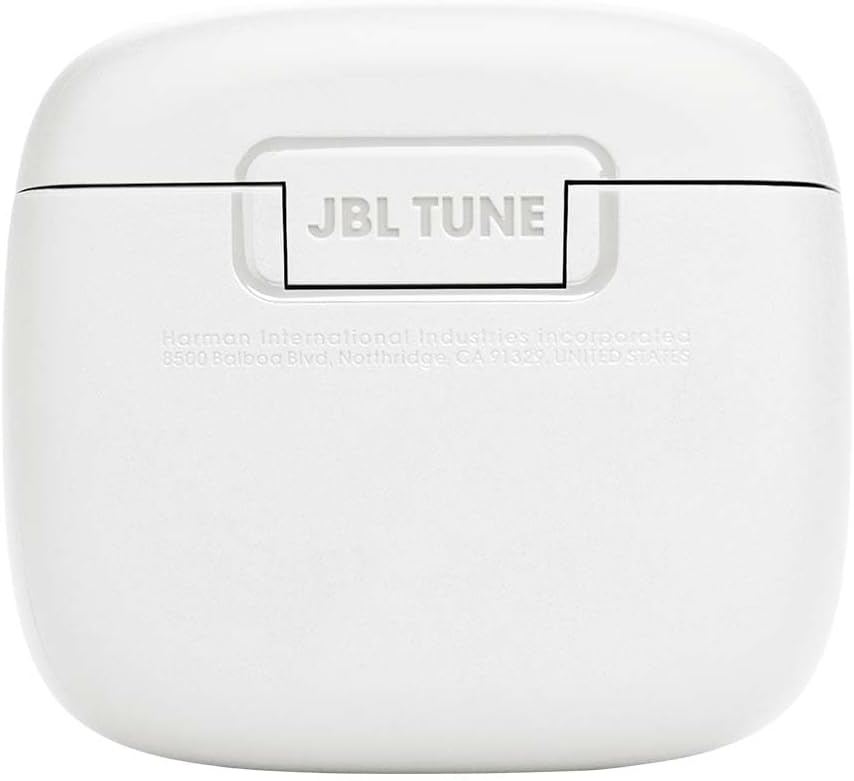
Image: The JBL Tune Flex TWS charging case with the earbuds securely placed inside.
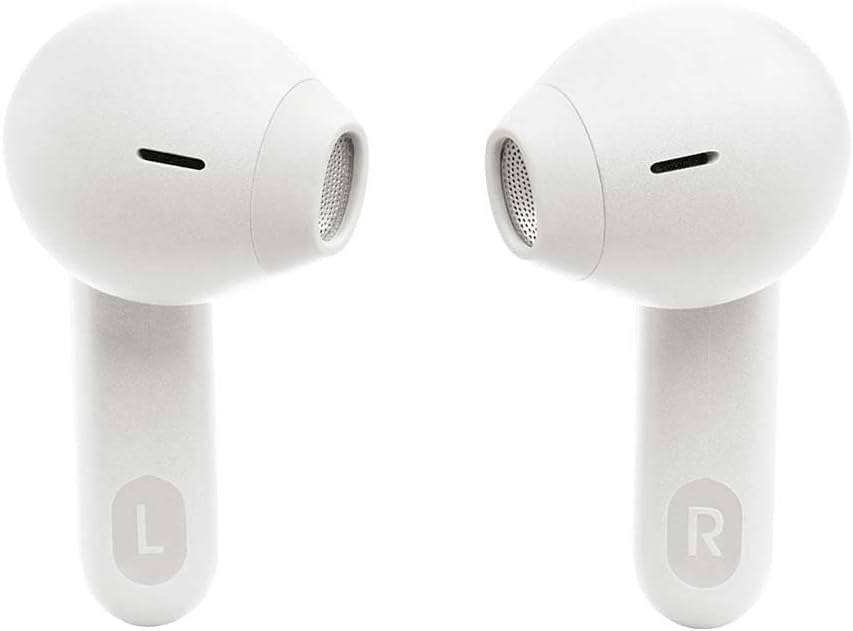
Image: Bottom view of the charging case, highlighting the USB-C charging port.
3.2 Bluetooth Pairing
- Open the charging case. The earbuds will automatically enter pairing mode.
- On your device (smartphone, tablet, laptop), enable Bluetooth.
- Select "JBL Tune Flex TWS" from the list of available Bluetooth devices.
- A confirmation sound will indicate successful pairing.
For Android devices (6.0+), Fast Pair is supported for quick connection. For Windows devices (10 v1803+), Microsoft Swift Pair is supported.
3.3 JBL Headphones App
Download the JBL Headphones App from your device's app store. This app allows you to customize your listening experience, adjust EQ settings, manage noise cancellation modes, and update firmware.
4. Operating Your Earbuds
4.1 Touch Controls
The JBL Tune Flex TWS earbuds feature intuitive touch controls on each earbud. Refer to the app for customizable control options.
- Single Tap: Play/Pause music, Answer/End call.
- Double Tap: Skip to next track, Reject call, Activate voice assistant.
- Triple Tap: Skip to previous track.
- Tap and Hold: Toggle Active Noise Cancelling / Ambient Aware / Off.

Image: Front view of the JBL Tune Flex TWS earbuds, highlighting their design.
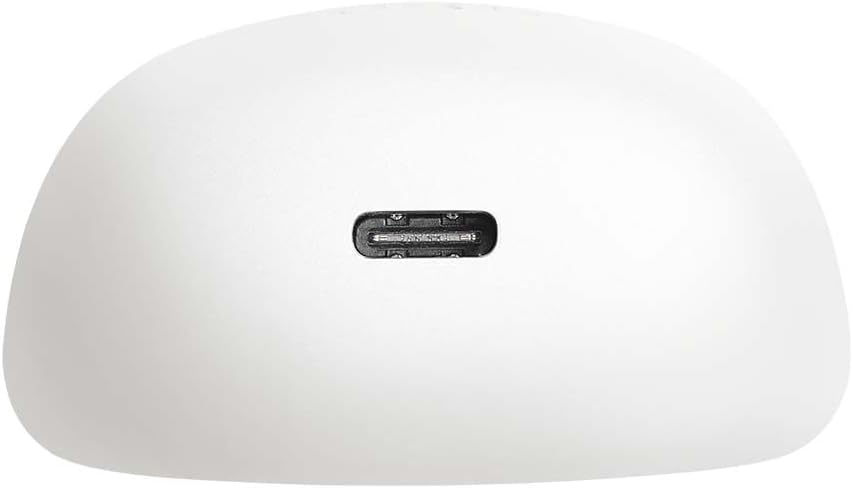
Image: Side view of the JBL Tune Flex TWS earbuds, showing their ergonomic shape.
4.2 Active Noise Cancelling (ANC) & Ambient Aware
Your earbuds are equipped with Active Noise Cancelling technology to reduce external distractions. The Ambient Aware feature allows you to hear your surroundings while still enjoying your audio. Toggle between these modes using the touch controls or the JBL Headphones App.
4.3 Call Management
The JBL Tune Flex TWS features 4 microphones for clear call quality. Use the touch controls to answer, end, or reject calls.
4.4 Mono and Stereo Mode
You can use both earbuds for a stereo listening experience or use a single earbud for mono mode, which is useful for calls or when you need to be aware of your surroundings.
5. Maintenance
5.1 Cleaning
Regularly clean your earbuds and charging case with a soft, dry cloth. Do not use harsh chemicals or abrasive materials. Gently remove ear tips and clean any earwax buildup from the earbud nozzles.
5.2 Storage
When not in use, store your earbuds in their charging case to protect them and preserve battery life. For long-term storage, ensure the earbuds and case are fully charged at least every three months.
5.3 Water Resistance
The JBL Tune Flex TWS earbuds are IPX4 water-resistant, meaning they are protected against splashing water from any direction. They are suitable for workouts and light rain but should not be submerged in water.
6. Troubleshooting
6.1 Connectivity Issues
- Ensure Bluetooth is enabled on your device and the earbuds are in pairing mode.
- Move closer to your device to ensure a stable connection.
- Try unpairing and re-pairing the earbuds with your device.
6.2 Charging Problems
- Check that the charging cable is securely connected to both the case and the power source.
- Ensure the charging contacts on the earbuds and inside the case are clean and free of debris.
- Try a different USB-C cable or power adapter.
6.3 Sound Quality Issues
- Ensure the ear tips are properly sealed in your ear canal. Try different sizes for a better fit.
- Clean the earbud nozzles to remove any obstructions.
- Adjust the EQ settings in the JBL Headphones App.
6.4 Resetting Your Earbuds
If you experience persistent issues, you may need to reset your earbuds. Refer to the JBL Headphones App or the JBL support website for specific reset instructions for your model.
7. Specifications
| Feature | Specification |
|---|---|
| Model Name | Tune Flex TWS |
| Model Number | JBLTFLEXWHT |
| Connectivity | Wireless, True Wireless |
| Battery Life | Up to 32 hours (8 hours earbuds + 24 hours case) |
| Water Resistance | IPX4 (Sweat and splash resistant) |
| Weight | 48 Grams |
| Frequency Response | 20 Hz - 20 KHz |
| Impedance | 32 ohms |
| Sensitivity | 110 dB |
| Charging Port | USB-C |
| Noise Cancellation | Active Noise Cancellation |
8. Warranty and Support
JBL products come with a limited warranty. For detailed warranty information, product support, and frequently asked questions, please visit the official JBL support website or contact customer service. Keep your proof of purchase for warranty claims.
Official JBL Support: www.jbl.com/support


