
Introduction
Thank you for choosing the COLAMY Ergonomic Mesh Office Chair Model 2577F. This manual provides detailed instructions for assembly, operation, maintenance, and troubleshooting to ensure optimal use and longevity of your chair. Please read this manual thoroughly before assembly and use.

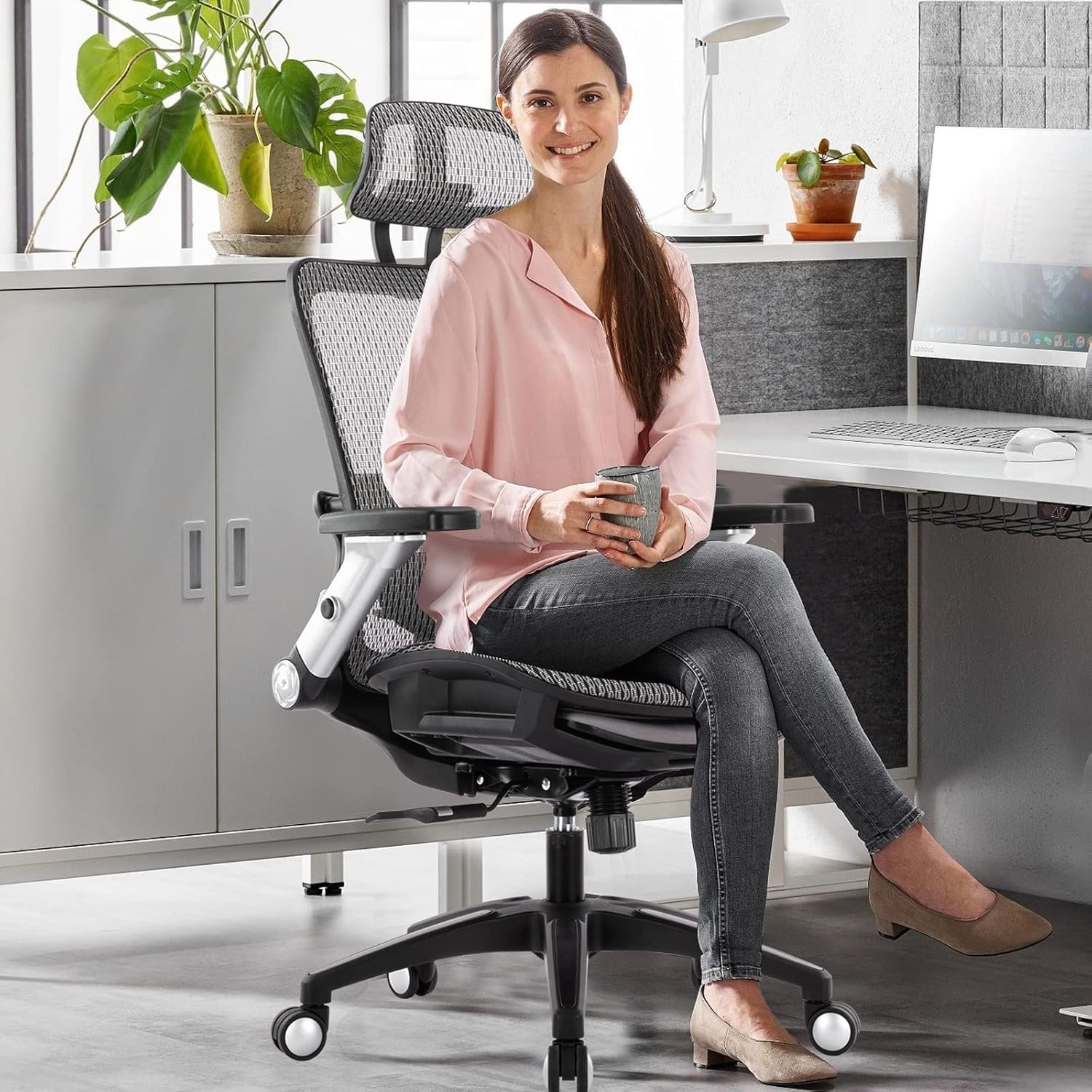
Front view of the COLAMY Ergonomic Mesh Office Chair.

Side view of the COLAMY Ergonomic Mesh Office Chair.
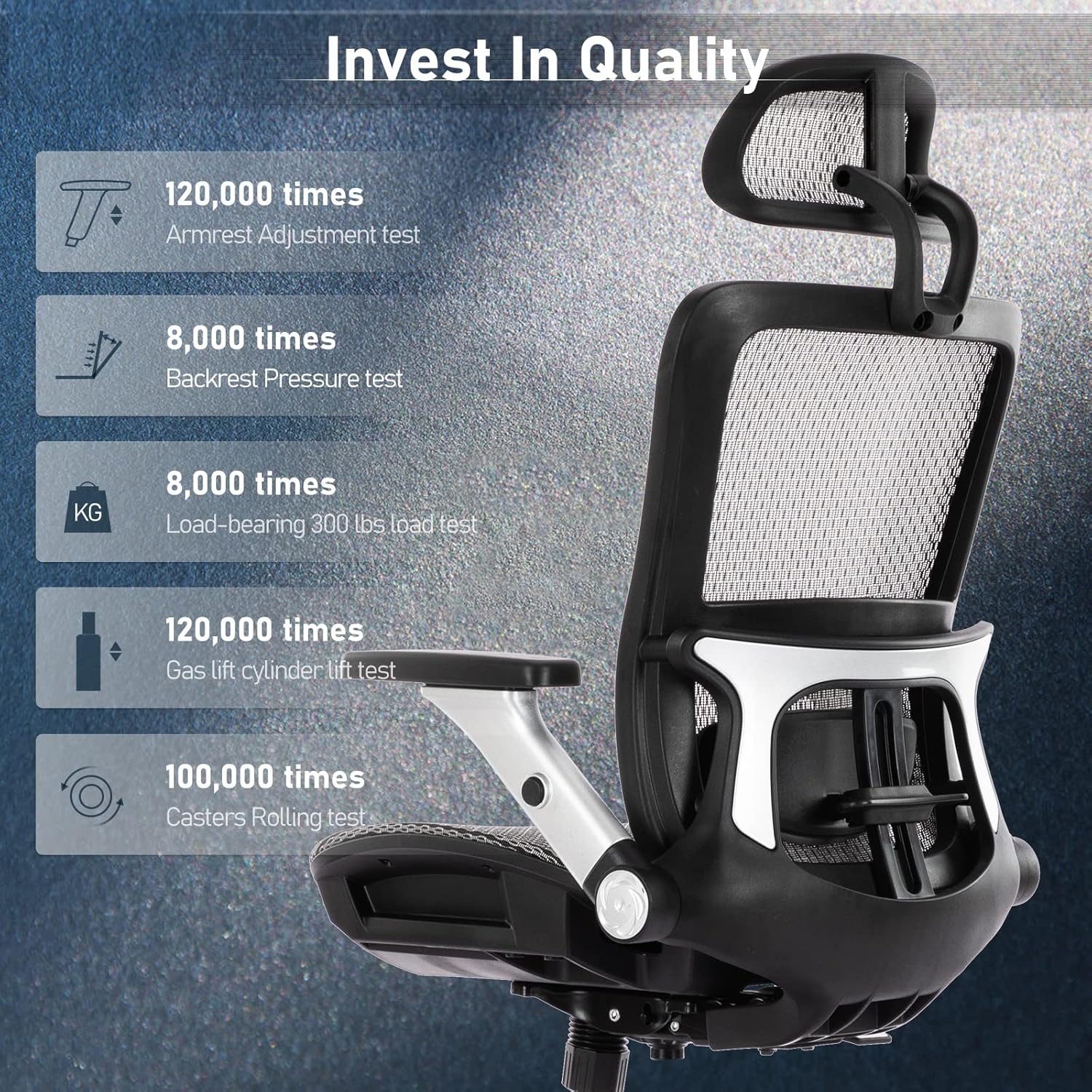
Back view of the COLAMY Ergonomic Mesh Office Chair.
Safety Information
Please observe the following safety guidelines to prevent injury or damage:
- Do not stand on the chair.
- Do not use the chair if any parts are missing or damaged.
- Ensure all screws and bolts are tightened before use.
- Keep children away from moving parts during adjustment.
- Maximum weight capacity: 275 lbs (125 kg).
Setup and Assembly
Assembly is required for this chair. While specific detailed instructions are not provided in this manual, general steps are outlined below. It is recommended to lay out all components and hardware before beginning assembly.
Exploded view of COLAMY Ergonomic Mesh Office Chair components for assembly.
- Attach Casters to Base: Insert the casters into the holes at the end of each leg of the five-star base. Push firmly until they click into place.
- Install Gas Lift: Place the gas lift cylinder into the center hole of the five-star base.
- Assemble Seat Mechanism: Secure the seat mechanism to the underside of the seat cushion using the provided screws. Ensure the front of the mechanism aligns with the front of the seat.
- Attach Backrest: Connect the backrest to the seat mechanism using the designated screws.
- Mount Armrests: Attach the armrests to the sides of the seat and backrest assembly.
- Install Headrest: Slide the headrest into its designated slot at the top of the backrest.
- Connect Seat to Gas Lift: Carefully place the assembled seat and backrest onto the gas lift cylinder.
- Final Check: Verify that all screws are tightened and all components are securely in place before using the chair.

Close-up of the five-star base and smooth-rolling casters of the COLAMY Ergonomic Mesh Office Chair.
Operating Instructions
Your COLAMY Ergonomic Mesh Office Chair is designed with multiple adjustable features to provide personalized comfort and support. Familiarize yourself with these adjustments for an optimal seating experience.

Diagram illustrating the adjustable headrest, lumbar support, 4D flip-up armrests, tilt tension control, height/tilt lock control, and retractable footrest of the COLAMY Ergonomic Mesh Office Chair.
1. Height Adjustment
To adjust the seat height, locate the lever on the right side under the seat. While seated, pull the lever up to lower the seat. To raise the seat, stand up slightly and pull the lever up. Release the lever at your desired height.

Diagram detailing the 2-in-1 tilt lock and height adjustment system, including the tilt tension knob.
2. Tilt Lock and Tension Control
- Tilt Lock: Use the same lever as the height adjustment. Push the lever inwards to lock the backrest in an upright position. Pull the lever outwards to unlock the tilt function, allowing the chair to recline. The chair offers up to 120° tilt with 3 locking positions.
- Tilt Tension: The round knob located under the front of the seat controls the tension of the tilt mechanism. Turn clockwise to increase tension (making it harder to recline) or counter-clockwise to decrease tension (making it easier to recline).
3. Adjustable Lumbar Support
The lumbar support can be adjusted vertically to fit the curve of your lower back. Gently push or pull the lumbar support mechanism on the backrest to move it up or down to your preferred position.
4. 4D Flip-up Armrests
The armrests offer four-dimensional adjustments for optimal arm and shoulder support:
- Height Adjustment: Press the button on the side of the armrest and slide it up or down.
- Forward/Backward: Slide the armrest pad forward or backward.
- Left/Right (Swivel): Pivot the armrest pad left or right.
- Flip-up Function: The armrests can be flipped up and out of the way, allowing the chair to be pushed closer to a desk or for easier entry/exit.

Diagram illustrating the 4D adjustments of the flip-up armrests.
5. Adjustable Headrest
The headrest can be adjusted vertically and tilted to provide optimal neck and head support. Gently push or pull the headrest to adjust its height and angle.
6. Retractable Footrest
For added relaxation, pull out the footrest located under the seat. Extend it to your desired length and position your legs for comfort. Push it back in when not in use.
Maintenance
Regular maintenance will help preserve the appearance and functionality of your COLAMY office chair.
- Cleaning: Wipe clean with a damp cloth. Avoid harsh chemicals or abrasive cleaners that may damage the mesh fabric or plastic components.
- Inspection: Periodically check all screws and bolts to ensure they are tight. Re-tighten if necessary.
- Casters: Keep casters free of hair and debris to ensure smooth rolling.
- Gas Lift: Do not attempt to disassemble the gas lift cylinder.
Troubleshooting
If you encounter any issues with your chair, refer to the following common problems and solutions:
| Problem | Possible Cause | Solution |
|---|---|---|
| Chair does not adjust height | Gas lift malfunction or lever not engaged. | Ensure the height adjustment lever is fully pulled. If the issue persists, the gas lift may need replacement. |
| Chair squeaks | Loose connections or friction between parts. | Check and tighten all screws and bolts. Apply a small amount of silicone lubricant to moving parts if necessary. |
| Casters not rolling smoothly | Debris in casters or damaged casters. | Remove any hair or debris from the caster wheels. If damaged, casters may need replacement. |
| Backrest does not recline or lock | Tilt lock engaged or tilt tension too high. | Ensure the tilt lock lever is disengaged. Adjust the tilt tension knob counter-clockwise to reduce tension. |
Specifications
| Feature | Detail |
|---|---|
| Brand | COLAMY |
| Model Name | 2577F |
| Color | Grey |
| Material | Mesh |
| Product Dimensions (D x W x H) | 26.18"D x 26.77"W x 49"H |
| Maximum Weight Recommendation | 275 Pounds |
| Special Features | Adjustable Height, Adjustable Lumbar, 4D Flip-up Armrests, Ergonomic, Foot Rest |
| Back Style | Solid Back |
| Reclining Position Count | 3 (up to 120° tilt) |
| Furniture Base Movement | Swivel |
| Item Weight | 50 pounds |
Warranty Information
Specific warranty details are not provided in the product data. Please refer to the product packaging or contact COLAMY customer support for information regarding warranty coverage and terms.
Customer Support
For further assistance, questions, or to report any issues, please contact COLAMY customer support through their official website or the retailer where the product was purchased.


