
1. Introduction
Thank you for choosing the IOWODO R5 Fitness Tracker Smart Watch. This manual provides detailed instructions on how to set up, operate, and maintain your device. Please read it carefully to ensure optimal performance and a positive user experience.

Image: IOWODO R5 Fitness Tracker Smart Watch, front view.
2. What's in the Box
- IOWODO R5 Smart Watch
- Watch Band
- Charging Cable
- User Manual

Image: Contents of the IOWODO R5 Smart Watch packaging, showing the watch, charging cable, and user manual.
3. Product Overview
The IOWODO R5 Smart Watch is designed to assist with health monitoring and fitness tracking. Key features include:
- Health Monitoring: Heart rate and sleep monitoring, with data recorded in the 'GloryFit' application.
- Fitness Tracking: Supports 24 sports modes, including steps, calories, and distance tracking with GPS connection.
- Smart Notifications: Receives social message notifications (WhatsApp, Facebook, Messenger, Instagram), call reminders, and weather updates.
- Long Battery Life: 260mAh battery provides 12-15 days of active power and up to 45 days standby time.
- Waterproof Design: IP67 waterproof rating, suitable for hand washing and showering.
- Customizable Display: 1.57-inch touch screen with 4 adjustable brightness levels and multiple dial styles.

Image: Overview of IOWODO R5 Smart Watch features, including alarm, pedometer, sleep monitor, heart rate monitor, call notifications, weather, and message notifications.
4. Setup Guide
4.1 Charging the Device
Before initial use, fully charge your IOWODO R5 Smart Watch. Connect the magnetic charging cable to the charging contacts on the back of the watch and plug the USB end into a power adapter (not included) or a computer's USB port. A full charge typically takes approximately 2 hours.
4.2 App Installation
The IOWODO R5 Smart Watch uses the 'GloryFit' application for full functionality. You can download the app by scanning the QR code provided in the manual or searching for 'GloryFit' in your device's app store (Google Play Store for Android, Apple App Store for iOS).
For Android and iOS:
- Turn on your smart watch.
- Enable Bluetooth on your phone.
- Scan the QR code from the manual or search for 'GloryFit' in your app store.
- Open the 'GloryFit' app, log in to your account, and complete your personal information.
- Allow 'GloryFit' to use Bluetooth (for iOS) and grant necessary permissions.
- In the app, click 'Select device' or 'Add a new device'.
- Find the nearby watch model 'R5' in the list and click to connect.
- If the phone shows 'Connect Successfully', the connection is complete.

Image: Step-by-step guide for connecting the IOWODO R5 Smart Watch to a phone via the GloryFit app, showing QR code scanning and pairing process.
4.3 Device Pairing Video Guide
For a visual guide on installing the app and pairing your IOWODO R5 Smart Watch, please watch the official operation guide video:
Video: IOWODO R5 Smartwatch Operation Guide. This video demonstrates the process of downloading the GloryFit app, setting up user profiles, and pairing the smartwatch with both Android and iOS devices, including granting necessary permissions for notifications and health tracking.
5. Operating Instructions
5.1 Basic Navigation
The IOWODO R5 features a 1.57-inch full touch screen. Swipe up, down, left, or right to navigate through menus and functions. Tap to select an option. The brightness can be adjusted within the watch settings.

Image: Customizable watch faces and app customization options for the IOWODO R5 Smart Watch.
5.2 Health Monitoring
- Heart Rate Monitor: The watch continuously monitors your heart rate. View real-time data on the watch or detailed historical data in the GloryFit app.
- Sleep Monitor: Automatically tracks your sleep patterns, analyzing deep sleep and light sleep quality. Access sleep data in the app.
- SpO2 Monitor: The watch can monitor blood oxygen levels.
- Breathing Training: Follow guided breathing exercises for relaxation.
- Women's Health: Track menstrual cycles and related data through the app.
5.3 Sports Modes
The IOWODO R5 supports 24 sports modes. Select your desired activity from the watch's sports menu to track specific metrics like steps, distance, calories burned, and duration. Connect to your phone's GPS via the app for accurate outdoor activity tracking.

Image: Icons representing 24 different sports modes available on the IOWODO R5 Smart Watch, including running, cycling, swimming, and more.
5.4 Notifications and Reminders
- Call Reminders: Receive incoming call alerts on your watch. You can reject calls directly from the watch.
- SMS Reminders: View incoming text messages on your watch.
- App Notifications: Get alerts from social media apps like WhatsApp, Facebook, Messenger, and Instagram. Ensure app permissions are enabled in your phone settings and the GloryFit app.
- Sedentary Reminder: The watch will remind you to move after periods of inactivity.
- Alarm Clock: Set alarms through the GloryFit app to vibrate on your watch.

Image: IOWODO R5 Smart Watch displaying various notifications from social media apps and incoming calls.
5.5 Other Functions
- Weather: Synchronizes local weather conditions in real-time for two days.
- Music Control: Control music playback on your phone directly from the watch.
- Find My Phone: Use the watch to locate your paired phone.
- Stopwatch: Access a stopwatch function for timing activities.
6. Maintenance
- Cleaning: Regularly clean the watch and strap with a soft, dry cloth. Avoid using harsh chemicals.
- Water Resistance: The watch has an IP67 waterproof rating. It is suitable for hand washing and showering. Avoid prolonged submersion or use in hot water/saunas.
- Charging: Ensure the charging contacts are clean and dry before charging to prevent corrosion.
- Storage: Store the watch in a cool, dry place when not in use.
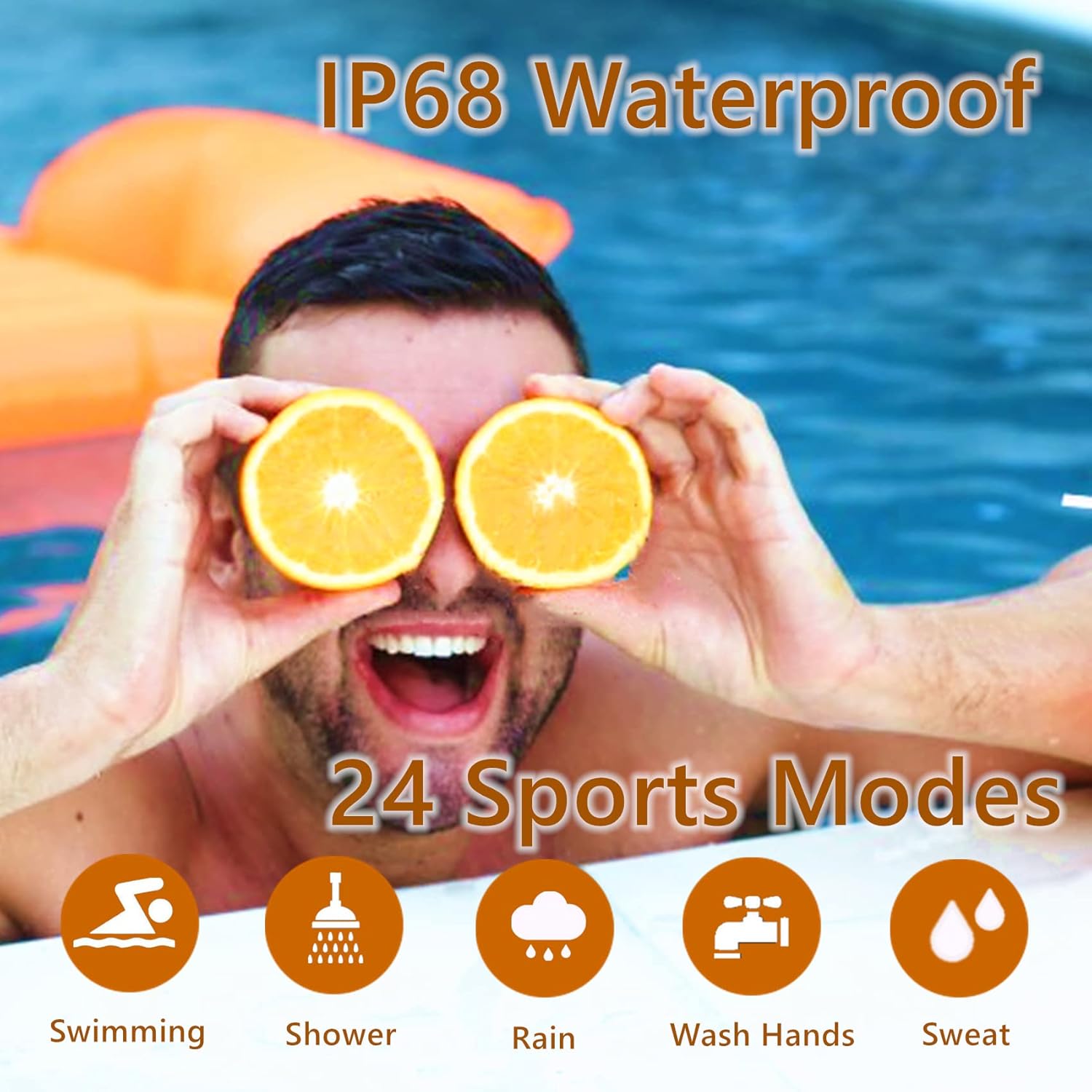
Image: IOWODO R5 Smart Watch demonstrating its IP67 waterproof rating during swimming and showering, highlighting its suitability for various water-related activities.
7. Troubleshooting
- Watch not turning on: Ensure the watch is fully charged.
- Unable to pair with phone:
- Ensure Bluetooth is enabled on your phone.
- Make sure the watch is within Bluetooth range of your phone.
- Restart both your phone and the watch.
- Check if the 'GloryFit' app has all necessary permissions enabled in your phone's settings (Bluetooth, Location, Notifications).
- Notifications not received:
- Verify that Bluetooth is connected.
- Check notification settings within the 'GloryFit' app for specific applications.
- Ensure your phone's notification access for 'GloryFit' is enabled in accessibility settings.
- Disable 'Do Not Disturb' mode on both your phone and watch.
- Inaccurate health data: Ensure the watch is worn snugly on your wrist, not too tight or too loose. Keep the sensor clean.
8. Specifications
| Feature | Specification |
|---|---|
| Model Name | R5 |
| Brand | IOWODO |
| Screen Size | 1.57 Inches |
| Waterproof Rating | IP67 (5ATM) |
| Battery Capacity | 260mAh Lithium Ion |
| Battery Life (Active) | 12-15 days |
| Battery Life (Standby) | Up to 45 days |
| Charging Time | Approx. 2 hours |
| Connectivity | Bluetooth 4.0 or higher |
| Compatibility | iOS 9.0 / Android OS 6.0 or higher |
| Health Features | Heart Rate Monitor, Sleep Monitor, SpO2 Monitor, Pedometer |
| Sports Modes | 24 modes |
| Item Weight | 4.2 ounces |
| Package Dimensions | 6.14 x 3.58 x 0.87 inches |
9. Warranty and Support
For warranty information, technical support, or any inquiries regarding your IOWODO R5 Smart Watch, please refer to the warranty card included in your product packaging or visit the official IOWODO website. You may also contact customer service through the 'GloryFit' app or the retailer where the product was purchased.


