
1. Introduction
Thank you for purchasing the Lydsto Humidifier H1. This compact and portable humidifier is designed to enhance your indoor environment by adding moisture to the air, featuring a quiet operation, an integrated night light, and automatic safety shut-off. Please read this manual thoroughly before use to ensure proper operation and maintenance.
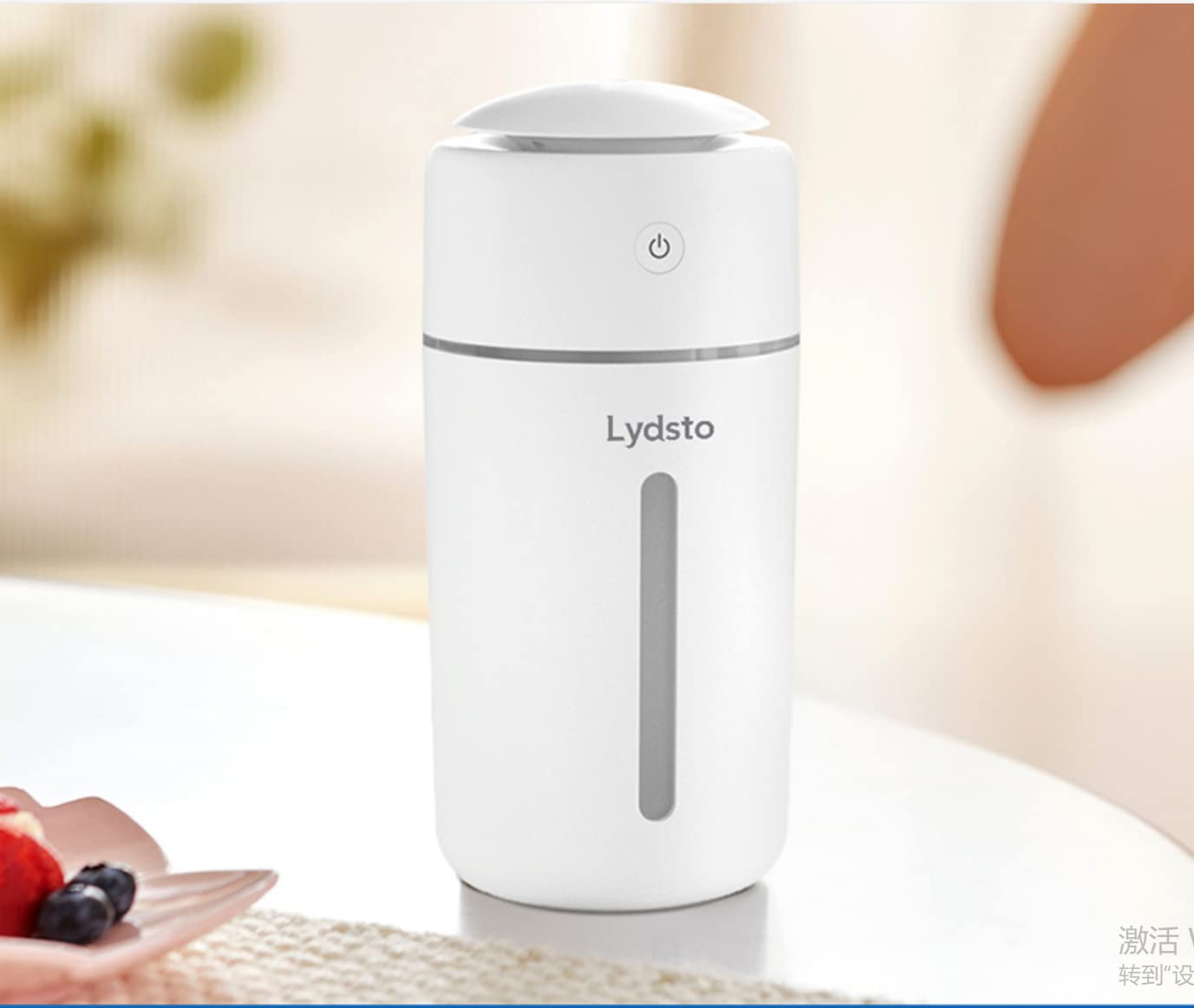
The Lydsto Humidifier H1, shown here on a bedside table, provides both humidification and ambient lighting.
2. Safety Instructions
To reduce the risk of electric shock, fire, or injury, always follow these basic safety precautions:
- Always place the humidifier on a firm, flat, waterproof surface.
- Do not immerse the humidifier base in water or other liquids.
- Use only clean tap water or distilled water. Do not add essential oils, perfumes, or other chemical additives to the water tank, as this may damage the unit and void the warranty.
- Unplug the humidifier from the power source before filling, cleaning, or moving it.
- Keep the humidifier out of reach of children and pets.
- Do not block the mist outlet.
- If the humidifier is damaged or malfunctions, discontinue use immediately and contact customer support.
- The unit features an automatic safety shut-off when water levels are low to prevent dry burning.
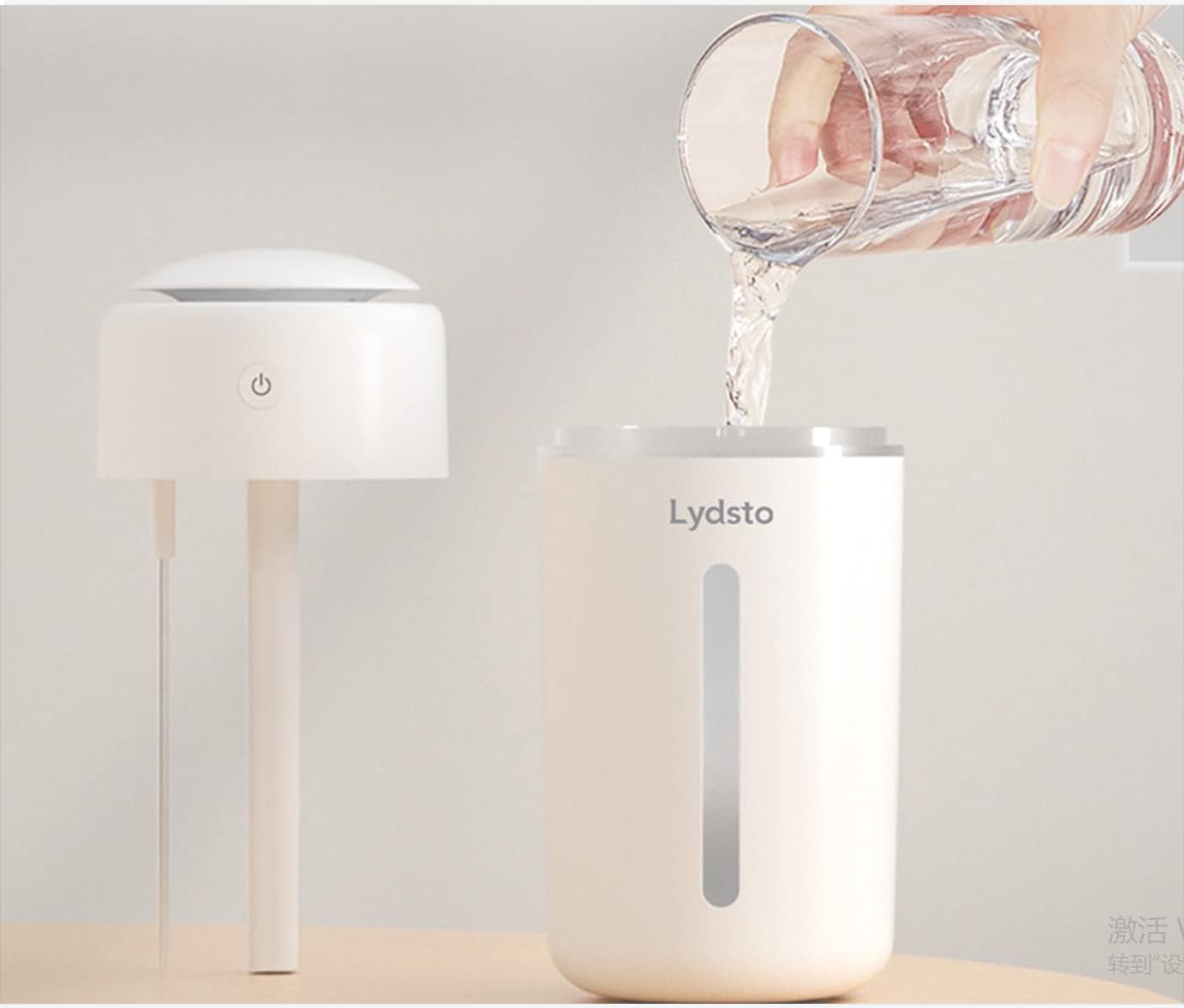
The humidifier includes a physical probe for automatic power-off when water is low.
3. Package Contents
Please check the package for the following items:
- Lydsto Humidifier H1 Unit
- USB Power Cable
- User Manual
4. Product Components
Familiarize yourself with the main parts of your Lydsto Humidifier H1:
- Mist Outlet: Where the mist is released.
- Power Button: Controls power and mist modes.
- Night Light Strip: Provides ambient lighting.
- Water Tank: Holds up to 1 liter of water.
- USB Power Port: For connecting the power cable.
5. Setup
Follow these steps to set up your humidifier:
- Unpack: Carefully remove all packaging materials.
- Placement: Place the humidifier on a stable, flat, and waterproof surface. Ensure it is not near any heat sources or direct sunlight.
- Fill Water Tank: Remove the top cover of the humidifier. Fill the water tank with clean tap water or distilled water up to the maximum fill line. Do not overfill.

To fill, remove the top section and pour water directly into the tank.
- Replace Cover: Securely place the top cover back onto the humidifier.
- Connect Power: Connect the USB power cable to the humidifier's USB port and then to a compatible USB power source (e.g., computer, power bank, USB wall adapter).
6. Operating Instructions
The Lydsto Humidifier H1 offers simple one-button control for mist output and features an integrated night light.
- Power On / Mist Mode 1 (Continuous Mist): Press the power button once. The humidifier will start producing a continuous mist (heavy fog), and the night light will illuminate.
- Mist Mode 2 (Intermittent Mist): Press the power button a second time. The humidifier will switch to intermittent mist mode, spraying mist at intervals.
- Power Off: Press the power button a third time to turn off both the mist and the night light.

Press the power button to cycle through continuous mist, intermittent mist, and off modes.
The night light offers three colors that switch automatically or can be set by a long press (refer to product packaging for specific night light control if different from automatic cycling).
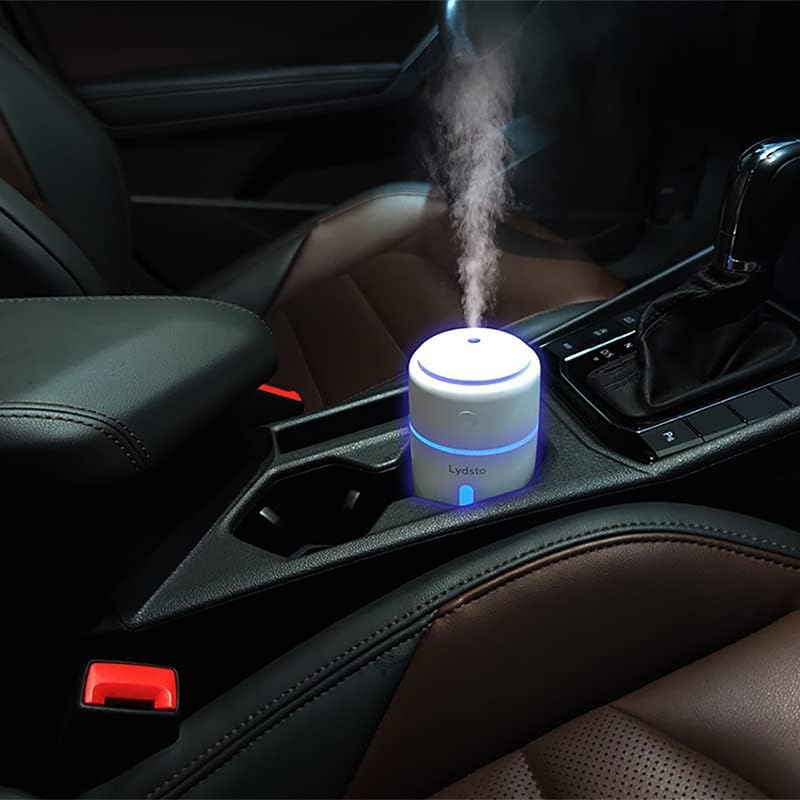
The portable design allows for use in various settings, including vehicles.
7. Maintenance
Regular cleaning helps maintain optimal performance and hygiene.
- Daily Cleaning: Unplug the humidifier. Empty any remaining water from the tank. Wipe the inside of the tank and the mist outlet with a soft, damp cloth.
- Weekly Cleaning: For a more thorough cleaning, especially if you notice mineral buildup, mix a solution of equal parts white vinegar and water. Pour it into the tank and let it sit for 30 minutes. Gently scrub with a soft brush if necessary, then rinse thoroughly with clean water.
- Filter-Free Design: This humidifier is designed to be filter-free, eliminating the need for filter replacement.
- Storage: If storing the humidifier for an extended period, ensure it is clean and completely dry. Store it in a cool, dry place.
8. Troubleshooting
If you encounter issues with your humidifier, please refer to the following common problems and solutions:
| Problem | Possible Cause | Solution |
|---|---|---|
| No mist or weak mist | Low water level Mist outlet blocked Power not connected | Refill water tank Clean mist outlet Ensure USB cable is securely connected to both humidifier and power source |
| Humidifier not turning on | No power Water level too low (auto shut-off activated) | Check USB power connection Refill water tank |
| Leaking water | Top cover not sealed properly Overfilled water tank | Ensure top cover is securely in place Do not fill water above the maximum line |
| Unusual odor | Stagnant water Mineral buildup | Empty and clean water tank regularly Perform weekly cleaning with vinegar solution |
9. Specifications
- Brand: Lydsto
- Model Name: Humidifier H1
- Model Number: YM-JSQH101
- Capacity: 1 Liter
- Product Dimensions: 3"D x 3"W x 6"H
- Item Weight: 8 Ounces
- Special Features: Night Light, Quiet Operation, Auto Safety Shut Off, BPA-Free, Filter Free
- Power Supply: USB
- Noise Level: Approximately 20dB
10. Warranty and Support
Lydsto products are manufactured to the highest quality standards. For warranty information or technical support, please refer to the warranty card included with your purchase or contact Lydsto customer service through the retailer where the product was purchased. Please have your model number (YM-JSQH101) and purchase date ready when contacting support.


