
Product Overview
The Motovera 100ft Green Cross Line Laser Level LL-T2 is a versatile and robust tool designed for precise leveling tasks both indoors and outdoors. It projects bright green cross lines, offering superior visibility up to 100 feet. With its self-leveling capabilities and manual mode, it adapts to various project requirements, from simple picture hanging to complex construction work. Its durable IP54-rated construction ensures reliability in challenging environments.
What's Included
- 1x Motovera 100ft Laser Level (LL-T2)
- 1x Magnetic Fine-Tuning Bracket
- 1x Lifting Base
- 2x AA Batteries
- 1x Laser Target Plate
- 1x User Manual
- 1x Carry-On Bag
Setup
Battery Installation
Before first use, install the two AA batteries into the battery compartment located at the back of the device. Ensure correct polarity (+/-) as indicated inside the compartment.

Image: Motovera Laser Level showing the battery compartment for AA battery installation.
Powering On/Off
The laser level can be turned on or off in two ways:
- At LOCKED position: Long press the power button (green button on top) for more than 5 seconds to turn the tool on/off.
- From LOCKED to UNLOCKED: Slide the slider directly from the LOCKED state to the UNLOCKED state to turn the tool on/off.
Video: Demonstrates how to install batteries and power on/off the Motovera laser level using both methods.
Operating Modes
Self-Leveling Mode
In this mode, the laser will automatically level itself within a tilt angle of 4 degrees. If the tilt angle exceeds 4 degrees, the laser will flash once every 1 second to indicate that it is not level, prompting you to adjust its position until it stabilizes.

Image: The laser level projecting self-leveled cross lines for applications like wall tiling.
Manual Mode
To enter Manual Mode, long press the power button for more than 5 seconds while the device is in the LOCKED position. In this mode, the laser lines will be locked, allowing you to project lines at any desired angle for non-level applications, such as installing handrails on a staircase or aligning pictures on a sloped wall. The laser will blink every 7 seconds to remind you that you are in Manual Mode; this is normal and does not affect performance.
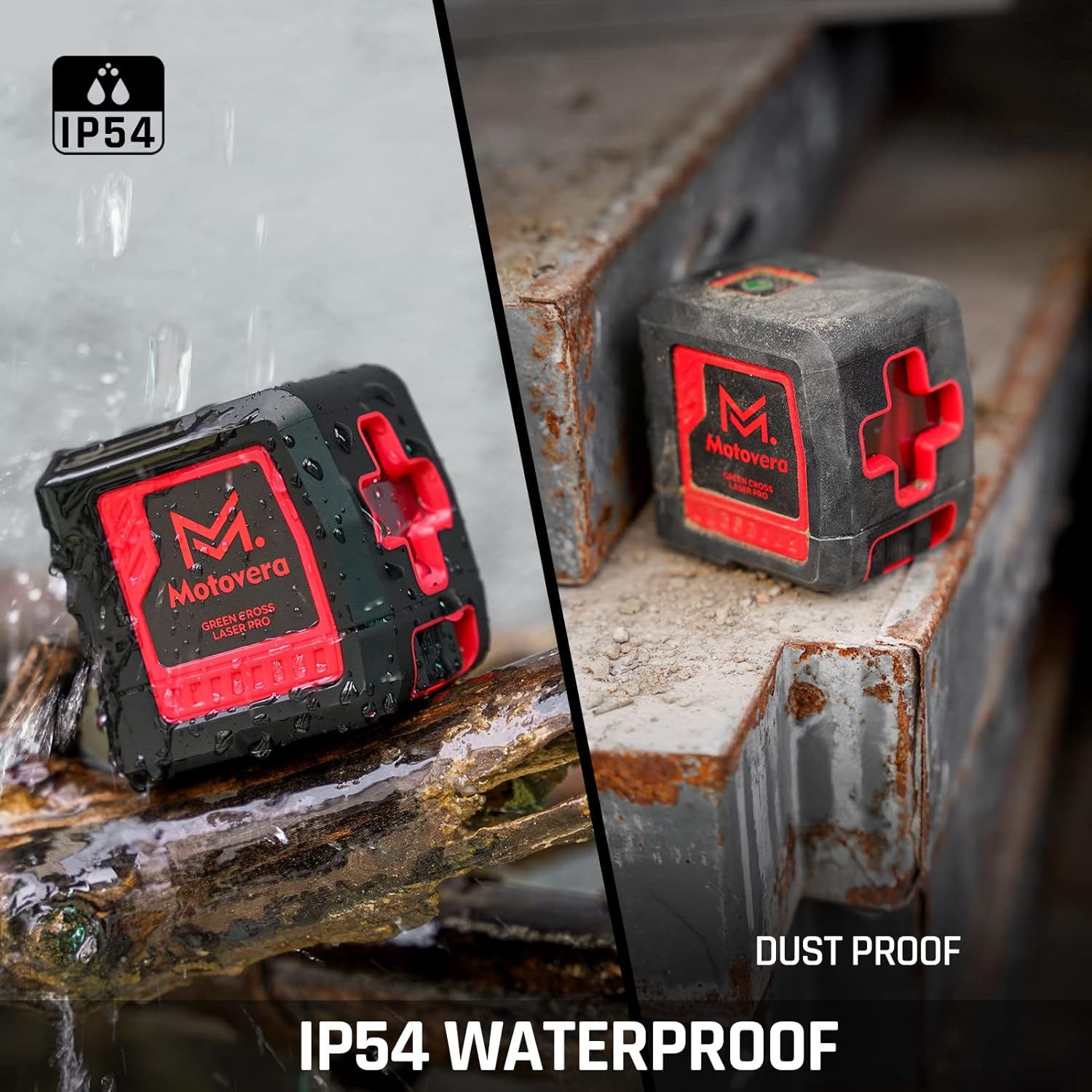
Image: The laser level projecting lines at an angle in Manual Mode, useful for non-level installations.
Video: Illustrates the functionality of both Self-Leveling and Manual Modes, including the blinking indicator for Manual Mode.
Brightness Adjustment
The Motovera laser level features 4 levels of brightness adjustment, allowing you to optimize visibility and conserve battery life. Simply press the power button directly to cycle through the brightness settings: 100%, 75%, 50%, and 25%. The green beam offers 4x the visibility of red lasers under similar conditions.

Image: Visual representation of the four adjustable brightness levels for the green laser beam.
Mounting Options
Magnetic Bracket
The included 360° rotatable magnetic bracket allows for versatile placement on any metal surface. Its strong magnets ensure a stable setup. The bracket also features a 1/4"-20 mounting thread for compatibility with standard tripods and fine adjustment knobs for precise positioning.

Image: The laser level securely mounted to a metal surface using its super magnetic L-shape bracket.
Video: Shows the magnetic bracket's strong hold and 360-degree rotation capability.
Tripod Compatibility
The laser level can be easily mounted on any standard tripod using its 1/4"-20 mounting thread, providing flexibility for various height and angle requirements.
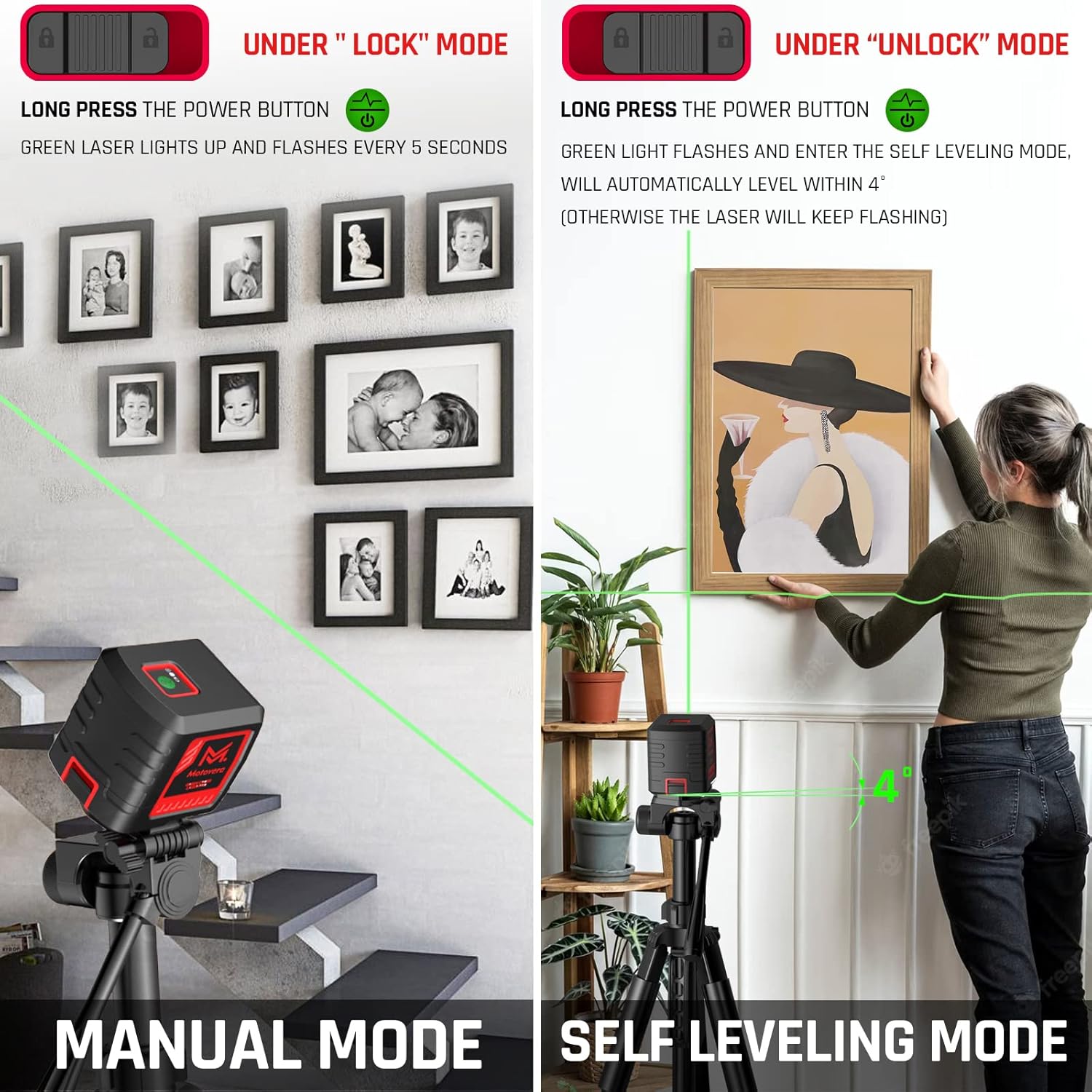
Image: The laser level positioned on a tripod, demonstrating its compatibility for elevated or adjustable setups.
Laser Target Plate
The included laser target plate enhances the visibility of the green laser line, especially when working over long distances or in bright conditions. It features precise markings for accurate measurements and alignment.

Image: The laser level projecting onto the green target plate, highlighting its use for improved visibility and precision.
Video: Demonstrates the use of the green laser target plate for professional and long-distance applications.
Maintenance
Durability and Care
The Motovera laser level is rated IP54 for dust and water resistance, making it suitable for tough working conditions. Its compact and lightweight design with a soft grip ensures it is easy to carry and drop-resistant. To maintain its performance, always store the device in its provided carry-on bag when not in use.

Image: Highlights the IP54 waterproof and dustproof capabilities of the laser level, showcasing its robust build.
Troubleshooting
Laser Blinking Indicators
- In Manual Mode: The laser will automatically blink every 7 seconds. This is a normal phenomenon and indicates that you are in Manual Mode.
- In Self-Leveling Mode (Tool Tilted): If the tool tilts at an angle greater than 4 degrees, the laser will blink intensely every 1 second. This indicates that the tool is not level and requires adjustment.
- Low Power: When the dry battery voltage is low (single dry battery voltage < 1.15V), the red indicator light will flash. When the dry battery voltage is very low (less than 0.95V), the red indicator light will be constant, and the laser line will turn off.
Video: Explains various laser blinking scenarios, including Manual Mode indication, out-of-level warning, and low battery alerts.
Specifications
| Feature | Detail |
|---|---|
| Brand | Motovera |
| Model Number | LL-T2 |
| Material | Acrylonitrile Butadiene Styrene |
| Color | Green |
| Product Dimensions | 5.5"L x 3.4"W |
| Item Weight | 7.1 ounces (200 Grams) |
| Operation Mode | Automatic |
| UPC | 850059544006 |
| Power Source | Battery Powered (2 AA batteries included) |
| Type of Bulb | Green Beam |
| Measurement System | Self-leveling mode and Manual mode |
| Special Features | Self-leveling, Green-line |
| Laser Class | Ⅱ <5mW |
| Horizontal Accuracy | ±3mm at 10m (±1/8 inch at 33 Ft) |
| IP Rating | IP54 (Dust and Water Resistant) |
Warranty & Support
The Motovera Laser Level LL-T2 comes with a 24-month warranty extension. For any questions, technical support, or warranty claims, please feel free to contact us. Our professional technical team is available 24/7 to assist with any queries.
For more information, visit the official Motovera Store: Motovera Store
