
1. Introduction
This manual provides instructions for the installation, operation, and maintenance of your OYES SMA-800 Cat Water Fountain Pump. This submersible pump is designed as a replacement for stainless steel pet water dispensers, ensuring a continuous flow of fresh and filtered water for your pet.
2. Product Features
- Bottom Pumping Design: The upgraded design allows the pump to draw water from the bottom, effectively preventing burnout even at low water levels and extending the pump's service life.
- Ultra-Quiet Operation: Operates at less than 40dB, ensuring a peaceful environment for both you and your pets.
- Low Power Consumption: Efficient 1.5W power usage.
- Long Lifespan: Engineered for durability, typically lasting over 2 years with proper maintenance.
- USB Powered: Features a USB plug for versatile power options, compatible with portable chargers, computers, and DC5V1A adapters (power adapter not included).
- Integrated Blue LED Light: Provides illumination for water level visibility.

Image: The SMA-800 pump highlighting its low water level pumping capability.
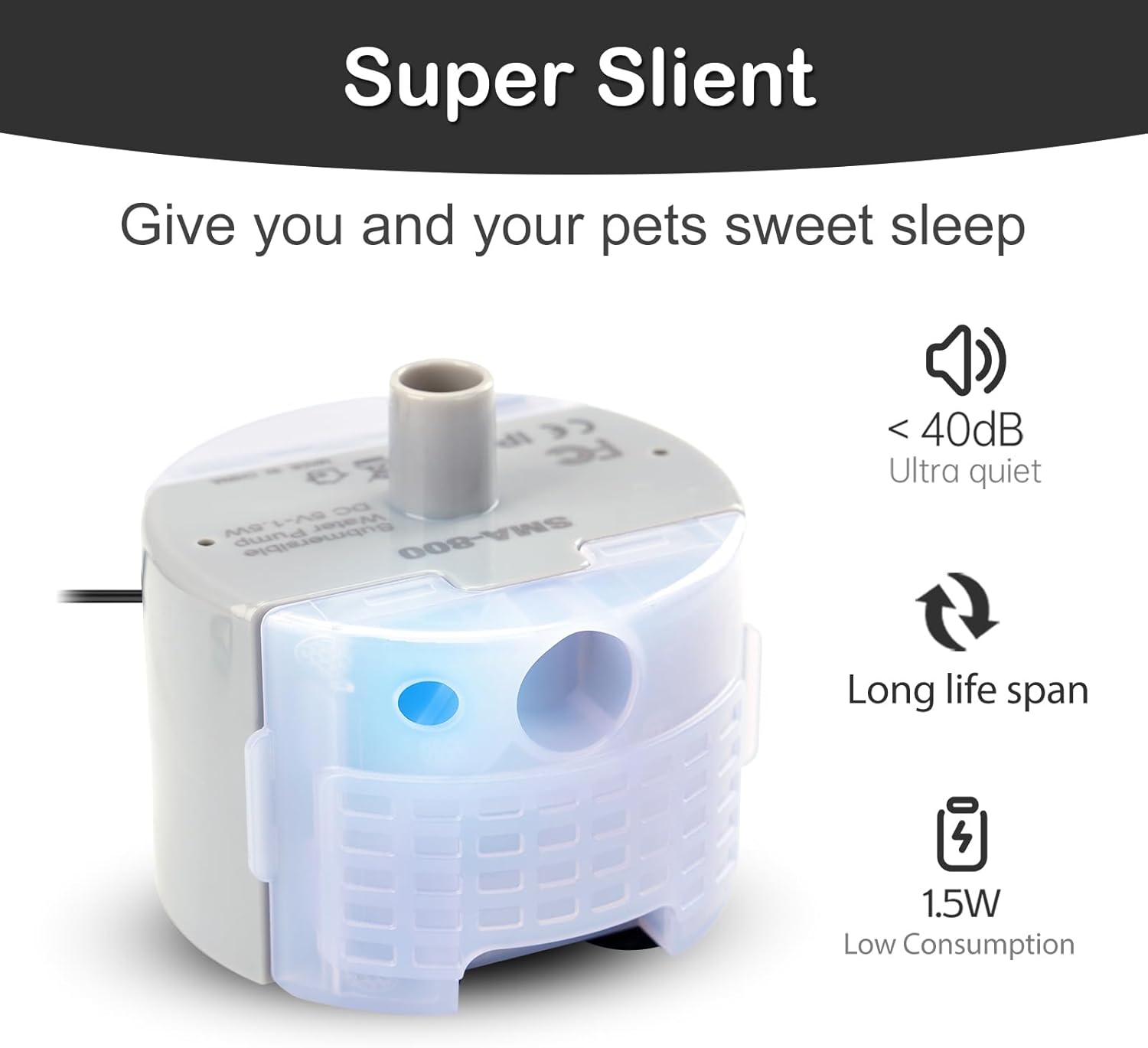
Image: The SMA-800 pump emphasizing its quiet operation, long lifespan, and low power consumption.

Image: The SMA-800 pump showing its USB plug for various applications like PC/Laptop, power bank, or DC5V1A adapter.
3. Package Contents
- 1 x OYES SMA-800 Cat Water Fountain Pump
4. Setup
- Prepare the Pump: Ensure the pump is clean and free from any packaging materials.
- Install Pre-filter Sponge: Attach the pre-filter sponge securely to the bottom of the pump. This sponge helps filter impurities and protects the pump.
- Position in Fountain: Place the pump into the designated compartment at the bottom of your pet water fountain. Ensure it is seated correctly.
- Connect Power: Plug the USB cable into a compatible 5V/1A power source, such as a USB wall adapter (not included), computer USB port, or power bank.

Image: Illustration demonstrating the correct method for installing the pre-filter sponge onto the pump base.

Image: A visual guide to various pet fountain models compatible with the SMA-800 pump.
5. Operation
- Fill Fountain: Ensure your pet fountain is filled with water, making sure the water level is above the minimum operating level of the pump.
- Activate Pump: Once connected to power, the pump will automatically begin circulating water. The blue LED light will indicate operation.
- Monitor Water Level: Regularly check the water level in the fountain to ensure the pump remains submerged and operates efficiently.
Video: Official OYES video demonstrating the SMA-800 cat fountain pump in operation.
6. Maintenance
Regular cleaning is crucial for the longevity and optimal performance of your pump. It is recommended to clean the pump at least once a week.
- Disconnect Power: Always unplug the pump from the power source before cleaning.
- Disassemble Pump: Carefully remove the pump from the fountain. Detach the front cover and impeller cover to access the impeller.
- Clean Components: Rinse all parts under running water. Use a small brush (often included with fountain cleaning kits) to thoroughly clean the impeller, its housing, and the inside of the pump to remove any hair, debris, or mineral buildup.
- Clean Pre-filter Sponge: Wash the pre-filter sponge to remove trapped impurities. Replace if heavily soiled or damaged.
- Reassemble: Ensure all components are clean and dry, then reassemble the pump in reverse order. Make sure the impeller is properly seated and the covers are securely attached.
Image: A person cleaning the pump components under running water.

Image: Detailed view of disassembling the pump to access the impeller for cleaning.
7. Troubleshooting
| Problem | Possible Cause | Solution |
|---|---|---|
| Pump not working / No water flow |
|
|
| Pump making unusual noise |
|
|
| Reduced water flow |
|
|
8. Specifications
- Model: SMA-800
- Product Dimensions: 4.8 x 2.36 x 2.91 inches
- Item Weight: 5.64 ounces
- Voltage: 5 volts
- Power Consumption: 1.5W
- Maximum Lifting Height: 70.8 inches
- Material: Plastic
- Style: Submersible
- Color: Grey
- Manufacturer: OYES

Image: Product dimensions and the location of the blue LED light on the SMA-800 pump.
9. Warranty & Support
The OYES SMA-800 Cat Water Fountain Pump comes with a 1-year manufacturer warranty.
For any questions, troubleshooting assistance, or warranty claims, please contact OYES customer service through the retailer where the product was purchased or visit the official OYES brand store.
OYES Brand Store: Visit OYES Store on Amazon