
Introduction
The Skullcandy Dime 2 earbuds offer exceptional sound quality, simple controls, and integrated Tile™ finding technology. Designed for convenience and durability, these earbuds provide a reliable audio experience for various activities.
What's in the Box
- Skullcandy Dime 2 True Wireless Earbuds
- Charging Case
- USB Charging Cable
- Multiple Sizes of Ear Gels (S, M, L)
- User Guide / Instruction Manual

Image: Skullcandy Dime 2 earbuds shown with their compact charging case.
Setup
1. Charging Your Earbuds
Before first use, fully charge your Dime 2 earbuds and charging case. The earbuds provide 3.5 hours of listening time, and the charging case holds two full charges, totaling 12 hours of battery life.
- Place the earbuds into the charging case.
- Connect the USB charging cable to the charging port on the case and a power source.
- The indicator lights on the case and earbuds will show charging status.

Image: Diagram illustrating the 12-hour total battery life of the Skullcandy Dime 2 earbuds and charging case.
2. Pairing with Your Device
The Dime 2 earbuds feature automatic connection for seamless pairing.
- Open the charging case. The earbuds will automatically enter pairing mode.
- On your device (smartphone, tablet, etc.), go to Bluetooth settings.
- Select "Dime 2" from the list of available devices to connect.
- Once connected, you will hear an audio prompt, and the indicator lights on the earbuds will change.
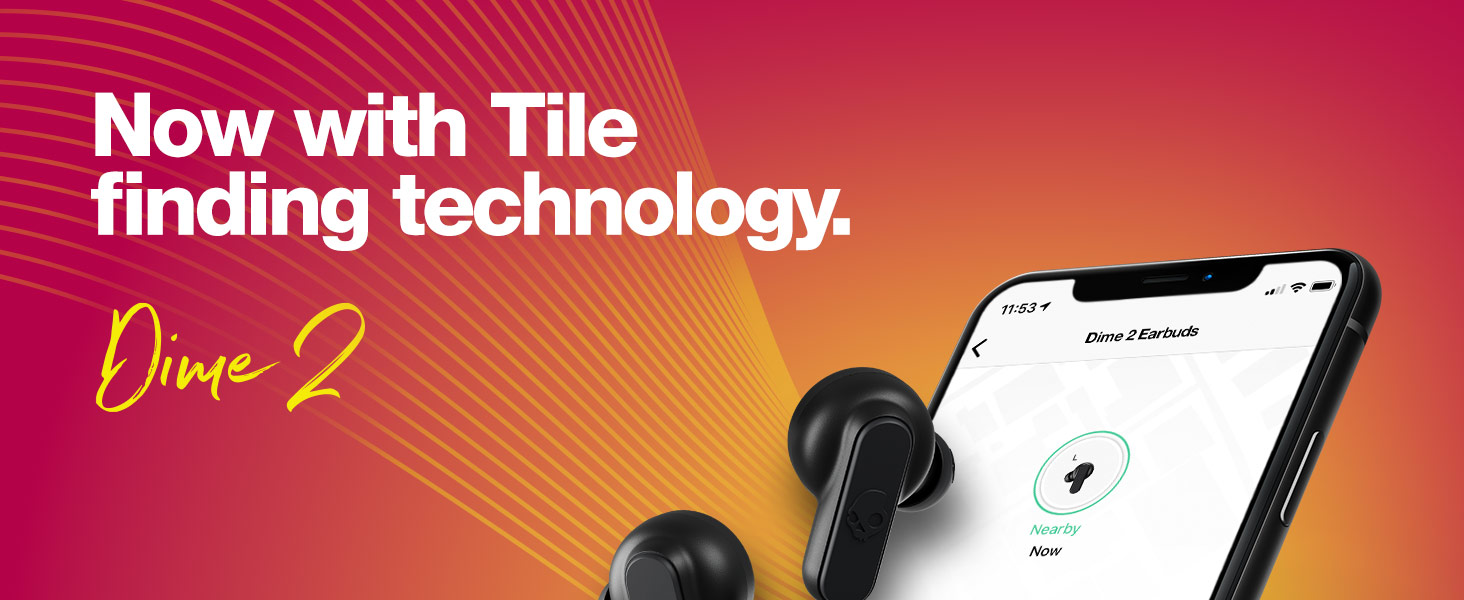
Image: Skullcandy Dime 2 earbuds with an "Auto Connect" graphic, indicating easy pairing.
Video: A user demonstrating the automatic pairing process of the Skullcandy Dime 2 wireless earbuds by simply removing them from the case and connecting via Bluetooth settings on a smartphone.
Operating Instructions
Controls
Each Dime 2 earbud features a single button for controlling various functions without needing to access your phone.
- Play/Pause: Press the button once on either earbud.
- Next Track: Press the right earbud button twice.
- Previous Track: Press the left earbud button twice.
- Answer/End Call: Press the button once on either earbud.
- Volume Up: Press and hold the right earbud button.
- Volume Down: Press and hold the left earbud button.
- Activate Voice Assistant: Press the button three times on either earbud.

Image: Graphic showing the control layout on the Skullcandy Dime 2 earbuds for music, calls, and volume.
Single Bud Use
Each Dime 2 earbud is equipped with a microphone, allowing you to use either earbud independently for calls or listening to media. This feature is useful for staying aware of your surroundings.
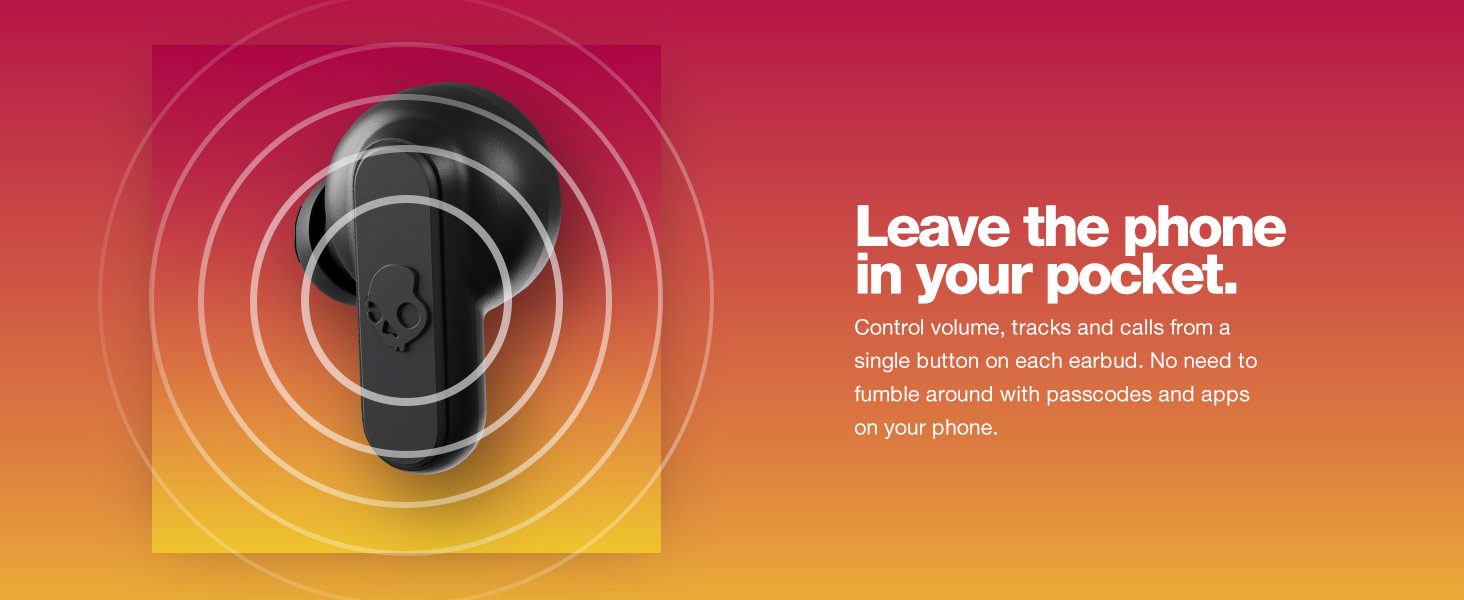
Image: A person wearing one Skullcandy Dime 2 earbud, illustrating the single bud use feature for situational awareness.
Key Features
Tile™ Finding Technology
Never lose your earbuds again. The Skullcandy Dime 2 integrates Tile™ technology, allowing you to easily track down either earbud using the Tile app on your smartphone. Follow the in-app instructions to activate this feature.

Image: Skullcandy Dime 2 earbuds and their charging case, highlighting the integrated Tile™ finding technology.
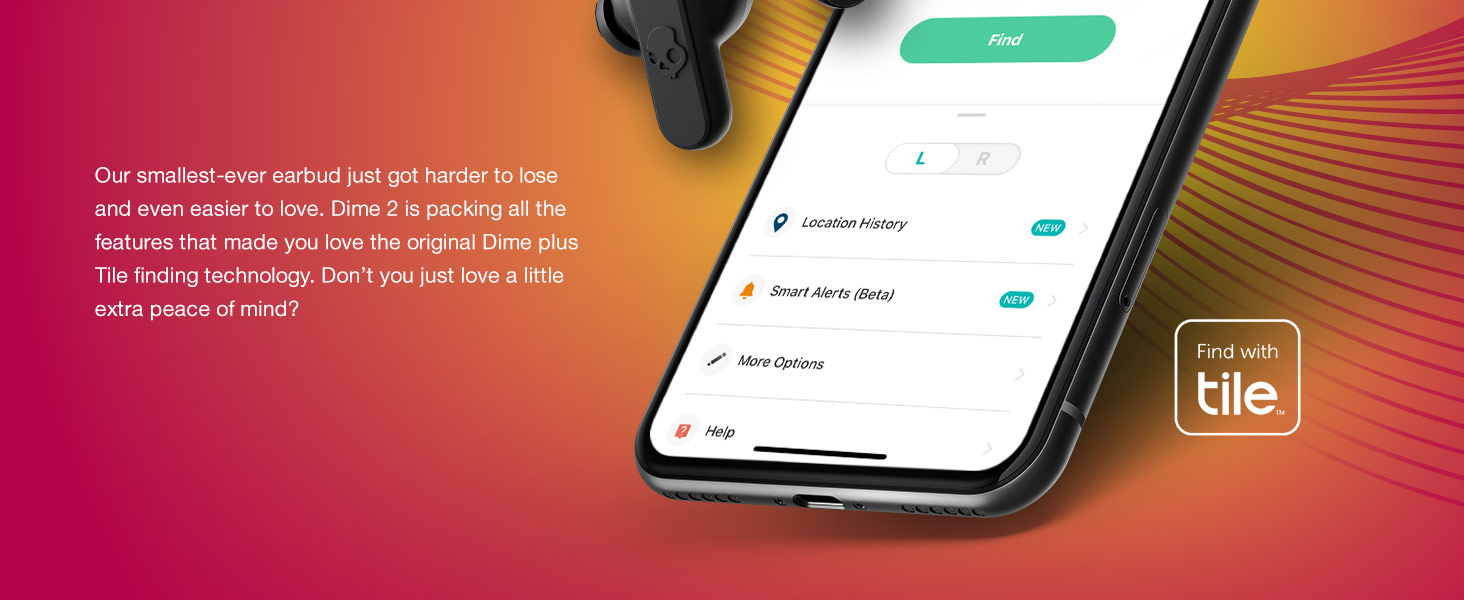
Image: A smartphone displaying the Tile app interface, showing how to locate the Dime 2 earbuds.
Sweat and Water Resistant (IPX4)
The Dime 2 earbuds are designed to withstand light rain and heavy sweat with an IPX4 rating, making them suitable for workouts and outdoor activities.

Image: A close-up of a Skullcandy Dime 2 earbud with water droplets, signifying its IPX4 sweat and water resistance.
Secure and Comfortable Fit
Engineered for a secure fit, the Dime 2 earbuds stay in place during various activities like running or exercising. They come with three different sizes of rubber ear tips to ensure a comfortable and noise-isolating fit for all users.

Image: A woman wearing Skullcandy Dime 2 earbuds while hiking, demonstrating their secure fit during active use.
Video: A user showcasing the compact size and comfortable fit of the Skullcandy Dime 2 earbuds, highlighting the included multiple ear tip sizes for customization.
Maintenance
- Cleaning: Regularly clean your earbuds and charging case with a soft, dry, lint-free cloth. Avoid using harsh chemicals or abrasive materials.
- Ear Tips: Remove ear tips and clean them with mild soap and water. Ensure they are completely dry before reattaching.
- Charging Contacts: Gently wipe the charging contacts on both the earbuds and the case to ensure proper connection and charging.
- Storage: Store earbuds in their charging case when not in use to protect them and keep them charged.
Troubleshooting
- No Power: Ensure both earbuds and the charging case are fully charged.
- Pairing Issues:
- Turn off Bluetooth on your device and then turn it back on.
- Forget "Dime 2" in your device's Bluetooth settings and attempt to re-pair.
- Place both earbuds back in the case, close the lid for a few seconds, then open it to reset.
- One Earbud Not Working: Try placing both earbuds back in the case, closing the lid, and then taking them out again. Ensure both are charged.
- Sound Quality Issues: Ensure ear tips are correctly sized and seated for a proper seal. Clean any debris from the earbud speakers.
Specifications
| Brand | Skullcandy |
| Model Name | Dime 2 |
| Model Number | S2DBW-Q768 |
| Ear Placement | In Ear |
| Connectivity Technology | Bluetooth, Wireless |
| Bluetooth Version | 5.2 |
| Bluetooth Range | 10 Meters |
| Battery Life (Earbuds) | 3.5 Hours |
| Total Battery Life (with Case) | 12 Hours |
| Water Resistance Level | IPX4 (Sweat and Water Resistant) |
| Microphone | Included (in each bud) |
| Noise Control | Sound Isolation |
| Weight | 0.03 Kilograms |
| GTIN (UPC) | 810045687391 |
Warranty and Support
The Skullcandy Dime 2 earbuds come with a 1-year manufacturer warranty. For support, please visit the official Skullcandy website or contact their customer service.
For additional information and resources, you may visit the Skullcandy Store on Amazon.


