
1. Introduction
Welcome to the exciting world of Hot Wheels City! This instruction manual provides essential information for the assembly, operation, and maintenance of your Hot Wheels City Shark Beach Battle Play Set, model FNB21. Please read this manual carefully before use to ensure safe and optimal play.
The Hot Wheels City Shark Beach Battle Play Set offers an engaging play experience where children can launch cars to defeat a giant shark and participate in a surf competition. This set is designed for easy setup and can connect with other Hot Wheels City playsets for expanded adventures.
2. Safety Information
- Adult Supervision Recommended: This product contains small parts and requires assembly. Adult supervision is advised during assembly and play.
- Choking Hazard: Not suitable for children under 3 years due to small parts.
- Intended Use: This toy is designed for use with Hot Wheels die-cast vehicles. Do not use other objects or vehicles that may damage the set or cause injury.
- Avoid Misuse: Do not stand on, throw, or misuse the playset components.
- Keep Away from Water: This playset is not designed for water play.
3. Package Contents
Please ensure all components are present before beginning assembly. The package should contain:
- Hot Wheels City Shark Beach Battle playset components (track pieces, shark mechanism, launcher, surf competition stand).
- One Hot Wheels die-cast vehicle (may vary).
- Instruction sheet (this manual).

Figure 3.1: The Hot Wheels City Shark Beach Battle Play Set as packaged.
Description: This image displays the Hot Wheels City Shark Beach Battle Play Set in its original retail box. The box features vibrant artwork depicting the shark battle scene with Hot Wheels cars. The set components, including the shark, track, and launcher, are visible through a clear plastic window on the front of the box.
4. Setup and Assembly
Follow these steps to assemble your Hot Wheels City Shark Beach Battle Play Set:
- Unpack Components: Carefully remove all pieces from the packaging.
- Connect Base Pieces: Assemble the main base sections of the playset. Ensure they click securely into place.
- Attach Shark Mechanism: Secure the shark component to its designated spot on the base. The shark's mouth should be able to open and close freely.
- Install Launcher: Connect the car launcher mechanism to the starting point of the track.
- Assemble Track Sections: Attach the track pieces, including the ramp leading towards the shark and the surf competition wave. Ensure all connections are firm.
- Place Surf Stand: Position the surf competition stand at the end of the wave track.

Figure 4.1: The fully assembled Hot Wheels City Shark Beach Battle Play Set.
Description: This image shows the Hot Wheels City Shark Beach Battle Play Set fully assembled on a white background. It features the blue shark figure with an open mouth, a translucent blue wave, an orange track leading from a brown launcher, and a grey grandstand for the surf competition. The various components are connected to form a complete play area.
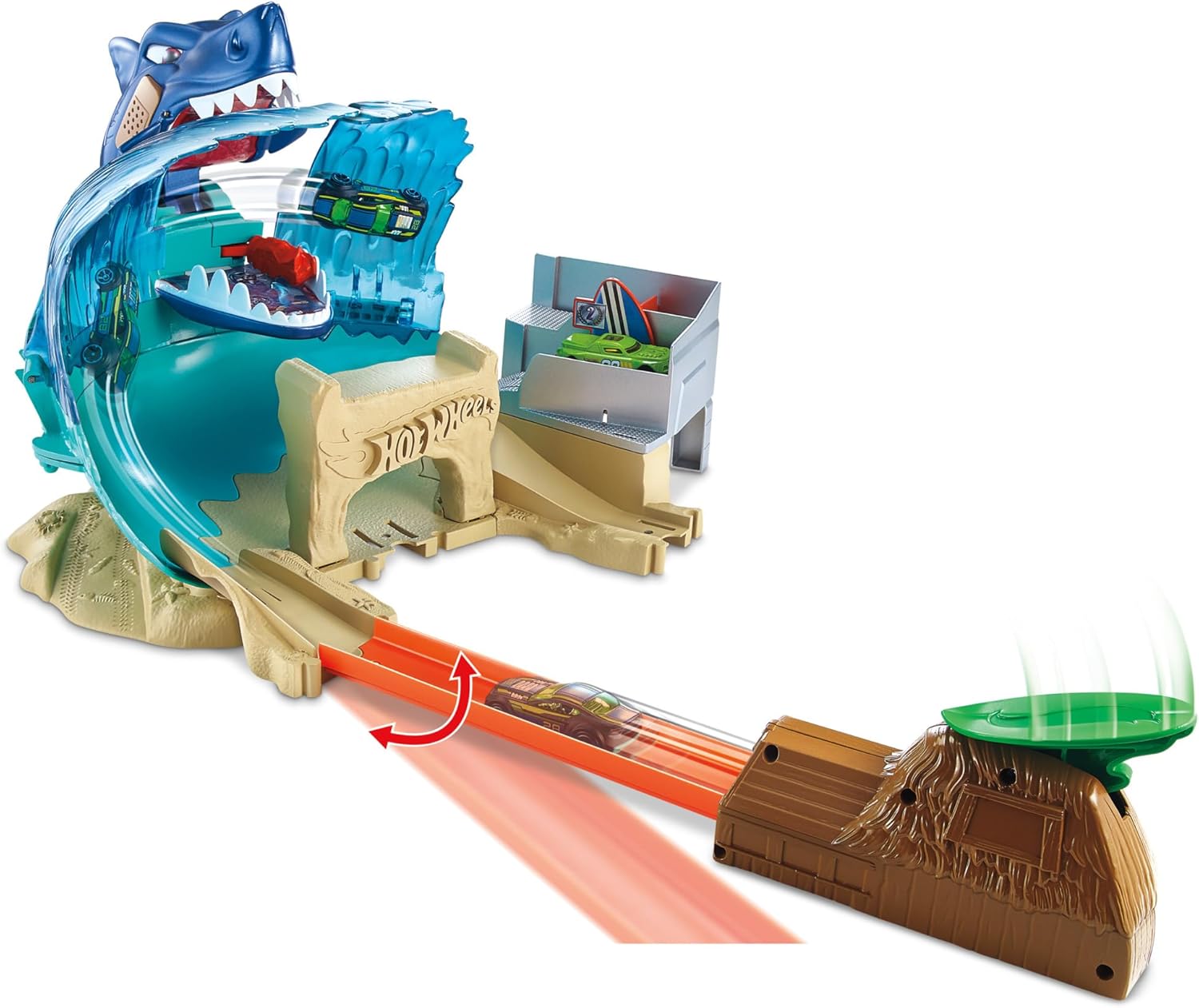
Figure 4.2: A Hot Wheels car being launched on the track towards the shark.
Description: This image captures a Hot Wheels car in motion on the orange track, speeding towards the open mouth of the blue shark. The launcher mechanism is visible on the right, and the translucent blue wave structure is behind the shark. The scene depicts the action of the playset.
5. Operating Instructions
The Hot Wheels City Shark Beach Battle Play Set offers two primary play modes: defeating the shark and the surf competition.
5.1. Defeating the Shark
- Position Car: Place a Hot Wheels car onto the launcher.
- Launch Car: Press the launcher button or lever to send the car speeding down the track.
- Aim for the Shark: Guide the car to hit the shark's mechanism. If successful, the shark's jaws will close, trapping the car.
- Rescue Mission: To defeat the shark and release the trapped car, launch another car with precision to hit the designated target on the shark's side. This will cause the shark to open its mouth and release the car.
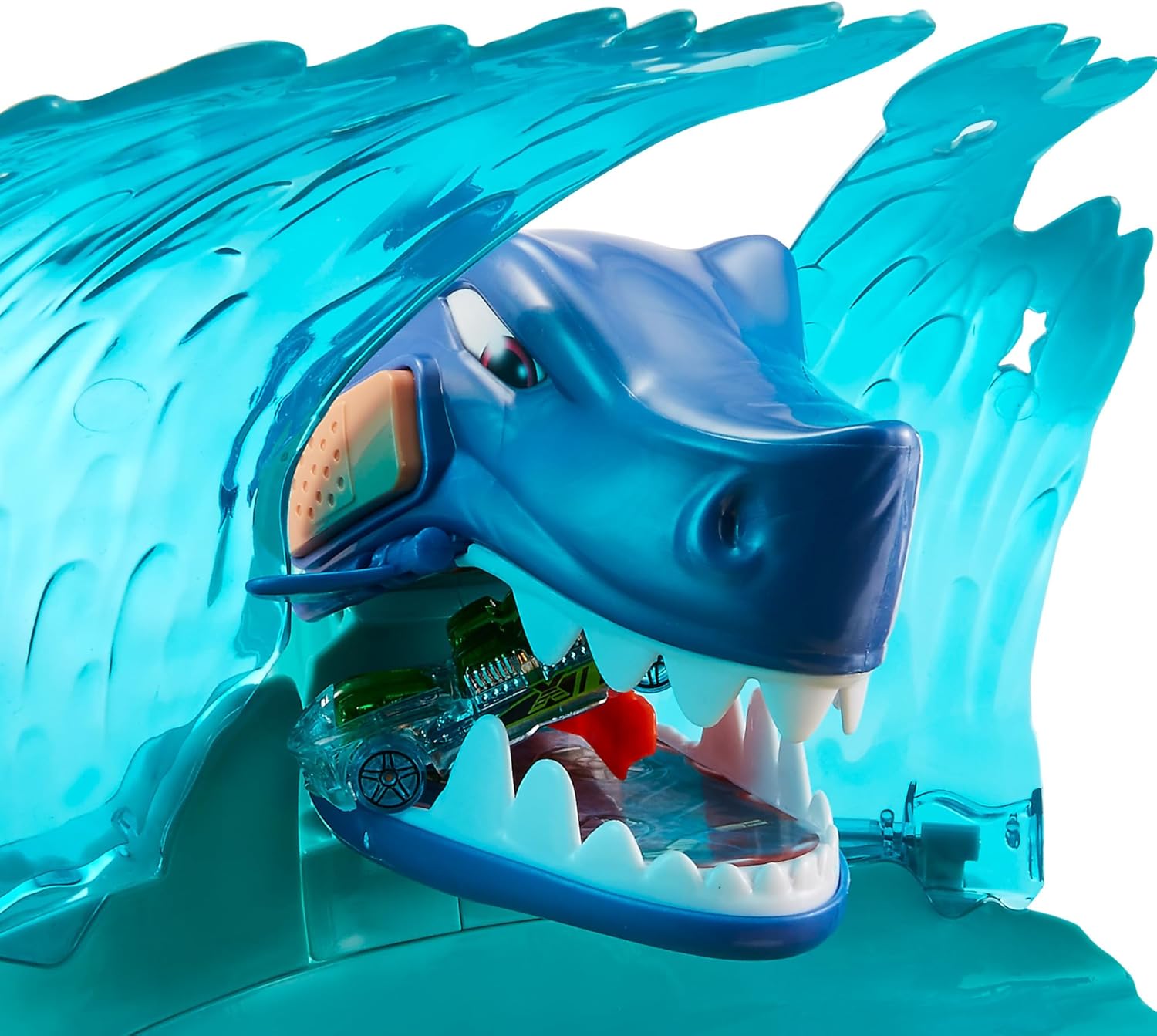
Figure 5.1: A Hot Wheels car trapped inside the shark's jaws.
Description: This close-up image shows the head of the blue shark from the playset. Its mouth is closed, and a green Hot Wheels car is visible, trapped inside its jaws. The translucent blue wave structure is behind the shark's head.
5.2. Surf Competition
Alternatively, cars can be launched to drift on the wave and land in the grandstands for a surf competition challenge.
- Position Car: Place a Hot Wheels car onto the launcher.
- Launch Car: Press the launcher button or lever to send the car speeding down the track.
- Aim for the Wave: Guide the car to ride the wave track and land in the scoring zones of the grandstand.
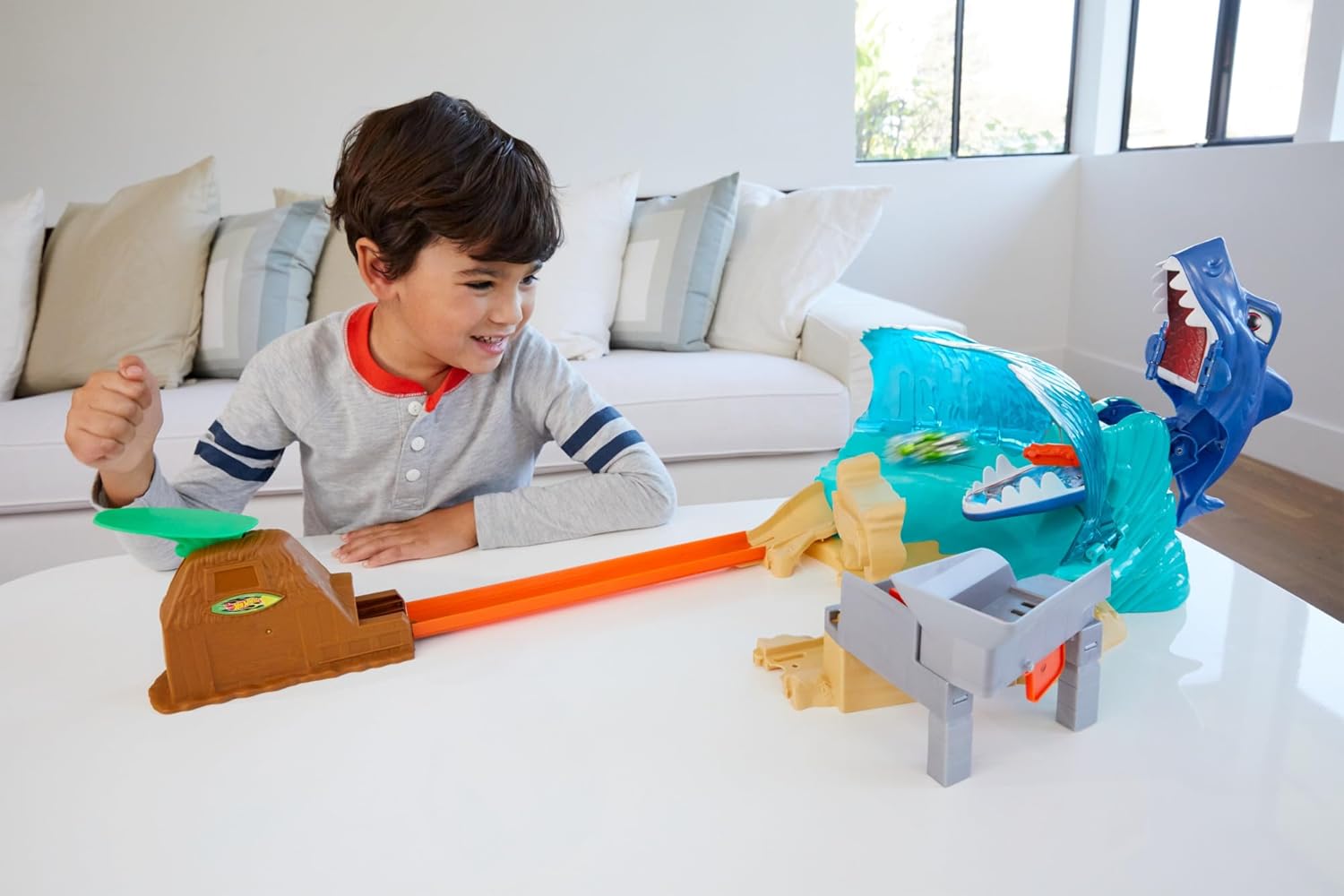
Figure 5.2: A child engaging with the Hot Wheels City Shark Beach Battle Play Set.
Description: This image shows a young boy sitting at a table, actively playing with the Hot Wheels City Shark Beach Battle Play Set. The assembled playset, featuring the blue shark and track, is laid out on the table. The boy is looking at the set with a focused and engaged expression.
6. Maintenance
6.1. Cleaning
- Wipe the playset components with a soft, dry cloth.
- For stubborn dirt, a slightly damp cloth can be used, followed by immediate drying.
- Do not use harsh chemicals or abrasive cleaners, as these may damage the plastic.
6.2. Storage
- Store the playset in a cool, dry place away from direct sunlight.
- Disassemble the set into larger components for compact storage if desired.
7. Troubleshooting
| Problem | Possible Cause | Solution |
|---|---|---|
| Car not launching effectively. | Launcher mechanism not fully engaged or worn. | Ensure the car is correctly seated in the launcher. Press the launcher firmly and completely. |
| Shark's jaws not closing/opening. | Mechanism jammed or not properly assembled. | Check for any obstructions in the shark's mouth. Re-verify assembly of the shark component. |
| Cars derailing on the track. | Track pieces not securely connected or damaged. | Ensure all track connections are tight. Inspect track for any bends or breaks. |
8. Specifications
- Model Number: FNB21
- Brand: Hot Wheels (MATTEL)
- Material: Plastic
- Color: Multicolour
- Product Dimensions (L x W x H): 38 x 45.5 x 9 cm
- Item Weight: 1 kg
- Recommended Age: 5 - 8 years (as indicated on packaging)
- Assembly Required: Yes
- Batteries Required: No
- Scale: 1:64 (for compatible vehicles)
9. Warranty and Support
For warranty information or product support, please refer to the contact details provided on the product packaging or visit the official Hot Wheels (Mattel) website. Keep your purchase receipt as proof of purchase.
Online Support: Mattel Customer Service
