
1. Introduction
Thank you for choosing the Moongiantgo Electric Pasta Machine MG-QC-2. This appliance is designed to simplify the pasta-making process, allowing you to create fresh, homemade pasta with ease. It features an electric motor, two integrated cutting blades for different noodle types, and nine adjustable thickness settings for dough rolling. Please read this manual thoroughly before operating the machine to ensure safe and efficient use.
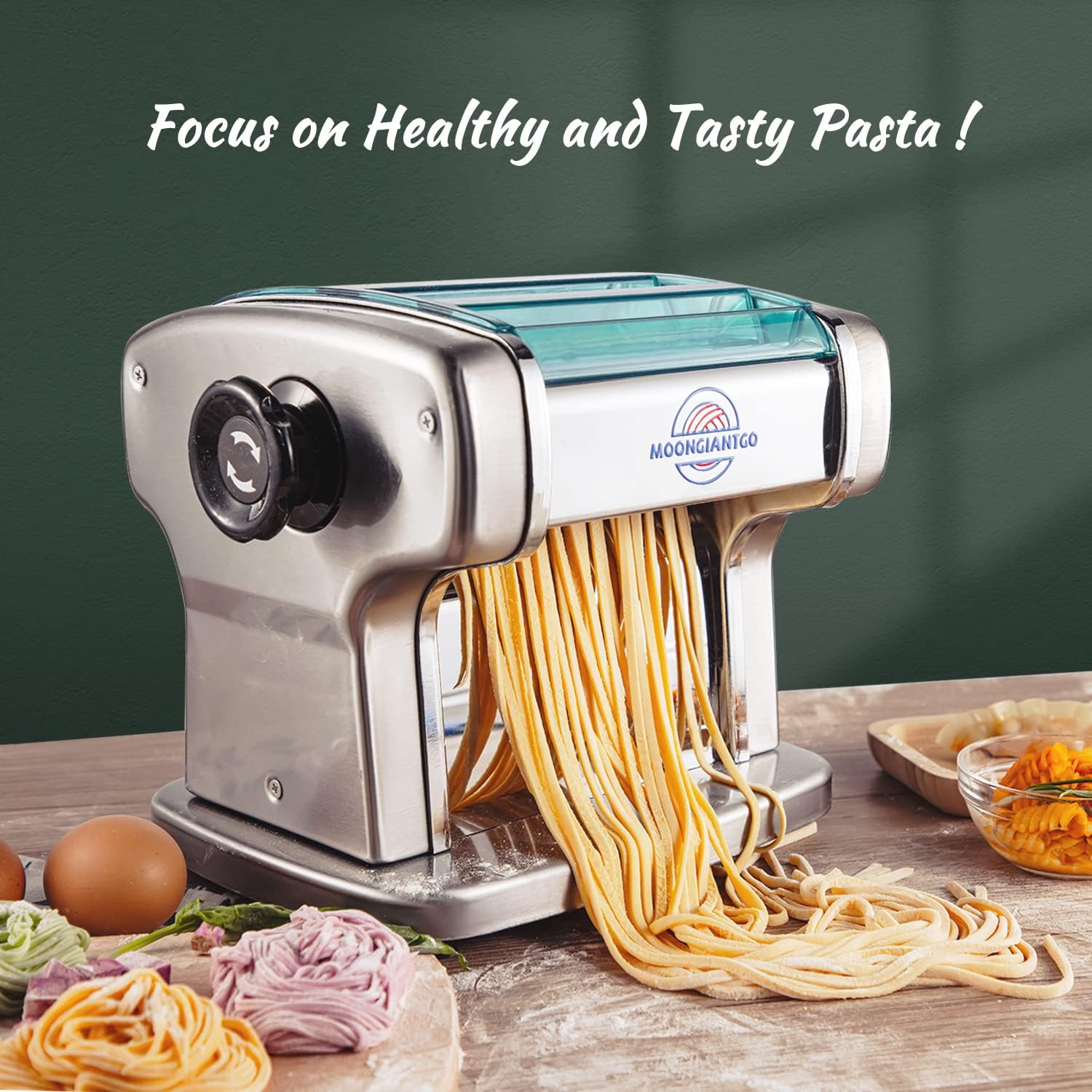
Image 1.1: The Moongiantgo Electric Pasta Machine in use, demonstrating its capability to produce various fresh pasta types.
2. Safety Instructions
- Read all instructions before use.
- Do not immerse the motor unit in water or other liquids.
- Keep hands and utensils away from moving parts during operation to prevent injury.
- Ensure the machine is placed on a stable, flat, and dry surface.
- Unplug the machine from the power outlet when not in use, before assembling or disassembling parts, and before cleaning.
- Do not operate the machine with a damaged cord or plug, or after the appliance malfunctions or has been damaged in any manner.
- This appliance is not intended for use by persons (including children) with reduced physical, sensory, or mental capabilities, or lack of experience and knowledge, unless they have been given supervision or instruction concerning use of the appliance by a person responsible for their safety.
- Children should be supervised to ensure that they do not play with the appliance.
- Use only manufacturer-recommended attachments.
3. Product Components
The Moongiantgo Electric Pasta Machine MG-QC-2 includes the main unit with an integrated motor, dough rollers, and two cutting blades. The primary components are:
- Main Machine Body (Stainless Steel)
- Dough Roller (Integrated)
- 2.5mm Round Noodle Cutter (Integrated)
- 4mm Flat Noodle Cutter (Integrated)
- Thickness Adjustment Knob
- Integrated Control Knob for Roller/Blade Rotation
- Power Switch

Image 3.1: Overview of the 3-in-1 integrated pasta maker, highlighting the dough pressing roller and the double noodle cutting blades.
4. Setup
- Unpacking: Carefully remove all components from the packaging. Retain packaging for future storage or transport.
- Placement: Place the pasta machine on a clean, dry, and stable countertop. Ensure there is enough space around the machine for safe operation.
- Initial Cleaning: Before first use, wipe down the exterior of the machine with a damp cloth. Run a small piece of scrap dough through the rollers and cutters a few times to remove any manufacturing residues. Discard this dough.
- Power Connection: Ensure the power switch is in the 'OFF' position. Plug the power cord into a suitable electrical outlet (220V).
5. Operating Instructions
5.1 Dough Preparation
For best results, prepare a firm, non-sticky pasta dough. The machine can process various types of flour, including gluten-free, spelt, and soy. Ensure the dough is kneaded well and rested before rolling.
5.2 Thickness Adjustment
The machine offers 9 thickness settings, ranging from 0.5mm to 5mm. To adjust the dough thickness:
- Turn the thickness adjustment knob to select the desired setting. A higher number corresponds to a thinner dough sheet.
- Start with a thicker setting (e.g., 1 or 2) and gradually decrease the thickness by passing the dough through the rollers multiple times until the desired thinness is achieved.

Image 5.1: The thickness adjustment knob with 9 settings for precise dough sheet thickness control.
5.3 Dough Rolling and Noodle Cutting
The machine features an integrated control knob that allows you to switch between dough rolling only and simultaneous dough rolling and noodle cutting.
- Dough Rolling: To roll dough sheets, ensure the integrated control knob is set to the position where only the roller rotates. Feed your prepared dough through the rollers, adjusting the thickness as needed.
- Noodle Cutting: Once your dough sheet has reached the desired thickness, adjust the integrated control knob to the position where both the blades and the roller rotate. Feed the dough sheet into the appropriate cutting slot (2.5mm for round noodles or 4mm for flat noodles).
- Collect the freshly cut noodles as they emerge from the machine.

Image 5.2: The integrated control knob, showing settings for dough rolling and noodle cutting.
6. Cleaning and Maintenance
Regular cleaning ensures the longevity and hygienic operation of your pasta machine.
- Always unplug the machine before cleaning.
- Do not wash the main motor unit with water. Wipe it with a dry or slightly damp cloth.
- The pasta rollers and cutters are made of food-grade 304 stainless steel. After use, allow any residual dough to dry slightly, then use a small brush or wooden stick to remove it. Do not use metal objects that could scratch the rollers.
- The machine is indicated as dishwasher safe. However, for optimal care and to prolong its lifespan, hand washing of the removable parts (if any, though this model is integrated) is recommended, followed by thorough drying. For the integrated rollers and cutters, a damp cloth and brush are usually sufficient.
- Store the machine in a dry place.
7. Troubleshooting
| Problem | Possible Cause | Solution |
|---|---|---|
| Machine does not turn on. | Not plugged in; power switch off; power outage. | Check power cord connection; ensure switch is ON; check power supply. |
| Dough sticks to rollers/cutters. | Dough is too wet; rollers/cutters are not clean. | Add more flour to the dough; clean rollers/cutters thoroughly. |
| Noodles are not cut cleanly. | Dough is too thick or too soft; cutters are clogged. | Roll dough to a thinner setting; ensure dough consistency is firm; clean cutters. |
| Machine makes unusual noise. | Foreign object in rollers/cutters; machine overloaded. | Unplug and inspect for obstructions; do not force large amounts of dough. |
8. Specifications
| Feature | Detail |
|---|---|
| Brand | Moongiantgo |
| Model Number | MG-QC-2 |
| Color | Stainless Steel |
| Material | Stainless Steel |
| Blade Material | Stainless Steel |
| Number of Blades | 2 (2.5mm round, 4mm flat) |
| Number of Thickness Settings | 9 |
| Minimum Sheet Thickness | 0.5 Millimeters |
| Maximum Sheet Thickness | 5 Millimeters |
| Operation Mode | Automatic (Electric) |
| Motor Power | 135W (Full Copper Motor) |
| Continuous Usage Time | Up to 1 hour |
| Machine Size | Approximately 25cm (H) x 23cm (W) x 21cm (D) |
| Net Weight | 8.5kg |
| Dishwasher Safe | Yes (for certain parts, refer to cleaning instructions) |

Image 8.1: Detailed machine parameters and dimensions.

Image 8.2: Illustration of the 135W full copper motor, emphasizing its durability and continuous operation capability.
9. Warranty and Support
The Moongiantgo Electric Pasta Machine MG-QC-2 comes with a 2-year free warranty service, covering manufacturing defects and malfunctions under normal use. For any questions, usage information, or technical support, please contact the Moongiantgo customer service team. Our team aims to reply within 24 hours to assist you with any concerns or issues.
For purchasing accessories such as noodle racks or tortellini molds, please search for B0B4RFZR62 on Amazon.