
AireMax APH10CH
AireMax APH10CH 10,000 BTU Portable Heat/Cool Air Conditioner User Manual
Model: APH10CH
1. Important Safety Instructions
Please read this manual carefully before operating your portable air conditioner. Keep this manual for future reference. Failure to follow these instructions may result in electric shock, fire, or serious injury.
- Always plug the unit into a grounded 3-prong outlet. Do not remove the grounding prong.
- Do not operate the unit with a damaged cord or plug. If the supply cord is damaged, it must be replaced by the manufacturer, its service agent, or similarly qualified persons to avoid a hazard.
- Do not block air inlets or outlets. Ensure proper ventilation around the unit.
- Do not insert fingers or foreign objects into the air inlet/outlet.
- Always turn off and unplug the unit before cleaning or servicing.
- This appliance is not intended for use by persons (including children) with reduced physical, sensory or mental capabilities, or lack of experience and knowledge, unless they have been given supervision or instruction concerning use of the appliance by a person responsible for their safety.
- Do not use the unit in wet environments such as bathrooms or laundry rooms.
- Ensure the unit is placed on a flat, stable surface to prevent tipping.
2. Product Overview
The AireMax APH10CH is a versatile 4-in-1 portable air conditioner designed to provide cooling, heating, fan-only operation, and dehumidification for your space. Its compact design and integrated casters allow for easy mobility.
Unit Components
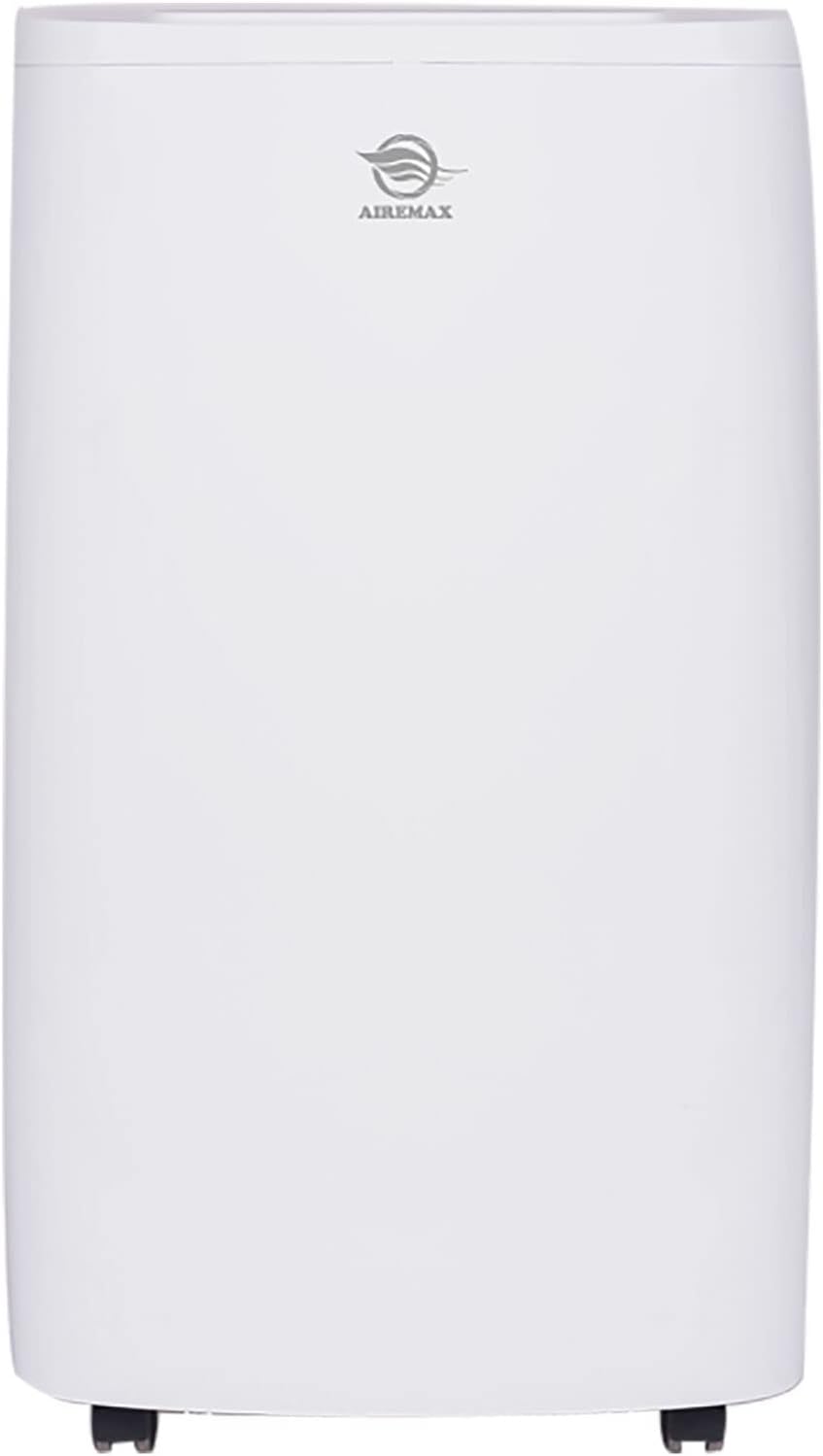
Figure 2.1: Front view of the portable air conditioner, showing the sleek white design and the AireMax logo.

Figure 2.2: Angled view of the portable air conditioner, highlighting its compact form factor and top control panel.

Figure 2.3: Rear view of the portable air conditioner, showing the air intake and exhaust vents.

Figure 2.4: Detailed rear view indicating the Filter Frame, Dust Removing Filter, Exhaust Connector, and Double Drainage Hoses.

Figure 2.5: Digital LED Display Panel showing controls for Timer, Fan speed (High, Med, Low), Temperature Up/Down, Mode (Cooling, Heating, Fan, Dehumidifying), and Power. Also indicates Water tank full reminder and Sleep mode.
3. Package Contents
Verify that all items listed below are included in your package. If any items are missing or damaged, please contact customer support.
- AireMax APH10CH Portable Air Conditioner Unit
- Remote Control
- Exhaust Hose
- Window Venting Kit (includes window slider kit, exhaust hose adapter, and foam seals)
- User Manual
- AAA Batteries (for remote control)

Figure 3.1: Image showing the portable AC unit, remote control, exhaust hose, window kit components, user manual, and batteries.
4. Installation Guide (Setup)
Proper installation is crucial for the efficient operation of your portable air conditioner. Follow these steps carefully.
4.1 Choosing a Location
- Place the unit on a flat, stable surface, away from direct sunlight and heat sources.
- Ensure there is at least 20 inches (50 cm) of space around the unit for proper airflow.
- The unit must be near a grounded electrical outlet.
4.2 Window Kit Installation
- Assemble the window slider kit according to your window's dimensions. The kit is adjustable for both horizontal and vertical windows.
- Open the window and place the assembled window slider kit into the window opening. Extend the slider to fit snugly and secure it.
- Apply the provided foam seals around the window kit to ensure an airtight seal and prevent air leakage.
4.3 Exhaust Hose Connection
- Attach one end of the exhaust hose to the exhaust connector on the back of the unit (refer to Figure 2.4). Twist clockwise to secure.
- Attach the other end of the exhaust hose to the adapter on the window slider kit. Twist clockwise to secure.
- Ensure the exhaust hose is not bent or kinked, as this can restrict airflow and reduce efficiency. Keep the hose as short and straight as possible.
4.4 Drainage Setup (for Dehumidification)
The unit features auto-evaporation for most condensed water. However, for continuous dehumidification or in high humidity conditions, manual drainage or continuous drainage may be required.
- Manual Drainage: When the internal water tank is full, the unit will stop operating and display a 'Full' indicator. Place a shallow pan or tray under the drainage port at the bottom rear of the unit and remove the drain plug to empty the water. Replace the plug securely after draining.
- Continuous Drainage: For continuous operation in dehumidifier mode, connect a standard garden hose (not included) to the continuous drainage port (refer to Figure 2.4) and route it to a floor drain or suitable container. Ensure the hose is sloped downwards to allow gravity drainage.
5. Operating Instructions
Familiarize yourself with the control panel and remote control to effectively operate your AireMax APH10CH unit.
5.1 Control Panel and Remote Control
The unit can be operated using the digital LED display panel on top of the unit or the included remote control. The functions are identical.
- POWER Button: Turns the unit ON or OFF.
- MODE Button: Cycles through operating modes: Cool, Heat, Fan, Dehumidify.
- FAN Button: Adjusts fan speed: High, Medium, Low. (2 speeds in cooling and fan mode)
- UP/DOWN Buttons (▲/▼): Adjusts the desired temperature (between 62.6°F - 86°F) or sets the timer duration.
- TIMER Button: Activates the 24-hour auto turn on/off timer function.
- SLEEP Mode: (Activated via remote or specific button on panel if available, typically combined with other buttons) Reduces fan speed and gradually increases temperature for comfortable sleep. Use in cooling mode.
- WATER TANK FULL Reminder: An indicator light or message will appear when the internal water tank needs to be drained.
5.2 Operating Modes
- Cool Mode: Provides cooling. Set desired temperature using UP/DOWN buttons.
- Heat Mode: Provides heating. Set desired temperature using UP/DOWN buttons.
- Fan Mode: Circulates air without cooling or heating. Adjust fan speed as desired.
- Dehumidify Mode: Removes moisture from the air. The fan speed is typically fixed to low in this mode. Ensure proper drainage setup.
5.3 Auto-Restart Function
The unit is equipped with an auto-restart function. In case of a power outage, the unit will automatically restart with the previously set mode and settings once power is restored.
6. Maintenance
Regular maintenance ensures optimal performance and extends the lifespan of your portable air conditioner.
6.1 Air Filter Cleaning
The air filter (Dust Removing Filter) should be cleaned every two weeks or more frequently depending on usage and air quality.
- Turn off the unit and unplug it from the power outlet.
- Locate the filter frame on the rear of the unit (refer to Figure 2.4).
- Remove the filter frame and carefully slide out the dust removing filter.
- Clean the filter using a vacuum cleaner to remove dust. For heavy dirt, wash the filter with lukewarm water and a mild detergent. Rinse thoroughly.
- Allow the filter to air dry completely before reinserting it into the unit. Do not expose to direct sunlight.
- Reinsert the dry filter into the frame and secure the frame back onto the unit.
6.2 Unit Cleaning
- Wipe the exterior of the unit with a soft, damp cloth. Do not use harsh chemicals, abrasives, or solvents.
- Ensure no water enters the electrical components.
6.3 Seasonal Storage
If the unit will not be used for an extended period, follow these steps for storage:
- Drain all condensed water from the unit. Run the unit in fan-only mode for a few hours to dry the internal components.
- Clean the air filter.
- Unplug the power cord and coil it neatly.
- Remove the exhaust hose and window kit, and store them properly.
- Cover the unit with a plastic bag or cloth to protect it from dust.
- Store the unit in a cool, dry place.
7. Troubleshooting
Before contacting customer support, please refer to the following troubleshooting guide for common issues.
| Problem | Possible Cause | Solution |
|---|---|---|
| Unit does not turn on. | No power supply. Power cord not plugged in. Circuit breaker tripped. Water tank full. | Check power outlet. Ensure power cord is securely plugged in. Reset circuit breaker. Drain the water tank. |
| Unit does not cool/heat effectively. | Air filter is dirty. Exhaust hose is blocked or kinked. Window kit not properly sealed. Room size too large. Doors/windows open. | Clean the air filter. Straighten the exhaust hose and ensure it's clear. Ensure window kit is sealed. Verify unit capacity matches room size. Close all doors and windows. |
| Unit is noisy. | Unit not on a flat surface. Air filter dirty. Foreign object in fan. | Place unit on a flat, stable surface. Clean the air filter. Turn off and unplug, then check for obstructions. |
| Water leaks from unit. | Drain plug not securely closed. Continuous drainage hose is blocked or not sloped. | Ensure drain plug is tightly closed. Check continuous drainage hose for blockages and proper slope. |
| Remote control not working. | Batteries are dead or incorrectly inserted. Obstruction between remote and unit. | Replace batteries and ensure correct polarity. Remove any obstructions. |
8. Specifications
Detailed technical specifications for the AireMax APH10CH portable air conditioner.

Figure 8.1: Detailed parameters and dimensions of the AireMax APH10CH unit.
| Parameter | Value |
|---|---|
| Model | APH10CH |
| Cooling Capacity | 10,000 BTU SACC / 15,000 BTU ASHRAE |
| Heating Capacity | 11,500 BTU ASHRAE |
| Estimated Cooling Area | Up to 600 sq. ft. max |
| Power Supply | 115V / 60Hz |
| Rated Power Consumption | 1300W / 11.6A |
| Dehumidifying Capacity | 90 pints/day |
| Drainage | Auto-evaporation or Manual |
| Air Louvers | Auto 1-way directional |
| Noise Level | ≤ 64 dB(A) |
| Unit Weight | 71 lbs |
| Dimensions (W x D x H) | 16.5" x 17.6" x 30.4" |
9. Warranty and Customer Support
9.1 Limited Warranty
This AireMax APH10CH portable air conditioner comes with a 1-year limited warranty from the date of purchase. This warranty covers defects in materials and workmanship under normal use. It does not cover damage resulting from misuse, accident, alteration, neglect, unauthorized repair, or improper installation.
Please retain your proof of purchase for warranty claims.
9.2 Customer Support
For technical assistance, troubleshooting beyond this manual, or warranty inquiries, please contact AireMax customer support. Refer to the product packaging or the official AireMax website for the most current contact information.
When contacting support, please have your model number (APH10CH) and purchase date ready.
Related documentsAPH10CH


Ask a question about this manual
Ask about setup, troubleshooting, compatibility, parts, safety, or missing instructions. Manuals+ will review the question and use this page’s manual context to help answer it.