
Introduction
This manual provides comprehensive instructions for the setup, operation, maintenance, and troubleshooting of the YYCALLING Restaurant Pager System F100 Series, including models F100, F101, and F103. This wireless calling system is designed to enhance communication and efficiency in various service environments such as restaurants, food trucks, and food courts.
Video: A General Introduction of YYCALLING F Series Restaurant Pagers. This video provides an overview of the YYCALLING F Series pager systems, showcasing different models and their features.
Package Contents
Upon opening the package, verify that all components are present and in good condition:
- 1 x F100 Launch Keyboard (Transmitter)
- 10 x Guest Pagers
- 1 x Power Adapter
- 1 x User Manual

Image: Packaging details for the YYCALLING Restaurant Pager System. This image illustrates the contents included in the product package: one F100 launch keyboard, ten guest pagers, one power adapter, and one user manual.
Setup Instructions
1. Initial Power-On
- Connect the power adapter to the transmitter and plug it into a power outlet.
- Place all guest pagers into the charging slots on the transmitter. The pagers will automatically power on and begin charging.

Image: Close-up of YYCALLING pagers in their charging base. This image shows multiple pagers inserted into the charging base, with red indicator lights visible, signifying they are powered on and charging.
2. Setting Pager ID (Programming)
Each pager comes with a default ID. If you need to change or program a specific ID for a pager, follow these steps:
- Remove the paper sticker from the back of the pager to reveal a small programming dot.
- Using a thin, pointed object (like a pen tip), long press the programming dot until LED 2 and LED 3 on the pager illuminate.
- On the transmitter's keypad, enter the desired ID number (e.g., '8').
- Press the CALL button on the transmitter. The pager will beep, indicating successful programming.
- To cancel the beeping, press the cancel button on the pager.
- Replace the paper sticker with the new ID number.
Video: How to Operate YYCALLING F Series Restaurant Pagers. This video demonstrates the process of setting up pager IDs and basic operation for the YYCALLING F Series restaurant pagers.
Operating Instructions
1. Calling a Pager
- Ensure the desired guest pager is charged and powered on.
- On the transmitter's keypad, enter the number of the pager you wish to call.
- Press the CALL button.
- The guest pager will activate according to its set calling mode (vibration, flash, or buzzer).
2. Calling Modes
The system supports two distinct calling modes to suit various environments:
- Vibration + Flash + Buzzer: The pager will vibrate, flash its LED lights, and emit an audible buzzer sound.
- Vibration + Flash: The pager will vibrate and flash its LED lights, without an audible buzzer.
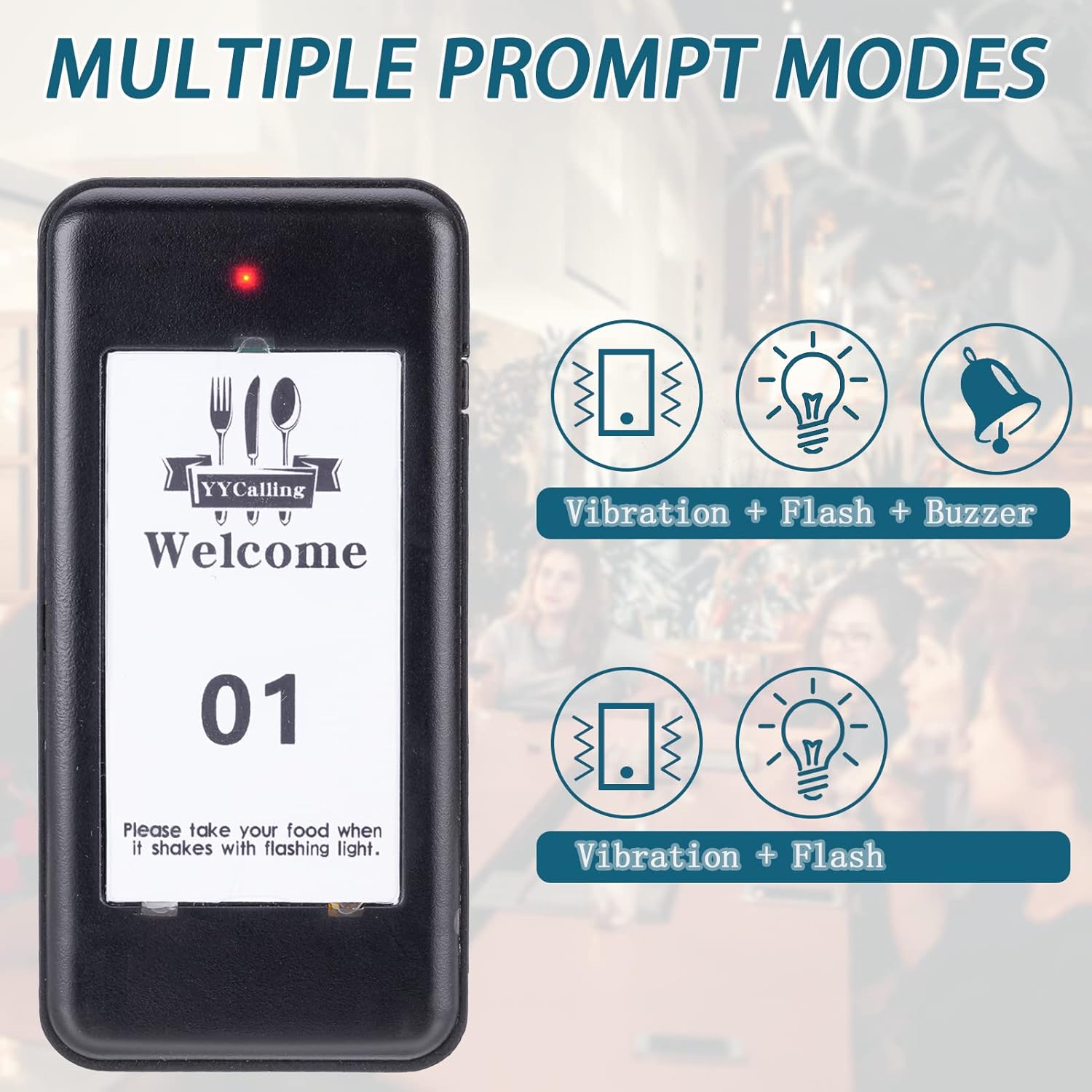
Image: Multiple Prompt Modes. This image illustrates the two available notification modes for the pagers: one combining vibration, flash, and buzzer, and another with just vibration and flash.
3. Turning Off Pagers
To turn off all pagers simultaneously:
- Ensure all pagers are placed back into their charging slots on the transmitter.
- On the transmitter's keypad, enter 99.
- Press the CALL button. All pagers will be turned off.
Video: How to Turn Off YYCALLING Pagers of F101 F103 and F100. This video demonstrates the procedure for turning off multiple pagers in the F Series by using a specific code on the transmitter.
Maintenance
1. Charging and Battery Life
- The system features 10 charging slots, ensuring pagers are always ready for use when placed on the base.
- Fully charged pagers offer up to 24 hours of continuous use.
- A full charge typically takes 3-4 hours.
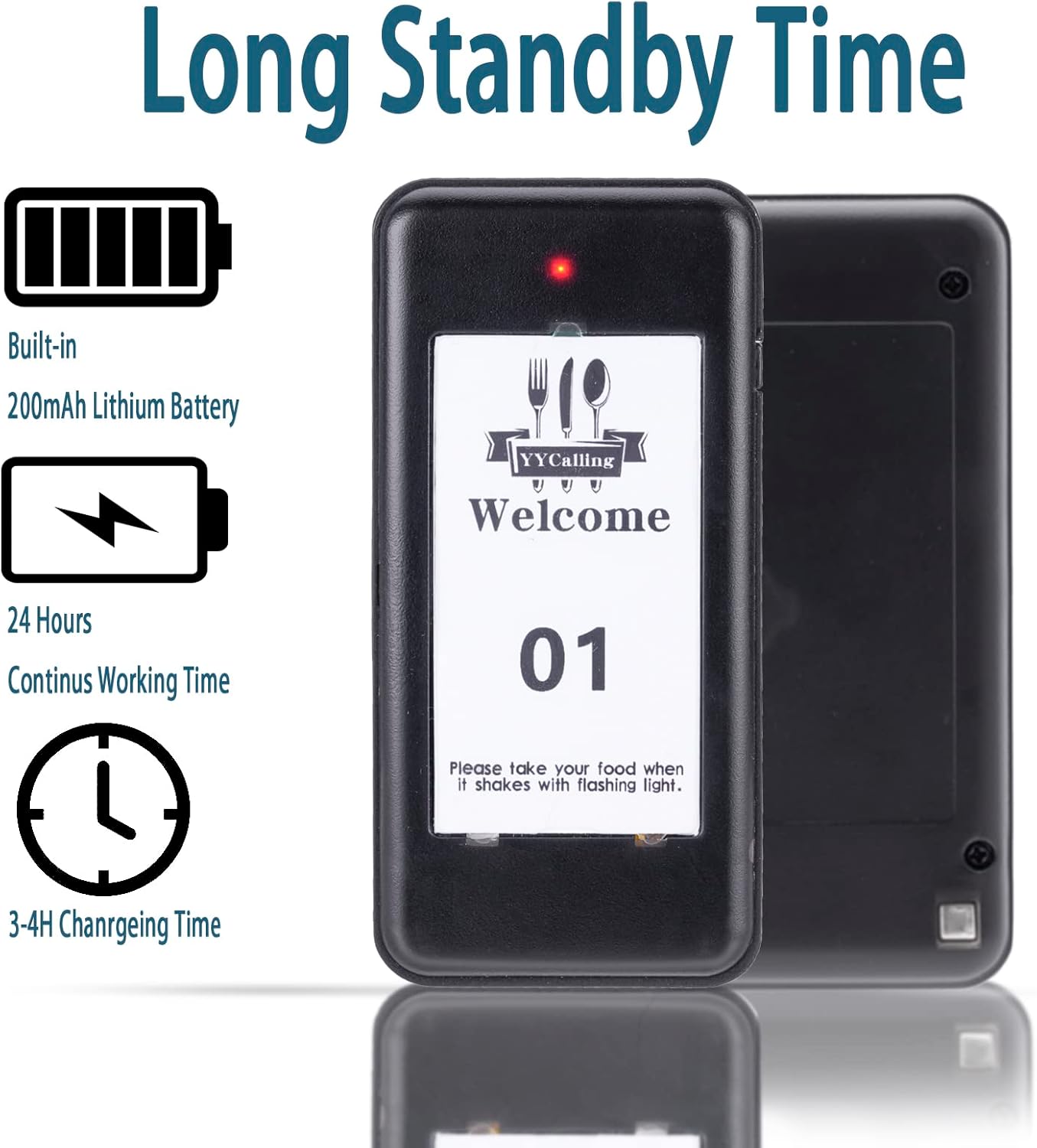
Image: Long Standby Time. This image highlights the pager's battery specifications, including a built-in 200mAh lithium battery, 24 hours of continuous working time, and a 3-4 hour charging duration.
2. Cleaning and Durability
- The pagers feature a matte surface designed to resist oil and daily grime, making them easy to wipe clean.
- The system is rated IP35 waterproof and oil-proof, providing protection against splashes and spills common in food service environments.

Image: IP35 Waterproof & Oil-proof. This image emphasizes the durability of the pager system, indicating its resistance to water splashes and oil, suitable for demanding environments.
Troubleshooting
If you encounter issues with your YYCALLING Pager System, refer to the following common problems and solutions:
- Pager not responding: Ensure the pager is charged and within the transmission range. Verify the correct ID was entered on the transmitter.
- Short transmission range: Check for obstructions between the transmitter and pagers. Ensure the transmitter's antenna is properly extended.
- Pagers not charging: Confirm the power adapter is securely connected and the power outlet is functional. Ensure pagers are correctly seated in their charging slots.
- Interference: Keep the system away from other electronic devices that may cause signal interference.
Specifications
| Feature | Specification |
|---|---|
| Brand | YYCALLING |
| Model Series | F100 Series (F100, F101, F103) |
| Transmission Frequency | 315MHZ radio-frequency |
| Indoor Transmission Distance | 984-1640 feet |
| Open Area Transmission Distance | Up to 3280 feet / 1000 meters |
| Calling Modes | Vibration + Flash + Buzzer; Vibration + Flash |
| Battery Type | Built-in 200mAh Lithium Battery (in pagers) |
| Continuous Use Time (Pagers) | 24 hours (when fully charged) |
| Charging Time (Pagers) | 3-4 hours |
| Waterproof/Oil-proof Rating | IP35 |
| Package Dimensions | 11.73 x 7.56 x 4.09 inches |
| Item Weight | 0.634 ounces |

Image: Long Working Distance. This image illustrates the effective range of the pager system, showing an indoor transmission distance of 984-1640 feet and an open area transmission distance of up to 3280 feet.

Image: Size Dimensions. This image provides the physical dimensions of both the individual pagers and the transmitter base unit.