
1. Introduction
This manual provides essential information for the safe and efficient use of your KFD 24V Power Adapter. This adapter is designed to provide reliable power to various Silhouette electronic cutting machines, including Silhouette Cameo 1, 2, 3, 4, 5, SD, Portrait, and Studio models. Please read these instructions carefully before use and retain them for future reference.
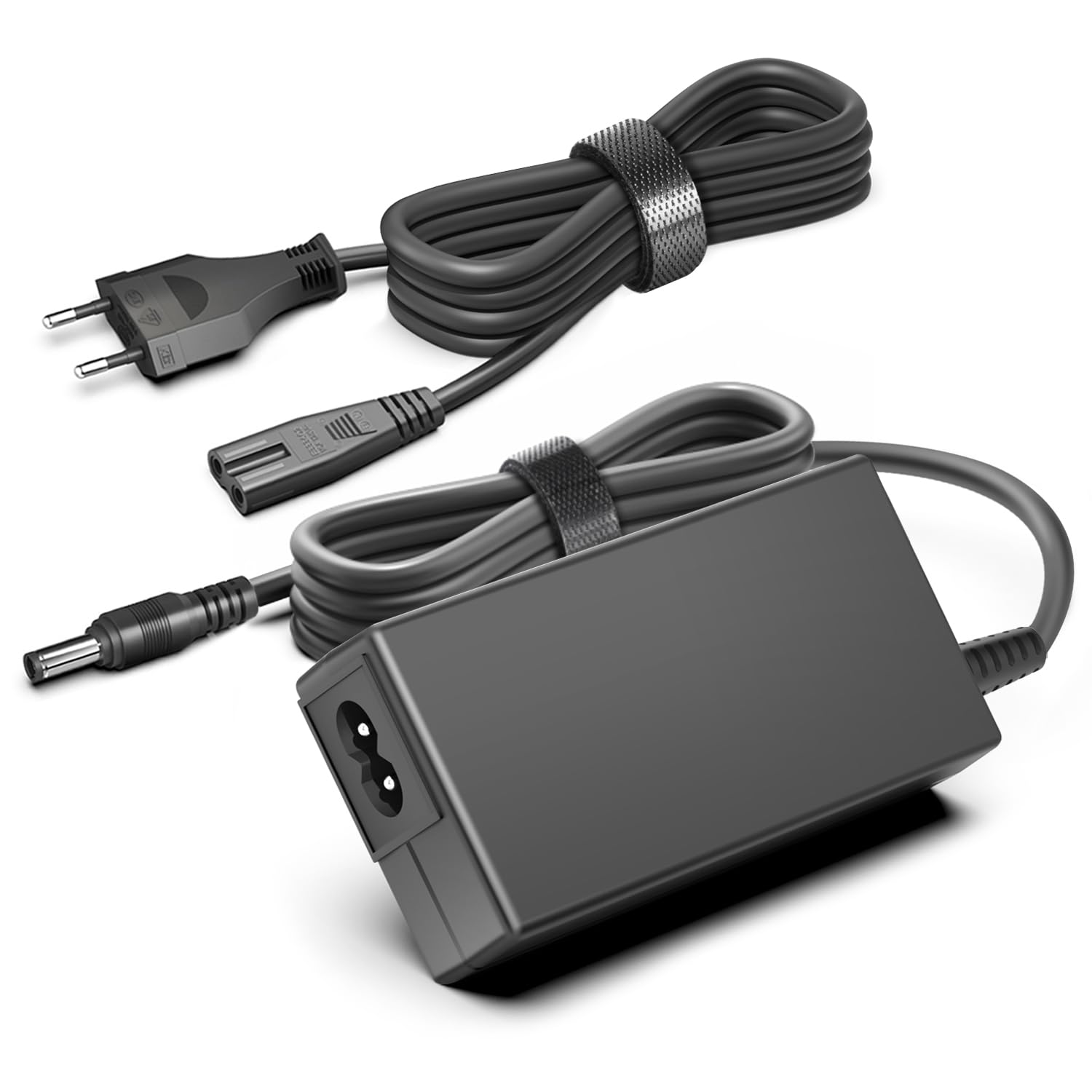
Image 1.1: KFD 24V Power Adapter with a Silhouette Portrait machine in the background.
2. Safety Information and Features
Your KFD power adapter is built with high-quality materials and incorporates multiple safety features to ensure reliable operation and protection for your devices.
- Certifications: CE/FCC/RoHS certified for safety and quality.
- Overvoltage Protection (OVP): Protects against excessive voltage input.
- Overcurrent Protection (OCP): Safeguards against current surges.
- Short-Circuit Protection (SCP): Prevents damage from short circuits.
- Overheating Protection (OTP): Monitors and prevents overheating.
- Durable Construction: Housing made from high-quality ABS + PC materials, offering fire and heat resistance.
- High-Quality Cable: Features a pure copper wire core for optimal conductivity and resistance to abrasion, bending, and breakage.

Image 2.1: Internal safety features of the KFD power adapter.

Image 2.2: High-quality, fire-resistant housing material.
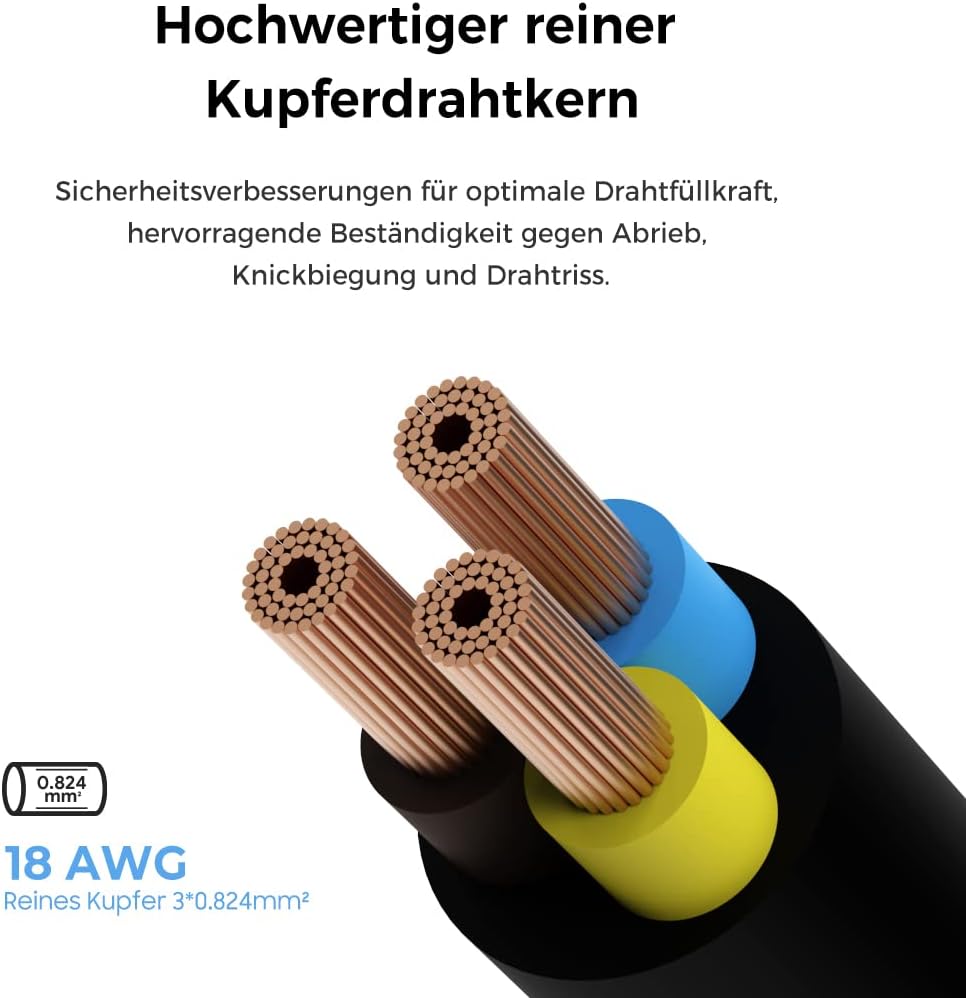
Image 2.3: Pure copper wire core for enhanced durability and safety.
3. Package Contents
Please verify that all items are present in the package:
- 1 x KFD 24V Power Adapter
- 1 x Power Cable (3 meters long)
4. Setup Instructions
Follow these steps to connect your KFD 24V Power Adapter to your Silhouette machine:
- Ensure your Silhouette machine is turned off and unplugged from any power source.
- Connect the DC output plug of the KFD power adapter to the power input port on your Silhouette machine.
- Connect the AC input cable (the 3-meter power cable) to the KFD power adapter.
- Plug the other end of the AC input cable into a standard wall outlet (AC 100-240V).
- Turn on your Silhouette machine.
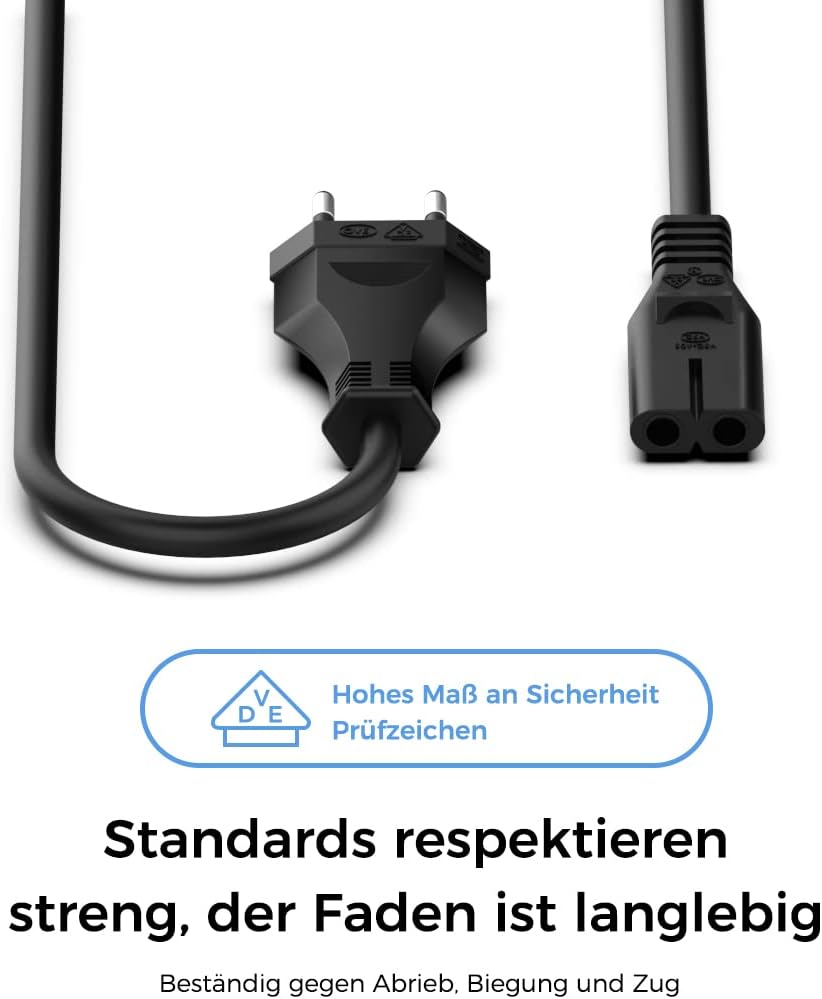
Image 4.1: AC power plug and adapter connection point.
5. Operating the Power Adapter
Once connected, the KFD 24V Power Adapter will automatically supply the necessary power to your Silhouette machine. No additional configuration is required. The adapter is designed for continuous use, but it is recommended to unplug it when not in use for extended periods.

Image 5.1: KFD power adapter in an operational setting.
6. Maintenance and Care
To ensure the longevity and optimal performance of your KFD power adapter, follow these maintenance guidelines:
- Keep the adapter in a dry, well-ventilated area, away from direct sunlight and extreme temperatures.
- Avoid bending or kinking the power cable excessively to prevent internal damage.
- Do not expose the adapter to water or other liquids.
- Clean the adapter with a soft, dry cloth. Do not use harsh chemicals or abrasive cleaners.
- Unplug the adapter from the wall outlet and your device when not in use for extended periods.

Image 6.1: The slim and compact design of the adapter for easy handling and storage.
7. Troubleshooting
If you encounter issues with your KFD 24V Power Adapter, consider the following:
- No Power to Device:
- Ensure both ends of the power cable are securely connected to the adapter and the wall outlet.
- Verify that the DC output plug is firmly inserted into your Silhouette machine's power port.
- Test the wall outlet with another device to confirm it is functional.
- Check for any visible damage to the adapter or cables. If damaged, discontinue use.
- Device Not Charging/Operating Correctly:
- Confirm that your Silhouette machine model is compatible with a 24V power supply.
- Ensure the adapter's output specifications (24V, 2.7A) match your device's requirements.
- If the adapter feels unusually hot, unplug it immediately and allow it to cool down.
If the problem persists after following these steps, please contact KFD customer support.
8. Technical Specifications
| Brand | KFD |
| Model Number | LWF073DE |
| Input Voltage | AC 100-240V |
| Output Voltage | DC 24V |
| Output Current | 2.7A (Compatible with 1.5A, 2A, 2.5A) |
| Wattage | 30 Watts |
| Connector Type | 5.5 x 2.5 mm (DC plug) |
| Cable Length | 3 meters |
| Dimensions | 14.1 x 11.5 x 4.4 cm (Package) |
| Weight | 280 grams |
| Material | ABS + PC (Fire and heat resistant) |
| Compatible Devices | Silhouette Cameo 1, 2, 3, 4, 5, SD, Portrait, Studio electronic cutting machines |
9. Warranty and Customer Support
KFD provides a 36-month quality warranty for this product. Additionally, a 30-day return policy is available.
For any questions, concerns, or if you require assistance with your KFD 24V Power Adapter, please do not hesitate to contact KFD customer support. Our friendly customer service team is ready to help resolve any issues you may encounter.
Please refer to your purchase documentation or the KFD official website for specific contact details.
