
SNOW 100-0007
SNOW Advanced Wireless Teeth Whitening Kit User Manual
Model: 100-0007 | Brand: SNOW
Introduction
The SNOW Advanced Wireless Teeth Whitening Kit is designed to provide professional-level teeth whitening results from the comfort of your home. This system utilizes advanced wireless LED activating technology to effectively brighten your teeth. It is formulated to be safe for use on teeth with fillings, braces, crowns, caps, bridges, and veneers, and helps remove stains from common sources like coffee and wine.
The kit is ultra-portable, allowing you to whiten your teeth conveniently on the go. With its simple, nine-minute daily routine, achieving a brighter smile is effortless.
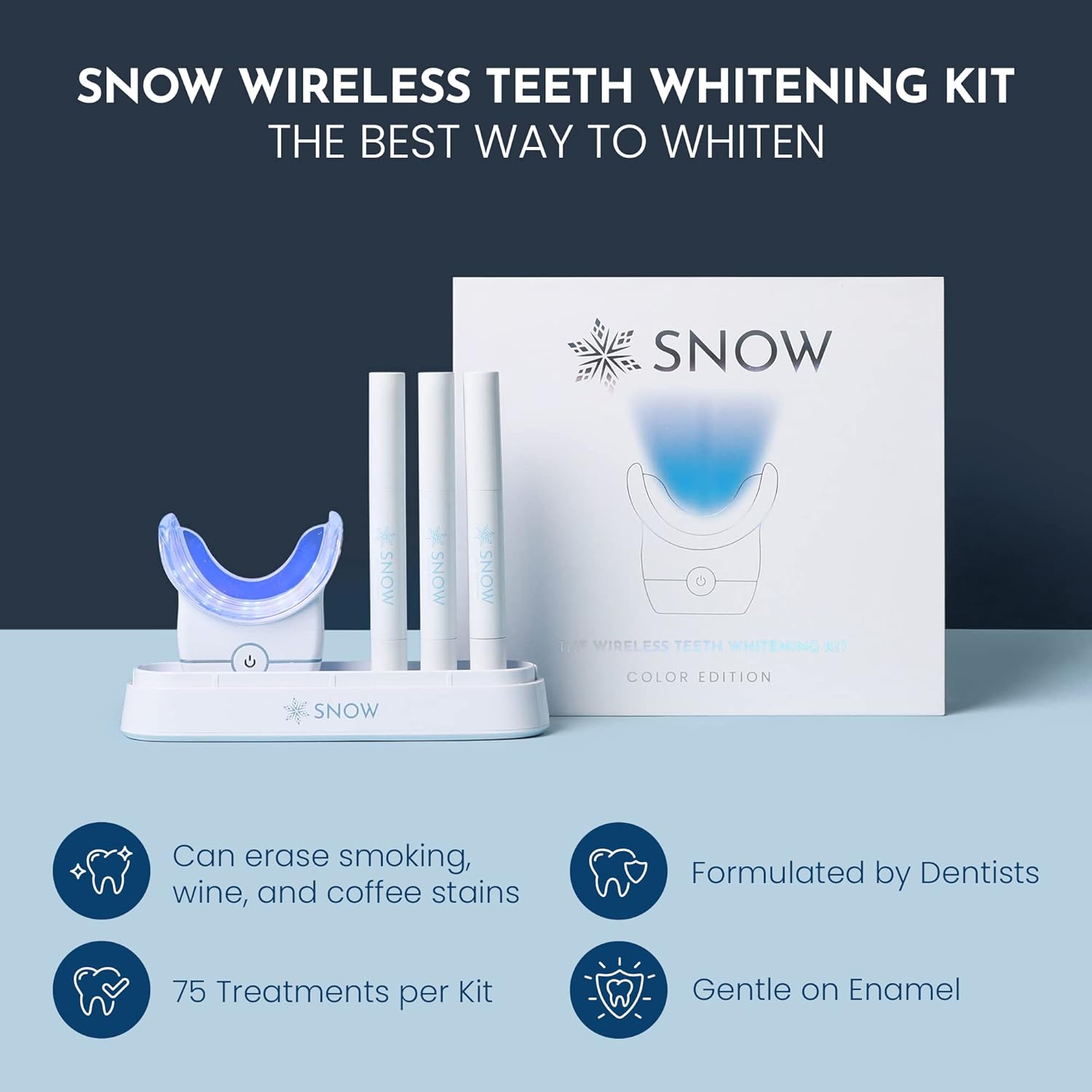
Image: The SNOW Wireless Teeth Whitening Kit, showcasing the main unit, whitening pens, and packaging, highlighting its effectiveness.
Package Contents
Your SNOW Advanced Wireless Teeth Whitening Kit includes the following components:
- 1 x Wireless LED Mouthpiece
- 3 x Whitening Serum Gel Pens (including one extra strength)
- 1 x Charging Cable (USB-compatible)
- 1 x Teeth Shade Guide
- Instruction Manual
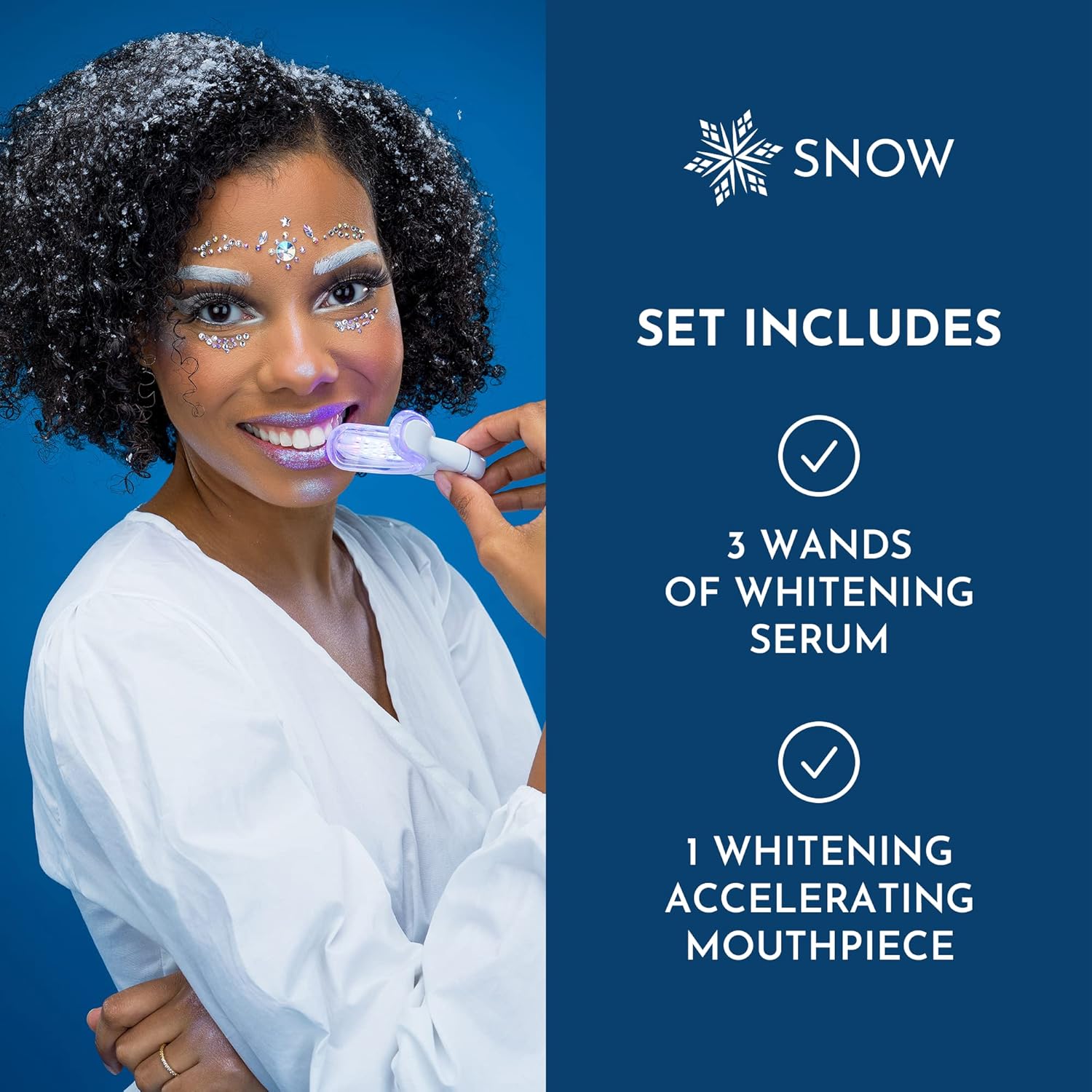
Image: A visual representation of the kit's contents, including the LED mouthpiece and three whitening serum pens.
Setup and First Use
Charge the Device:
Before first use, ensure your wireless LED mouthpiece is fully charged using the provided USB cable. The device is designed for portability and ease of use without constant wired connection.
Prepare Your Teeth:
Brush your teeth thoroughly before each whitening session. This helps to remove any food particles and plaque, allowing the whitening serum to work more effectively.

Image: A person brushing their teeth, illustrating the first step of preparation.
Apply Lip Balm (Optional but Recommended):
Apply a thin layer of lip balm to your lips to protect them from the whitening gel and prevent dryness during the session.
Operating Instructions
Apply Whitening Serum:
Twist the bottom of the whitening gel pen until a small drop of serum appears on the brush tip. Apply a thin, even layer of the serum directly onto the front surfaces of your teeth, avoiding gums.

Image: A close-up of a person applying the whitening serum to their teeth using the gel pen.
Insert LED Mouthpiece:
Place the wireless LED mouthpiece into your mouth, ensuring it covers all teeth that have been treated with the serum. Press the power button on the mouthpiece to activate the blue LED light for whitening. The device also features a red light for gum support, which can be cycled through by pressing the button again.

Image: Diagram illustrating the dual-light function (blue for whitening, red for gum support) and water-resistant feature of the LED mouthpiece.
Begin Whitening Session:
Keep the mouthpiece in your mouth for 9 minutes. The device will automatically turn off after the session is complete. For optimal results, use the kit daily for 21 consecutive days.

Image: A person demonstrating the use of the SNOW wireless mouthpiece, emphasizing the 9-minute daily routine.
Rinse After Use:
After the 9-minute session, remove the mouthpiece and rinse your mouth thoroughly with water to remove any remaining gel. Rinse the mouthpiece under water as well.
Maintenance
Cleaning the Mouthpiece:
After each use, rinse the LED mouthpiece with lukewarm water. You can gently wipe it with a soft cloth to ensure all gel residue is removed. The mouthpiece is water-resistant, but avoid submerging the entire device in water for extended periods.
Storage:
Store the mouthpiece and gel pens in a cool, dry place, away from direct sunlight. Keep them in their original packaging or a clean, protective case to prevent damage.
Troubleshooting
| Issue | Possible Cause / Solution |
|---|---|
| Device not turning on or holding charge. | Ensure the device is fully charged. If issues persist, contact customer support for assistance. |
| Sensitive power button causing accidental mode changes. | Handle the mouthpiece carefully during use. While the button is sensitive for ease of use, conscious handling can prevent unintended changes. |
| No noticeable whitening results. | Ensure consistent daily use for the recommended 21 days. Apply serum evenly. Results may vary based on individual tooth enamel and stain severity. Use the included shade guide to track progress. |
| Tooth or gum sensitivity. | The kit is designed for sensitive teeth. If sensitivity occurs, reduce frequency of use or apply less serum. Consult a dental professional if sensitivity persists. |
Specifications
Product Dimensions:
7.38 x 2 x 6.63 inches; 1.5 Pounds
Model Number:
100-0007
Manufacturer:
SNOW
Active Ingredients:
Glycerin
Product Benefits:
Brightening
Item Form:
Strip (referring to the application method of the gel pens)
Material Type Free:
Paraben free, gluten free, fluoride free
Warranty and Support
The SNOW Advanced Wireless Teeth Whitening Kit comes with a 5-year warranty. If any component of your kit fails to perform as expected, SNOW will replace it free of charge. For any inquiries, technical support, or warranty claims, please reach out to the SNOW customer support team.
Legal Disclaimer: Statements regarding dietary supplements have not been evaluated by the FDA and are not intended to diagnose, treat, cure, or prevent any disease or health condition.
Ask a question about this manual
Ask about setup, troubleshooting, compatibility, parts, safety, or missing instructions. Manuals+ will review the question and use this page’s manual context to help answer it.