
Important Safety Information
Please read all instructions carefully before using this appliance. Failure to follow these instructions may result in electric shock, fire, or serious injury.
- Avoid use near water or while charging.
- Be careful to avoid cuts during use and cleaning.
- Always follow proper cleaning and care instructions to maintain hygiene and performance.
- Keep out of reach of children.
- Do not disassemble or attempt to repair the shaver yourself. Contact qualified service personnel for repairs.
Package Contents
Verify that all items are present in the package:
- VGR V-310 Triple Rotary Head Shaver
- Blade Protection Cap
- Hair Cleaning Brush
- User Manual Book
- USB Charging Cable
- Travel Pouch

Image: The VGR V-310 Professional Men's Shaver shown alongside its retail packaging, highlighting the product and its presentation.
Product Overview
The VGR V-310 is a professional men's electric shaver designed for a smooth and comfortable shaving experience. It features triple rotary shaving heads that adapt to facial contours, an IPX7 waterproof rating for wet and dry use, and a long-lasting battery with a smart LED digital display.

Image: A detailed view of the VGR V-310 shaver, emphasizing its IPX7 moisture protection, 3D floating blades, Type-C fast charging, and battery life information (3 hours charging for 200 minutes operating time).

Image: A close-up illustration of the 3D Flexismooth Premium Floating Shaving Head, detailing its double track blade, fine cutting technology, and self-sharpening ability.
Setup
Initial Charging
Before first use, fully charge the shaver. Connect the USB charging cable to the shaver's charging port and plug the other end into a compatible USB power source (e.g., computer, laptop, USB wall adapter). The LED digital display will indicate charging status.
- Charging Time: Approximately 3 hours for a full charge.
- Operating Time: Up to 200 minutes on a full charge.
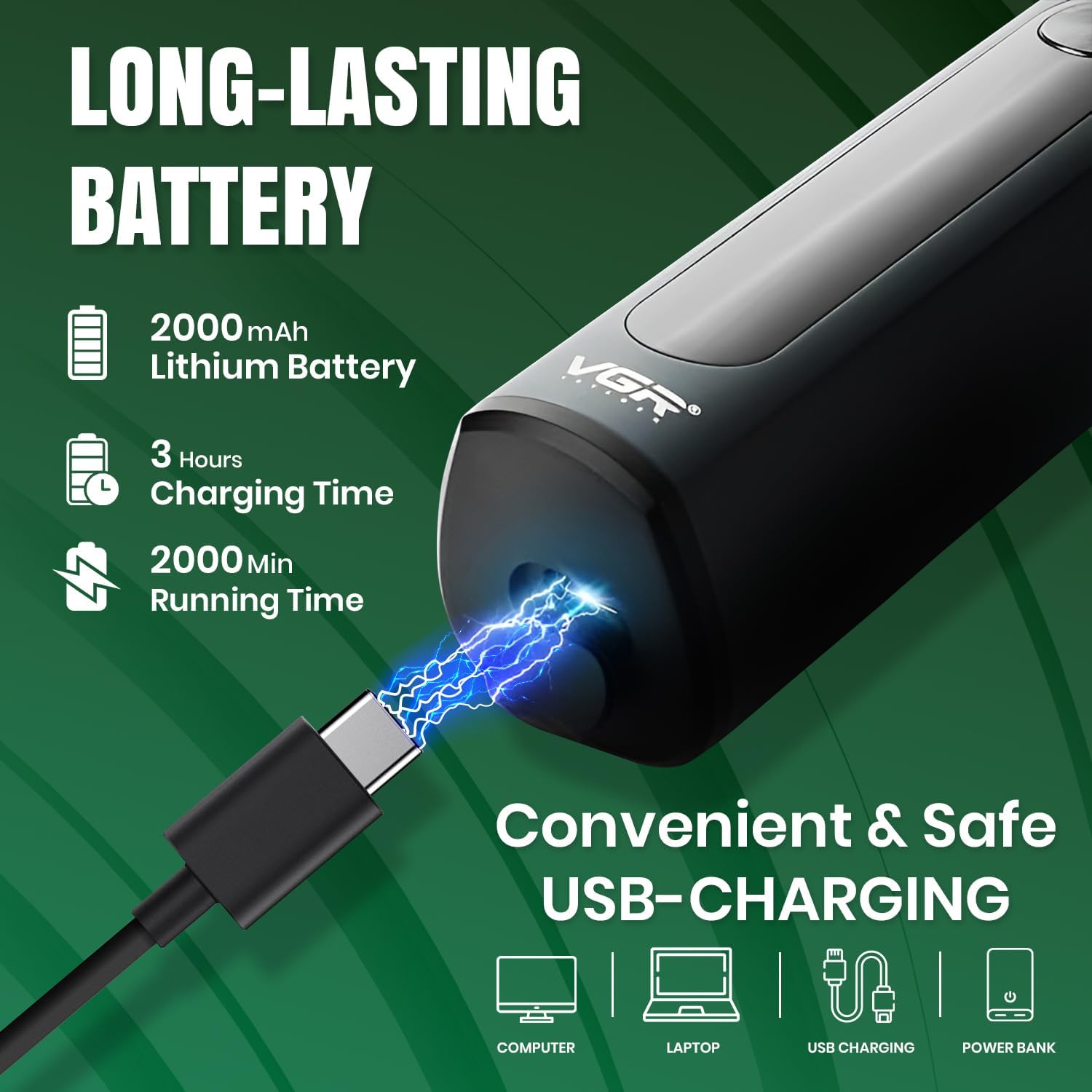
Image: The VGR V-310 shaver connected to a USB charging cable, illustrating its convenient and safe USB charging capability from various sources like computers, laptops, or USB chargers. Battery capacity of 2000mAh is also highlighted.
Operating Instructions
Power On/Off
- To turn on the shaver, press the On/Off button once.
- To turn off the shaver, press the On/Off button once again.
Shaving Techniques
The VGR V-310 supports both wet and dry shaving.
- Dry Shave: For a quick and smooth shave, use the shaver on dry skin.
- Wet Shave: For a refreshing and clean shave, apply shaving cream or gel to your face before using the shaver. This can be done in the shower due to its waterproof design.

Image: A visual comparison demonstrating the options for dry shaving (quick and smooth) and wet shaving (clean and tidy) with the VGR V-310 shaver, highlighting its versatility.
Travel Lock Function
To prevent accidental activation during travel:
- To Lock: Press and hold the On/Off button for 3 seconds. The shaver will lock automatically, indicated by a lock icon on the LED display.
- To Unlock: Press and hold the On/Off button for another 3 seconds. The shaver will unlock, and the lock icon will disappear.
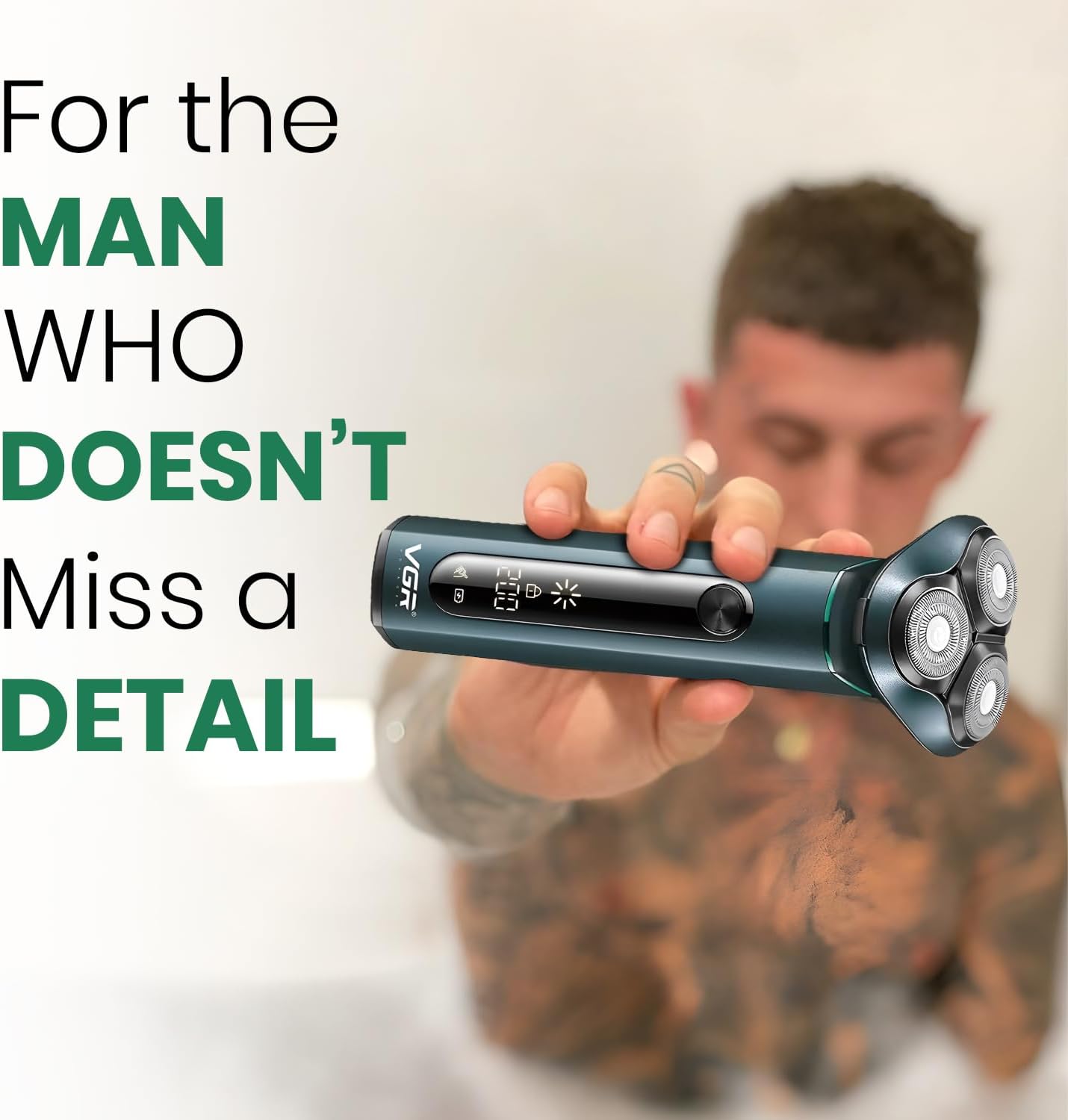
Image: The VGR V-310 shaver held comfortably in a hand, showcasing its ergonomic design and the clear LED display, emphasizing its suitability for detailed grooming.
Maintenance and Cleaning
Regular cleaning ensures optimal performance and hygiene of your shaver.
Cleaning the Shaver
The VGR V-310 is IPX7 waterproof, allowing for easy cleaning under running water.
- After each use, turn off the shaver.
- Remove the shaving head assembly.
- Rinse the shaving heads and the shaver body directly under running tap water to remove hair clippings and residue.
- Use the provided cleaning brush to remove any stubborn hair particles from the blades.
- Allow all parts to air dry completely before reassembling the shaver and attaching the blade protection cap.

Image: The VGR V-310 shaver shown with water droplets, visually confirming its IPX7 waterproof rating and durability, indicating it can be safely rinsed under water.
Troubleshooting
If you encounter issues with your VGR V-310 shaver, refer to the following common problems and solutions:
| Problem | Possible Cause | Solution |
|---|---|---|
| Shaver does not turn on. | Battery is depleted. Travel lock is activated. | Charge the shaver for at least 3 hours. Deactivate the travel lock by pressing and holding the On/Off button for 3 seconds. |
| Poor shaving performance / Blades feel dull. | Hair clippings accumulated in the shaving head. Blades may be worn. | Clean the shaving head thoroughly under running water. If performance does not improve, consider replacing the shaving head (contact VGR support for replacement parts). |
| Shaver stops during use. | Battery is low. | Recharge the shaver. The LED display will show remaining battery life. |
| LED display not working. | Shaver is off or battery is completely drained. | Turn on the shaver. If still not working, charge the shaver. If the issue persists, contact customer support. |
Specifications
| Feature | Detail |
|---|---|
| Model Name | VGR V-310 |
| Power Source | Battery Powered (1 Lithium Ion battery included) |
| Battery Life | Up to 200 minutes |
| Charging Time | Approx. 3 hours |
| Waterproof Rating | IPX7 (Fully washable) |
| Blade Material | Stainless Steel |
| Special Features | Triple Rotary Heads, 600mAh Lithium Battery, Washable, Travel Lock, LED Digital Display |
| Product Dimensions | 15 x 6 x 6 cm |
| Item Weight | 150 Grams |
| Manufacturer | Ningbo VGR Electric Appliances Co., Ltd. China |
Warranty and Support
For warranty information, product support, or to inquire about replacement parts, please refer to the warranty card included with your product or contact VGR customer service directly. Keep your purchase receipt as proof of purchase.
For further assistance, please visit the official VGR website or contact your local distributor.


