
1. Introduction
Thank you for choosing the FEANS Q8 Wireless Earbuds. These earbuds are designed to provide a high-quality audio experience with advanced features for daily use, gaming, and calls. This manual will guide you through the setup, operation, and maintenance of your new earbuds.
The FEANS Q8 earbuds incorporate a Qualcomm QCC3040 chip for stable Bluetooth 5.2 connectivity, CVC8.0 noise cancellation for clear calls, and aptX audio support for enhanced sound quality. They are compatible with a wide range of devices including iPhone, Android, and Windows systems.
2. What's in the Box
- FEANS Q8 Wireless Earbuds
- Charging Case
- USB Charging Cable (Type-C)
- Multiple sizes of soft ear tips (Small, Medium, Large)
- User Manual
3. Product Overview & Key Features
The FEANS Q8 earbuds are engineered with several key technologies to optimize your listening experience:
- Qualcomm QCC3040 Chip & Bluetooth 5.2: Ensures seamless, high-speed transmission and low-latency audio. Supports HSP/HFP/A2DP/AVRCP protocols.
- Qualcomm CVC8.0 & 4 Microphones: Advanced call noise reduction technology filters environmental sound to enhance voice clarity during calls.
- AptX High Quality Sound: Features 6mm dynamic drivers for deep bass, clear mids, and bright highs, delivering balanced premium sound.
- Extended Battery Life: Up to 7 hours of playback on a single charge. The charging case provides approximately 4 additional charges.
- Hall Switch & IPX5 Water Resistance: Enables quicker pairing upon opening the case. IPX5 rating provides sweat-resistant and waterproof protection for daily use and light rain.
- TrueWireless Mirroring Technology: Ensures stable connection and automatic pairing with the last connected device.
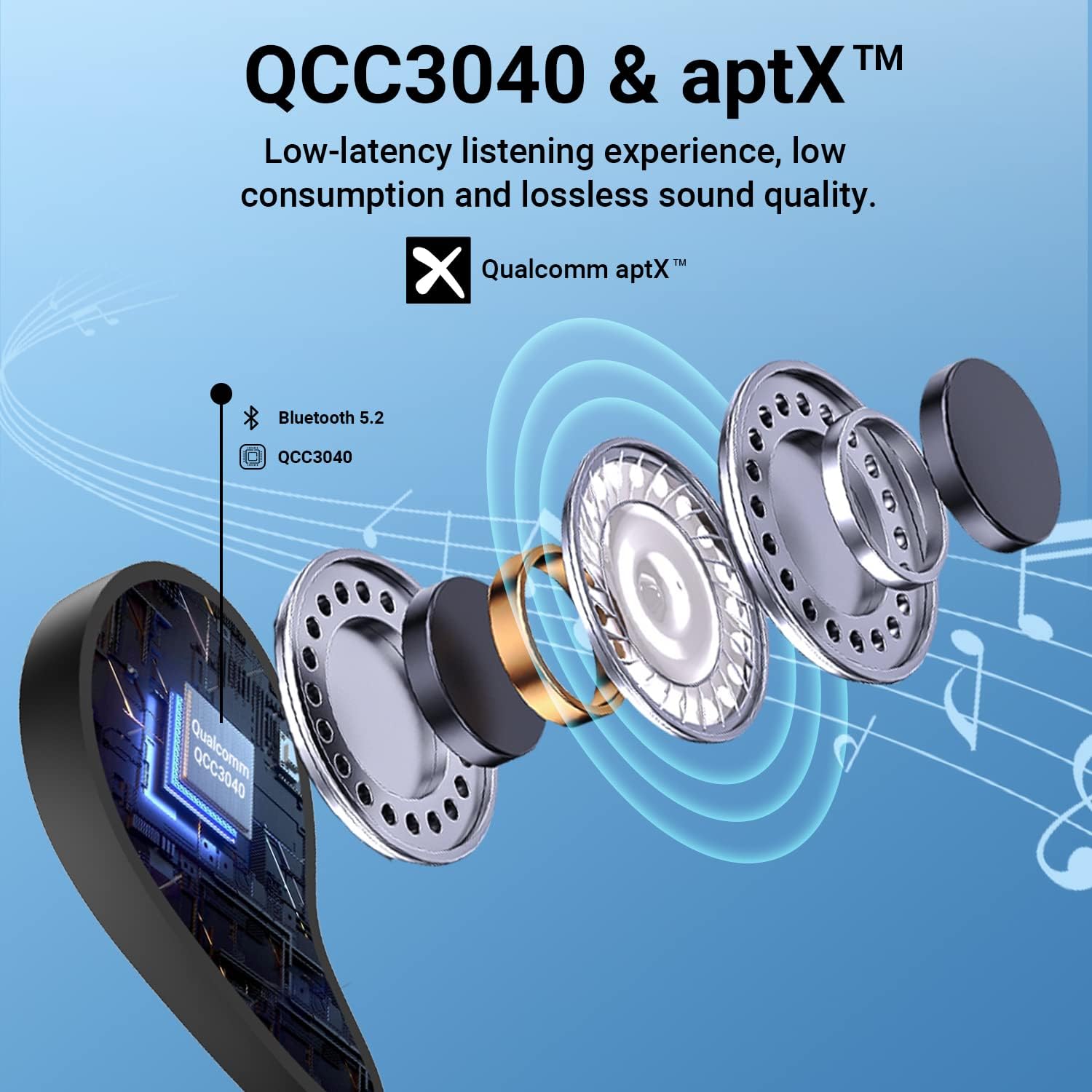
Figure 1: Internal structure highlighting the QCC3040 chip and Bluetooth 5.2.

Figure 2: CVC 8.0 technology for clear call quality.
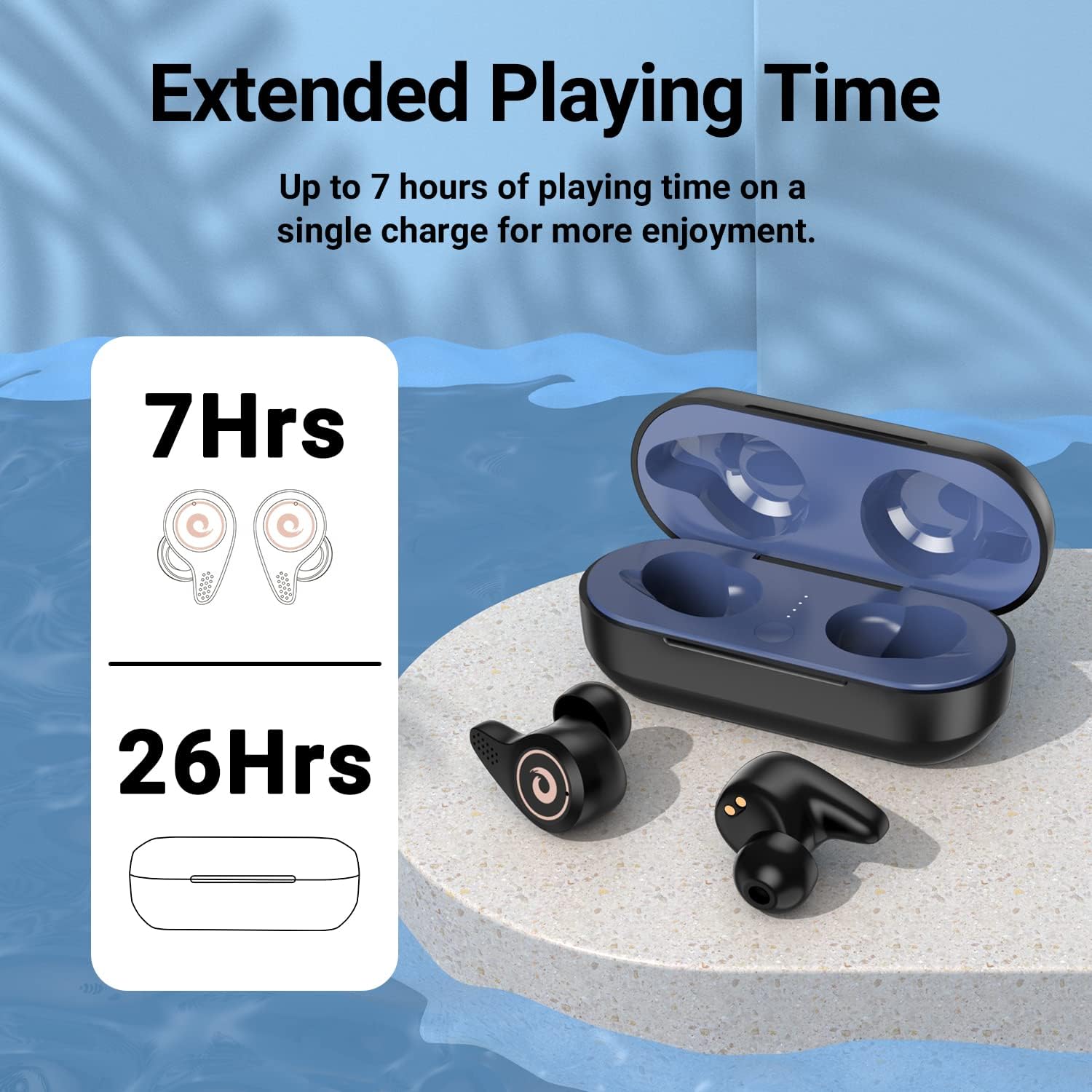
Figure 3: Battery life indication for earbuds and charging case.
4. Setup
- Initial Charging:
- Before first use, ensure the earbuds and charging case are fully charged.
- Open the charging case. Remove any protective plastic films from the charging contacts on the earbuds.
- Place the earbuds back into the charging case. Connect the USB Type-C cable to the charging port on the case and to a power source.
- The LED indicators on the charging case will show the charging status. A full charge is indicated by all four blue lights being solid.
- Ear Tip Selection:
- Select the ear tips that provide the most comfortable and secure fit for your ears. A good seal is crucial for optimal sound quality and noise isolation.
- Pairing with Your Device:
- Ensure your device's Bluetooth is turned on.
- Open the lid of the charging case. The earbuds will automatically enter pairing mode.
- On your device, search for Bluetooth devices and select "Q8" from the list.
- Once connected, you will hear an audible confirmation, and the earbuds will be ready for use.
- The Hall Switch feature allows for quick re-connection to the last paired device simply by opening the case.
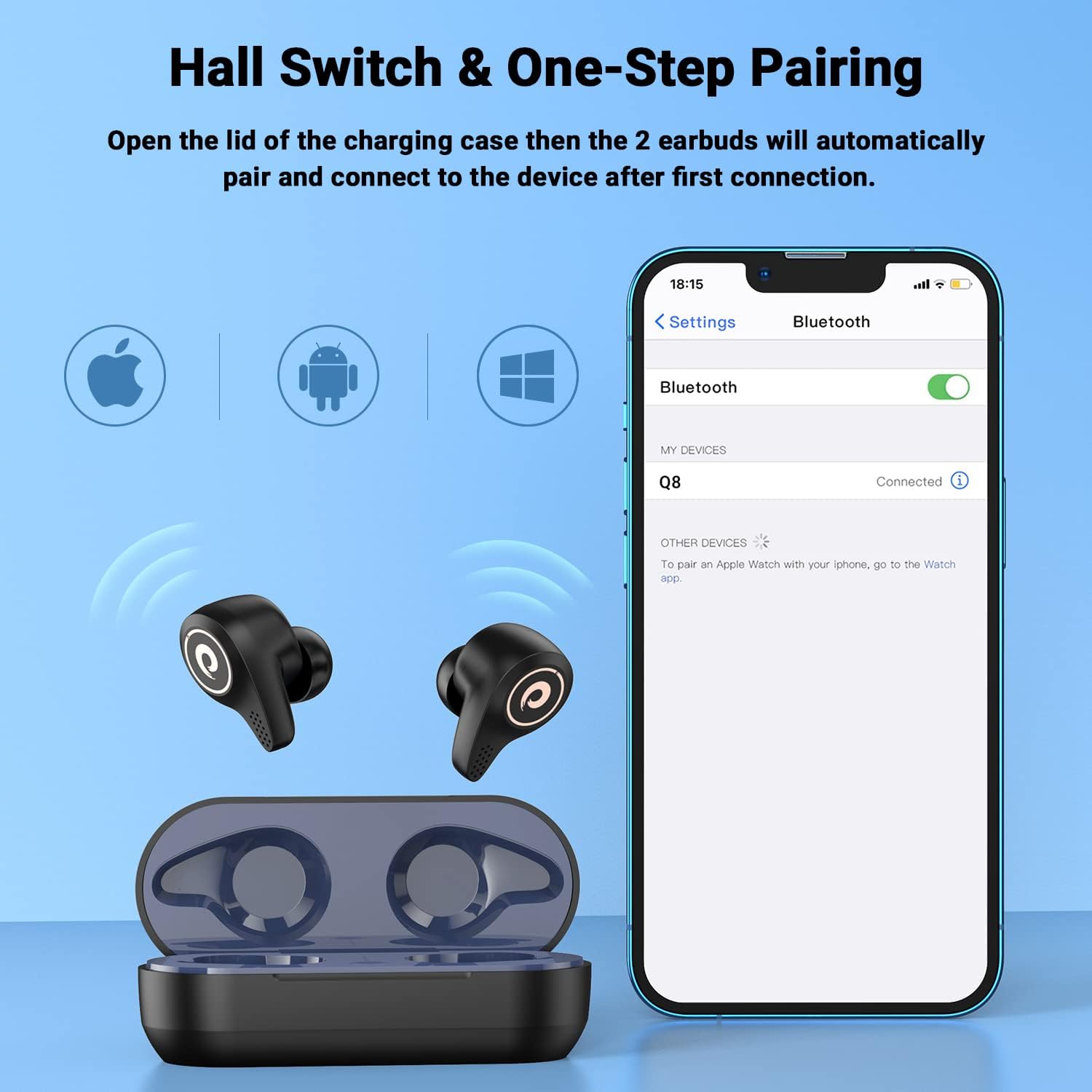
Figure 4: Hall Switch and one-step pairing process.
5. Operating Instructions
- Power On/Off:
- To power on, open the charging case. The earbuds will automatically turn on.
- To power off, place the earbuds back into the charging case and close the lid. They will automatically disconnect and begin charging.
- Touch Controls:
- The earbuds feature intuitive touch controls for media playback and call management. Refer to the quick start guide for specific tap functions (e.g., single tap for play/pause, double tap for next track, etc.).
- Gaming Mode:
- For a lag-free gaming experience, triple tap the left earbud to enter gaming mode. This reduces latency for synchronized audio and visuals.
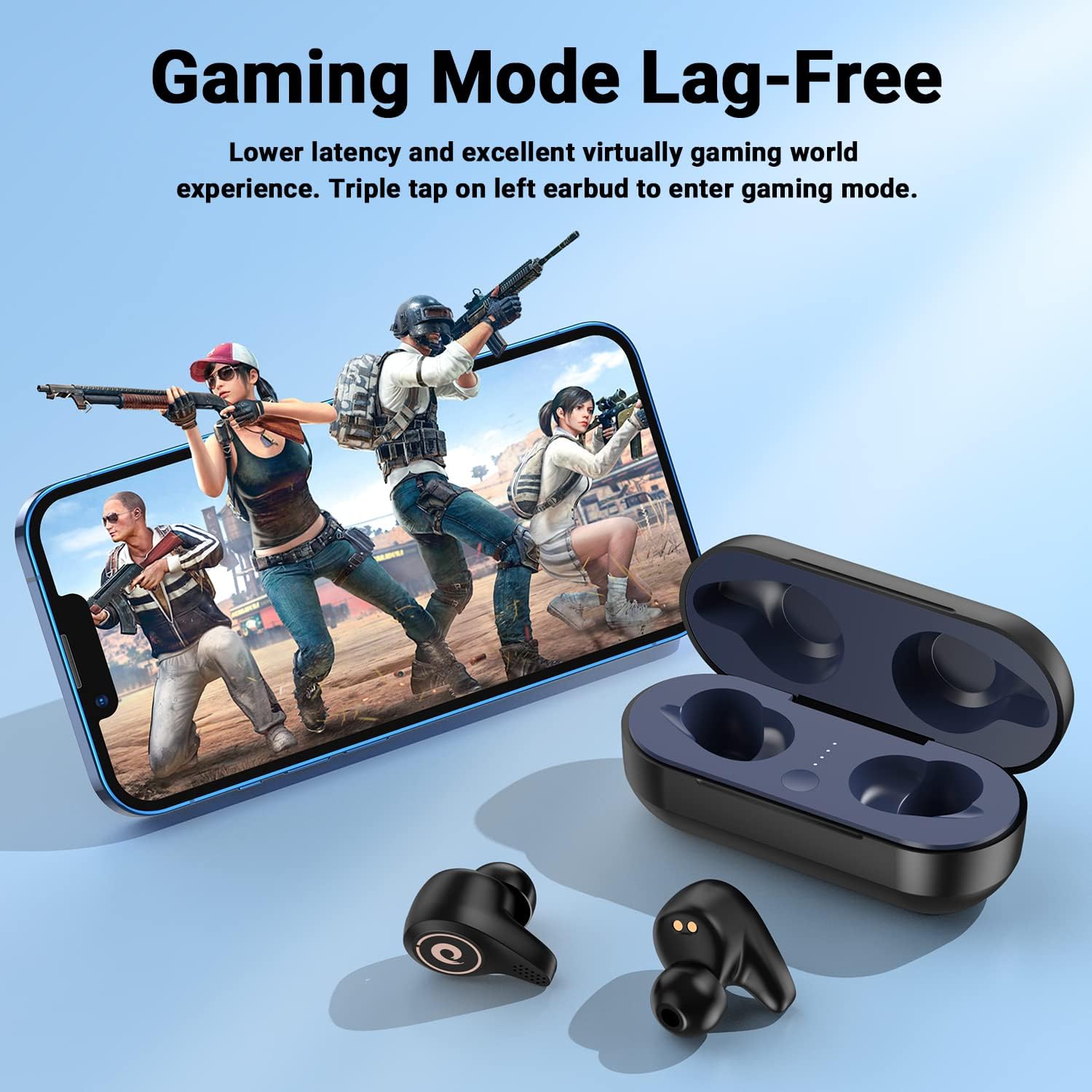
Figure 5: Activating Gaming Mode for reduced latency.
- Calls:
- Utilize the CVC8.0 noise cancelling technology and four microphones for clear conversations in various environments.
6. Maintenance
- Cleaning:
- Regularly clean the earbuds and charging case with a soft, dry cloth.
- Remove ear tips and clean them with mild soap and water if necessary, ensuring they are completely dry before reattaching.
- Keep charging contacts on both earbuds and case free from dust and debris.
- Water Resistance (IPX5):
- The earbuds are IPX5 water-resistant, meaning they can withstand sweat and light rain. They are not designed for submersion in water.
- Avoid exposing the charging case to water.
- If earbuds get wet, wipe them dry thoroughly before placing them back in the charging case.

Figure 6: IPX5 water resistance for daily use.
7. Troubleshooting
- Earbuds not pairing:
- Ensure the earbuds are charged and removed from the charging case.
- Turn off and on your device's Bluetooth, then try searching again.
- If previously paired, try forgetting the device on your phone and re-pairing.
- Earbuds not charging:
- Check that any protective plastic films have been removed from the earbud charging contacts.
- Ensure the charging cable is securely connected to both the case and the power source.
- Verify that the charging case itself has power (check LED indicators).
- Low volume or poor sound quality:
- Adjust the volume on both your device and the earbuds.
- Ensure ear tips are properly seated and provide a good seal in your ear canal. Try different sized ear tips.
- Clean any debris from the earbud speakers.
8. Specifications
| Model Name | Q8 |
| Brand | FEANS |
| Connectivity Technology | Wireless (Bluetooth 5.2) |
| Wireless Communication Technology | Bluetooth |
| Bluetooth Version | 5.2 |
| Bluetooth Range | 10 Meters |
| Audio Driver Type | Dynamic Driver (6mm diameter) |
| Battery Life (Earbuds) | Up to 7 Hours |
| Charging Case Additional Charges | Approx. 4 times |
| Water Resistance Level | IPX5 |
| Control Method | Touch |
| Special Feature | Noise Cancellation (CVC8.0) |
| Compatible Devices | Cellphones, Laptops, Desktops, Tablets (iOS/Android/Windows) |
| Item Weight | 4.2 ounces |
9. Official Product Video
Video 1: An overview of the FEANS Q8 Wireless Bluetooth Earbuds, showcasing their design, features, and functionality. This video provides a visual guide to the product's capabilities and highlights key selling points.
10. Warranty and Support
For warranty information, technical support, or any inquiries regarding your FEANS Q8 Wireless Earbuds, please refer to the contact details provided on the product packaging or visit the official FEANS website. Keep your purchase receipt for warranty claims.