
1. Introduction
Thank you for purchasing the TEMOLA Cordless Vacuum Cleaner TS10. This manual provides important information regarding the safe operation, maintenance, and troubleshooting of your new vacuum cleaner. Please read this manual thoroughly before using the product and retain it for future reference.
2. Safety Instructions
To reduce the risk of fire, electric shock, or injury, please observe the following safety precautions:
- This appliance is for household use only. Do not use it for commercial or industrial purposes.
- Do not use the vacuum cleaner to pick up water or any other liquids.
- Do not pick up burning or smoking materials, such as cigarettes, matches, or hot ashes.
- Do not pick up hard or sharp objects such as glass, nails, screws, or coins, as this may damage the vacuum cleaner.
- Keep hair, loose clothing, fingers, and all parts of the body away from openings and moving parts.
- Do not operate the vacuum cleaner without the dust cup and filter in place.
- Use only the charging cable provided by the manufacturer.
- Do not modify or attempt to repair the appliance yourself. Contact customer support for assistance.
- Store the vacuum cleaner in a dry, indoor area when not in use.
- This appliance is not intended for use by persons (including children) with reduced physical, sensory, or mental capabilities, or lack of experience and knowledge, unless they have been given supervision or instruction concerning use of the appliance by a person responsible for their safety.
3. Package Contents
Verify that all items are present in the package:
- TEMOLA Cordless Vacuum Cleaner TS10
- Crevice Tool
- Dusting Brush
- HEPA Filter (pre-installed)
- USB Charging Cable
- Drawstring Storage Bag
- User Manual

Image: TEMOLA Cordless Vacuum Cleaner TS10 with its accessories, including the crevice tool, dusting brush, USB charging cable, and storage bag.
4. Product Overview
Familiarize yourself with the components of your TEMOLA TS10 vacuum cleaner:

Image: Exploded view showing the main components of the TEMOLA TS10, including the dust brush tool, crevice nozzle, dust container, HEPA filter, high-speed motor, release button, and ON/OFF switch.
- Dust Brush Tool: For cleaning delicate surfaces and removing stubborn dirt.
- Crevice Nozzle: For reaching tight spaces and corners.
- Dust Container: Collects dust and debris.
- HEPA Filter: Traps fine dust particles and allergens.
- High-Speed Motor: Provides powerful suction.
- Release Button: For detaching the dust container.
- ON/OFF Switch: Powers the vacuum cleaner on or off.
5. Setup
5.1. Assembly
The TEMOLA TS10 is designed for simple assembly. Ensure the HEPA filter is correctly seated inside the dust container, and the dust container is securely attached to the main body of the vacuum cleaner. Attach the desired nozzle (crevice tool or dusting brush) to the front of the dust container by pushing it firmly into place.
5.2. Charging the Battery
Before first use, fully charge the vacuum cleaner. Connect the provided USB charging cable to the charging port on the vacuum and plug the other end into a compatible USB power adapter (not included) or a USB port. The charging indicator light will illuminate during charging and typically turn off or change color when fully charged. A full charge takes approximately 3-4 hours and provides up to 20 minutes of continuous use.

Image: The TEMOLA TS10 vacuum cleaner with its USB charging cable, illustrating the charging process.
6. Operating Instructions
6.1. Powering On/Off
Press the ON/OFF switch located on the handle to turn the vacuum cleaner on. Press it again to turn the vacuum cleaner off.
6.2. Using Attachments
- Crevice Tool: Ideal for cleaning narrow gaps, corners, and hard-to-reach areas in your car, sofa, or between furniture cushions.
- Dusting Brush: Suitable for cleaning delicate surfaces, keyboards, air vents, and upholstery.

Image: The TEMOLA TS10 vacuum cleaner demonstrating the use of the crevice nozzle for tight spaces and the brush nozzle for keyboards.

Image: The TEMOLA TS10 vacuum cleaner in action, demonstrating its powerful suction capability on a countertop with scattered debris.
6.3. General Usage Tips
- For optimal performance, ensure the battery is sufficiently charged.
- Empty the dust container regularly to maintain strong suction.
- Clean the HEPA filter as recommended in the maintenance section.
6.4. Product Demonstration Video
Watch this video for a visual guide on using the TEMOLA TS10 Cordless Vacuum Cleaner:
Video: A demonstration of the TEMOLA TS10 Hand Held Car Mini Vacuum in use, showcasing its portability and effectiveness in cleaning vehicle interiors.
7. Maintenance
Regular maintenance ensures the longevity and optimal performance of your vacuum cleaner.
7.1. Emptying the Dust Container
- Press the release button to detach the dust container from the main body.
- Carefully remove the HEPA filter from the dust container.
- Empty the contents of the dust container into a trash bin.

Image: A hand demonstrating how to empty the dust and debris from the TEMOLA TS10 vacuum cleaner's dust container into a waste bin.
7.2. Cleaning the HEPA Filter
The HEPA filter is washable and reusable. Regular cleaning helps maintain suction power and extends the filter's lifespan.
- After emptying the dust container, gently tap the HEPA filter to remove any loose dust.
- Rinse the HEPA filter under running water until it is clean. Do not use detergents or hot water.
- Allow the filter to air dry completely for at least 24 hours before reinserting it into the vacuum cleaner. Do not expose it to direct sunlight or use a dryer.
- Ensure the filter is completely dry before reassembly to prevent damage to the motor.
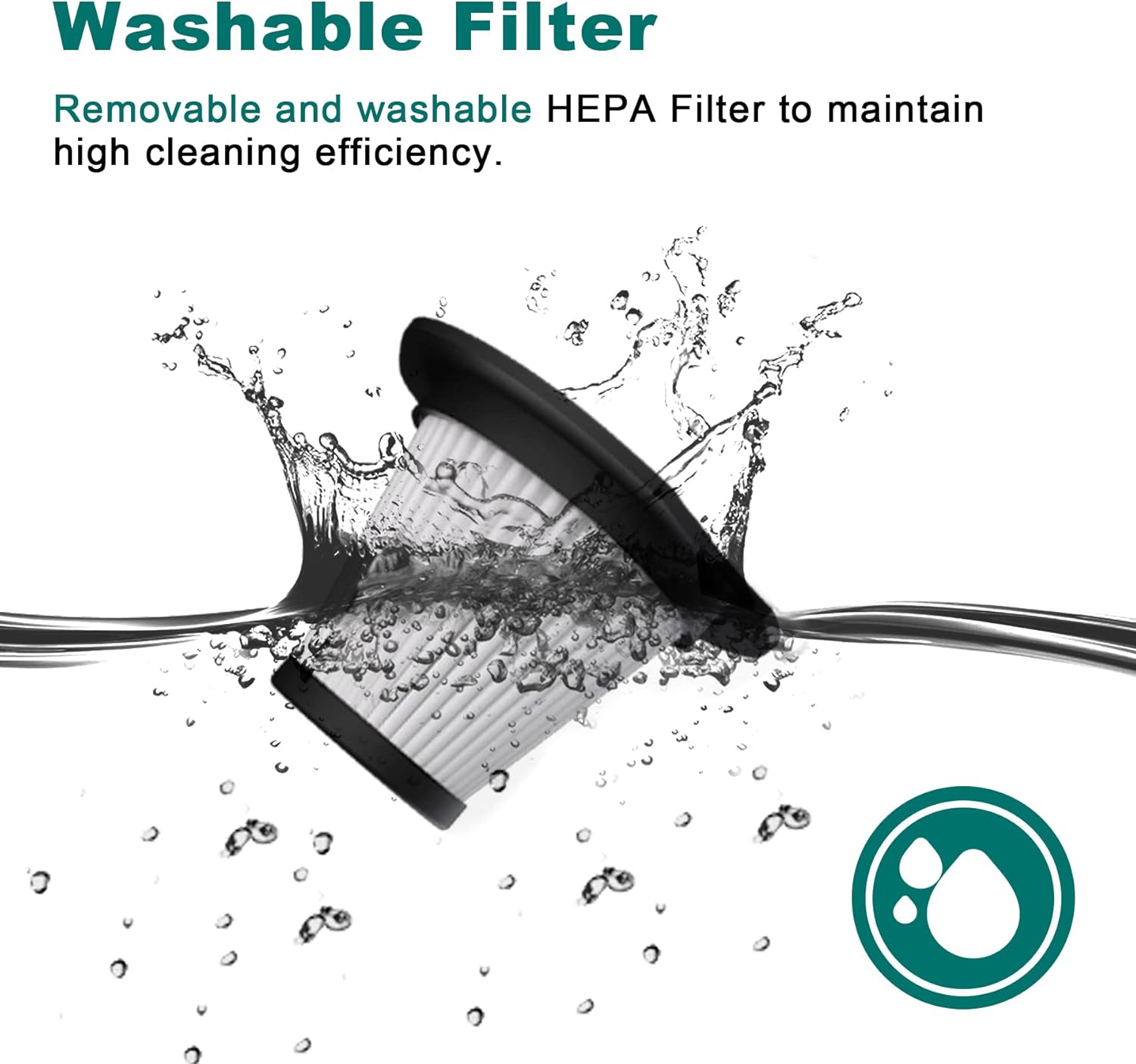
Image: The washable HEPA filter for the TEMOLA TS10 vacuum cleaner being rinsed under running water, highlighting its reusability.

Image: A hand holding and rinsing the HEPA filter under water, demonstrating the cleaning process for the TEMOLA TS10 vacuum cleaner.
8. Troubleshooting
If you encounter issues with your TEMOLA TS10 vacuum cleaner, refer to the following table for common problems and solutions:
| Problem | Possible Cause | Solution |
|---|---|---|
| Vacuum does not turn on | Battery is depleted | Charge the vacuum cleaner fully (3-4 hours). |
| Low suction power | Dust container is full | Empty the dust container. |
| Low suction power | HEPA filter is clogged | Clean or replace the HEPA filter. Ensure it is completely dry before reinserting. |
| Low suction power | Nozzle or hose is blocked | Check and clear any blockages in the nozzle or suction inlet. |
| Short operating time | Battery not fully charged or aging battery | Ensure the vacuum is fully charged. Battery life naturally decreases over time. |
| Charging indicator not working | Charging cable or adapter issue | Try a different USB charging cable or power adapter. Ensure connections are secure. |
If the problem persists after trying these solutions, please contact TEMOLA customer support.
9. Specifications
| Feature | Detail |
|---|---|
| Brand | TEMOLA |
| Model Name | TS10 |
| Special Feature | HEPA Filter |
| Filter Type | HEPA Filter |
| Power Source | Battery Powered |
| Battery Type | Lithium-Ion |
| Battery Charge Time | 3-4 Hours |
| Runtime | Up to 20 minutes |
| Suction Power | 9KPA |
| Motor Speed | 36000 RPM |
| Wattage | 120 Watts |
| Voltage | 7.4 Volts |
| Dust Cup Capacity | 0.5 Liters |
| Item Weight | 0.88 lbs (12.8 ounces) |
| Dimensions (L x W x H) | 11"L x 4"W x 4"H |
| Noise Level | 70 Decibels |
| Connectivity Technology | USB |
| Recommended Uses | Handheld, Car, Office, Home |
10. Warranty and Support
10.1. Warranty Information
TEMOLA products are manufactured to high-quality standards. This product is covered by a limited warranty from the date of purchase against defects in materials and workmanship. Please retain your proof of purchase for warranty claims. The warranty does not cover damage caused by misuse, neglect, accident, alteration, or unauthorized repair.
10.2. Customer Support
For technical assistance, warranty claims, or general inquiries, please contact TEMOLA customer support through the retailer where the product was purchased or visit the official TEMOLA website for contact information.
TEMOLA Official Store: Visit the TEMOLA Store on Amazon