
Fuegobird B0B3J2Z5GD
Fuegobird Galaxy Night Light Projector Instruction Manual
Model: B0B3J2Z5GD | Brand: Fuegobird
Introduction
This manual provides detailed instructions for the setup, operation, maintenance, and troubleshooting of your Fuegobird Galaxy Night Light Projector. Please read this manual thoroughly before using the product to ensure proper function and longevity.

Image: The Fuegobird Galaxy Night Light Projector, a compact white device, projects a vibrant display of aurora and stars onto a surface, creating an immersive visual experience.
Package Contents
Verify that all items are present in the package:
- Fuegobird Galaxy Night Light Projector Unit
- Remote Control
- USB Power Cable
- User Manual (this document)
Setup
1. Power Connection
- Connect the provided USB power cable to the projector's power input port.
- Plug the other end of the USB cable into a compatible USB power adapter (not included) or a USB port on a computer.
- Ensure the power source provides sufficient voltage (e.g., 5V/2A).
2. Remote Control Battery Installation
The remote control requires batteries (not included). Open the battery compartment on the back of the remote and insert two AAA batteries, observing the correct polarity.
3. Initial Placement
Place the projector on a stable, flat surface. For optimal projection coverage, consider utilizing the 45-degree angle design. This allows for projection across an entire room from a lower position.
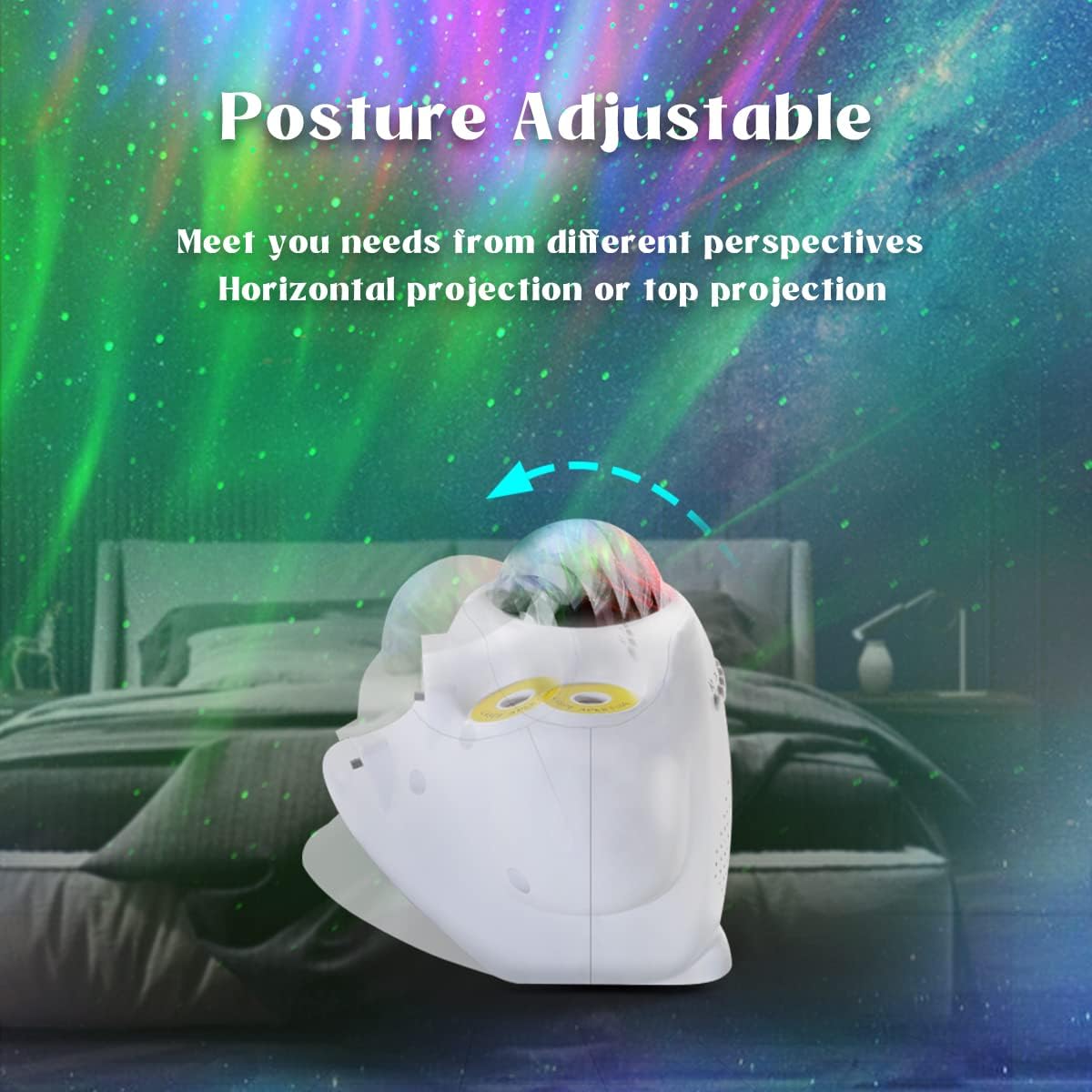
Image: The projector unit is shown with its base adjusted to a 45-degree angle, illustrating its posture-adjustable feature for varied projection angles.
4. Smartphone App Installation (Optional)
For enhanced control, download the dedicated smartphone application. Search for "Fuegobird" or scan the QR code (if provided on packaging) in your device's app store. Follow the in-app instructions for pairing.
Operating Instructions
1. Power On/Off
Press the power button on the projector unit or the remote control to turn the device on or off.
2. Light Modes and Adjustments
The projector offers various lighting effects, including Northern Lights and starry sky projections. Use the "Light Mode" button on the remote or the app to cycle through different modes and color combinations.
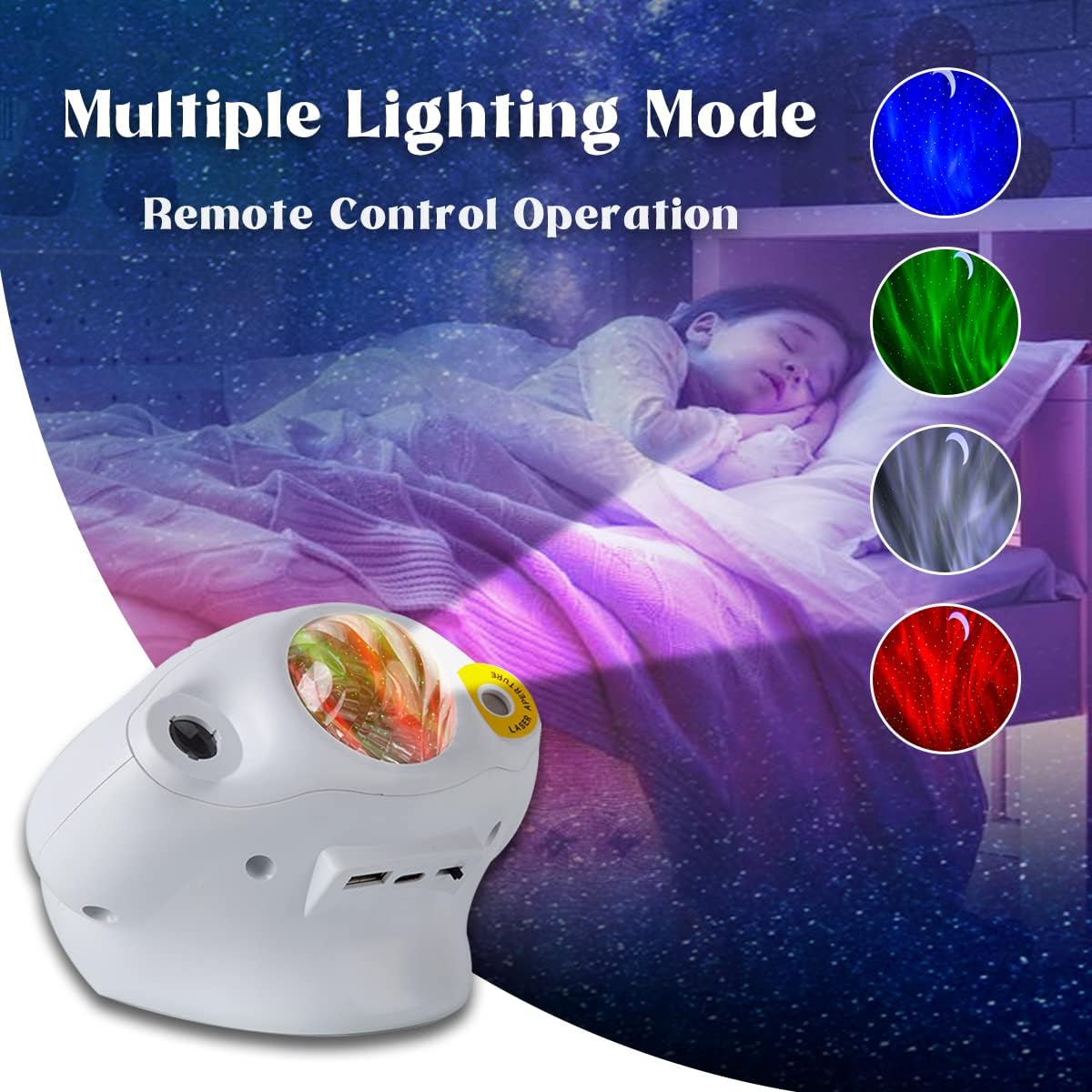
Image: The projector demonstrates its capability to display multiple lighting modes, including blue, green, white, and red aurora effects, controlled via remote.
- Color Adjustment: Use the color selection buttons on the remote or the color palette in the app to change the aurora colors.
- Brightness Control: Adjust the projection brightness using the dedicated buttons on the remote or the slider in the app.
- Rotation Speed: Some modes allow adjustment of the rotation speed of the aurora effect.
3. Bluetooth Speaker Function
The projector features a built-in Bluetooth speaker.
- Activate Bluetooth on your smartphone or other audio device.
- Search for "Fuegobird" in the list of available devices and pair.
- Once connected, you can play audio through the projector's speaker.

Image: An overview of the projector's key features, including Bluetooth 5.0 music, remote control, simple operation, timing function, voice-activated mode, and HD projection.
4. White Noise and Nature Sounds
The device includes 16 soothing white noises and nature sounds. Use the dedicated buttons on the remote or the app to select and play these sounds.
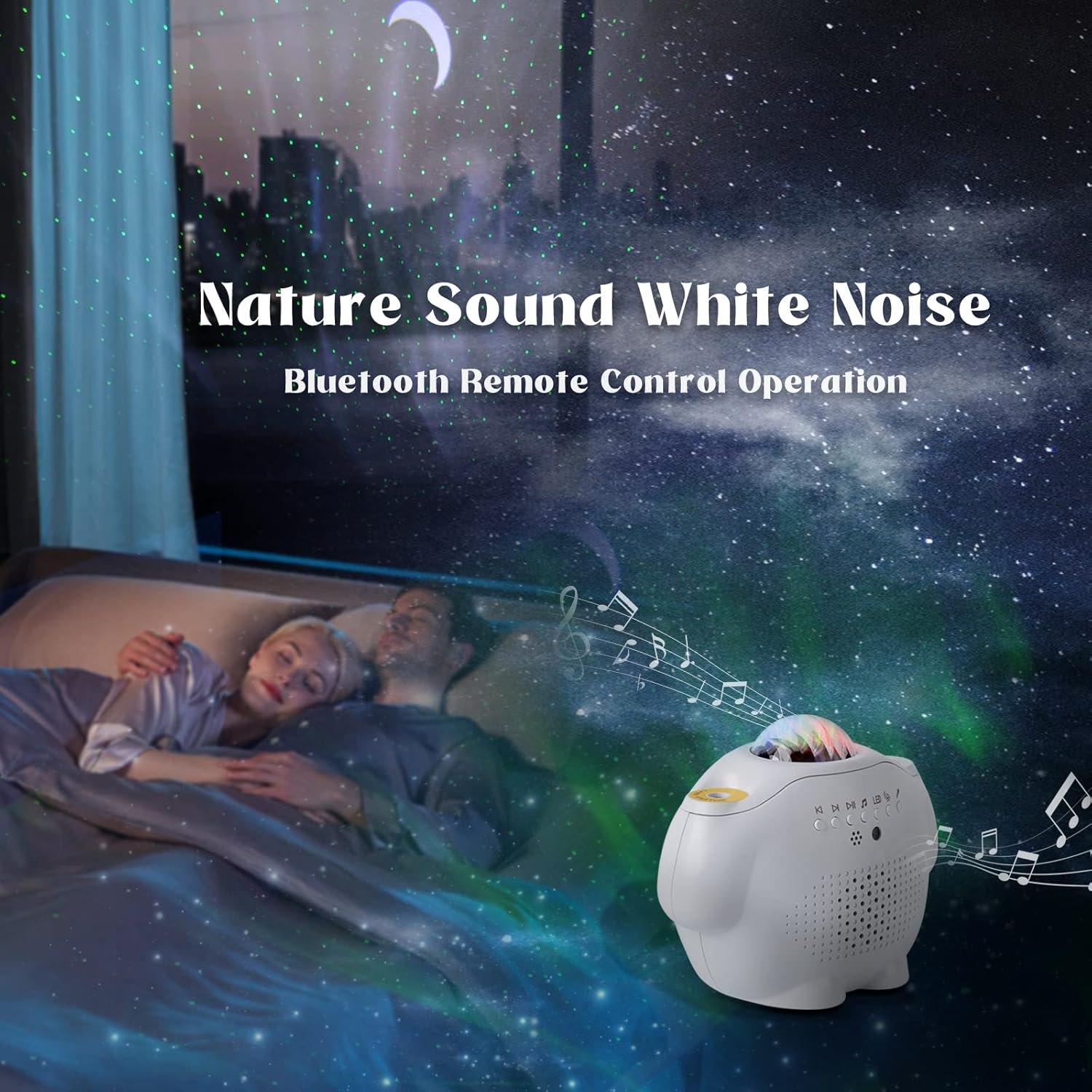
Image: The projector is shown in a bedroom setting, projecting stars and aurora while a couple sleeps, illustrating the white noise and Bluetooth remote control operation for a calming environment.
5. Voice Control Mode
In voice control mode, the projection lights will synchronize and change with the rhythm of music or sounds detected by the projector's microphone. Activate this mode via the remote or app.
6. Timer Function
Set a timer for the projector to automatically turn off after a specified duration. Use the timer buttons on the remote control or the timer settings within the smartphone app.
7. Smartphone App Control
The smartphone app provides comprehensive control over all projector functions, including light modes, colors, brightness, music playback, volume, and timer settings. Ensure the projector is paired with your device via Bluetooth for app control.

Image: The projector is depicted alongside a smartphone displaying its control interface, highlighting the smart control capabilities and its dual function as a lamp and music source.
Maintenance
1. Cleaning
To clean the projector, gently wipe the exterior with a soft, dry cloth. Do not use abrasive cleaners, solvents, or excessive moisture, as these can damage the device. Ensure the lens is free of dust for clear projection.
2. Storage
When not in use for extended periods, store the projector in a cool, dry place, away from direct sunlight and extreme temperatures. It is recommended to keep it in its original packaging to protect it from dust and damage.
3. Remote Control Battery Replacement
If the remote control becomes unresponsive, replace the AAA batteries. Dispose of used batteries responsibly according to local regulations.
Troubleshooting
| Problem | Possible Cause | Solution |
|---|---|---|
| Projector does not power on. | No power connection or faulty cable. | Ensure the USB cable is securely connected and the power adapter is functioning. Try a different USB port or adapter. |
| Lights are not projecting. | Light mode is off or brightness is too low. | Press the light mode button on the remote/app. Increase brightness. Check for obstructions on the lens. |
| Bluetooth connection fails. | Device not in pairing mode or too far away. | Ensure Bluetooth is enabled on your device and the projector. Move closer to the projector. Restart both devices. |
| Remote control is unresponsive. | Dead batteries or obstruction. | Replace the remote control batteries. Ensure there is no obstruction between the remote and the projector's IR receiver. |
| Voice control not working. | Voice control mode not activated or microphone obstructed. | Activate voice control mode via remote or app. Ensure the projector's microphone is not covered. |
Specifications
| Feature | Detail |
|---|---|
| Brand | Fuegobird |
| Model Number | B0B3J2Z5GD |
| Product Dimensions | 14.5 x 11.5 x 11 cm |
| Weight | 472 g |
| Power Source | Battery Powered (USB cable for charging/power) |
| Light Source Type | LED |
| Special Features | Color Changing, Bluetooth Speaker, White Noise, Voice Control, Timer, Remote Control, App Control, 45-degree Angle Design |
| Room Type | Bedroom, Living Room |
| Connectivity | Bluetooth |
Warranty and Support
Specific warranty information is typically provided with your purchase documentation or on the manufacturer's official website. For detailed warranty terms, technical support, or service inquiries, please refer to the Fuegobird official website or contact their customer service directly.
Please retain your proof of purchase for any warranty claims.
Ask a question about this manual
Ask about setup, troubleshooting, compatibility, parts, safety, or missing instructions. Manuals+ will review the question and use this page’s manual context to help answer it.