
EverBrite E041030AE
EverBrite E041030AE Rechargeable LED Camping Lantern User Manual
Model: E041030AE
1. Introduction
Thank you for choosing the EverBrite E041030AE Rechargeable LED Camping Lantern. This versatile lantern is designed to provide reliable illumination and portable power for various outdoor activities and emergency situations. Please read this manual thoroughly before use to ensure proper operation and to maximize the lifespan of your device.
2. Product Features
- 5 Lighting Modes: Low, Medium, High, Eco, and Strobe for diverse lighting needs.
- Memory Function: Remembers the last used lighting mode for convenience.
- Super Bright Illumination: Up to 1000 lumens with 360° coverage.
- Rechargeable & Power Bank Function: Built-in 4.4 Ah battery allows charging via USB/Type-C and can charge external electronic devices.
- Portable Design: Comfortable handle and stable base for easy carrying, placement, or hanging.
- Durable Construction: Water-resistant design suitable for outdoor use.
3. Package Contents
The EverBrite E041030AE Rechargeable LED Camping Lantern package includes:
- EverBrite E041030AE LED Camping Lantern
- USB and Type-C Charging Cable
- Built-in Lithium-Ion Batteries (2 included)
4. Setup
4.1 Initial Charging
Before first use, fully charge the lantern. The lantern will not illuminate while charging; please use it after charging is complete.
- Locate the rubber flap on the side of the lantern, covering the charging ports.
- Open the flap to reveal the USB Output Charging Port and the Type-C Input Charging Port.
- Connect the provided USB or Type-C cable to the Type-C Input Charging Port on the lantern.
- Connect the other end of the cable to a compatible USB power source (e.g., car charger, laptop USB port, wall adapter).
- The charging indicator light will show the charging status. Once fully charged, the light will turn green.

Image: The EverBrite lantern features a USB output port and a Type-C input port for charging and power bank functionality.
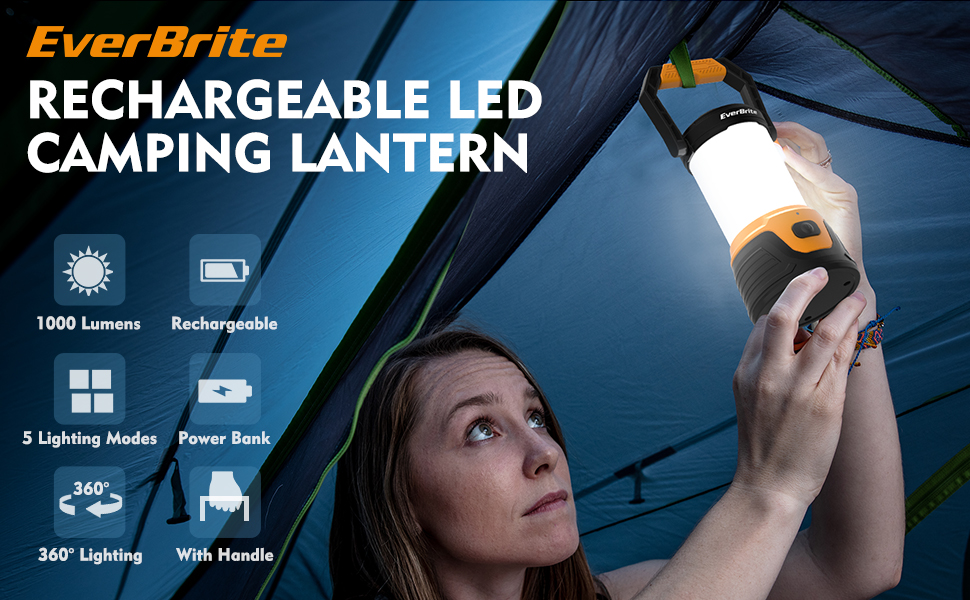
Image: The lantern can be used as a portable power bank to charge electronic devices like smartphones.
5. Operation
5.1 Powering On/Off and Changing Modes
The lantern features a single power button on the front for easy control.
- To Turn On: Press the power button once. The lantern will illuminate in the last used mode (due to the memory function).
- To Change Modes: Press the power button repeatedly to cycle through the 5 lighting modes: Low, Medium, High, Eco, and Strobe.
- Memory Function: If any mode is active for more than 5 seconds, pressing the power button will turn the lantern off directly. The next time you turn it on, it will recall this last mode.
- To Turn Off: If cycling through modes, continue pressing the button until the lantern turns off. Alternatively, if a mode has been active for more than 5 seconds, a single press will turn it off.
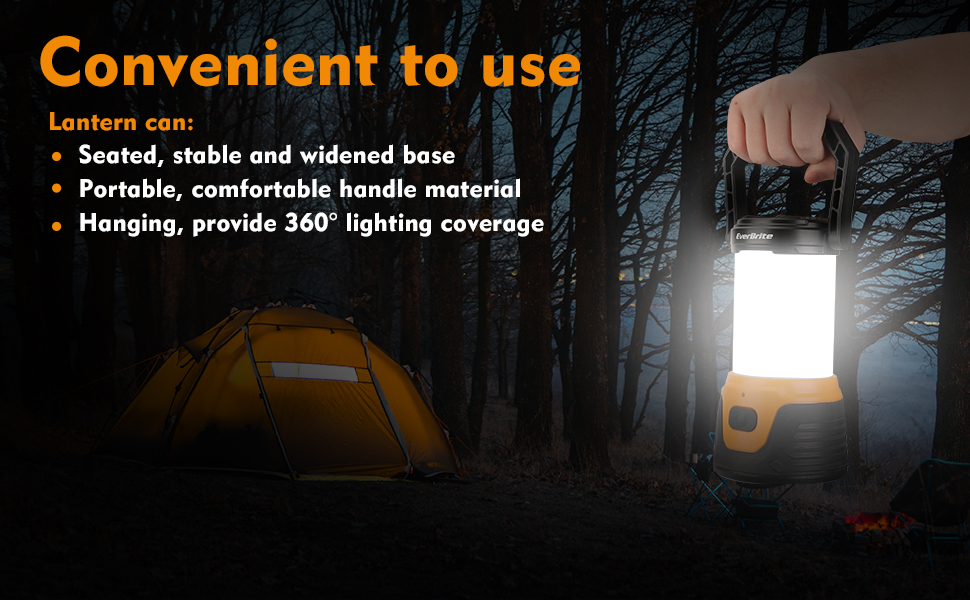
Image: The EverBrite lantern offers five distinct lighting modes to suit various illumination requirements.
5.2 Power Bank Function
The built-in 4.4 Ah battery allows the lantern to function as a portable power bank.
- Ensure the lantern is sufficiently charged.
- Open the rubber flap covering the charging ports.
- Connect your electronic device's charging cable to the USB Output Charging Port on the lantern.
- The lantern will begin charging your device.
5.3 Carrying and Placement
The lantern is designed for versatile use:
- Portable: Use the comfortable handle for easy carrying.
- Seated: The widened base ensures stability when placed on flat surfaces like tables or the ground.
- Hanging: The handle can be used to hang the lantern, providing 360° lighting coverage from above.
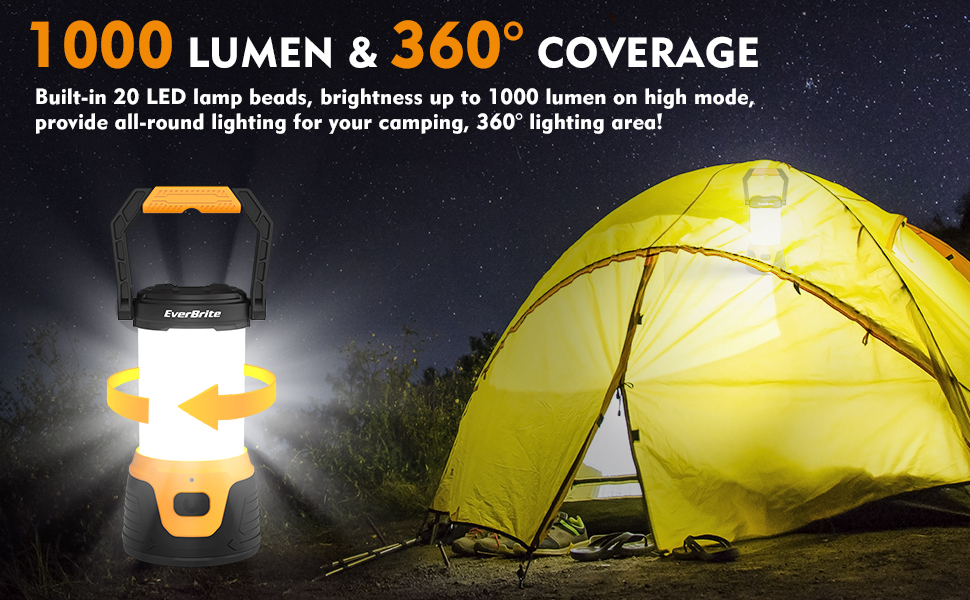
Image: The lantern offers flexible placement options, including hanging, seated, and portable use.
Video: An overview of the EverBrite LED Camping Lantern, showcasing its design, lighting capabilities, and power bank feature.
6. Maintenance
- Cleaning: Wipe the lantern with a soft, damp cloth. Do not use abrasive cleaners or solvents.
- Storage: Store the lantern in a cool, dry place when not in use. For long-term storage, ensure the battery is partially charged (around 50%) and recharge it every 3-6 months to maintain battery health.
- Water Resistance: The lantern is water-resistant (IP44 rated), meaning it is protected against splashing water from any direction. Do not submerge the lantern in water. Ensure the charging port flap is securely closed when not in use to maintain water resistance.
7. Troubleshooting
| Problem | Possible Cause | Solution |
|---|---|---|
| Lantern does not turn on. | Low battery. | Charge the lantern fully using the provided cable. |
| Lantern does not turn on. | Power button not pressed correctly. | Ensure the power button is pressed firmly. If a mode was active for less than 5 seconds, multiple presses might be needed to cycle through or turn off. If active for more than 5 seconds, a single press turns it off. |
| Device not charging via power bank function. | Low lantern battery. | Recharge the lantern. |
| Device not charging via power bank function. | Incorrect cable or connection. | Ensure your device's charging cable is properly connected to the USB Output port. Try a different cable if necessary. |
8. Specifications
| Feature | Detail |
|---|---|
| Model Number | E041030AE |
| Light Source | 20 LED light bulbs |
| Brightness | Up to 1000 Lumens (High Mode) |
| Lighting Modes | Low, Medium, High, Eco, Strobe |
| Battery Type | Built-in 4.4 Ah Lithium-Ion |
| Battery Life | Up to 8 hours (Low Mode) |
| Charging Input | Type-C (5V/2A) |
| Power Bank Output | USB (5V/2A) |
| Water Resistance | IP44 (Water Resistant) |
| Product Dimensions | 4.01"L x 4.01"W x 10.43"H |
| Item Weight | 1.17 pounds (18.7 Ounces) |
| Material | Plastic |
9. Safety Information
- Do not look directly into the LED light when it is on, as it may cause eye damage.
- Keep out of reach of children.
- Do not attempt to disassemble or modify the lantern.
- Use only the provided or a compatible charging cable.
- Avoid exposing the lantern to extreme temperatures or direct sunlight for prolonged periods.
- Dispose of batteries according to local regulations.
10. Warranty and Support
For warranty information or technical support, please refer to the official EverBrite website or contact their customer service directly. Keep your purchase receipt as proof of purchase.
Manufacturer: HANGZHOU GREATSTAR INDUSTRIAL CO.,LTD
Related documentsE041030AE

Ask a question about this manual
Ask about setup, troubleshooting, compatibility, parts, safety, or missing instructions. Manuals+ will review the question and use this page’s manual context to help answer it.