
Introduction
The Panasonic MULTISHAPE ER-CKL1 is a modular body care system designed for versatile grooming. This starter kit includes a lithium-ion battery handpiece and an attachment for trimming beards and hair. The system allows for customization with individually available high-quality attachments for various grooming needs. This manual provides essential information for the safe and effective use of your MULTISHAPE device.
Key features include:
- Modular Design: Compatible with all MULTISHAPE accessories, allowing for personalized grooming.
- Precision Trimming: Features 39 precise cutting lengths with 0.5mm intervals and two comb attachments.
- Japanese Blade Technology: Equipped with sharp 45-degree stainless steel blades for efficient trimming.
- Waterproof & Anti-Slip: IPX7 certified for wet and dry use, with a special anti-slip coating for secure handling.
- Long-lasting Battery: Rechargeable lithium-ion battery provides up to 90 minutes of operation after a one-hour charge.
Package Contents
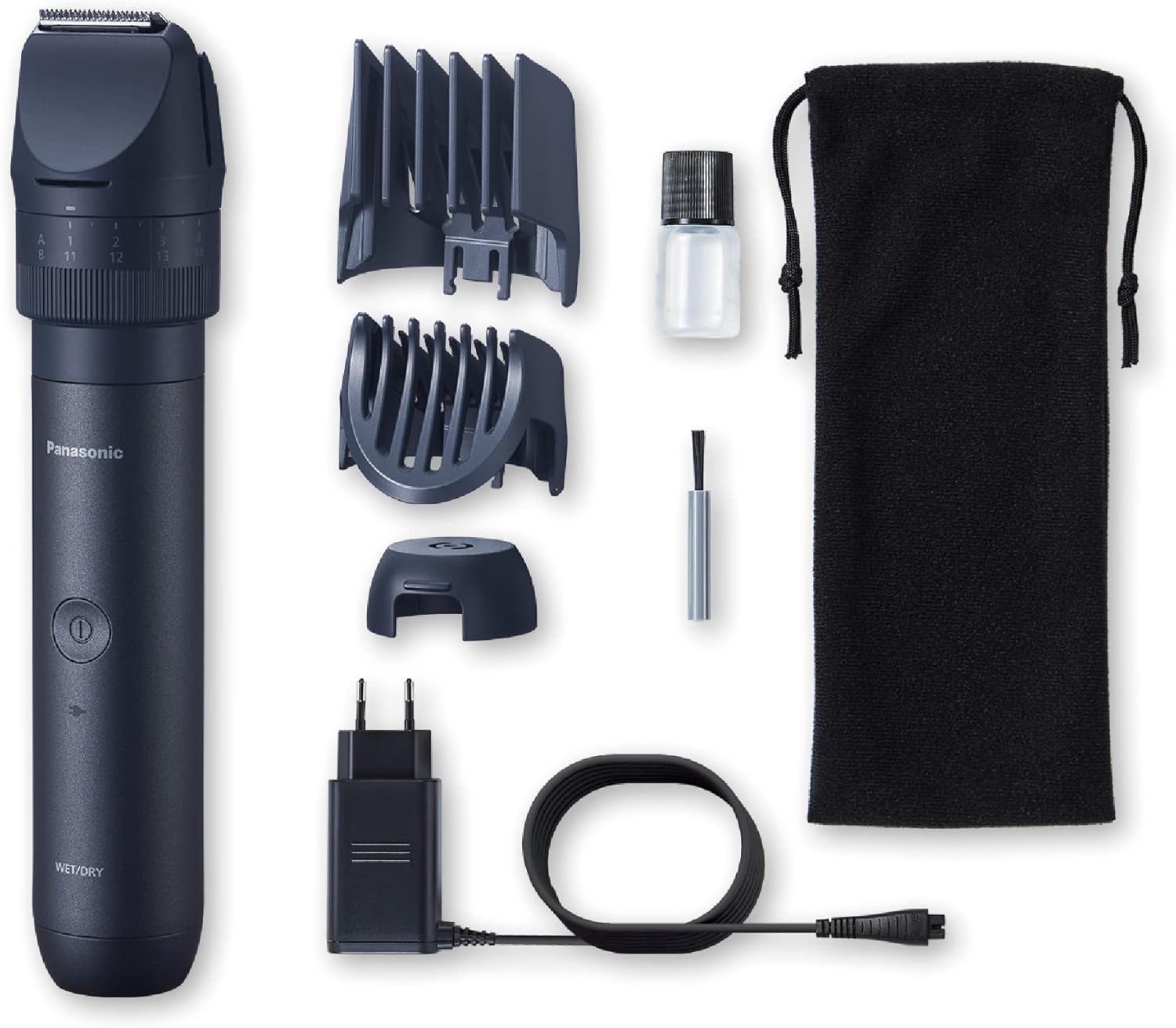
The Panasonic MULTISHAPE ER-CKL1 starter kit includes the following components:
- Handpiece (Li-ion battery)
- Beard/Hair Trimmer Attachment
- Two Comb Attachments
- AC Adapter (Charger)
- Cleaning Brush
- Lubricating Oil
- Storage Pouch
Setup and Charging
Initial Charge
Before first use, fully charge the handpiece. Connect the AC adapter to the handpiece and plug it into a power outlet. The charging indicator will illuminate. A full charge takes approximately one hour and provides up to 90 minutes of cordless operation.
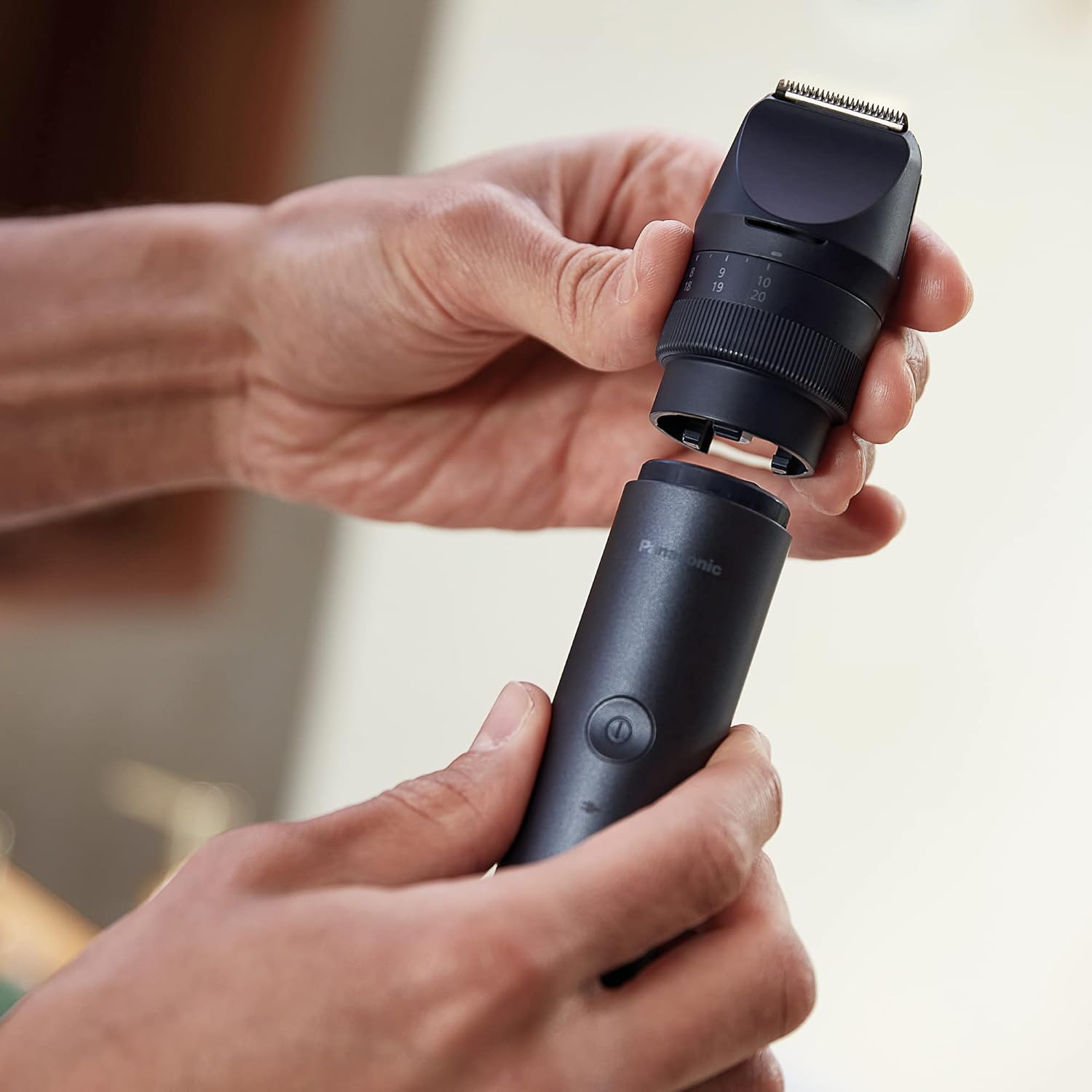
Attaching the Trimmer Head
- Ensure the handpiece is turned off.
- Align the desired trimmer attachment with the handpiece.
- Push the attachment firmly onto the handpiece until it clicks into place.
Attaching Comb Attachments
For specific hair lengths, slide one of the comb attachments onto the trimmer head until it locks securely.

Operating Instructions
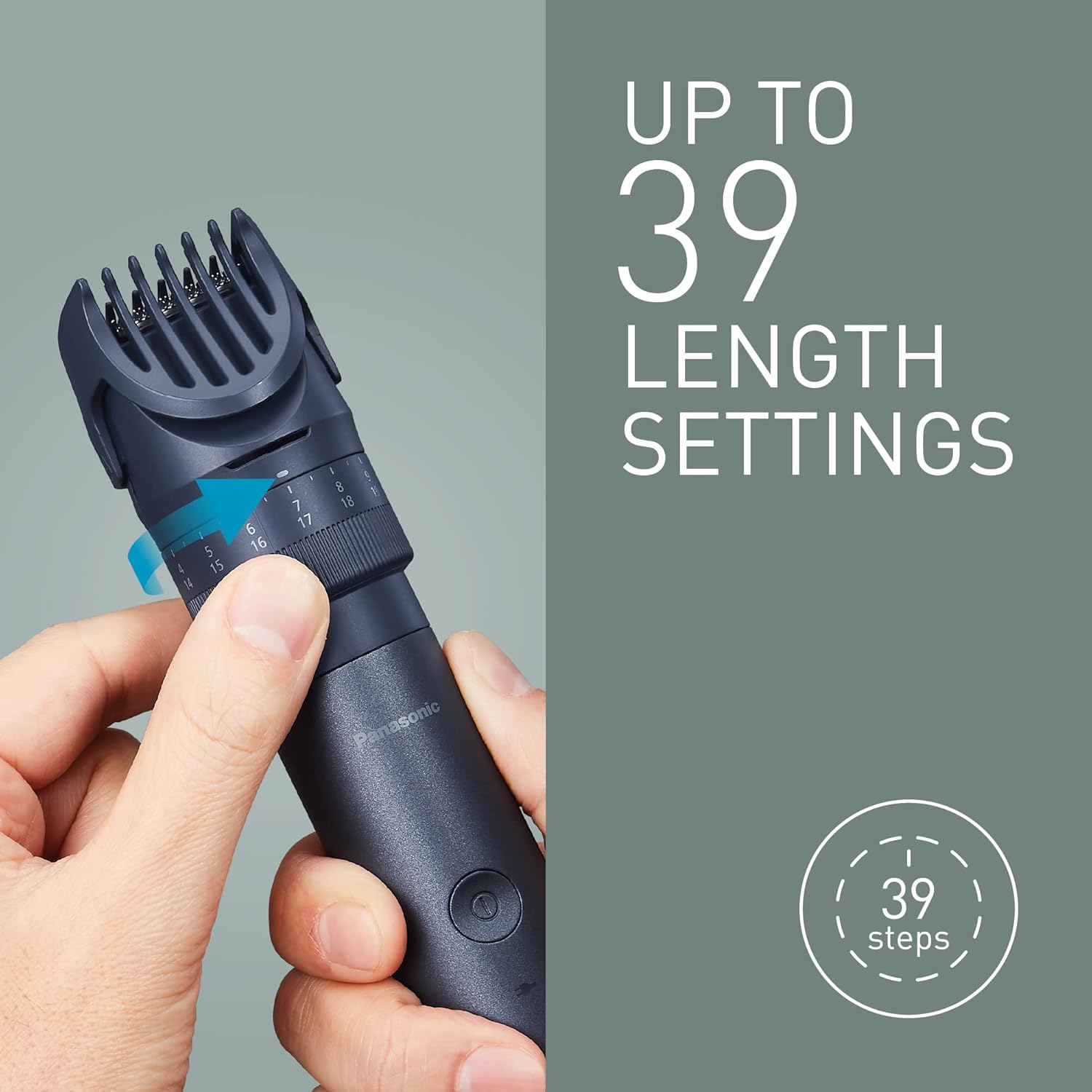
Adjusting Cutting Length
The trimmer attachment features a rotary dial for adjusting the cutting length. Rotate the dial to select your desired length from 1 to 20 mm in 0.5 mm intervals. Ensure the comb attachment is securely in place when adjusting the length.
Trimming Beard and Hair
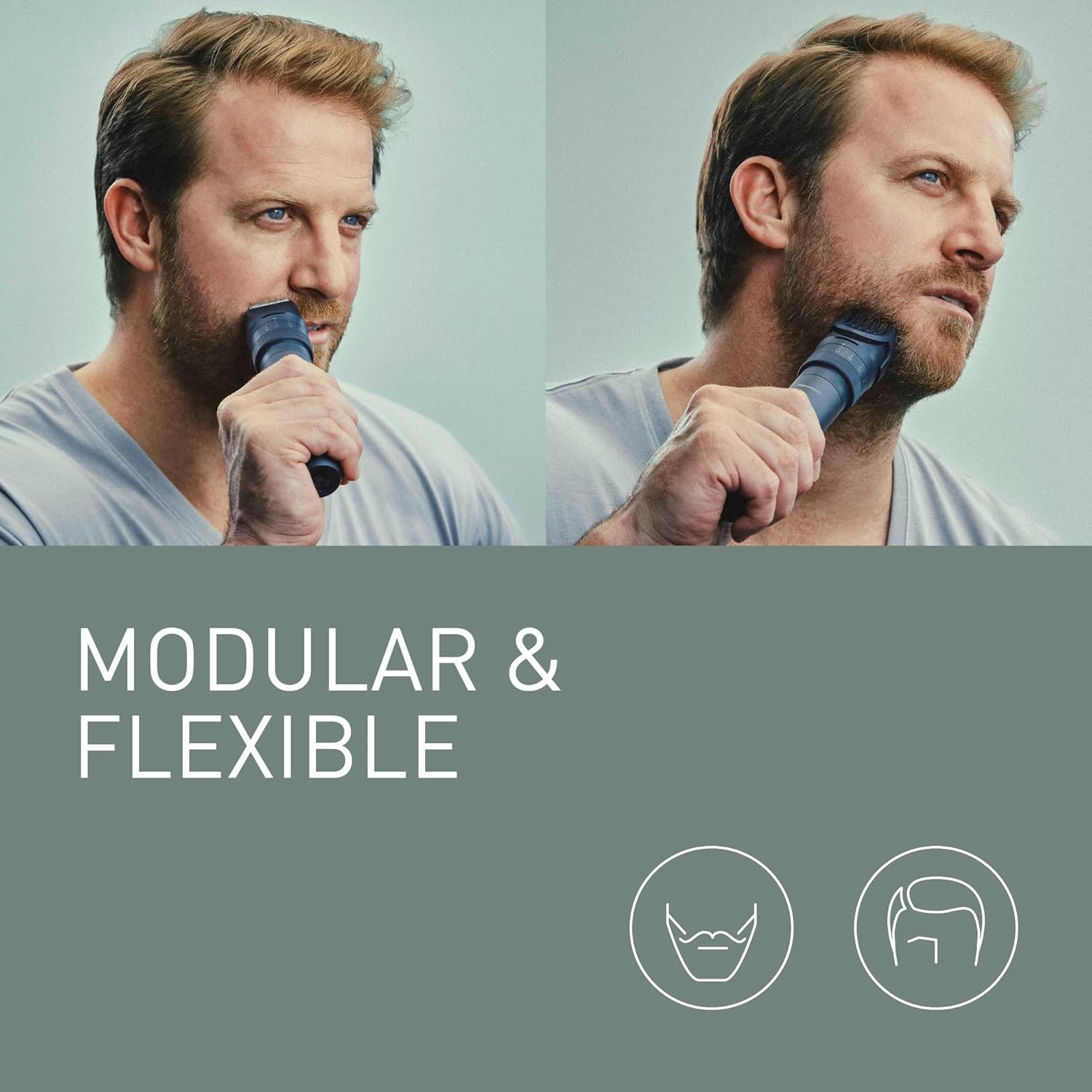
- Ensure your hair or beard is clean and dry, or slightly damp if preferred for wet trimming.
- Turn on the device by pressing the power button.
- Hold the trimmer with the blades facing the area to be trimmed.
- Move the trimmer against the direction of hair growth for an even cut.
- For detailing or shaping, remove the comb attachment and use the bare blades carefully.
- After use, turn off the device.
Wet and Dry Use
The Panasonic MULTISHAPE ER-CKL1 is IPX7 certified, making it suitable for both wet and dry use. You can use it in the shower or rinse it under running water for easy cleaning.

Maintenance
Cleaning the Trimmer
- Turn off the trimmer and detach the trimmer head from the handpiece.
- Remove any comb attachments.
- Use the cleaning brush to remove hair clippings from the blades and inside the trimmer head.
- Rinse the trimmer head and blades under running water. The handpiece can also be rinsed, but ensure the charging port is dry before charging.
- Allow all parts to air dry completely before reassembling or storing.
Lubrication
After every few uses, or if the blades feel sluggish, apply a drop of the provided lubricating oil to the blades. Turn on the trimmer for a few seconds to distribute the oil evenly, then turn it off.
Storage
Store the trimmer and its accessories in the provided pouch in a dry place, away from direct sunlight and extreme temperatures.

Troubleshooting
| Problem | Possible Cause | Solution |
|---|---|---|
| Trimmer does not turn on. | Battery is depleted. | Charge the trimmer for at least one hour. |
| Trimmer performance is poor or blades pull hair. | Blades are clogged with hair or not lubricated. | Clean the blades thoroughly and apply lubricating oil. |
| Attachment does not fit securely. | Attachment is not aligned correctly or is damaged. | Ensure correct alignment and push firmly until it clicks. Inspect for damage. |
| Charging indicator does not light up. | Charger not properly connected or power outlet issue. | Check connections and try a different power outlet. |
Specifications
- Model Number: ER-CKL1-A301
- Power Source: Battery Powered (Rechargeable Li-ion)
- Battery Life: Approximately 90 minutes of use per 1-hour charge
- Blade Material: Stainless Steel (45-degree nano grinding)
- Cutting Length Settings: 39 (1-20 mm in 0.5 mm intervals)
- Waterproof Rating: IPX7
- Item Weight: 0.63 Kilograms
- Color: Black
Warranty and Support
This Panasonic product is covered by a manufacturer's warranty. Please refer to the warranty card included in your package for specific terms and conditions, or visit the official Panasonic website for detailed warranty information and customer support contact details.
For technical assistance, spare parts, or further inquiries, please contact Panasonic customer service.
Online Support: www.panasonic.com