
Metro Mobility MAX SPORT BLUE
Metro Mobility 4 Wheel Foldable Mobility Scooter User Manual
Model: MAX SPORT BLUE
1. Introduction
Welcome to the Metro Mobility user manual for your new 4-Wheel Foldable Mobility Scooter. This manual provides essential information for the safe operation, maintenance, and troubleshooting of your scooter. Please read it thoroughly before operating the device.
The Metro Mobility scooter is designed to provide reliable and comfortable personal transportation for adults, offering enhanced mobility and independence. It features a robust design, comfortable seating, and user-friendly controls, making it suitable for various daily activities and travel.
2. Important Safety Information
WARNING: Failure to follow these safety instructions could result in serious injury or damage to the scooter.
- Always read and understand all instructions before operating the scooter.
- Do not exceed the maximum weight capacity of 300 lbs.
- Ensure the scooter is fully assembled and all locking mechanisms are secure before use.
- Operate the scooter on stable, level surfaces. Avoid steep inclines exceeding 10 degrees.
- Use caution when operating near traffic or pedestrians.
- Always use headlights and rear brake lights when operating in low light conditions.
- Keep hands and feet clear of moving parts.
- Do not operate the scooter under the influence of alcohol or medication that impairs judgment.
- Regularly inspect tires, brakes, and battery for proper function.
- Keep children and pets away from the scooter during operation and charging.
3. Product Features
The Metro Mobility Max Sport Blue scooter is equipped with several features designed for comfort, safety, and convenience:
- Powerful Motor: 300 Watt motor providing a range of up to 10 miles per charge.
- High Weight Capacity: Safely supports up to 300 pounds.
- Durable Tires: 9-inch solid tires engineered for safety and durability.
- Comfortable Seating: Thickened luxury leather seat and backrest with height adjustment.
- Adjustable Armrests: Padded armrests can be adjusted forward or backward.
- Intuitive Controls: Ergonomic wraparound handles for one-handed operation, suitable for left-handed users.
- Enhanced Visibility: Equipped with headlights and rear brake lights.
- Easy Disassembly: Quickly disassembles into 4 separate sections for portability.
- Compact Storage: Heaviest piece (61 lbs) folds to 47 x 22 x 20 inches for easy transport in a car trunk.
- Convenience Features: Includes a 2-in-1 cup and phone holder.
4. Components and Parts Identification
Familiarize yourself with the main components of your Metro Mobility scooter:

Figure 4.1: Overall view of the Metro Mobility Max Sport Blue scooter, showing its compact design and included basket and flag.

Figure 4.2: Detailed view of the intuitive controls on the handlebars, including battery level indicator, speed control, power switch, forward/reverse levers, headlight switch, and horn button.

Figure 4.3: The scooter disassembled into its four main components: seat (20.9 lbs), basket (4.2 lbs), rear section (60.6 lbs), and front section with tiller (16.1 lbs). The total weight is approximately 101.9 lbs.
4.1 Control Panel Overview
The control panel on the tiller provides access to all operational functions:
- Battery Level Indicator: Displays the current charge level of the battery.
- Speed Control Dial: Adjusts the maximum speed of the scooter.
- Power Switch: Turns the scooter on and off.
- Forward/Reverse Levers: Push to move forward, pull to move in reverse.
- Headlight Switch: Activates the front headlight.
- Horn Button: Sounds the horn for warning.
5. Setup and Assembly
Your Metro Mobility scooter is designed for easy assembly. Follow these steps to set up your scooter:
- Unpacking: Carefully remove all components from the packaging. Verify all parts are present according to the packing list.
- Attaching the Rear Section: Place the rear drive section on a flat surface.
- Connecting the Front Section: Align the front tiller section with the rear drive section and securely connect them. Ensure the locking mechanism clicks into place.
- Installing the Seat: Insert the seat post into the receiver on the scooter base. Adjust the seat height to your preference and secure it.
- Attaching Armrests: Slide the armrests into their designated slots on the seat frame.
- Mounting the Basket: Attach the front basket to the tiller post.
- Battery Installation: Ensure the batteries are properly installed and connected. The scooter uses two 12V batteries (included).
- Initial Charge: Before first use, fully charge the scooter's batteries. Refer to the "Charging the Battery" section for details.
Figure 5.1: Visual guide to the four main components for assembly and disassembly.
6. Operating Instructions
6.1 Pre-Operation Checklist
- Ensure the battery is fully charged.
- Check tire pressure (if applicable, though product states solid tires).
- Verify all connections are secure.
- Adjust seat and tiller to a comfortable position.
- Ensure clear path ahead.
6.2 Starting and Driving
- Turn On: Insert the key into the ignition and turn it to the "ON" position. The battery indicator will light up.
- Adjust Speed: Use the speed control dial to set your desired maximum speed. Start with a lower speed until you are comfortable.
- Forward Movement: Gently press the right-hand lever (or push the forward lever) to move forward. The scooter will accelerate smoothly.
- Reverse Movement: Gently press the left-hand lever (or pull the reverse lever) to move in reverse.
- Steering: Use the tiller to steer the scooter. The turning radius is 46 inches.
- Braking: Release the forward/reverse lever to engage the electromagnetic brake. The scooter will come to a smooth stop.
- Lights and Horn: Use the headlight switch for illumination and the horn button for alerts as needed.
Figure 6.1: Reference the control panel for operating functions.
6.3 Charging the Battery
To ensure optimal battery life and performance, follow these charging guidelines:
- Only use the charger provided by Metro Mobility.
- Plug the charger into the charging port on the scooter.
- Plug the charger into a standard wall outlet.
- Allow the battery to charge fully. The indicator light on the charger will change color (e.g., from red to green) when charging is complete.
- Do not overcharge the battery. Unplug the charger once charging is complete.
- Charge the battery after each use, even if only for a short period, to maintain battery health.
7. Maintenance and Care
Regular maintenance will extend the life and performance of your scooter:
- Cleaning: Wipe down the scooter with a damp cloth. Do not use abrasive cleaners or spray water directly onto electrical components.
- Battery Care:
- Keep batteries fully charged when not in use.
- Store the scooter in a cool, dry place if not used for extended periods, and charge the battery at least once a month.
- Inspect battery terminals for corrosion and ensure connections are tight.
- Tires: The scooter uses solid tires, eliminating the need for air pressure checks. Periodically inspect them for wear and tear.
- Electrical Connections: Check all cables and connectors for signs of damage or loose connections.
- Moving Parts: Periodically check all nuts, bolts, and fasteners for tightness. Do not lubricate the motor or brake components.
- Storage: When storing the scooter for long periods, ensure the battery is fully charged and disconnect it if possible. Store in a dry, protected area.
8. Troubleshooting Guide
This section addresses common issues you might encounter with your scooter. If the problem persists, contact Metro Mobility customer support.
| Problem | Possible Cause | Solution |
|---|---|---|
| Scooter does not turn on. | Battery is low or dead; Power switch is off; Loose battery connection. | Charge the battery; Turn the power switch on; Check battery connections. |
| Scooter moves slowly or lacks power. | Low battery charge; Speed setting too low; Overload (exceeding weight capacity). | Recharge battery; Adjust speed dial to higher setting; Reduce load. |
| Brakes are not engaging properly. | Brake lever not fully released; Electrical issue. | Ensure lever is fully released; Contact customer support if issue persists. |
| Scooter makes unusual noises. | Loose components; Obstruction in wheels/motor. | Inspect for loose parts and tighten; Remove any obstructions. |
9. Technical Specifications
| Specification | Detail |
|---|---|
| Model Number | MAX SPORT BLUE |
| Motor Power | 300 Watt |
| Max Range Per Charge | Up to 10 miles |
| Weight Capacity | 300 lbs |
| Tire Type | 9-inch Solid Tires |
| Turning Radius | 46 inches |
| Climbing Grade | 10 degrees |
| Product Dimensions (Assembled) | 47.24 x 21.06 x 37.4 inches |
| Heaviest Piece Weight (Disassembled) | 61 lbs |
| Total Item Weight | 101 Pounds |
| Batteries | 2 x 12V (included) |
| Material | Leather (seat) |
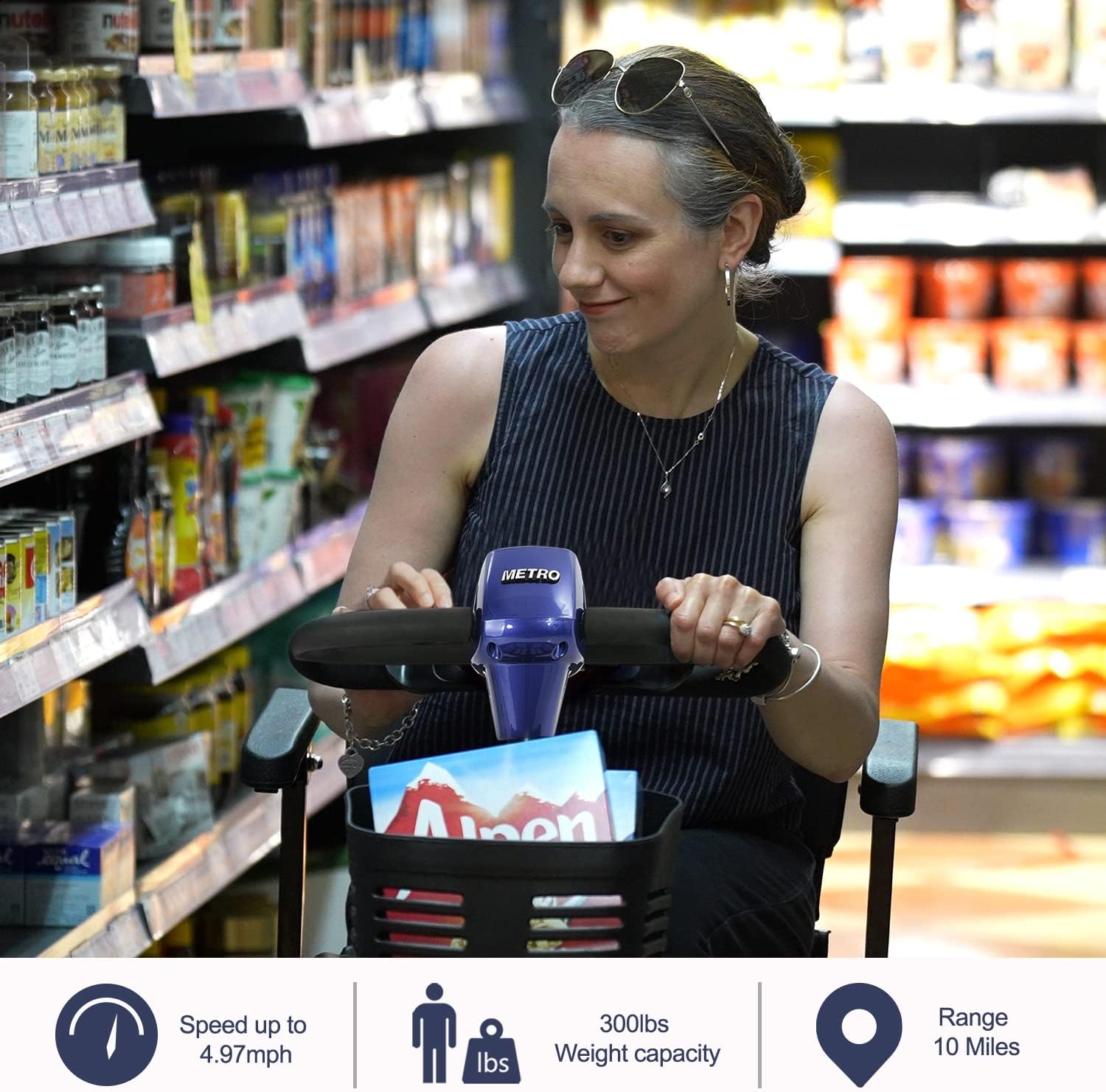
Figure 9.1: Detailed dimensions of the Metro Mobility Max Sport Blue scooter, including overall length, width, height, and ground clearance.
10. Warranty and Support
Metro Mobility provides a comprehensive guarantee for your product:
- Warranty: 5-year limited guarantee.
- Customer Service: Professional after-sales service is available.
- Contact: For any issues or inquiries regarding your scooter, please contact Metro Mobility USA LLC directly. Refer to your purchase documentation for specific contact details.
Metro Mobility USA is a US-based company specializing in the design and development of disability and mobility vehicles, committed to providing quality products and support.
Related documentsMAX SPORT BLUE


Ask a question about this manual
Ask about setup, troubleshooting, compatibility, parts, safety, or missing instructions. Manuals+ will review the question and use this page’s manual context to help answer it.