
1. Introduction
This manual provides essential instructions for the safe and effective use of your UpBright AC/DC Adapter. This adapter is designed to provide reliable power for compatible Powkey portable power banks, including models HP200, G100, and R180. Please read this manual thoroughly before using the product.
2. Safety Information
To prevent electric shock, fire, or damage to the product, please observe the following safety precautions:
- Use the adapter only with devices specified as compatible.
- Do not expose the adapter to water, rain, or excessive moisture.
- Avoid dropping or subjecting the adapter to strong impacts.
- Do not disassemble or attempt to repair the adapter yourself. Refer all servicing to qualified personnel.
- Ensure the power outlet voltage matches the adapter's input voltage (100-240VAC).
- Unplug the adapter from the power outlet when not in use or during electrical storms.
- Keep out of reach of children.
3. Product Overview
The UpBright AC/DC Adapter is a switching power supply designed for efficient and safe charging. It features a barrel connector for compatibility with various portable power banks.

Image 1: Front view of the UpBright AC/DC Adapter, showing the main unit, power cord, and barrel connector.

Image 2: Side view of the UpBright AC/DC Adapter, highlighting the two-prong AC plug.
4. Setup Instructions
- Verify Compatibility: Ensure your device (e.g., Powkey HP200, G100, R180) requires a DC 15V 2A power input and uses a compatible barrel connector.
- Connect to Device: Insert the barrel connector of the UpBright AC/DC Adapter firmly into the DC input port of your portable power bank.
- Connect to Power Outlet: Plug the AC prongs of the adapter into a standard wall power outlet (100-240VAC, 50/60Hz).
- Confirm Connection: Some power banks may have an indicator light to show that charging has begun. Refer to your power bank's manual for specific charging indicators.
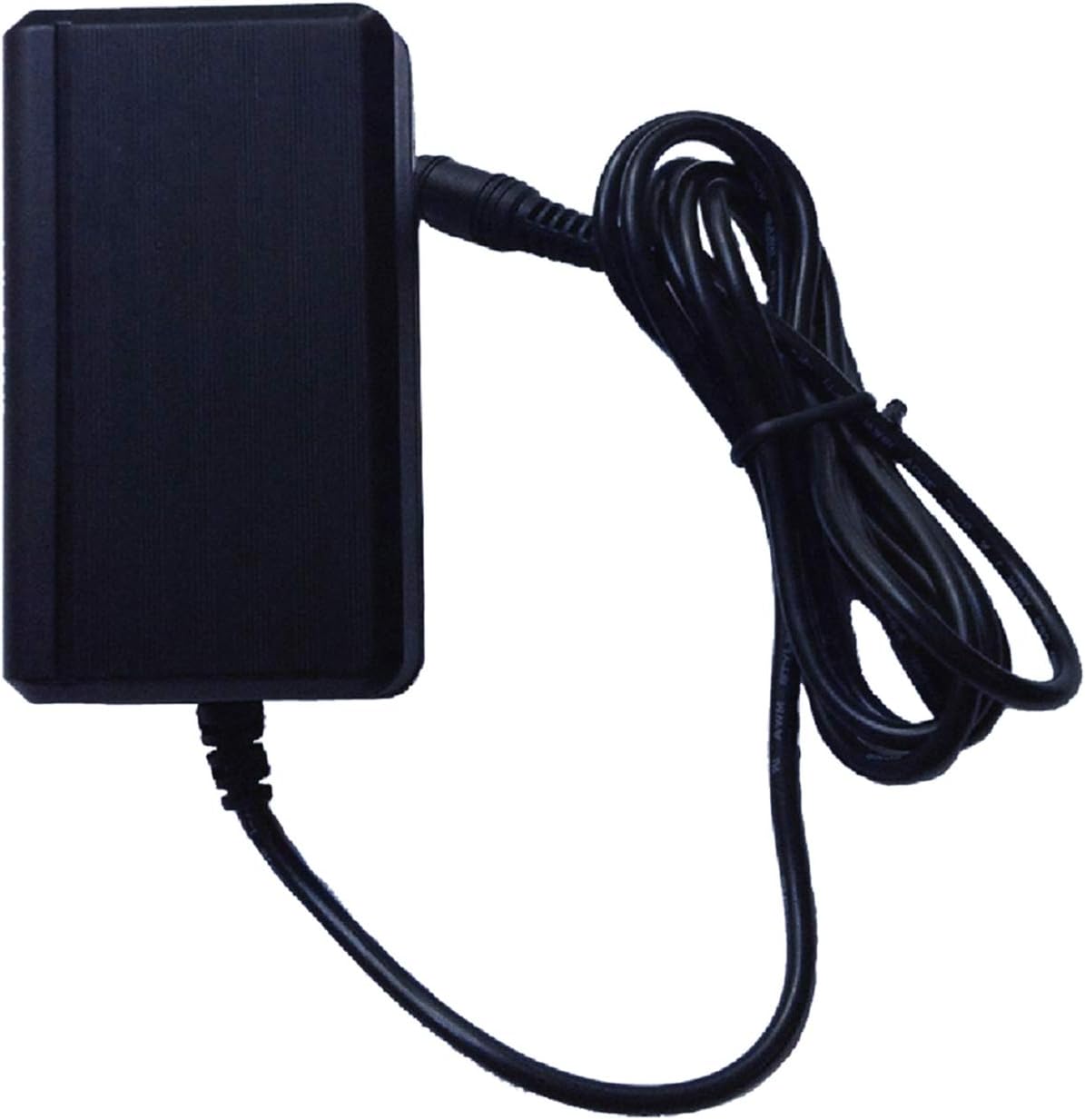
Image 3: The UpBright AC/DC Adapter with its cord neatly coiled, ready for connection.
5. Operating Instructions
Once connected, the adapter will begin supplying power to your compatible device. The charging process is typically managed by the device itself.
- Monitor your device's charging indicator to determine charging status.
- Disconnect the adapter from the power bank once it is fully charged to conserve energy and prolong battery life.
- Always unplug the adapter from the wall outlet when not in use.
6. Maintenance
Proper maintenance ensures the longevity and optimal performance of your UpBright AC/DC Adapter:
- Cleaning: Use a dry, soft cloth to wipe the adapter. Do not use liquid cleaners or solvents.
- Storage: Store the adapter in a cool, dry place away from direct sunlight and extreme temperatures.
- Cable Care: Avoid bending or crimping the power cord excessively. Do not place heavy objects on the cord.
- Inspection: Periodically inspect the adapter and cable for any signs of damage, such as frayed wires or cracked casing. Discontinue use if damage is found.
7. Troubleshooting
If you encounter issues with your UpBright AC/DC Adapter, refer to the following common problems and solutions:
| Problem | Possible Cause | Solution |
|---|---|---|
| Device not charging. | Adapter not properly connected. Power outlet not active. Incompatible device. Damaged adapter/cable. | Ensure all connections are secure. Test the outlet with another device. Verify device compatibility (DC 15V 2A). Inspect for damage; discontinue use if damaged. |
| Adapter feels hot. | Normal operation under load. Overload or poor ventilation. | Slight warmth is normal. Ensure adequate ventilation around the adapter. If excessively hot, disconnect immediately and contact support. |
| Intermittent charging. | Loose connection. Faulty cable/connector. | Check and secure all connections. Inspect cable and connector for damage. |
8. Compatibility
This UpBright AC/DC Adapter is compatible with the following Powkey portable power bank models and similar devices requiring DC 15V 2A power input:
- Powkey Model HP200 (3.7V 42000mAh 146Wh Lithium Ion Li-ion Rechargeable Battery Pack 200W)
- Powkey Model G100 (3.7V 26400mAh 97.68Wh Lithium Ion Li-ion Rechargeable Battery Pack 100W)
- Powkey Model R180 (3.7V 33000mAh 120Wh Lithium Ion Li-ion Rechargeable Battery Pack 200W)
- I.T.E. Power Supply Model: XSG-150200HUS (DC15.0V 2A 30W)
Always verify the input specifications of your device before connecting the adapter.
9. Specifications
| Feature | Detail |
|---|---|
| Model Number | Powkey HP200 G100 R180 Power Supply (Compatible Adapter) |
| Input Voltage | 100-240VAC, 50/60Hz |
| Output Voltage | DC 15V |
| Output Current | 2A |
| Power Output | 30W |
| Connector Type | Barrel Connector |
| Product Dimensions | 5 x 2 x 3 inches |
| Item Weight | 6 ounces |
| Protection Features | OVP (Over Voltage Protection), OCP (Over Current Protection), SCP (Short Circuit Protection) |
10. Warranty and Support
UpBright products are designed for reliability and performance. This adapter comes with the following:
- Refund Policy: 30 days refund period.
- Exchange Policy: 24 months exchange period.
For technical support or warranty claims, please refer to the contact information provided with your purchase or visit the official UpBright website.

Image 4: Example of international plug adapters (AU, EU, UK) that may be included, alongside a representation of the UpBright Limited Warranty Certificate.
