
Altec Lansing MZX5000
Altec Lansing NanoPods User Manual
Model: MZX5000
Brand: Altec Lansing
1. Introduction
The Altec Lansing NanoPods are truly wireless earbuds designed for seamless audio experiences on the go. Featuring Bluetooth 5.0 technology, these earbuds offer clear sound, intuitive touch controls, and a durable, water-resistant design, making them ideal for travel, sports, and daily use. This manual provides essential information for setting up, operating, maintaining, and troubleshooting your NanoPods.
2. Setup
2.1 Charging the NanoPods
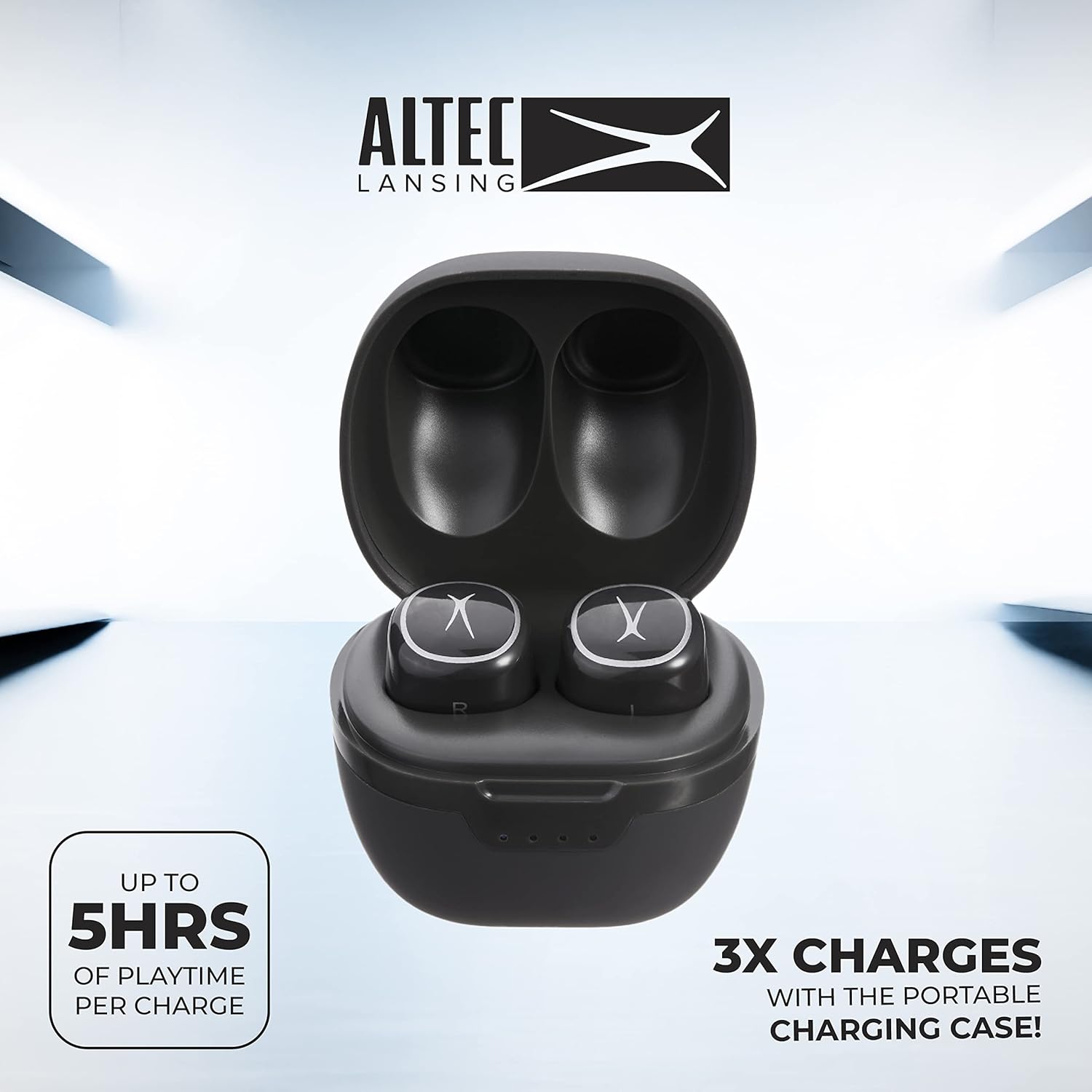
Before first use, fully charge your NanoPods and their charging case. Place the earbuds into their respective slots in the charging case. The case itself can be charged using a compatible USB-C cable (not included). The LED indicators on the case will show the charging status.

Image: NanoPods securely placed within their charging case, ready for charging.
2.2 Pairing with Your Device
Follow these steps to pair your NanoPods with a Bluetooth-enabled device:
- Ensure the earbuds are charged and placed inside the charging case.
- Open the lid of the charging case. The earbuds will automatically enter pairing mode.
- On your smartphone, tablet, or computer, enable Bluetooth.
- Search for available Bluetooth devices and select "Altec Lansing NanoPods" from the list.
- Once connected, a voice prompt will confirm successful pairing.

Image: User interacting with NanoPods and a smartphone, demonstrating the pairing process.
3. Operating the NanoPods
3.1 Touch Controls
The NanoPods feature intuitive touch controls on each earbud for convenient management of music playback, calls, and voice assistant activation. Refer to the table below for common functions:
| Function | Action |
|---|---|
| Play/Pause Music | Single tap on either earbud |
| Next Track | Double tap on the Right earbud |
| Previous Track | Double tap on the Left earbud |
| Answer/End Call | Single tap on either earbud |
| Reject Call | Press and hold either earbud for 2 seconds |
| Activate Voice Assistant | Triple tap on either earbud |
3.2 Hands-Free Calling
The NanoPods support hands-free calling, allowing you to manage calls directly from your earbuds. The built-in microphone ensures clear communication.

4. Maintenance
4.1 Cleaning
Regularly clean your NanoPods to ensure optimal performance and hygiene. Use a soft, dry, lint-free cloth to wipe the earbuds and charging case. For ear tips, gently remove them and clean with a damp cloth, then allow to air dry completely before reattaching.
4.2 Storage
When not in use, store the NanoPods in their charging case to protect them from dust, damage, and to keep them charged. Store in a cool, dry place away from extreme temperatures.
4.3 Water Resistance
The NanoPods are IPX5 water resistant, meaning they can withstand splashes and sweat. They are not designed for submersion in water. Ensure the earbuds are dry before placing them back in the charging case to prevent damage.
5. Troubleshooting
- Earbuds not pairing: Ensure both earbuds are charged. Turn off and on your device's Bluetooth. If issues persist, try resetting the earbuds by placing them in the case, closing the lid for 5 seconds, then reopening.
- No sound or poor sound quality: Check the volume level on your device and the earbuds. Ensure the earbuds are properly seated in your ears for optimal sound. Clean any debris from the ear tips and speaker mesh. Re-pair the earbuds with your device.
- Earbuds not charging: Ensure the charging case has sufficient power. Verify that the earbuds are correctly placed in their charging slots and that the charging contacts are clean.
- Intermittent connection: Ensure your device is within the 50-foot Bluetooth range. Avoid obstacles between your device and the earbuds that might cause interference.
6. Specifications
- Model Name: NanoPods
- Model Number: MZX5000
- Brand: Altec Lansing
- Connectivity Technology: Bluetooth 5.0
- Earbud Battery Life: Up to 5 hours
- Charging Case Battery Life: Up to 16 additional hours
- Water Resistance: IPX5
- Control Type: Touch Control
- Audio Driver Type: Dynamic Driver
- Noise Control: Active Noise Cancellation
- Product Dimensions: 3.58 x 3.51 x 1.98 inches
- Item Weight: 3.52 ounces
7. Warranty and Support
Altec Lansing products are manufactured to the highest quality standards. For warranty information or technical support, please refer to the warranty card included in your product packaging or visit the official Altec Lansing website. Keep your proof of purchase for warranty claims.

Related documentsMZX5000


Ask a question about this manual
Ask about setup, troubleshooting, compatibility, parts, safety, or missing instructions. Manuals+ will review the question and use this page’s manual context to help answer it.