
Introduction
Thank you for choosing the iWALK DBL5000PC Portable Charger. This compact and powerful device is designed to provide convenient and fast charging for your USB-C compatible smartphones and tablets on the go. With its built-in USB-C connector and 4,800mAh capacity, you can ensure your devices stay powered throughout the day.
Product Overview
The iWALK DBL5000PC features a sleek design with essential functionalities for portable power.
- Built-in USB-C Connector: Directly plugs into your device without extra cables.
- 18W PD Fast Charging: Supports Power Delivery for rapid charging of compatible devices and quick recharging of the power bank itself.
- 4,800mAh Battery Capacity: Provides sufficient power for a significant charge to most smartphones.
- Digital Display: Shows the remaining battery percentage of the power bank.
- Compact & Lightweight: Designed for portability, easily fitting into pockets or bags.
- Auto Shut-Off: Conserves power by automatically turning off when not in use or when charging is complete.
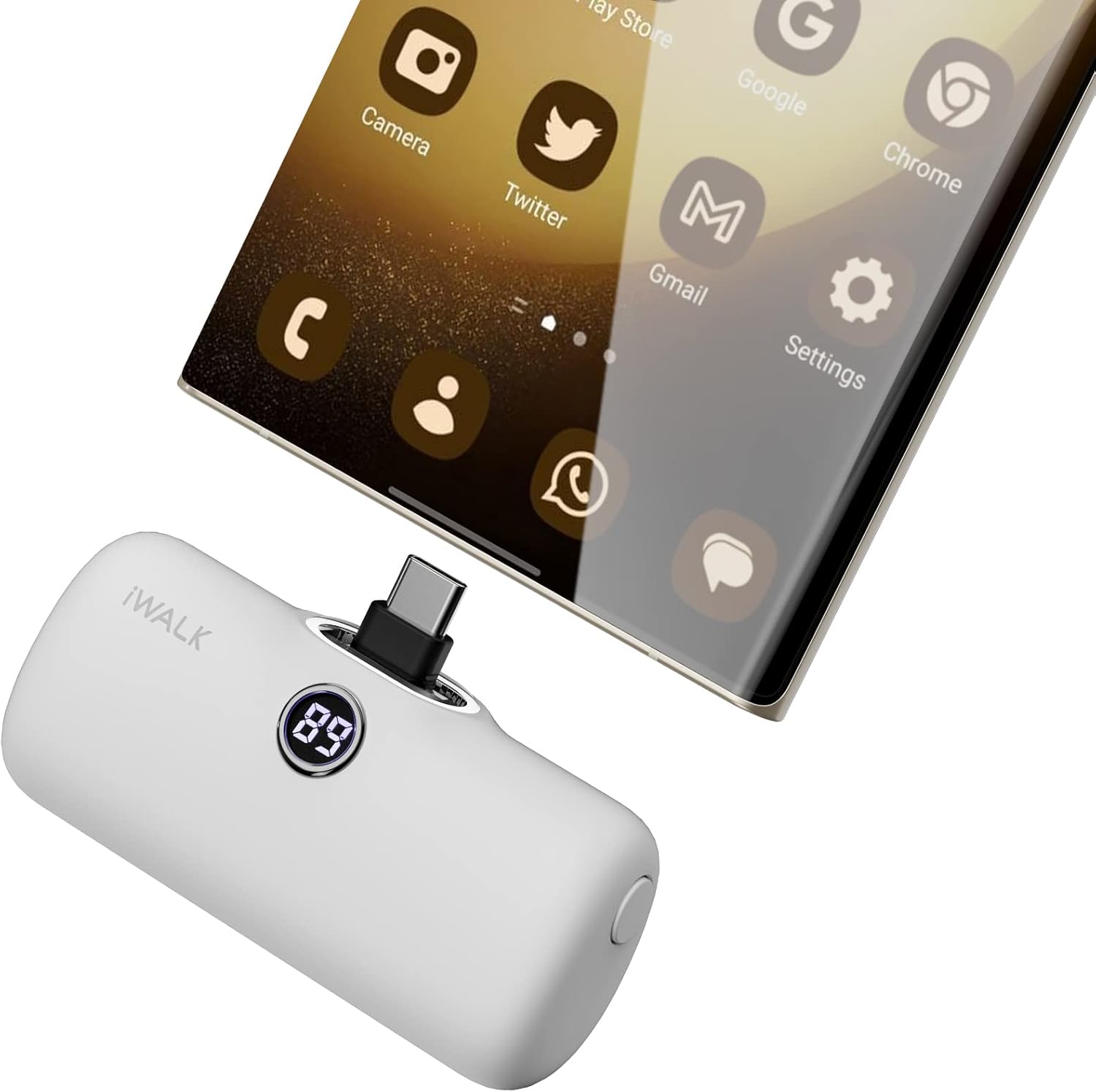
Image: The iWALK DBL5000PC portable charger in white, showcasing its compact design.
What's in the Box
- iWALK 4,800mAh Power Bank (DBL5000PC) x 1
- USB-C to USB-C Cable x 1
- User Manual x 1
Setup
First Use & Recharging the Power Bank
Before using your iWALK DBL5000PC for the first time, it is recommended to fully charge it.
- Locate the USB-C input port on the side of the power bank.
- Connect the provided USB-C to USB-C cable to this port.
- Plug the other end of the USB-C cable into a compatible 18W PD (Power Delivery) wall adapter (not included).
- The digital display on the power bank will show the charging progress. It takes approximately 1.5 hours to fully recharge the power bank.
- Alternatively, the built-in USB-C connector can also be used to recharge the power bank itself by plugging it directly into a USB-C wall adapter.

Image: Illustration showing both cordless charging (plugging the power bank directly into a wall adapter) and wired charging (using a USB-C cable) to recharge the iWALK DBL5000PC.
Operating Instructions
Charging Your Device
- Remove the protective cap from the built-in USB-C connector on the iWALK DBL5000PC.
- Align the built-in USB-C connector with the charging port of your compatible smartphone or tablet.
- Gently plug the power bank directly into your device's charging port.
- Press the power button on the side of the iWALK DBL5000PC to initiate charging. The digital display will illuminate, showing the remaining battery percentage.
- Your device will begin to charge. The 18W PD fast charging ensures efficient power delivery.
- Once your device is charged, or when you wish to stop charging, simply unplug the power bank from your device. The power bank will automatically shut off to conserve energy.
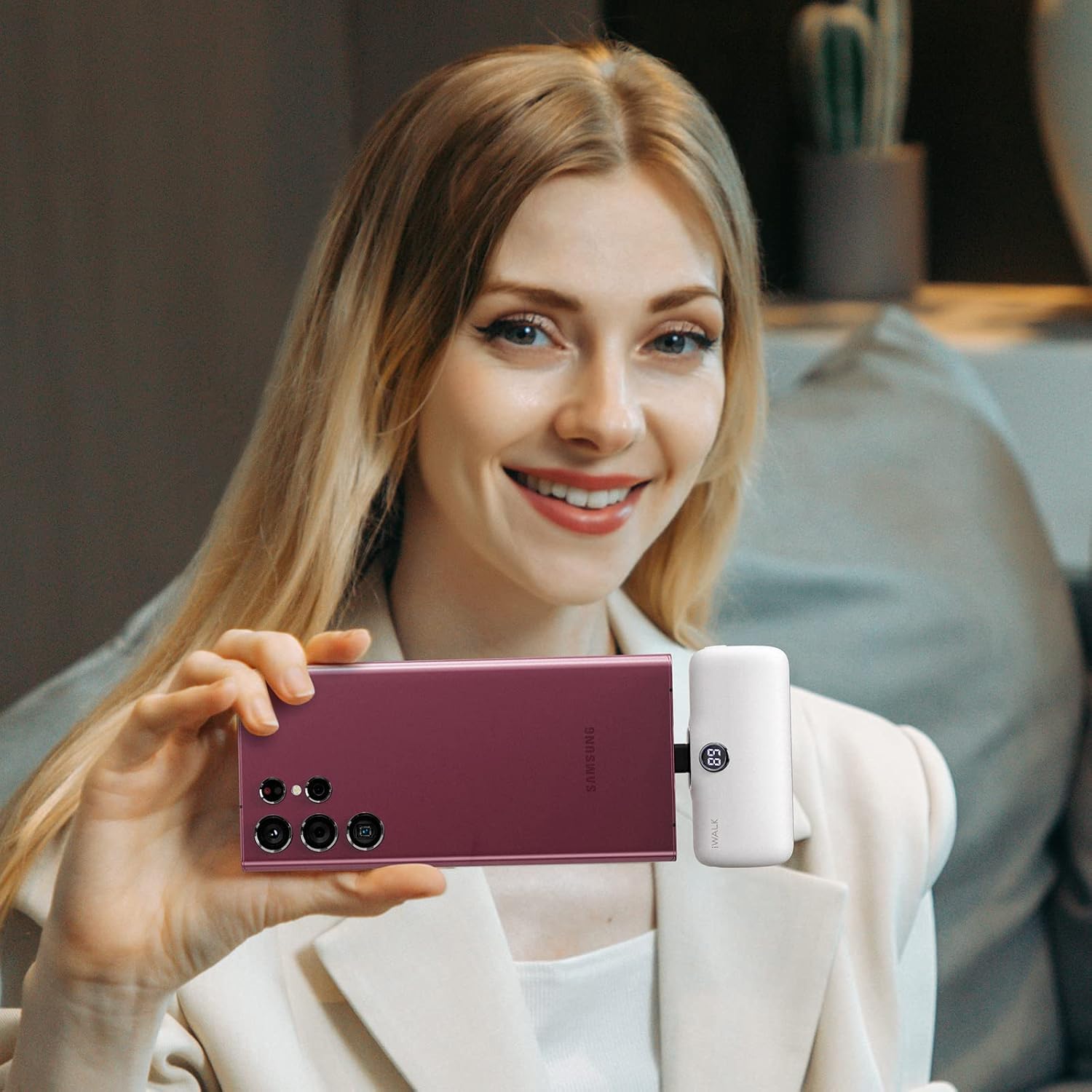
Image: A person holding a smartphone with the iWALK DBL5000PC portable charger directly plugged into its bottom, demonstrating its compact and convenient use.
Checking Battery Level
To check the remaining battery level of your iWALK DBL5000PC, press the power button once. The digital display will show the percentage of charge left.
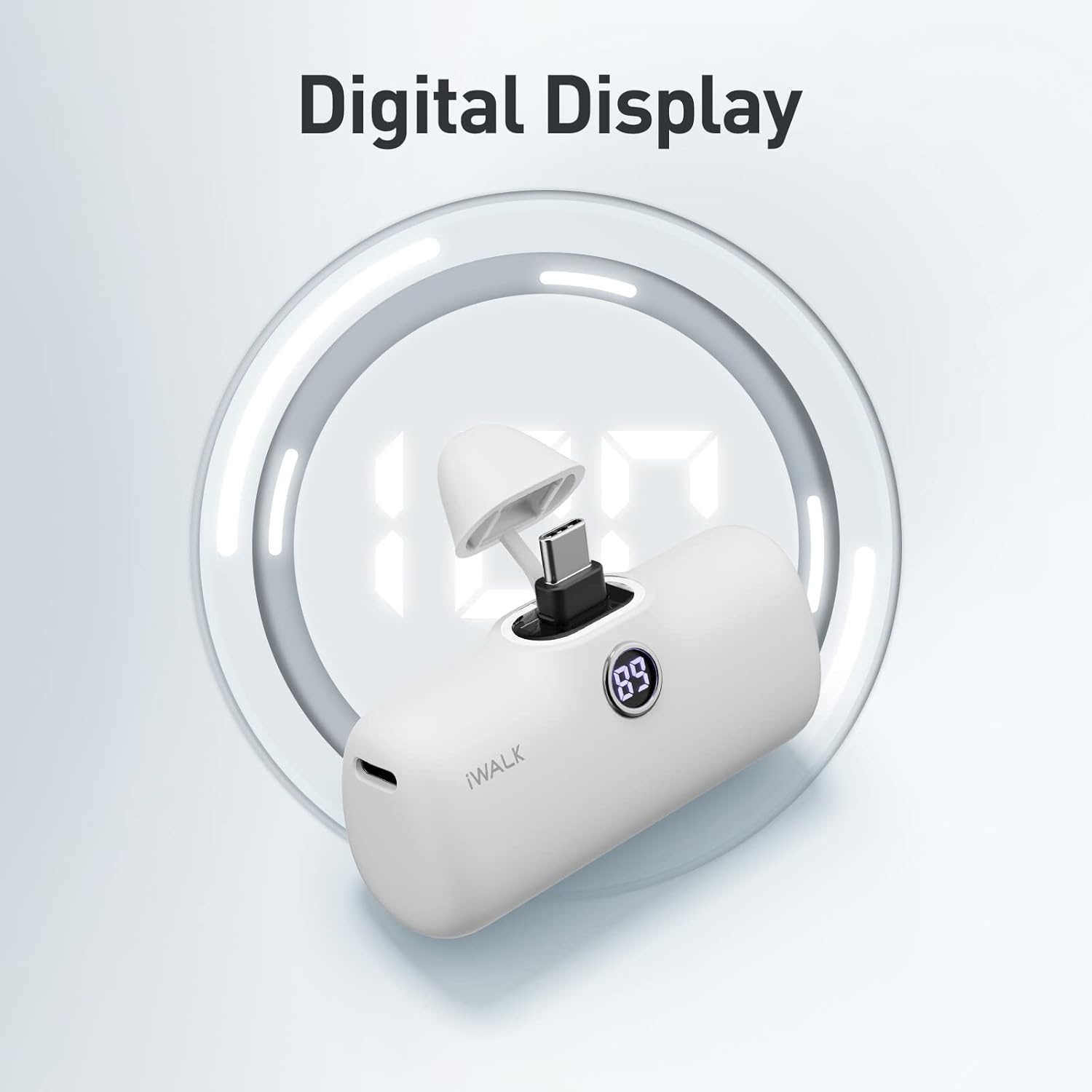
Image: A close-up of the iWALK DBL5000PC portable charger highlighting its digital display showing the battery percentage.
Compatibility
The iWALK DBL5000PC is compatible with a wide range of USB-C enabled devices, including:
- iPhone 15 Series (iPhone 15, iPhone 15 Pro, iPhone 15 Pro Max, iPhone 15 Plus)
- Samsung Galaxy Series (S25/S24/S23, S22/S21/S20/S10, S9/S8, Note 10/9, Z Flip/Fold)
- Google Pixel Series (Pixel 8/8 Pro, Pixel 7/7 Pro)
- LG, Motorola, and other USB-C devices.
- iPad Pro/Air models with USB-C ports.

Image: A visual chart detailing the compatibility of the iWALK DBL5000PC with various iPhone 15/16 series, Samsung Galaxy models, Google Pixel phones, and iPad models, indicating which devices are supported by the built-in USB-C connector.
Maintenance
- Keep the power bank dry and away from moisture.
- Avoid extreme temperatures.
- Clean the device with a soft, dry cloth. Do not use harsh chemicals or abrasive materials.
- Store in a cool, dry place when not in use.
- Ensure the protective cap is on the USB-C connector when not in use to prevent dust and damage.
Troubleshooting
Common Issues and Solutions
| Issue | Possible Cause | Solution |
|---|---|---|
| Device not charging. | Power bank is depleted. | Recharge the iWALK DBL5000PC fully. |
| Device not charging. | Loose connection. | Ensure the USB-C connector is firmly plugged into your device. |
| Device not charging. | Power button not pressed. | Press the power button on the power bank to activate charging. |
| Slow charging. | Device not supporting PD. | Ensure your device supports 18W Power Delivery for optimal charging speed. |
| Power bank not recharging. | Faulty cable or adapter. | Try a different USB-C cable and a compatible wall adapter. |
Specifications
- Model: DBL5000PC
- Battery Capacity: 4,800mAh
- Input: USB Type C, 18W PD (5V=2A, 9V=2A, 12V=1.5A)
- Output: USB Type C, 18W PD (5V=2.4A, 9V=2.22A, 12V=1.67A)
- Product Dimensions: 1.02 x 2.3 x 1.02 inches
- Item Weight: 0.24 ounces
- Battery Type: Lithium Polymer
- Special Features: Auto Shut-Off, Digital Display, Fast Charging, Pocket Size, Slim
Warranty and Support
iWALK products are designed for reliability and performance. For any questions, technical support, or warranty claims, please contact iWALK customer service. We offer 7*24 customer service to assist you with your product needs.
Please refer to the official iWALK website or your purchase documentation for specific warranty terms and contact information.


