
AOFAR GX-6F PRO
AOFAR GX-6F PRO Golf Rangefinder
User Manual
Model: GX-6F PRO
Introduction
The AOFAR GX-6F PRO Golf Rangefinder is a precision optical instrument designed for accurate distance measurement in golf. Featuring advanced AI technology, slope compensation, flag lock with pulse vibration, and continuous scan capabilities, this device provides reliable data to enhance your game. It is built for durability and ease of use, suitable for both tournament play and daily practice.
Package Contents
Upon opening your AOFAR GX-6F PRO package, please ensure all the following items are present:
- AOFAR GX-6F PRO Golf Rangefinder
- Carrying Pouch
- CR2 Battery
- High-Grade Portable Rope
- Carabiner
- Cleaning Cloth
- User Manual
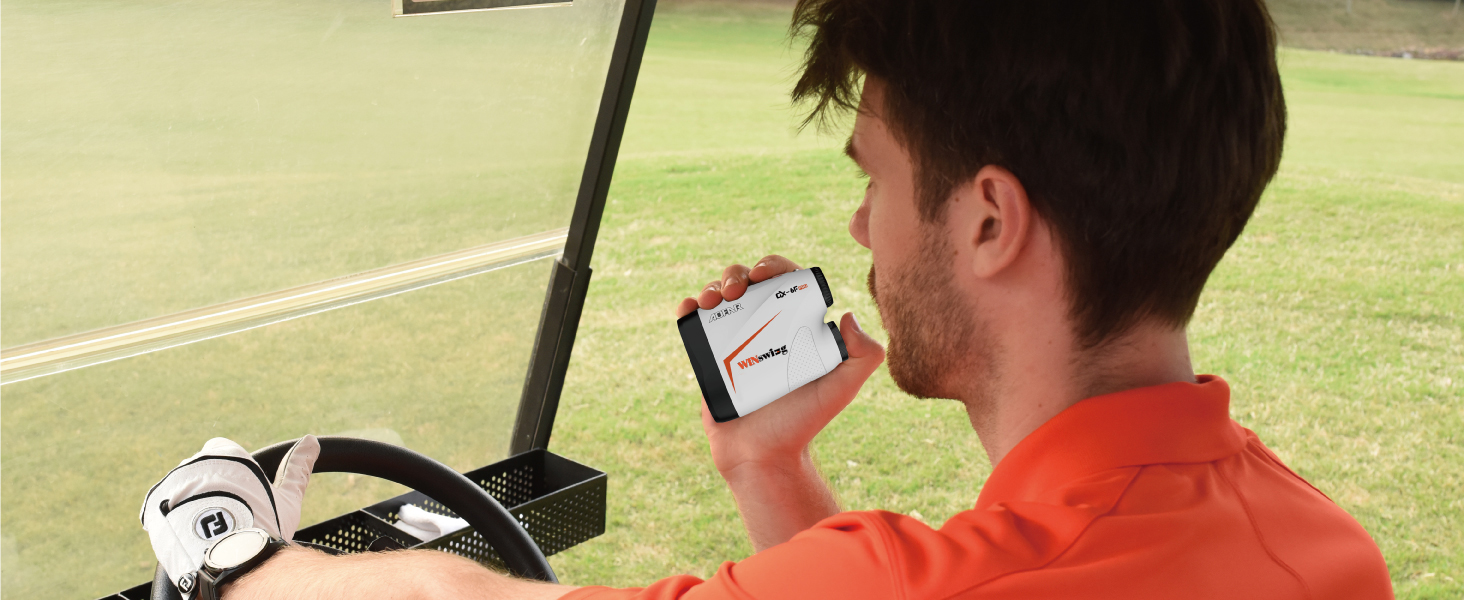
Image: All items included in the AOFAR GX-6F PRO package.
Product Overview
Familiarize yourself with the main components of your rangefinder:

Image: Front view of the AOFAR GX-6F PRO Golf Rangefinder.
- Eyepiece: For viewing through the rangefinder. Adjustable for focus.
- Objective Lens: The front lens that emits and receives laser signals.
- Power/Measurement Button: Activates the device and initiates distance measurement.
- Mode Button: Cycles through different measurement modes and settings.
- Battery Compartment: Located on the side, holds the CR2 battery.
Setup
1. Battery Installation
- Locate the battery compartment cover on the side of the rangefinder.
- Twist the cover counter-clockwise to open.
- Insert the provided CR2 battery, ensuring the correct polarity (+/-).
- Replace the cover and twist clockwise to secure it.
2. Initial Power On
Press the Power/Measurement Button once to turn on the device. The internal display will activate.
Operating Instructions
Power On/Off
- To turn on: Press the Power/Measurement Button once.
- To turn off: The device features an auto-sleep function and will power off automatically after a period of inactivity to conserve battery.
Mode Selection
Press the Mode Button to cycle through the available measurement modes:
- Range Mode: Standard distance measurement.
- Flag Lock with Pulse Vibration: For targeting flags.
- Slope Mode: Provides compensated distance based on incline/decline.
- Continuous Scan: Allows for scanning multiple targets.
Slope Function (On/Off)
The slope function can be enabled or disabled to comply with golf tournament regulations.
- To turn Slope On/Off: Press and hold the Mode Button for 3 seconds. An indicator on the display will show the current slope status.

Image: Visual representation of the slope function being toggled on and off.
Flag Lock with Pulse Vibration
This feature assists in accurately measuring the distance to the flagstick, even with background objects.
- In Flag Lock mode, aim at the flag and press the Power/Measurement Button. The device will vibrate and display the distance once the flag is locked.
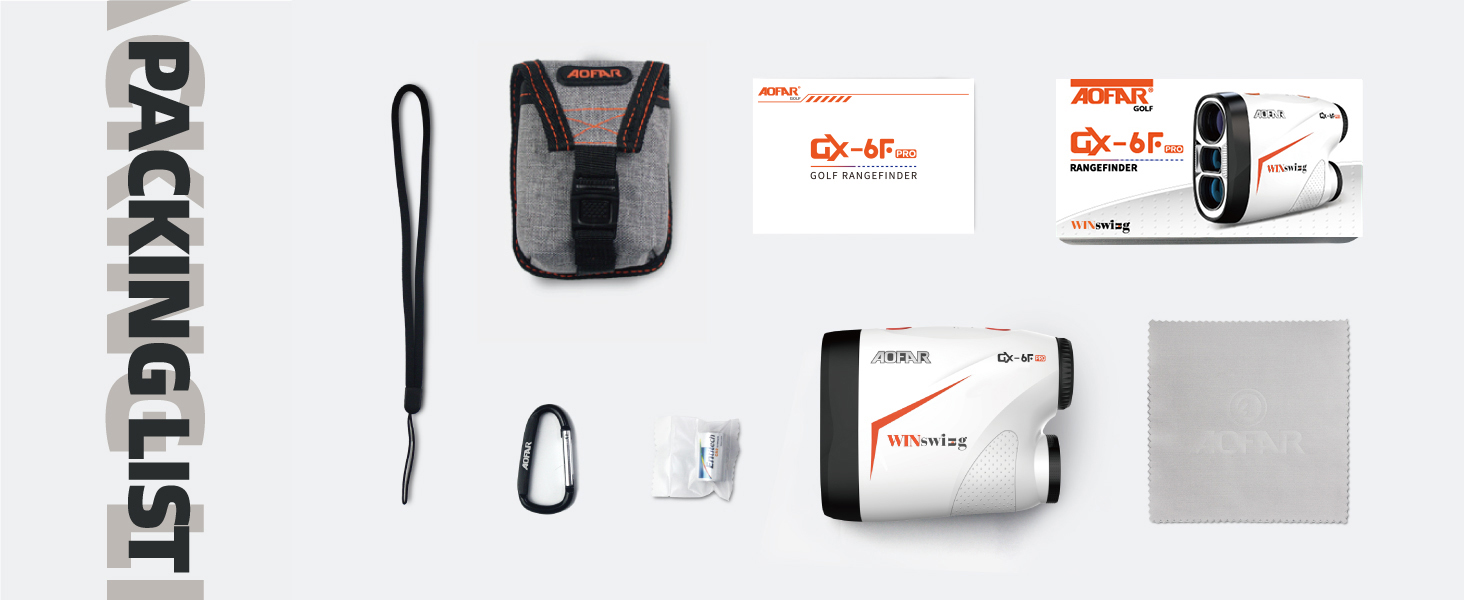
Image: Display view showing flag lock with pulse vibration in action.
Continuous Scan
For quick measurements of multiple targets or moving objects:
- Press and hold the Power/Measurement Button. The display will continuously update distances as you pan across targets. Release the button to stop scanning.
Range Mode (Standard Measurement)
For basic distance measurement without advanced features:
- Select Range Mode using the Mode Button. Aim at your target and press the Power/Measurement Button once to get the distance.

Image: Display view in standard range measurement mode.
Unit Switching (Meters/Yards)
To switch between meters (M) and yards (Y):
- While the device is on, quickly press the Mode Button to toggle between M and Y units.
Maintenance
- Cleaning: Use the provided cleaning cloth to gently wipe the lenses. For stubborn dirt, use a soft, lint-free cloth lightly dampened with lens cleaning solution. Avoid abrasive materials.
- Storage: Store the rangefinder in its carrying pouch in a cool, dry place when not in use. Avoid extreme temperatures and direct sunlight.
- Battery Care: Remove the battery if the device will not be used for an extended period to prevent leakage and damage.
- Water Resistance: The device has an IP54 rating, meaning it is resistant to splashing water. Do not submerge it in water.
Troubleshooting
| Problem | Possible Cause | Solution |
|---|---|---|
| Device does not power on. | Low or dead battery; incorrect battery installation. | Replace the CR2 battery; ensure correct polarity. |
| Inaccurate distance readings. | Lens is dirty; target is too small or reflective; environmental factors (fog, heavy rain). | Clean the lenses; ensure stable aim; try measuring to a larger target; avoid use in extreme weather. |
| Display is dim or flickering. | Low battery. | Replace the CR2 battery. |
| Cannot lock onto flag. | Unsteady hand; flag is too far or obscured. | Ensure a steady hand; try continuous scan mode; move closer to the target. |
Specifications
| Feature | Detail |
|---|---|
| Brand | AOFAR |
| Model Name | US GX-6F PRO WS |
| Magnification | 6x |
| Range | 600 Yards |
| Accuracy | ±1 yard |
| Battery Type | CR2 (3V) |
| Water Resistance Level | Waterproof (IP54) |
| Dimensions (LxWxH) | 3.6"L x 1.5"W x 2.9"H |
| Item Weight | 123 Grams |
| Material | Plastic, Rubber |
Warranty and Support
AOFAR is committed to providing high-quality products and excellent customer service.
- Warranty: Your AOFAR GX-6F PRO Rangefinder comes with a two-year VIP warranty.
- Return Policy: Enjoy a 30-day return policy.
- Technical Support: Lifetime customer support is available.
For any inquiries or support, please contact us at:
Email: service@aofar.com

Image: AOFAR Warranty & Service details.
Related documentsGX-6F PRO


Ask a question about this manual
Ask about setup, troubleshooting, compatibility, parts, safety, or missing instructions. Manuals+ will review the question and use this page’s manual context to help answer it.