
1. Introduction and Overview
The EXO Blackhawk 2 Pro is a professional-grade drone designed for aerial photography and videography. It features advanced imaging capabilities, robust flight performance, and intelligent flight modes to enhance your flying experience.
Key Features:
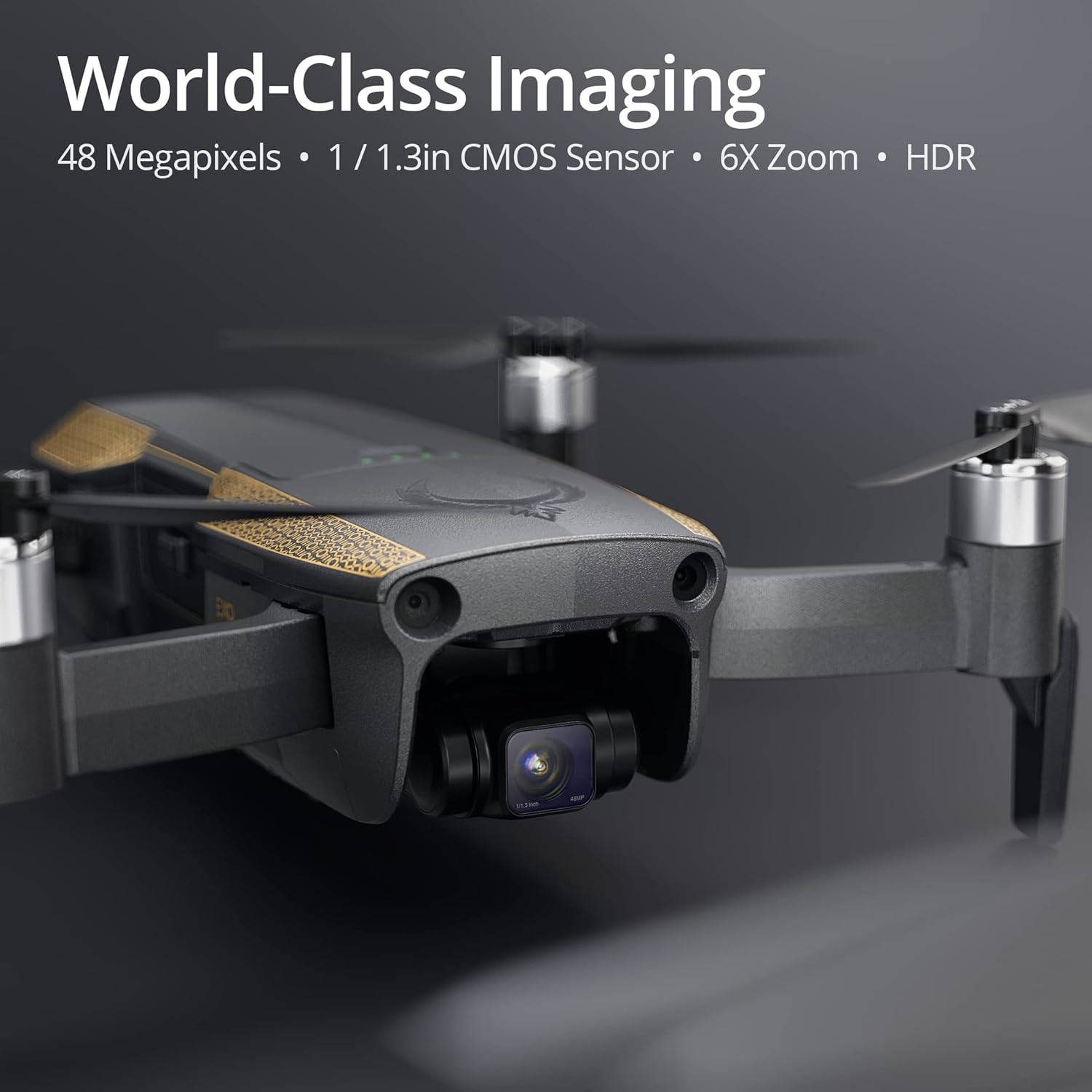
- World-Class Photo Quality: Capture stunning 48-megapixel photos with a 1/1.3-inch CMOS sensor, HDR, f/1.85 aperture, and night mode for exceptional detail and clarity in various lighting conditions.
- Professional Video Capabilities: Record 4K UHD HDR video at 200mbps, stabilized by an advanced 3-axis gimbal for clear, crisp, and cinema-grade footage.
- Industry-Leading Power: Experience a flight range of over 5 miles and a flight time of 35 minutes. The drone features a 3-way obstacle avoidance system and 30+ MPH wind resistance for stable and secure flights.
- User-Friendly Software: Utilize smart features such as obstacle avoidance, Follow-Me mode, Return to Home, Quickshots, and Hyperlapse for simplified flight control and creative content capture.
- Comprehensive Support: Benefit from complimentary accessories, exclusive access to a free Part 107 course for commercial flight certification, lifetime technical support, and EXO repair service.

Official Product Video: Meet EXO Blackhawk 2
2. Setup
Unboxing and Initial Preparation:
- Carefully remove all components from the packaging. The drone comes with a battery, camera, 3-axis gimbal, remote control, and sensors.
- Unfold the drone's arms and propellers. Ensure all propellers are securely attached and free from damage.
- Insert the fully charged battery into the drone.
- Charge the remote control using the provided USB cable.
- Download and install the official EXO drone application on your smartphone or tablet.
3. Operating the Drone
Basic Flight Controls:
Power on the remote control and the drone. Connect your smartphone to the remote control and launch the EXO app. Follow the on-screen instructions for calibration and pre-flight checks. Use the joysticks on the remote control to maneuver the drone. Refer to the app for real-time flight data and camera view.
Camera Operation:
The Blackhawk 2 Pro is equipped with a high-resolution camera for both photos and videos.
- Photography: Capture 48MP still images with a 1/1.3-inch CMOS sensor. Utilize HDR and night mode for enhanced image quality.
- Videography: Record 4K UHD HDR video at 200mbps. The 3-axis gimbal ensures smooth and stable footage.

Intelligent Flight Modes:
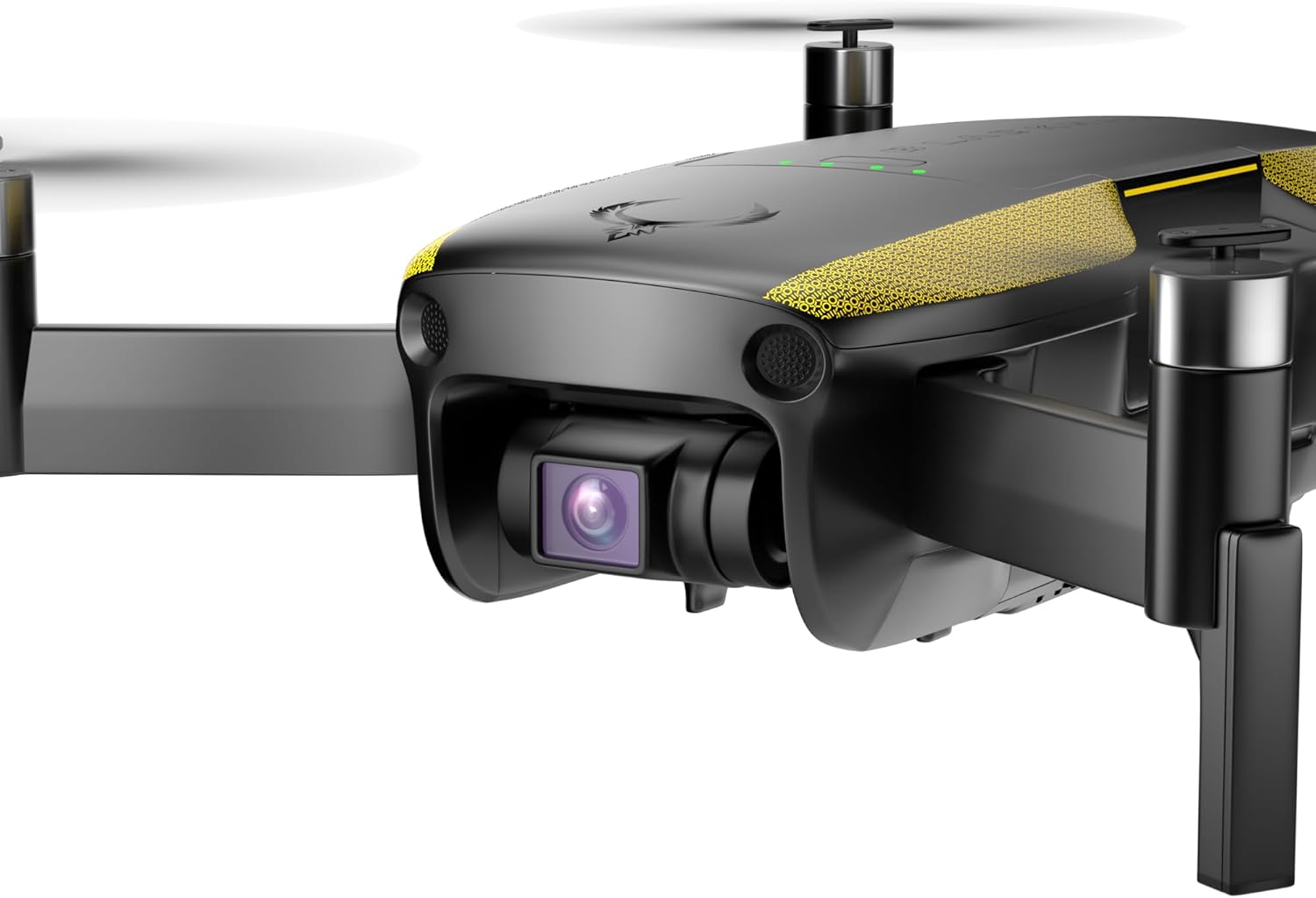
- 3-Way Obstacle Avoidance: The drone automatically detects and avoids obstacles, providing a safer flight experience.
- Follow-Me Mode: The drone can autonomously follow a designated subject, keeping it centered in the frame.
- Return to Home (RTH): At the press of a button or in case of low battery/signal loss, the drone will automatically return to its takeoff point.
- Quickshots & Hyperlapse: Access pre-programmed cinematic flight paths and time-lapse video modes for creative shots.


4. Maintenance
Propeller Replacement:
In case of damage, replace propellers using the provided screwdriver and spare propellers. Ensure the correct propellers are installed on the corresponding motors (indicated by markings on the propellers and drone arms).
Battery Care:
- Always use the official charger for the drone battery.
- Do not overcharge or completely drain the battery.
- Store batteries in a cool, dry place away from direct sunlight.
Gimbal and Camera Protection:
Always attach the gimbal protector when transporting the drone to prevent damage to the camera and gimbal system.
5. Troubleshooting
Common Issues and Solutions:
- Drone not powering on: Ensure the battery is fully charged and correctly inserted. Check for any visible damage to the battery or drone.
- Loss of signal: Ensure the remote control is fully charged and within the operational range (up to 5 miles). Avoid areas with strong electromagnetic interference.
- Unstable flight: Perform IMU and compass calibration as per the app's instructions. Check propellers for damage or incorrect installation. Ensure flight is conducted in suitable weather conditions (within 30+ MPH wind resistance limits).
- Obstacle avoidance not working: Ensure sensors are clean and unobstructed. Check app settings to confirm obstacle avoidance is enabled.
For further assistance, refer to the detailed troubleshooting guide in the EXO app or contact customer support.
6. Specifications
| Feature | Specification |
|---|---|
| Brand | EXO |
| Model Name | EXO Blackhawk 2 Pro |
| Effective Still Resolution | 48 MP |
| Video Capture Resolution | 4K UHD HDR (200mbps) |
| Optical Sensor Technology | 1/1.3in CMOS |
| Maximum Range | 5 Miles |
| Flight Time | 35 Minutes |
| Obstacle Avoidance | 3-Way |
| Wind Resistance | Level 8 (30+ MPH) |
| Gimbal | 3-Axis |
| Connectivity Technology | Wi-Fi, Bluetooth |
| Control Type | App Control |
| Battery Capacity | 3800 Milliamp Hours |
| Item Weight | 550 Grams |
| Item Dimensions L x W x H | 5.1"L x 3.14"W x 2.16"H |
7. Warranty and Support
The EXO Blackhawk 2 Pro drone comes with comprehensive support to ensure your satisfaction.
- Lifetime Technical Support: Access expert assistance for any questions or issues you may encounter throughout your drone's lifespan.
- EXO Repair Service: Benefit from dedicated repair services for your drone.
- Part 107 Course Access: Gain exclusive access to a free Part 107 course, enabling you to obtain commercial flight certification and extensive knowledge for professional drone operation.
For support, please visit the official EXO website or contact their customer service directly.
