
Naxa NDS-1053
Naxa NDS-1053 Portable Dual 10-inch Bluetooth Party Speaker User Manual
1. Introduction
This manual provides essential instructions for the safe and efficient operation of your Naxa NDS-1053 Portable Dual 10-inch Bluetooth Party Speaker. Please read this manual thoroughly before using the device and retain it for future reference.
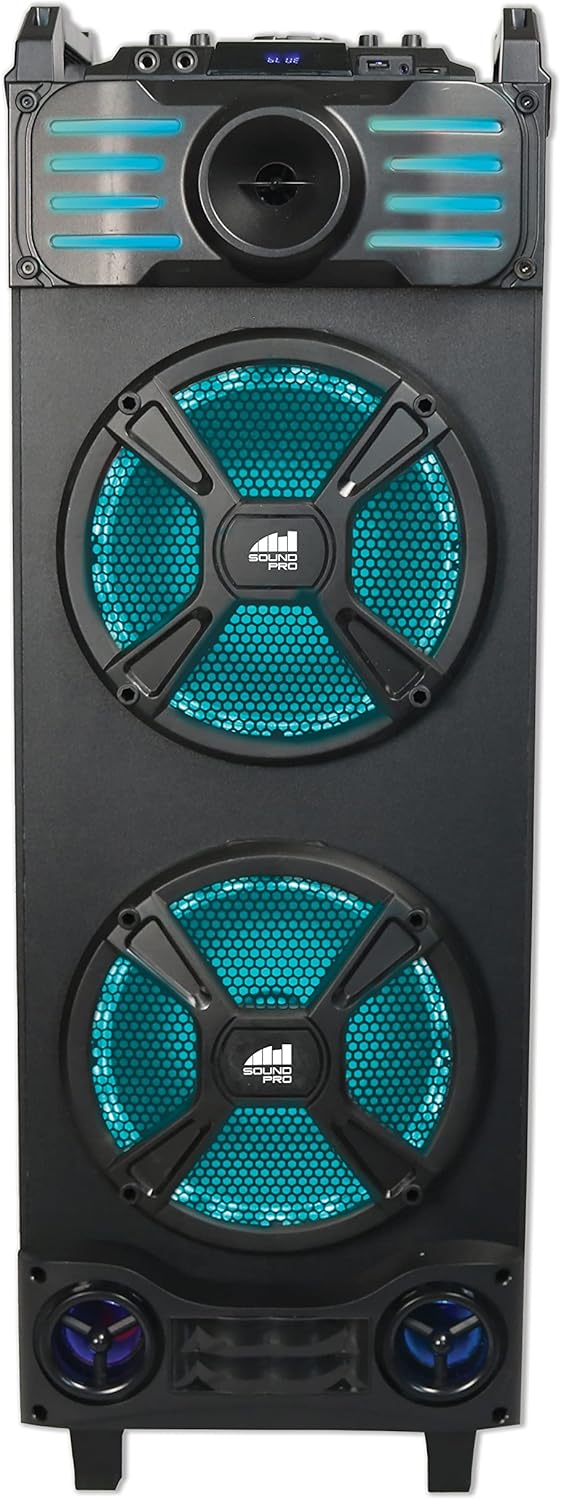
Front view of the Naxa NDS-1053 Portable Dual 10-inch Bluetooth Party Speaker, showcasing the dual 10-inch woofers with blue LED lighting and the control panel at the top.
2. Package Contents
Verify that all items listed below are included in your package. If any items are missing or damaged, please contact your retailer.
- Naxa NDS-1053 Portable Dual 10-inch Bluetooth Party Speaker
- Remote Control
- Aux-in Cable
- Wired Microphone
- UL Power Adapter
- User Manual (this document)
3. Setup
3.1 Unpacking and Placement
- Carefully remove the speaker and all accessories from the packaging.
- Place the speaker on a stable, flat surface. The NDS-1053 is designed for floor standing use.
- Ensure adequate ventilation around the speaker.
3.2 Charging the Speaker
The speaker includes a built-in rechargeable Lithium-Ion battery. Before first use, fully charge the speaker for optimal battery life.
- Connect the UL Power Adapter to the DC IN port on the speaker.
- Plug the power adapter into a standard wall outlet.
- The charging indicator light will illuminate. It will typically turn off or change color once charging is complete.
- A full charge provides approximately 2.5 hours of playback time.

Angled view of the Naxa NDS-1053 speaker from the left, highlighting its side profile and the integrated handles for portability.
4. Operating Instructions
4.1 Power On/Off
Press and hold the Power button on the control panel or remote control to turn the speaker ON or OFF.
4.2 Bluetooth Connection
- Turn on the speaker. It will automatically enter Bluetooth pairing mode, indicated by a flashing LED.
- Enable Bluetooth on your compatible device (smartphone, tablet, laptop).
- Search for "NAXA NDS-1053" in your device's Bluetooth settings and select it to pair.
- Once paired, the speaker will emit a confirmation tone, and the LED will stop flashing.
True Wireless Stereo (TWS) Pairing
To connect two NDS-1053 speakers for a stereo sound experience:
- Ensure both NDS-1053 speakers are powered on and in Bluetooth mode, but not yet connected to any device.
- On one speaker (this will be the primary speaker), press and hold the TWS button. The speaker will search for another NDS-1053.
- Once connected, both speakers will confirm the TWS pairing.
- Now, connect your Bluetooth device to the primary speaker as described above. Audio will play through both speakers in stereo.
- TWS connection works up to 33 feet between speakers.
4.3 FM Radio Operation
- Press the 'MODE' button to switch to FM Radio mode.
- Press the 'PLAY/PAUSE' button to automatically scan and save available FM stations.
- Use the 'PREV' and 'NEXT' buttons to navigate between saved stations.
4.4 USB/MicroSD Playback
- Insert a USB flash drive or MicroSD card into the respective port.
- The speaker will automatically switch to USB/MicroSD mode and begin playing audio files.
- Use the 'PLAY/PAUSE', 'PREV', and 'NEXT' buttons to control playback.
4.5 AUX Input
- Connect one end of the included Aux-in Cable to the AUX IN port on the speaker.
- Connect the other end to the audio output jack of an external device (e.g., MP3 player, CD player).
- Press the 'MODE' button to select AUX mode.
- Control playback and volume from your external device.
4.6 Microphone Use
- Connect the wired microphone to one of the MIC IN ports on the speaker.
- Adjust the microphone volume using the dedicated MIC VOL knob on the control panel.
- The speaker supports two microphone inputs for simultaneous use.

The Naxa NDS-1053 speaker in an indoor setting, illustrating its use for entertainment with a microphone.
4.7 Light Effects
The speaker features multiple lighting effects. Use the dedicated 'LIGHT' button on the control panel or remote to cycle through different light modes or turn them off.
4.8 Volume Control
Adjust the main volume using the master volume knob on the control panel or the volume buttons on the remote control.
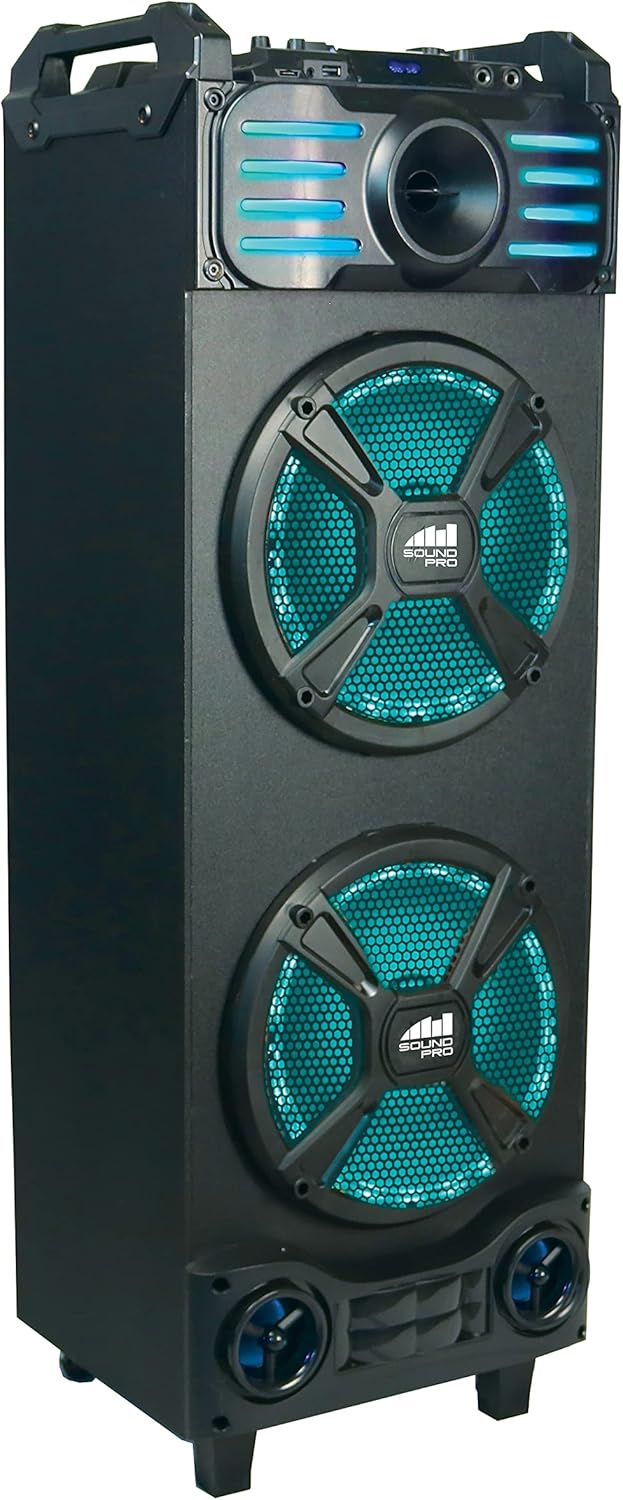
Angled view of the Naxa NDS-1053 speaker from the right, showing the speaker's robust construction and portability features.
5. Maintenance
5.1 Cleaning
- Always disconnect the power adapter before cleaning.
- Use a soft, dry cloth to wipe the exterior surfaces of the speaker.
- Do not use abrasive cleaners, waxes, or solvents as they may damage the finish.
- Avoid getting moisture into any openings.
5.2 Battery Care
- To prolong battery life, avoid fully discharging the battery frequently.
- Recharge the battery regularly, even if the speaker is not in frequent use.
- Store the speaker in a cool, dry place when not in use for extended periods.
5.3 Storage
When storing the speaker, ensure it is turned off and disconnected from the power source. Store it in a clean, dry environment away from direct sunlight and extreme temperatures.
6. Troubleshooting
| Problem | Possible Cause | Solution |
|---|---|---|
| Speaker does not power on | Battery is depleted; Power adapter not connected | Connect the power adapter and charge the speaker; Ensure power adapter is securely plugged in. |
| No sound | Volume too low; Incorrect mode selected; Device not connected properly | Increase speaker volume; Ensure correct input mode (Bluetooth, AUX, USB, MicroSD, FM) is selected; Reconnect Bluetooth device or AUX cable. |
| Bluetooth pairing fails | Speaker not in pairing mode; Device Bluetooth off; Speaker too far from device | Ensure speaker is in Bluetooth pairing mode (flashing LED); Turn on Bluetooth on your device; Move device closer to the speaker (within 33 feet). |
| Microphone not working | Microphone not connected; MIC VOL too low | Ensure microphone is securely plugged into a MIC IN port; Adjust the MIC VOL knob. |
| Poor FM reception | Weak signal; Speaker location | Reposition the speaker to improve signal reception; Extend the antenna if available. |
7. Specifications
| Feature | Specification |
|---|---|
| Model | NDS-1053 |
| Speaker Type | Portable Dual 10-inch Party Speaker |
| Connectivity Technology | Bluetooth, USB, MicroSD, 3.5mm AUX |
| Audio Output Mode | Stereo |
| Speaker Amplification Type | Active |
| Speakers Maximum Output Power | 3 Watts |
| Special Features | Multi-room audio (TWS), Built-in microphone input, USB port, FM Tuner, Multi-color disco light |
| Compatible Devices | Laptop, Smartphone, Tablet |
| Mounting Type | Floor Standing |
| Battery Type | Rechargeable Lithium Ion |
| Battery Average Life | 2.5 Hours |
| Product Dimensions (L x W x H) | 31.12 x 29.21 x 91.95 cm |
| Item Weight | 9.65 kg |
| Manufacturer | Naxa Electronics, Inc |
| UPC | 840005017135 |
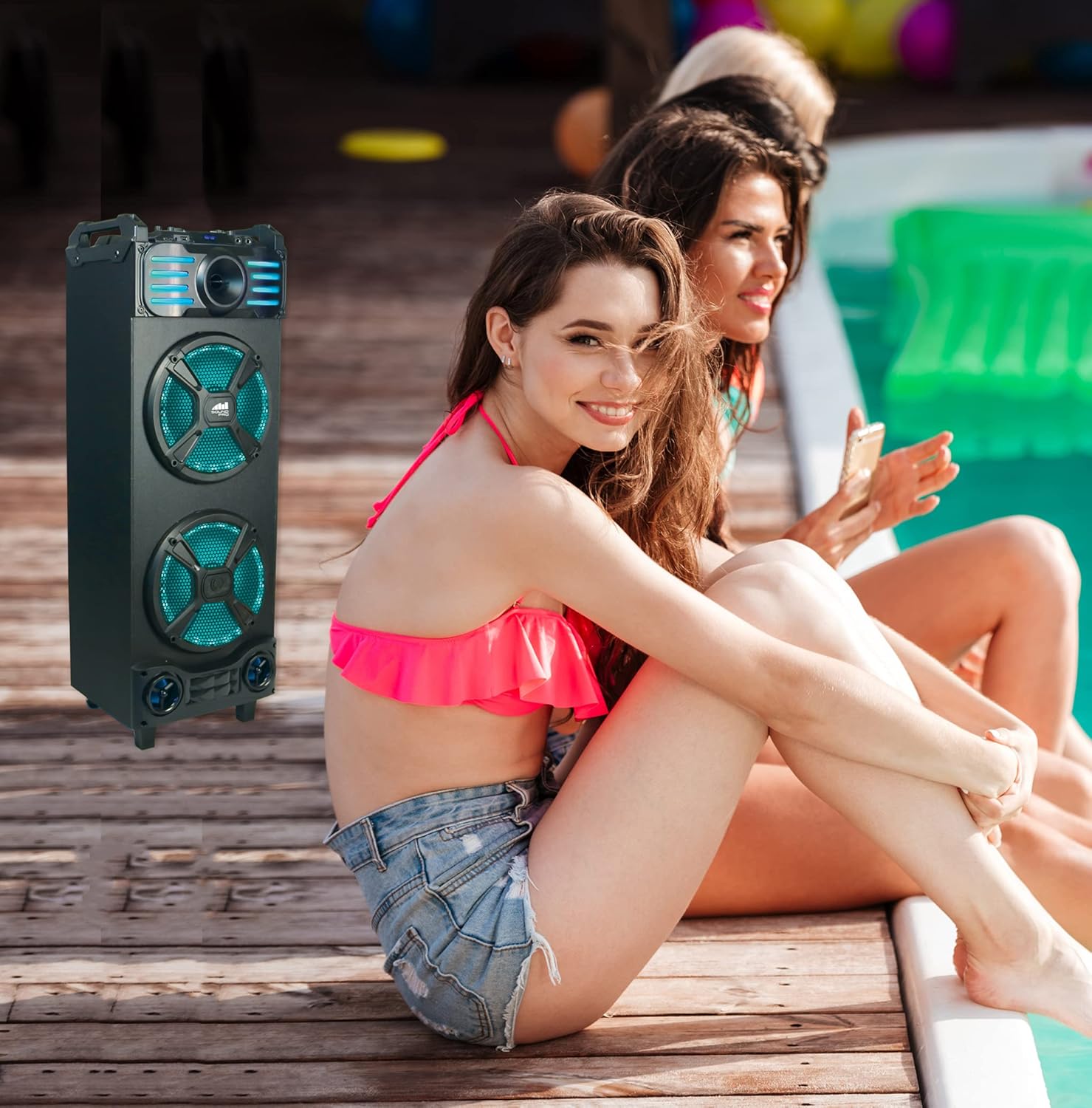
The Naxa NDS-1053 speaker positioned outdoors near a pool, demonstrating its use in various environments.
8. Warranty and Support
For detailed warranty information, please refer to the warranty card included with your product or visit the official Naxa Electronics website. For technical support or service inquiries, please contact Naxa customer service through their official channels.
Related documentsNDS-1053


Ask a question about this manual
Ask about setup, troubleshooting, compatibility, parts, safety, or missing instructions. Manuals+ will review the question and use this page’s manual context to help answer it.