
Introduction
Thank you for choosing URIZONS In-Ear Headphones. These wired headphones are designed to provide a high-definition audio experience with a focus on durability and comfort. Featuring a unique braided cable, they are ideal for daily use, offering tangle-free convenience and robust protection against wear and tear. This manual provides essential information on setup, operation, maintenance, and troubleshooting to ensure optimal performance and longevity of your headphones.

Image: URIZONS In-Ear Headphones with their distinctive braided cable, neatly coiled.
Package Contents
Please verify that all items are present in your package:
- URIZONS In-Ear Headphones (Model: MZF07-LB)
- Small soft protective case
- Replacement silicone ear tips
- Instruction booklet

Image: Included protective case and ear tips, alongside the headphones.
Product Features
- High-Definition Sound: Enjoy deep bass and clear audio with high-definition sound quality.
- Braided Anti-Tangle Cable: The decorative braided fabric cable prevents tangles, protects against cracks and breaks, and is sweat-resistant, extending the product's lifespan.
- Integrated Microphone: Features a built-in microphone for hands-free calls. Note: The microphone does not include volume control.
- Multi-function Control: Allows you to answer/hang up calls, play/pause music, and skip tracks.
- Ergonomic Design: Designed for comfortable, long-term wear without discomfort, suitable for various ear canal sizes.
- 3.5mm Jack Compatibility: Compatible with iPhone 6/6s and most Android devices, as well as other devices with a standard 3.5mm audio jack.
- Noise Isolation: Provides effective noise isolation for an immersive listening experience.
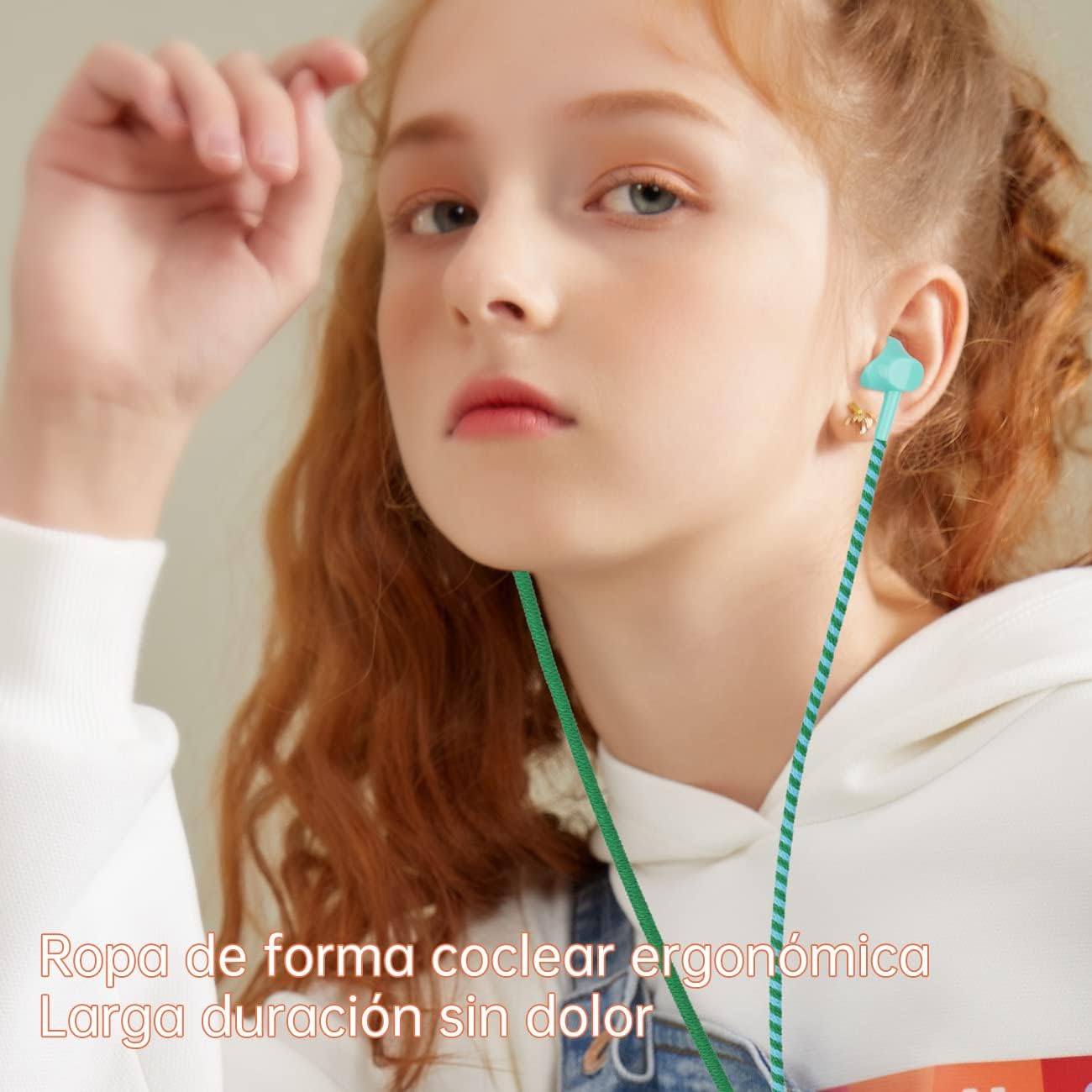
Image: A person wearing the URIZONS earbuds, highlighting their ergonomic design for comfortable, long-duration wear.

Image: The earbuds with coiled cable, illustrating their sound isolation capabilities, particularly beneficial for users with smaller ear canals.
Setup
- Unpack: Carefully remove the headphones and all accessories from the packaging.
- Select Ear Tips: Choose the silicone ear tips that best fit your ear canal for optimal comfort and sound isolation. Gently attach them to the earbud nozzles.
- Connect to Device: Insert the 3.5mm audio jack firmly into the headphone port of your smartphone, tablet, computer, or any compatible audio device.
- Position Earbuds: Place the earbuds comfortably into your ears. Ensure a snug fit to maximize sound quality and noise isolation.

Image: Close-up view of the earbuds, demonstrating the WayFit design and the soft silicone ear tips for comfortable wear.
Operating Instructions
Your URIZONS headphones feature an in-line control for managing audio and calls.
- Audio Playback:
- Press the button once to Play/Pause music or video.
- Press the button twice quickly to skip to the next track.
- Press the button three times quickly to go back to the previous track.
- Call Management:
- Press the button once to Answer an incoming call.
- Press the button once during a call to End the call.
- Press and hold the button to Reject an incoming call.
- Microphone Usage: The integrated microphone allows for clear voice transmission during calls. Position the microphone close to your mouth for best results.
Note: These headphones do not feature an in-line volume control. Volume adjustments must be made directly on your connected device.
Maintenance and Care
To ensure the longevity and optimal performance of your URIZONS headphones, follow these care guidelines:
- Cleaning:
- Gently wipe the earbuds and cable with a soft, dry, lint-free cloth.
- For ear tips, remove them from the earbuds and clean with mild soap and water if necessary. Ensure they are completely dry before reattaching.
- Avoid using harsh chemicals, solvents, or abrasive cleaners.
- Storage:
- When not in use, store the headphones in the provided protective case to prevent damage and tangling.
- Avoid extreme temperatures and high humidity.
- Cable Care: The braided cable is designed to be tangle-free and durable. While it offers protection, avoid excessive pulling, bending, or twisting the cable, especially near the connectors.
- Water Resistance: The headphones are rated as "waterproof" (Étanche). While they can withstand sweat and light splashes, they are not designed for submersion. Do not expose them to heavy rain or immerse them in water.
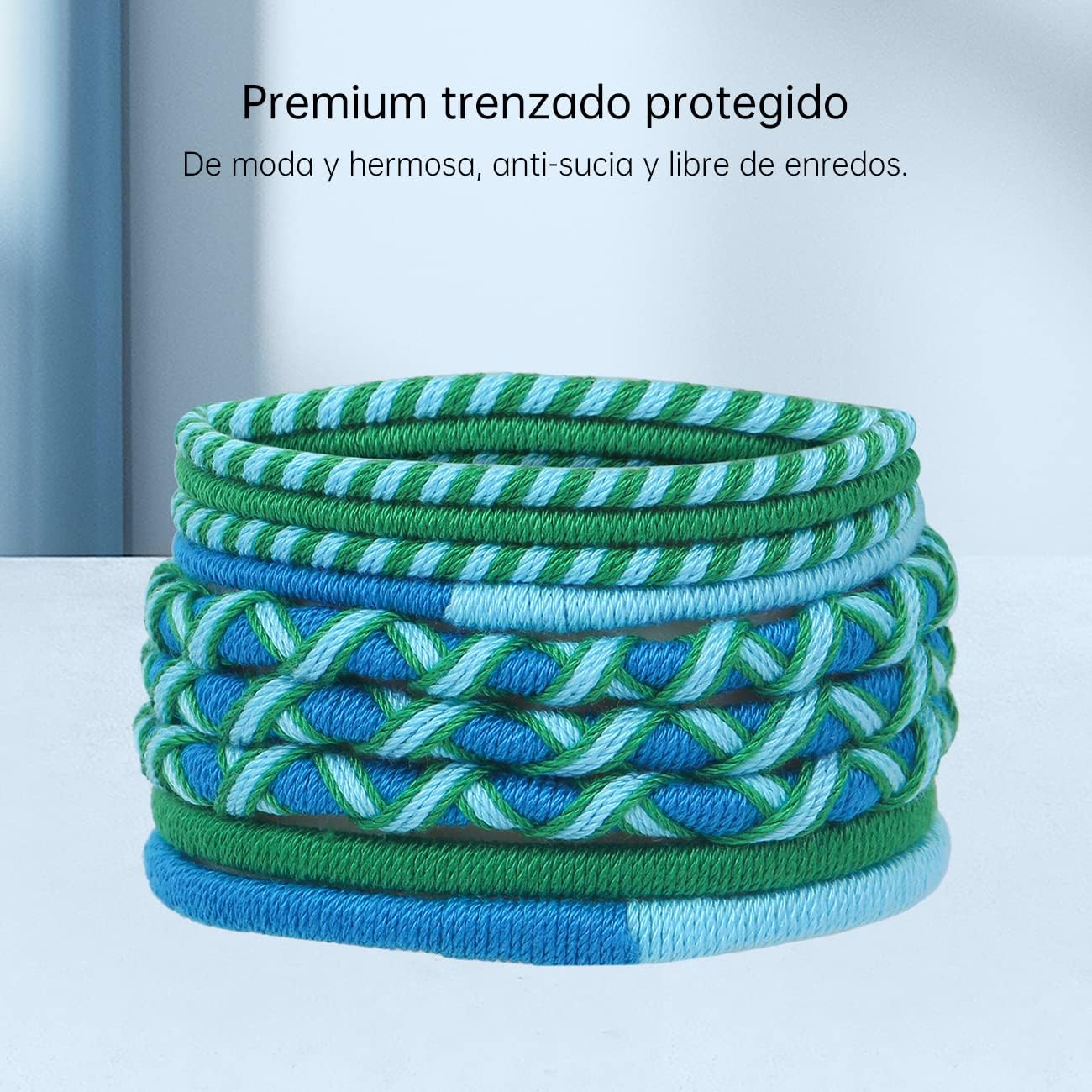
Image: The premium braided cable, highlighting its anti-tangle and protective qualities.
Troubleshooting
| Problem | Possible Cause | Solution |
|---|---|---|
| No sound or distorted sound |
|
|
| Microphone not working |
|
|
| Earbuds fall out easily |
|
|
Specifications
| Model Number | MZF07-LB |
| Connectivity Technology | Wired |
| Connector Type | 3.5mm Jack |
| Frequency Response | 20 Hz - 20 kHz |
| Impedance | 16 ohms |
| Sensitivity | 100 dB |
| Control Type | Media Control (Play/Pause, Skip, Call Answer/End) |
| Cable Feature | Tangle-free braided cable |
| Water Resistance Level | Waterproof (Sweat and splash resistant) |
| Weight | 60 Grams |
| Material | Plastic |
| Color | Light Blue |
Warranty and Support
URIZONS products are manufactured with high-quality standards. While specific warranty details are not provided in this manual, please refer to the product packaging or the retailer's website for information regarding warranty coverage and return policies.
For technical support, product inquiries, or assistance with troubleshooting beyond this manual, please contact URIZONS customer service through the official brand store on Amazon or the contact information provided with your purchase.
You can visit the URIZONS store for more information: URIZONS Official Store