
1Mii ML301
1Mii ML301 Bluetooth 5.0 Transmitter Receiver User Manual
Brand: 1Mii | Model: ML301
1. Introduction
The 1Mii ML301 is a versatile 2-in-1 Bluetooth 5.0 adapter designed to seamlessly transmit and receive audio wirelessly. It allows you to transform non-Bluetooth devices into Bluetooth-enabled ones, enhancing your audio experience with features like aptX Low Latency and Dual Link connectivity. This manual will guide you through the setup, operation, and maintenance of your ML301 device.
2. Package Contents
Please check the package carefully to ensure all items are present:
- 1Mii ML301 Bluetooth 2-in-1 Transceiver
- USB Type-C Charging Cable
- 3.5mm Audio Cable

3. Product Features
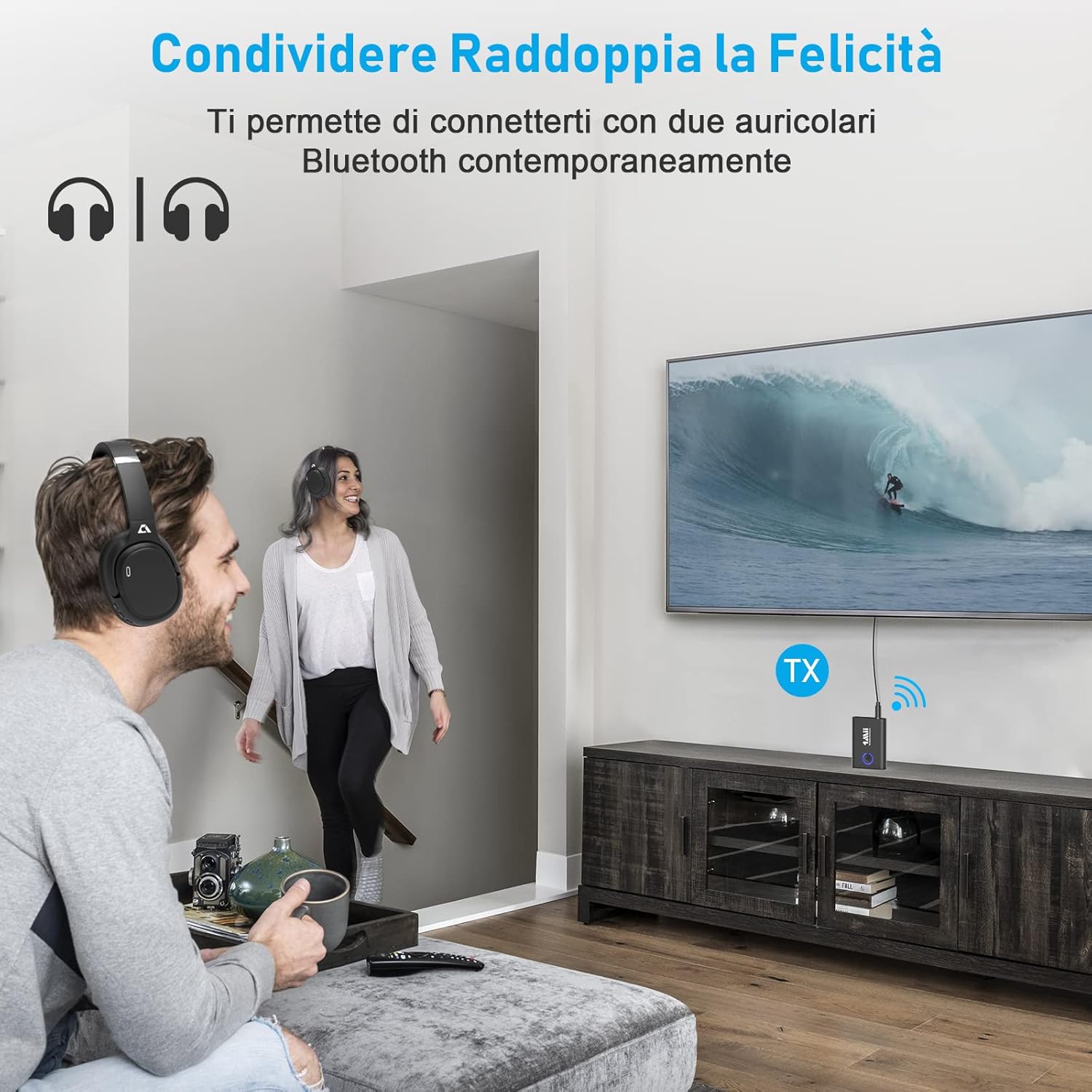
- Dual Link Functionality: The ML301 can be paired with two Bluetooth headphones or speakers simultaneously, allowing two users to enjoy audio from the same source.
- Transmitter (TX) & Receiver (RX) Modes: This device operates as both a Bluetooth transmitter (TX) to stream audio from non-Bluetooth devices to Bluetooth headphones/speakers, and a Bluetooth receiver (RX) to stream audio from Bluetooth-enabled devices to wired speakers or car stereos.
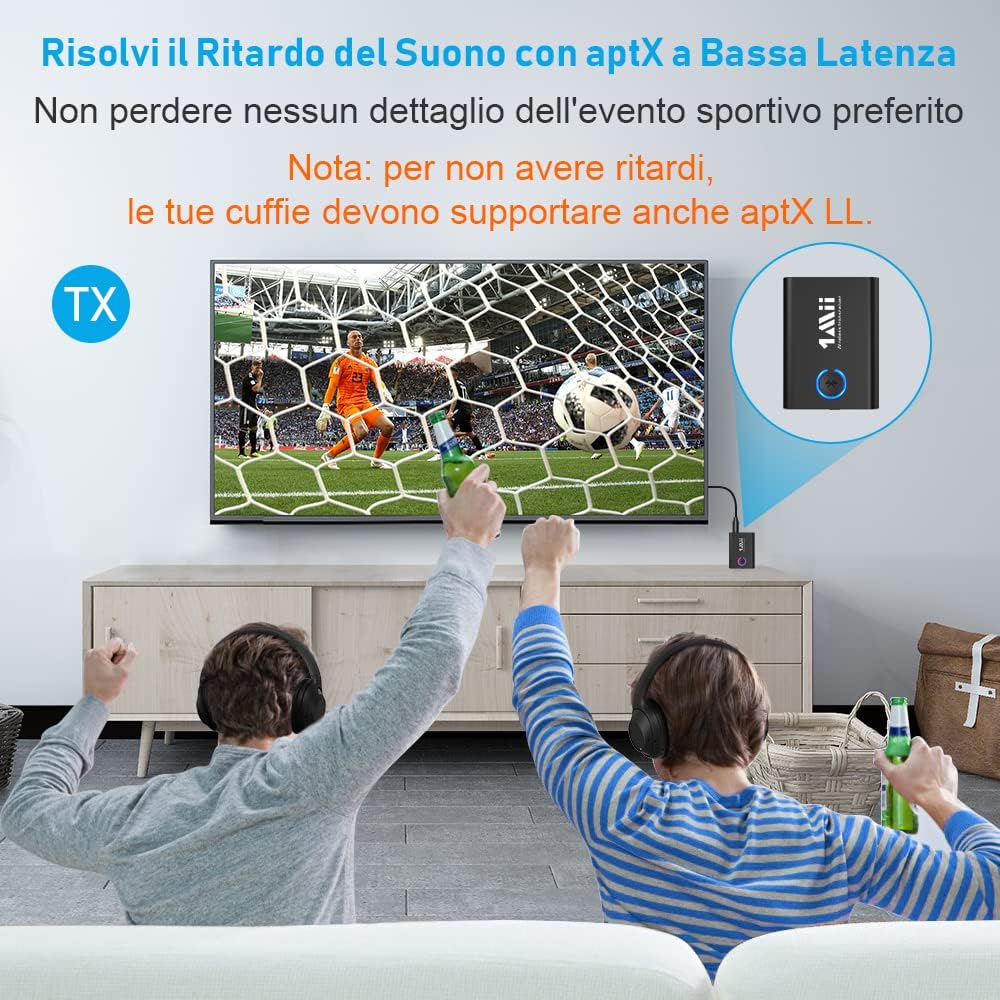
- aptX Low Latency & aptX HD: Equipped with aptX Low Latency technology, the ML301 minimizes audio delay, making it ideal for watching TV or gaming. aptX HD support ensures high-fidelity audio transmission for a superior listening experience. Note: For no audio delay, your receiving device (headphones/speakers) must also support aptX Low Latency.
- Bluetooth 5.0 Technology: Utilizes the latest Bluetooth 5.0 standard for faster, more stable connections and broad compatibility with Bluetooth 5.0/4.2/4.0/3.0/2.0 devices.
- Exceptional Battery Life: The built-in battery provides up to 10 hours of use in Transmitter (TX) mode and up to 12 hours in Receiver (RX) mode. It also supports playback while charging.
4. Setup and Operation
4.1 General Operation
- Power On/Off: Press and hold the multi-function button (Bluetooth logo) for 3 seconds to power on or off.
- Mode Switching: Use the TX/RX switch on the side of the device to select the desired mode.
4.2 Transmitter (TX) Mode Setup
In TX mode, the ML301 transmits audio from a non-Bluetooth device (e.g., TV, PC, airplane entertainment system) to your Bluetooth headphones or speakers.
- Switch the ML301 to TX mode.
- Connect the ML301 to your audio source (e.g., TV's 3.5mm audio out jack) using the provided 3.5mm audio cable.
- Put your Bluetooth headphones or speakers into pairing mode.
- The ML301 will automatically search for and connect to nearby Bluetooth devices. The LED indicator will show a solid blue light once connected.

4.3 Receiver (RX) Mode Setup
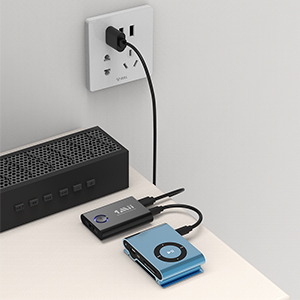
In RX mode, the ML301 receives audio from your Bluetooth-enabled device (e.g., smartphone, tablet) and plays it through a wired speaker, car stereo, or home stereo system.
- Switch the ML301 to RX mode.
- Connect the ML301 to your audio output device (e.g., wired speaker's 3.5mm audio input) using the provided 3.5mm audio cable.
- Enable Bluetooth on your smartphone, tablet, or PC and search for "ML301" in the list of available devices.
- Select "ML301" to pair. The LED indicator will show a solid blue light once connected.

4.4 Dual Link Operation (TX Mode)
To connect a second pair of Bluetooth headphones/speakers in TX mode:
- Ensure the first device is already connected to the ML301 in TX mode.
- Put the second pair of Bluetooth headphones or speakers into pairing mode.
- Press the multi-function button (Bluetooth logo) on the ML301 once. The ML301 will search for and connect to the second device.
- Both devices will now receive audio simultaneously.
5. Maintenance
- Cleaning: Use a soft, dry cloth to clean the device. Avoid liquid cleaners or solvents.
- Storage: Store the device in a cool, dry place away from direct sunlight and extreme temperatures.
- Battery Care: To prolong battery life, avoid fully discharging the device frequently. Charge it regularly, even if not in use for extended periods.
6. Troubleshooting
- No Sound:
- Ensure the ML301 is correctly connected to the audio source/output device.
- Check that the ML301 is in the correct TX/RX mode.
- Verify that both the ML301 and the connected audio devices are powered on and charged.
- Adjust the volume on both the ML301 and the connected devices.
- Ensure the connected Bluetooth device (headphones/speakers/phone) is paired and connected.
- Cannot Pair:
- Make sure the ML301 is in pairing mode (blinking blue LED).
- Ensure the other Bluetooth device is also in pairing mode.
- Move the devices closer to each other.
- Clear previous pairing records on both devices and try again.
- Restart both the ML301 and the device you are trying to pair.
- Audio Delay (Latency):
- For minimal delay, ensure both the ML301 and your Bluetooth headphones/speakers support aptX Low Latency (aptX LL).
- If only one device supports aptX LL, the connection will default to a lower codec, which may introduce some delay.
- Short Battery Life:
- Ensure the device is fully charged before use.
- Battery performance can degrade over time.
- Operating at maximum volume or in extreme temperatures can affect battery life.
7. Specifications
| Brand | 1Mii |
| Model Number | ML301 |
| Color | Black |
| Connectivity Technology | Bluetooth |
| Wireless Communication Standard | Bluetooth 5.0 |
| Compatible Devices | Television, Mobile phones, Tablets, Speakers, Car stereos |
| Special Features | 2-in-1 Bluetooth Transmitter and Receiver with Dual Link, aptX Low Latency |
| Connector Type | 3.5 mm AUX |
| Battery Composition | Lithium Polymer |
| Rechargeable Battery | Yes |
| Battery Life (TX Mode) | Up to 10 hours |
| Battery Life (RX Mode) | Up to 12 hours |
8. Warranty and Support
For warranty information or technical support, please refer to the documentation included with your purchase or visit the official 1Mii website. You may also contact 1Mii customer service directly for assistance with product inquiries, troubleshooting, or warranty claims.
Related documentsML301


Ask a question about this manual
Ask about setup, troubleshooting, compatibility, parts, safety, or missing instructions. Manuals+ will review the question and use this page’s manual context to help answer it.