
1. Introduction
The NOVOO 7-in-2 USB C Hub Adapter (Model NVHUB7IN2WGLX) is designed to expand the connectivity of your MacBook or other compatible USB-C devices. This manual provides essential information for setup, operation, maintenance, and troubleshooting to ensure optimal performance and longevity of your device.
2. Product Overview
This compact and lightweight hub connects to two USB-C ports on your device, providing a range of additional connectivity options. Its aluminum enclosure ensures durability and complements your device's aesthetic.
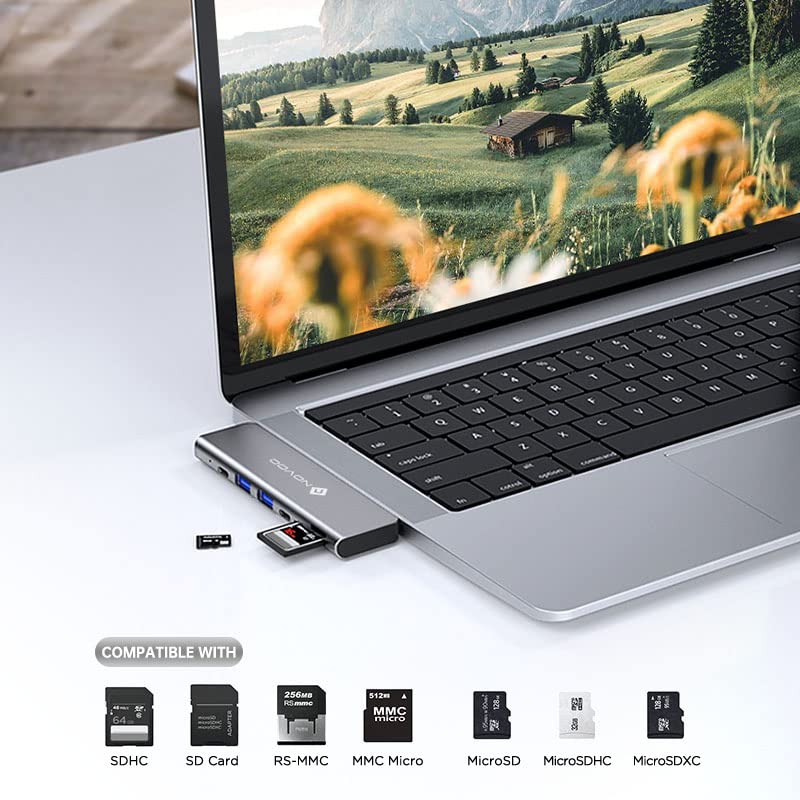
Image: The NOVOO 7-in-2 USB C Hub showing its various ports and dual USB-C connector.
Key Features:
- 1 Multi-function USB-C Port: Supports up to 100W Power Delivery and Thunderbolt 3 compatibility.
- 1 USB-C Data Port: For connecting USB-C peripherals.
- 2 USB 3.0 Type-A Ports: For high-speed data transfer with traditional USB devices.
- 1 HDMI Port: Supports 4K video output at 60Hz.
- 1 SD Card Reader: For standard SD cards.
- 1 MicroSD Card Reader: For MicroSD cards.
3. Setup Instructions
Follow these steps to connect and begin using your NOVOO USB C Hub Adapter:
- Connect the Hub: Insert the dual USB-C connectors of the NOVOO hub firmly into the two adjacent USB-C/Thunderbolt 3 ports on your MacBook or compatible device. Ensure a secure connection.
- Power Delivery (Optional): If you wish to charge your laptop while using the hub, connect your compatible USB-C power adapter to the multi-function USB-C port on the hub. This port supports up to 100W pass-through charging.
- Connect Peripherals: You can now connect your external devices to the hub's available ports:
- HDMI Display: Use an HDMI cable to connect the hub's HDMI port to your external monitor or TV.
- USB Devices: Plug USB flash drives, external hard drives, keyboards, mice, or other USB peripherals into the USB 3.0 Type-A ports or the USB-C data port.
- Memory Cards: Insert SD or MicroSD cards into their respective slots for data access.
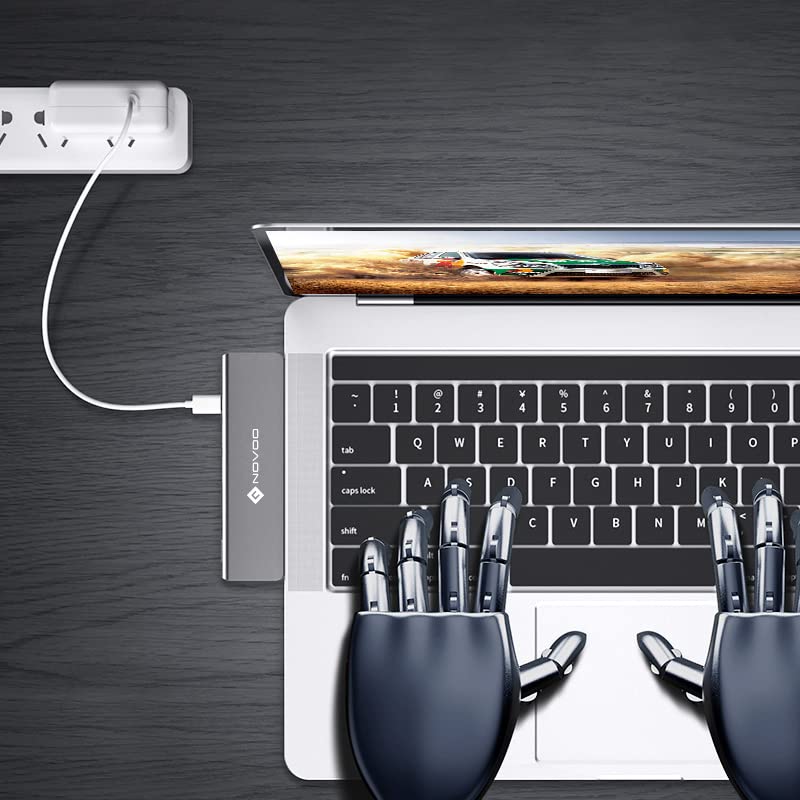
Image: The NOVOO hub connected to a MacBook, illustrating the power delivery connection.
4. Operating Instructions
4.1. Display Output via HDMI
Connect an HDMI cable from the hub to a 4K compatible monitor or TV. Your MacBook's display settings will allow you to extend or mirror your desktop to the external display. The hub supports resolutions up to 4K at 60Hz for a clear visual experience.
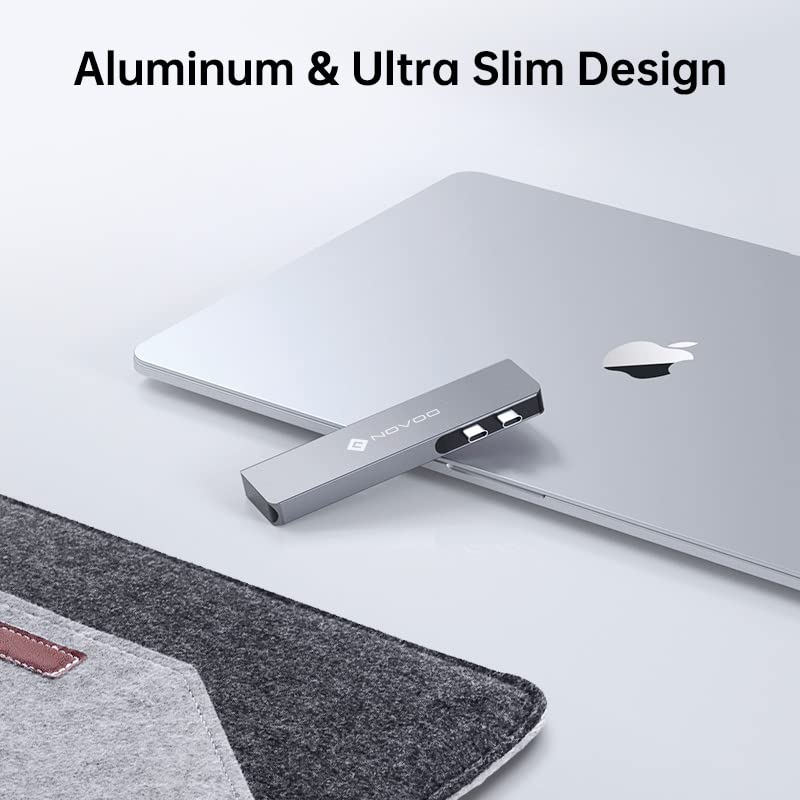
Image: A MacBook displaying content on a large 4K monitor through the NOVOO USB C Hub.
4.2. Data Transfer with USB Ports
The USB 3.0 Type-A ports and the USB-C data port allow for high-speed data transfer. Simply plug in your USB devices, and they should be recognized by your operating system. Ensure your devices are compatible with the USB standards supported by the hub.
4.3. Using SD and MicroSD Card Readers
Insert your SD or MicroSD card into the corresponding slot on the hub. The card will appear as a removable drive on your computer, allowing you to transfer files. The hub supports various card types including SDHC, SDXC, RS-MMC, MMC Micro, MicroSD, MicroSDHC, and MicroSDXC.
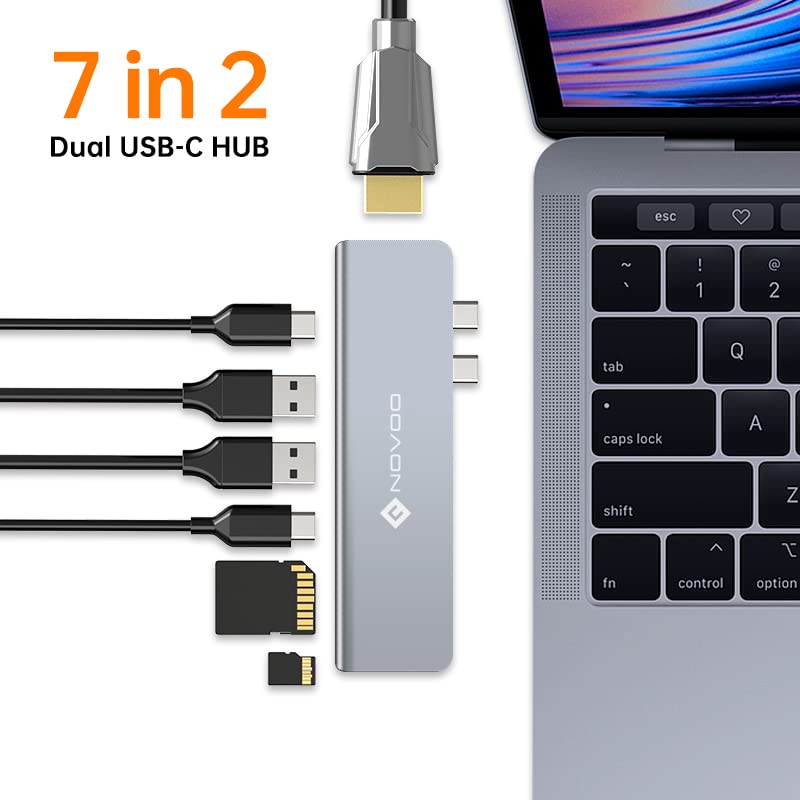
Image: The NOVOO hub with various memory card types, indicating compatibility.
4.4. Power Delivery
The multi-function USB-C port supports Power Delivery up to 100W. This allows you to charge your MacBook or other compatible USB-C laptop through the hub, eliminating the need for a separate power adapter connection to your laptop.
5. Maintenance
To ensure the longevity and proper functioning of your NOVOO USB C Hub Adapter, follow these maintenance guidelines:
- Cleaning: Gently wipe the hub with a soft, dry, lint-free cloth. Avoid using liquid cleaners, aerosols, or harsh chemicals, as these can damage the device.
- Storage: Store the hub in a cool, dry place away from direct sunlight, extreme temperatures, and high humidity.
- Handling: Avoid dropping the hub or subjecting it to strong impacts. Do not attempt to disassemble or modify the device.
6. Troubleshooting
If you encounter issues with your NOVOO USB C Hub, refer to the following common problems and solutions:
| Problem | Solution |
|---|---|
| No display output via HDMI. |
|
| USB devices are not recognized. |
|
| Laptop is not charging via Power Delivery. |
|
| SD/MicroSD card not detected. |
|
7. Specifications
| Brand | NOVOO |
| Model Number | NVHUB7IN2WGLX |
| Color | Grey |
| Hardware Interface | HDMI, MicroSD, USB 3.0, USB Type C |
| Special Feature | Lightweight, Portable |
| Compatible Devices | MacBook, Card Readers, Monitors |
| Total USB Ports | 7 (1x Multi-function USB-C, 1x USB-C Data, 2x USB 3.0 Type-A) |
| HDMI Resolution | Up to 4K @ 60Hz |
| Power Delivery | Up to 100W via Multi-function USB-C port |
| Card Reader | SD, MicroSD |
| Enclosure Material | Aluminum |
| Item Weight | 120 Grams |
| Country of Origin | China |
8. Warranty Information
The NOVOO 7-in-2 USB C Hub Adapter comes with a 1-year warranty from the date of purchase. Please retain your proof of purchase for warranty claims. For detailed warranty terms and conditions, refer to the official NOVOO website or contact customer support.
9. Support
For technical assistance, product inquiries, or warranty support, please contact NOVOO customer service. Contact information for the manufacturer ( Wellmade Corporation Limited) and importer (DNS TECHNOLOGIES PRIVATE LIMITED) can be found on the product packaging or official NOVOO channels.

