
Introduction
The Portronics Ruffpad 10X is a re-writable LCD writing pad designed for various uses, including note-taking, drawing, and sketching. It offers a paperless solution, contributing to environmental conservation. This manual provides essential information for setting up, operating, maintaining, and troubleshooting your device.
Product Features
- Single Tap Erase: Clear the screen instantly with a single press of the erase button.
- Smart Lock Enhanced Design: Prevent accidental erasure by activating the smart lock button.
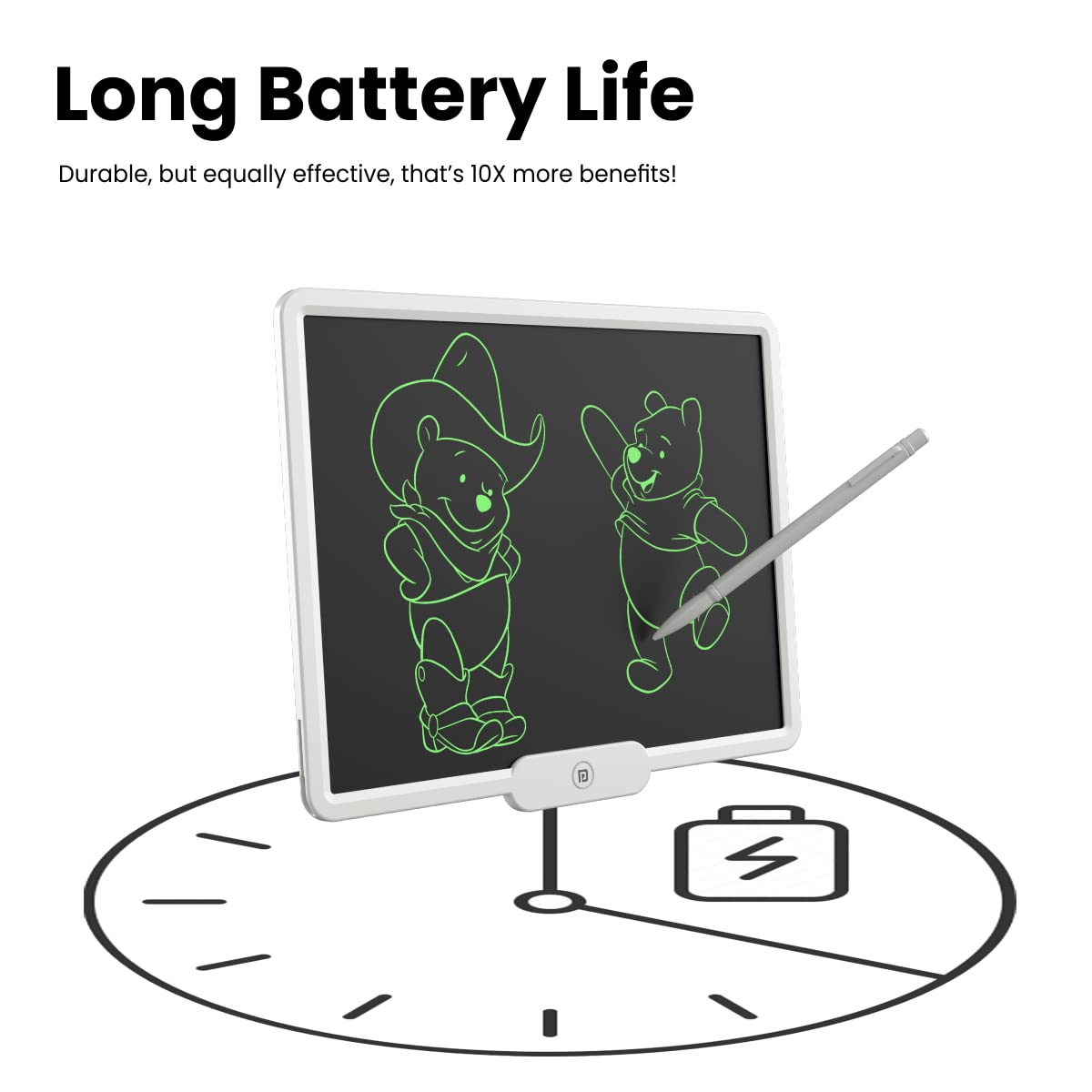
- CR2016 Cell Powered: Operates on a CR2016 coin cell battery, providing approximately one year of use without recharging.
- Save Your Doodles: Utilize the Ruffpad app (available on iOS and Android) to save and share your creations from the pad to your smartphone.
- Spacious Writing Area: Features a 10-inch (25.4cm) writing area for ample creative space.
- Safe Electronic Writing: Designed with a reflective display for safe and comfortable writing.
- Environment Friendly: A recyclable and e-waste compatible device that reduces paper consumption.
Setup
- Unboxing: Carefully remove the Ruffpad 10X and its accessories from the packaging.
- Stylus: Locate the included stylus. It is typically stored in a slot on the side or top of the writing pad.
- Battery Check: The device comes with a pre-installed CR2016 coin cell battery. If the erase function does not work, ensure the battery is correctly seated or replace it if necessary.
Operating Instructions
Writing and Drawing
Use the provided stylus to write or draw directly on the LCD screen. The pressure-sensitive surface allows for varying line thickness.

Erasing Content
To clear the screen, press the erase button located at the bottom center of the pad. All content will be removed instantly.
Using the Smart Lock
To prevent accidental erasure of your notes or drawings, slide the smart lock switch (usually on the back or side of the device) to the locked position. This will disable the erase button. Slide it back to unlock when you wish to erase.

Using the Ruffpad App
Download the official Ruffpad app from your smartphone's app store (iOS or Android). The app allows you to capture, save, and share the content displayed on your Ruffpad 10X screen. Follow the in-app instructions for scanning and managing your creations.
Maintenance
- Cleaning: Use a soft, dry, lint-free cloth to clean the screen and body of the device. Do not use liquid cleaners or abrasive materials.
- Battery Replacement: The Ruffpad 10X uses a CR2016 coin cell battery. When the erase function becomes weak or stops working, it's time to replace the battery. Locate the battery compartment on the device, open it, and replace the old battery with a new CR2016 cell, ensuring correct polarity.
- Storage: Store the device in a cool, dry place away from direct sunlight and extreme temperatures. Avoid placing heavy objects on the screen.
Troubleshooting
| Problem | Possible Solution |
|---|---|
| Screen does not erase. |
|
| Writing is faint or inconsistent. |
|
| Stylus is lost or damaged. | Contact Portronics customer support for a replacement stylus. Avoid using sharp objects on the screen. |
Specifications
| Brand | Portronics |
| Model Name | Ruffpad 10X |
| Model Number | POR-1532 |
| Display Type | LCD |
| Screen Size | 10 Inches (25.4 cm) |
| Active Surface Area | 645.16 square centimeters |
| Power Source | CR2016 Coin Cell Battery |
| Item Weight | 390 Grams |
| Item Dimensions (L x W) | 18L x 23W Centimeters |
| Special Feature | Unique LCD Writing and Erasing Functionality, Safe and Environment Friendly |
| Compatible Devices | Smartphone, Tablet (for app connectivity) |
| Country of Origin | China |
Warranty Information
The Portronics Ruffpad 10X comes with a 1 Year Manufacturer Warranty from the date of purchase. This warranty covers manufacturing defects. Please retain your purchase receipt for warranty claims. The warranty does not cover damage caused by misuse, accidents, or unauthorized repairs.
Support
For technical assistance, warranty claims, or product inquiries, please contact Portronics customer support.
Manufacturer Contact Information:
Portronics Digital Pvt Ltd
B-76, 1st & 2nd Floor, Wazirpur Industrial Area,
New Delhi-110052, India
Please refer to the official Portronics website for the most up-to-date contact details and support resources.


