
TCL 43C635
TCL 43C635 4K Ultra HD Smart QLED Google TV User Manual
Model: 43C635
Introduction
This user manual provides comprehensive instructions for setting up, operating, and maintaining your TCL 43C635 4K Ultra HD Smart QLED Google TV. Please read this manual thoroughly before using your television to ensure proper and safe operation.

Image: Front view of the TCL 43C635 QLED TV, showcasing its slim design and vibrant display.
Setup
1. Unboxing and Package Contents
Carefully remove all components from the packaging. Ensure all items listed below are present:
- 1 LED TV
- 1 Table Top Stand
- 1 Wall Mount Bracket
- 1 User Manual (this document)
- 1 Warranty Card
- 1 Remote Control
- 2 AAA Batteries
2. Physical Installation (Table Top or Wall Mount)
Choose your preferred installation method. For table-top placement, attach the provided stands securely. For wall mounting, use the included wall mount bracket and follow its specific instructions. Ensure the TV is placed on a stable surface or securely mounted to a wall to prevent tipping.

Image: Diagram showing the dimensions of the TCL 43C635 TV, including height with and without stand, width, and depth.
3. Initial Connections
Connect the power cord to the TV and a suitable power outlet. For internet access, connect an Ethernet cable to the LAN port or prepare for Wi-Fi setup during the initial software configuration.
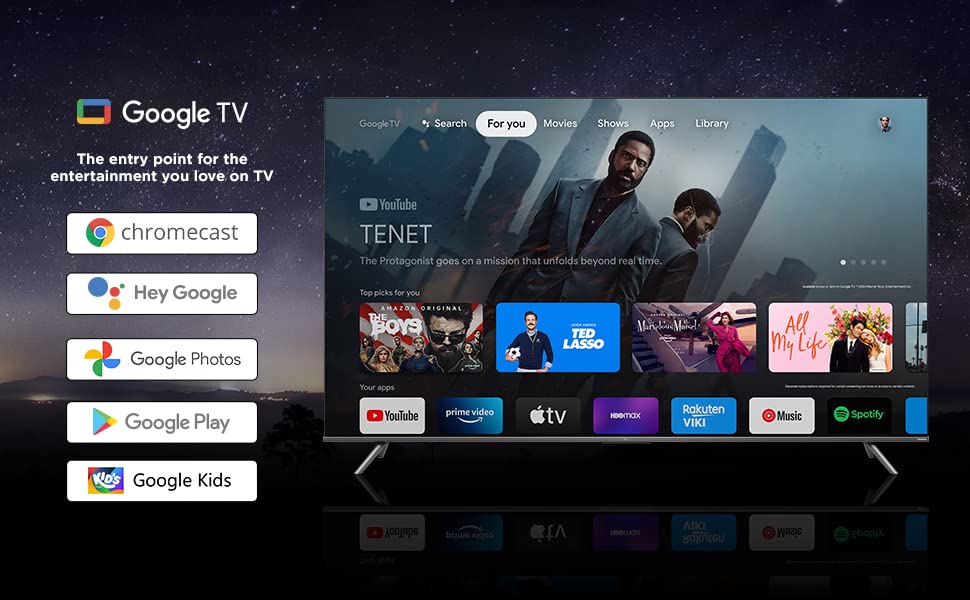
Image: Close-up view of the rear ports on the TCL 43C635 TV, including HDMI, LAN, Antenna, Digital Audio Out, USB, AV In, and Headphone ports.
Port Overview:
- HDMI 1 (eARC/ARC): For connecting high-definition devices like Blu-ray players, gaming consoles, or soundbars. eARC/ARC supports enhanced audio return channel.
- LAN: For wired internet connection.
- ANTENNA: For connecting an antenna for over-the-air broadcasts.
- DIGITAL AUDIO OUT (OPTICAL): For connecting to external audio systems with optical input.
- HDMI 2 (SERVICE): Another HDMI input.
- USB 3.0: For connecting USB storage devices to play media or for service.
- AV IN adapter: For connecting older devices using composite video and stereo audio.
- HEADPHONE: For connecting headphones.
Operating Instructions
1. Remote Control Overview
The smart remote control provides quick access to various functions and streaming services.

Image: Layout of the TCL 43C635 remote control, highlighting dedicated buttons for Netflix, Prime Video, YouTube, and TCL Channel, along with Google Assistant functionality.
Key Features:
- Dedicated Hotkeys: Quick access to Netflix, YouTube, Prime Video, and TCL Channel.
- Google Assistant Button: Activate voice control for entertainment, information, and smart home device management.
- Navigation Pad: For menu navigation.
- Volume and Channel Controls: Standard controls for audio and channel selection.
2. Google TV Interface Navigation
Your TV runs on Google TV, offering a personalized content experience. Use the remote's navigation pad to browse the "For You" tab for recommendations, or access "Movies," "Shows," "Apps," and "Library" sections.
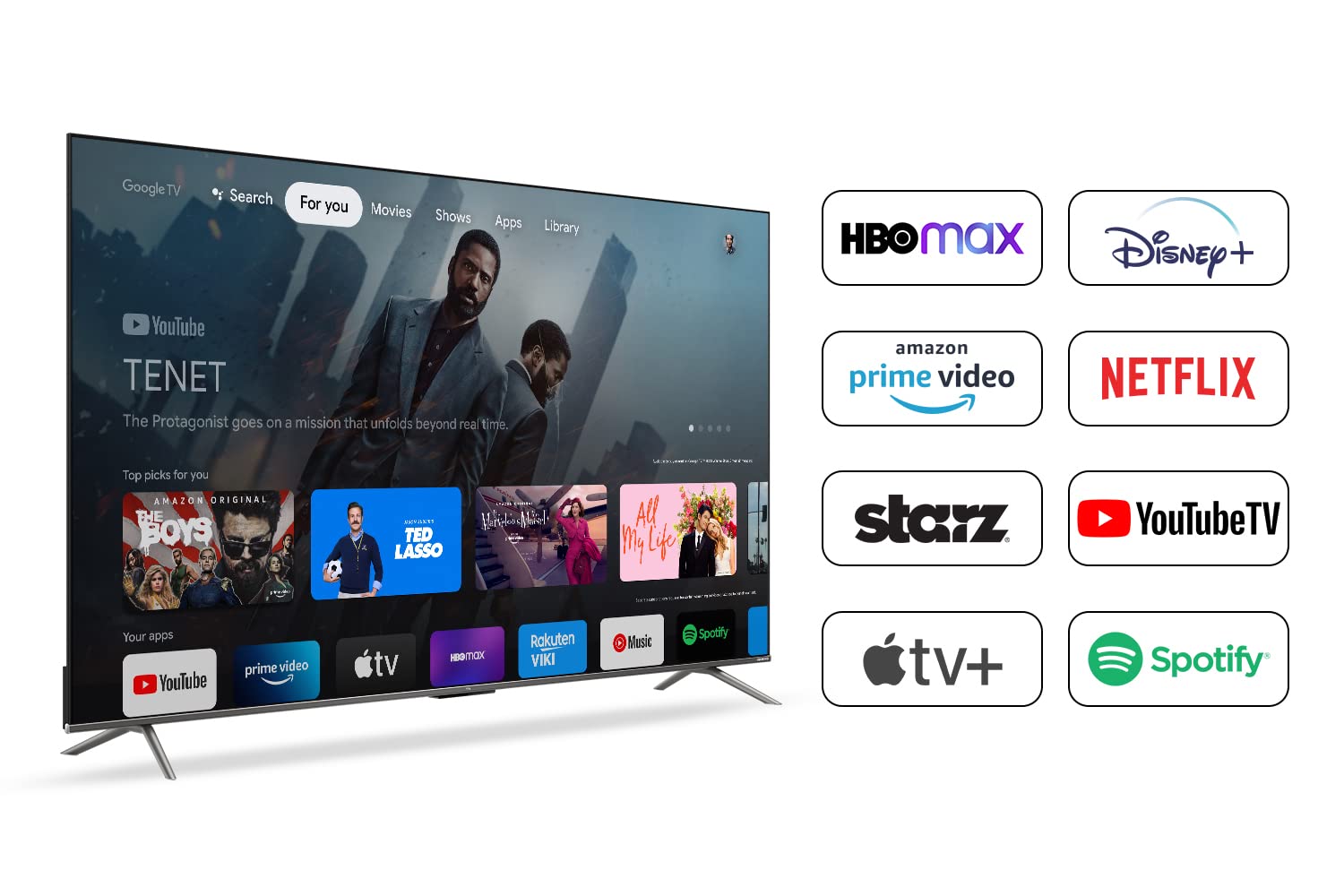
Image: Screenshot of the TCL 43C635 Google TV interface, displaying various streaming app icons like HBO Max, Disney+, Amazon Prime Video, Netflix, Starz, YouTube TV, Apple TV+, and Spotify.
3. Hands-Free Voice Control (Google Assistant)
The TV supports hands-free voice control. Simply say "Hey Google" or "Ok Google" followed by your command to search for content, control playback, get weather updates, or manage compatible smart home devices.
4. App Usage and Content Access
Access a vast library of applications through the Google Play Store. Pre-installed apps include Netflix, YouTube, and Prime Video. You can download thousands of additional apps to expand your entertainment options.
5. Connectivity
- Wi-Fi: Connect to your home wireless network for internet access.
- Bluetooth: Pair Bluetooth-enabled devices such as headphones or game controllers.
- HDMI 2.1: Supports high-bandwidth connections for 4K content and gaming.
- USB: Play media files directly from a USB drive.
6. Picture and Sound Settings
Your TV features QLED display technology with HDR 10+ and Dolby Vision for superior picture quality. Audio is enhanced with Dolby Atmos and ONKYO speakers. Navigate to the settings menu to adjust picture modes (e.g., Standard, Vivid, Movie, Game), brightness, contrast, and sound modes (e.g., Standard, Music, Movie, Clear Voice).
The AI-IN feature intelligently optimizes audio and video settings based on the content being played.
7. Gaming Features (Game Master)
The Game Master feature enhances your gaming experience with:
- ALLM (Auto Low Latency Mode): Automatically switches to a low-latency mode for smoother gaming.
- 120Hz DLG (Dual Line Gate): Provides a higher refresh rate for fluid motion in games.
- Aiming Aid: An on-screen crosshair to assist in shooting games.
- Game Bar: Quick access to game-related settings and information.
Maintenance
1. Cleaning Your TV
To clean the screen, gently wipe with a soft, lint-free cloth. For stubborn marks, slightly dampen the cloth with water or a specialized screen cleaner. Avoid using harsh chemicals or abrasive materials. For the TV body, use a dry, soft cloth.
2. Software Updates
Ensure your TV's software is up to date for optimal performance and new features. The TV will typically notify you of available updates. You can also manually check for updates in the settings menu under "System" or "About."
Troubleshooting
This section addresses common issues you might encounter. If the problem persists, please refer to the warranty and support section for further assistance.
| Problem | Possible Cause / Solution |
|---|---|
| No Power / TV won't turn on | Check if the power cord is securely plugged into both the TV and the power outlet. Ensure the power outlet is active. Try pressing the power button on the TV itself, not just the remote. |
| No Picture / Black Screen | Verify the correct input source is selected (e.g., HDMI 1, HDMI 2). Check cable connections from external devices. Try restarting the TV and connected devices. |
| No Sound | Check the volume level and ensure the TV is not muted. Verify audio cable connections if using external speakers. Check sound settings in the TV menu. |
| Remote Control Not Working | Ensure the batteries are correctly inserted and not depleted. Point the remote directly at the TV's IR sensor. Remove any obstructions between the remote and the TV. |
| Slow User Interface / Lag | Close unused applications running in the background. Restart the TV. Ensure sufficient free storage space. Software updates can sometimes improve performance. |
| Wi-Fi Connection Issues | Restart your Wi-Fi router. Ensure the TV is within range of the router. Re-enter the Wi-Fi password in the TV's network settings. |
Specifications
| Feature | Detail |
|---|---|
| Brand | TCL |
| Model Name | Google TV 43C635 |
| Screen Size | 43 Inches (108 cm) |
| Display Technology | QLED |
| Resolution | 4K Ultra HD (3840 x 2160 pixels) |
| Refresh Rate | 60 Hz |
| Operating System | Google TV |
| RAM Memory | 2 GB |
| Storage Capacity | 16 GB |
| Audio Output | 24 Watts, Dolby Audio, ONKYO speakers |
| Special Features | Hands-Free Voice Control, HDR 10+, AI-IN, T-cast, Game Master (ALLM, 120Hz DLG, Aiming Aid) |
| Connectivity | Wi-Fi, USB (2 ports), Ethernet, HDMI (multiple ports, including HDMI 2.1), Bluetooth |
| Product Dimensions (LxWxH) | 95.8 x 25.4 x 61.6 cm |
| Item Weight | 7.9 kg |
| Power Consumption (On-mode) | 120 Watts |

Image: Front view of the TCL 43C635 TV displaying an energy rating sticker, indicating its power efficiency.
Warranty and Support
Your TCL 43C635 TV comes with a 2-year warranty. Please refer to the included Warranty Card for detailed terms and conditions.
For technical support, service requests, or further inquiries, please contact TCL customer service. Contact details can typically be found on the warranty card or the official TCL website.
It is recommended to register your product online to facilitate warranty claims and receive important updates.
Related Documents - 43C635
 |
Manual de Operação TV TCL QLED Modelo 75X915 Este manual de operação detalha a montagem, configuração, uso e solução de problemas da TV TCL QLED modelo 75X915. Inclui informações sobre recursos Smart TV, conexões, controles, especificações técnicas e garantia. |
 |
TCL G300 QLED TV User Guide: Setup, Operations, and Safety Information Comprehensive user guide for the TCL G300 QLED TV, covering setup, connections, basic operations, advanced settings, troubleshooting, safety information, and warranty details. |
 |
TCL Google TV User Guide: Setup, Operation, and Troubleshooting This user guide provides comprehensive instructions for setting up and operating your TCL Google TV, including connections, basic functions, advanced settings, troubleshooting tips, and warranty information. |
 |
TCL Q750G Q-Series Google TV: Quick Start Guide and Setup Get started with your new TCL Q750G Q-Series 4K QLED Google TV. This guide provides setup instructions, safety information, and warranty details for your TCL television. |
 |
Información para el usuario sobre SmartTV: Ley de Datos de la UE Este documento de TCL explica los tipos de datos que los Smart TVs generan, cómo se utilizan y comparten, y los derechos del usuario según la Ley de Datos de la UE. Incluye información sobre identificación del producto, configuración de datos, y acceso. |
 |
TCL QM8K Series 65-inch 4K UHD Smart TV with Google TV - Quick Start Guide This quick start guide provides essential setup instructions, safety information, warranty details, and troubleshooting tips for your TCL QM8K Series 65-inch 4K UHD Smart TV with Google TV. |
Ask a question about this manual
Ask about setup, troubleshooting, compatibility, parts, safety, or missing instructions. Manuals+ will review the question and use this page’s manual context to help answer it.