
Introduction
This manual provides detailed instructions for the safe and effective operation of your libovgogo DF-588 Emergency Radio. Please read this manual thoroughly before using the device and retain it for future reference. The DF-588 is a versatile device featuring an FM/AM radio, Bluetooth speaker, 4000mAh power bank, and multiple emergency lighting functions, designed for various outdoor and emergency situations.

Image: A person hiking with the libovgogo DF-588 Emergency Radio attached to their backpack, illustrating its portability and suitability for outdoor adventures.
Product Overview
Key Features
- Automatic FM/AM Radio: Digital auto-scan for stations (FM: 76.0-108.0MHz, AM: 520-1710KHz) with an extendable and rotatable antenna.
- 10W Bluetooth Speaker: Connects wirelessly via Bluetooth 5.0 for audio playback with multiple EQ sound modes.
- 4000mAh Power Bank: Integrated lithium polymer battery for charging mobile devices via USB-A output.
- Multiple Charging Methods: Rechargeable via USB-C, solar panel, and hand crank dynamo.
- Emergency Lighting: Includes a super bright flashlight, flash light, 0-90 degree folding 12-LED reading lamp with three color options (white, yellow, warm white), and an SOS alarm with red/blue flashing lights.
- Durable Design: IPX5 splash-proof rating and robust TPU rubber casing for outdoor use.
Components
The libovgogo DF-588 includes the main unit, a USB-C charging cable, and a carabiner for portability.

Image: The libovgogo DF-588 Emergency Radio, demonstrating its ability to charge a mobile phone, with its solar panel, flashlight, and splash-proof design visible.
Setup
Initial Charge
Before first use, fully charge the internal 4000mAh lithium polymer battery. Connect the provided USB-C cable to the radio's USB-C input port and the other end to a standard USB power adapter (not included). The LCD display will indicate charging status. A full charge ensures optimal performance for all functions, especially the power bank feature.
Antenna Extension
For best radio reception, extend the telescopic antenna fully and rotate it for optimal signal clarity.
Operating Instructions
Power On/Off
Press and hold the Power button to turn the device on or off. The LCD display will illuminate.
Radio Operation (FM/AM)
- Select Radio Mode: If not already in radio mode, press the M (Mode) button until "FM" or "AM" appears on the LCD display.
- Automatic Station Search: Press the Play/Pause button (often indicated by a triangle or two vertical bars) to initiate an automatic scan for available FM or AM stations. The radio will scan and store stations in numerical order.
- Manual Station Selection: Use the Previous (<) or Next (>) buttons to cycle through the stored stations.
- Volume Adjustment: Use the Volume Up (+) and Volume Down (-) buttons to adjust the audio level.
- Antenna Adjustment: Extend and rotate the telescopic antenna for optimal reception.
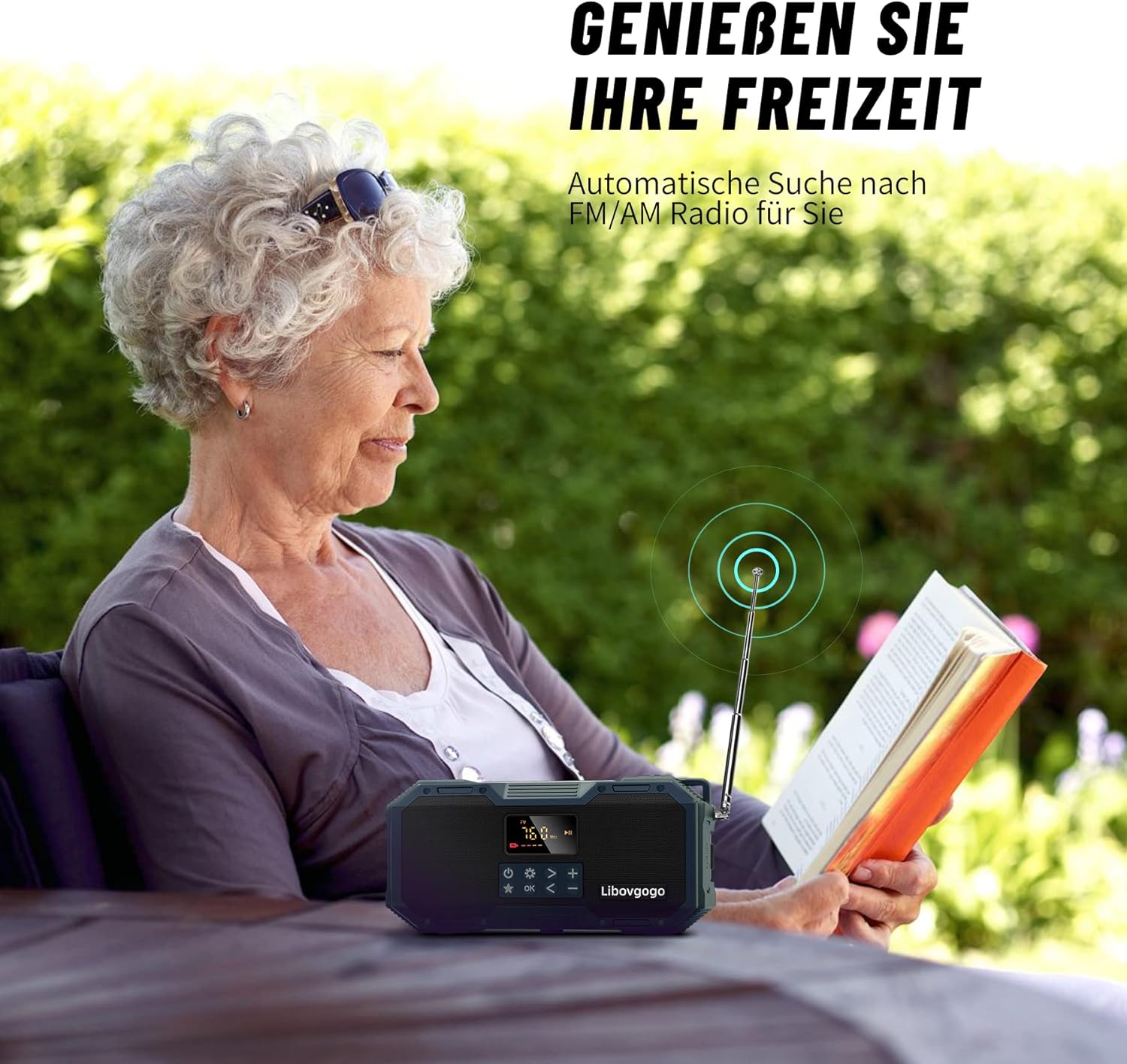
Image: A person relaxing outdoors, listening to the libovgogo DF-588 Emergency Radio, demonstrating its use for leisure and radio reception.
Bluetooth Speaker Operation
- Enter Bluetooth Mode: Press the M (Mode) button until "BT" or "Bluetooth" appears on the LCD display. The radio will enter pairing mode, indicated by a flashing Bluetooth icon.
- Pairing: On your mobile device (smartphone, tablet, laptop), enable Bluetooth and search for "DF-588" or a similar device name. Select it to pair. A confirmation tone will sound when successfully connected.
- Audio Playback: Play audio from your connected device. Use the radio's Play/Pause, Previous (<), and Next (>) buttons to control playback.
- Volume Adjustment: Adjust volume using the radio's Volume Up (+) and Volume Down (-) buttons or your connected device.
- EQ Modes: Press the EQ button to cycle through different sound equalization modes: Standard, Rock, Pop, Classic, Jazz, and Country.
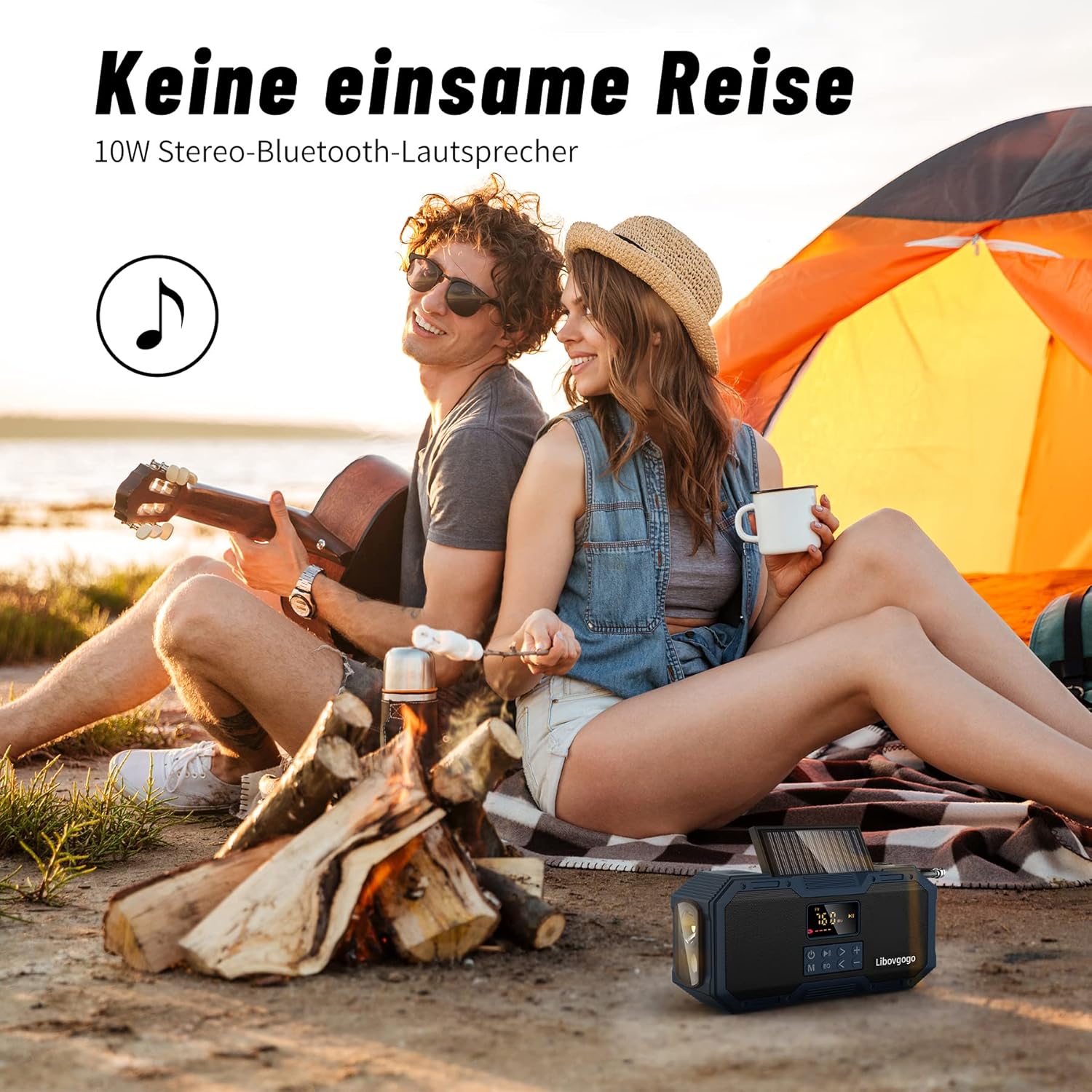
Image: A couple enjoying music from the libovgogo DF-588 Emergency Radio's Bluetooth speaker while camping, highlighting its use as a portable audio device.
Emergency Lighting Functions
The DF-588 offers four distinct lighting options:
- Flashlight: Located on the side of the unit. Press the dedicated flashlight button to turn it on/off. Provides a bright beam for illumination over 35 meters.
- Flash Light: A separate flashing light function for signaling. Activate via its dedicated button.
- Reading Lamp: The 12-LED panel can be folded out up to 90 degrees. Press the reading lamp button to cycle through white, yellow, and warm white light colors.
- SOS Alarm: Press the SOS button (usually located at the bottom) to activate a loud siren and flashing red/blue lights. This alarm is designed to attract attention within a 200-meter radius during emergencies. Press again to deactivate.

Image: An illustration depicting the four emergency light functions of the libovgogo DF-588: LED flashlight, flash light, color-changing reading lamp, and red/blue SOS warning light.
Charging Methods
The internal 4000mAh battery can be recharged using three methods:
- USB-C Charging: Connect the provided USB-C cable to the radio's input port and a USB power source. This is the fastest and most efficient charging method.
- Solar Charging: Place the radio with the solar panel facing direct sunlight. The solar panel provides a trickle charge, ideal for maintaining battery life or slow charging in emergencies.
- Hand Crank Dynamo: Extend the hand crank handle and rotate it clockwise or counter-clockwise at a steady pace (approximately 120-150 RPM). Cranking generates power to charge the internal battery, suitable for emergency power generation.
Using as a Power Bank
To charge external devices (e.g., mobile phones, tablets), connect your device's charging cable to the radio's USB-A output port. The radio's 4000mAh battery will then act as a power bank. The LCD display shows the radio's remaining battery level.

Image: The libovgogo DF-588 Emergency Radio showcasing its 4000mAh power bank functionality, with icons representing hand crank, USB-C, and solar charging methods, set against a scenic outdoor background.
Maintenance
- Cleaning: Wipe the radio with a soft, damp cloth. Do not use harsh chemicals or abrasive cleaners.
- Storage: Store the radio in a cool, dry place away from direct sunlight and extreme temperatures.
- Battery Care: To prolong battery life, fully charge the radio at least once every three months, even if not in use. Avoid fully discharging the battery frequently.
- Water Exposure: While IPX5 splash-proof, avoid submerging the radio in water. Ensure all port covers are securely closed when exposed to moisture.
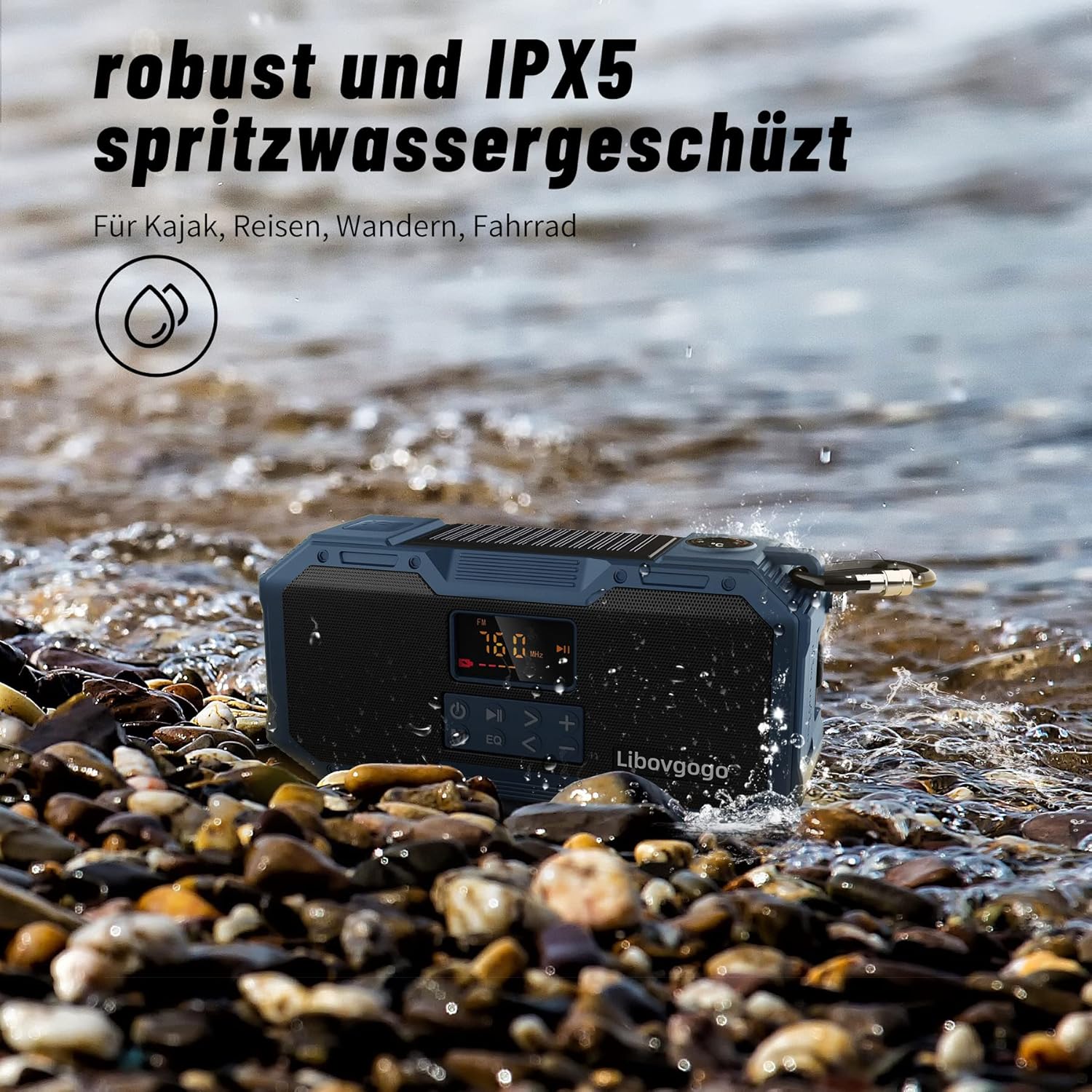
Image: The libovgogo DF-588 Emergency Radio on a rocky beach with water splashing, illustrating its IPX5 splash-proof capability.
Troubleshooting
| Problem | Possible Cause | Solution |
|---|---|---|
| Radio not turning on. | Low battery. | Charge the radio using USB-C, solar, or hand crank. |
| Poor radio reception. | Antenna not extended or poor signal area. | Fully extend and rotate the telescopic antenna. Move to an open area. |
| Bluetooth not pairing. | Radio not in Bluetooth mode or device too far. | Ensure radio is in BT mode. Keep devices within 10 meters. Restart both devices. |
| External device not charging. | Radio battery low or incorrect cable. | Ensure radio has sufficient charge. Use a compatible USB-A cable for your device. |
| Solar charging is slow. | Insufficient sunlight or solar panel not clean. | Place in direct, strong sunlight. Clean the solar panel surface. Solar charging is a trickle charge, not a primary charging method. |
Specifications
| Brand | libovgogo |
| Model | DF-588 |
| Dimensions | 17 x 5 x 8 cm |
| Weight | 495 g |
| Battery Capacity | 4000mAh Lithium Polymer |
| Charging Inputs | USB-C, Solar Panel, Hand Crank Dynamo |
| Power Bank Output | USB-A |
| Speaker Output Power | 10 Watts |
| Tuner Technology | AM/FM |
| FM Frequency Range | 76.0-108.0 MHz |
| AM Frequency Range | 520-1710 KHz |
| Bluetooth Version | 5.0 |
| Bluetooth Range | Up to 10 meters (33 feet) |
| Waterproof Rating | IPX5 |
| Material | ABS + TPU |
| Included Components | Emergency Radio, USB-C Cable, Carabiner |
Safety Information
- Do not expose the device to extreme temperatures, direct flame, or prolonged direct sunlight beyond normal operating conditions.
- Do not attempt to disassemble or modify the device. This will void the warranty and may cause damage or injury.
- Keep the device away from strong magnetic fields.
- Ensure all port covers are sealed when using the device in wet conditions to maintain its IPX5 rating.
- Dispose of the battery and device according to local regulations. Do not dispose of in household waste.
Warranty and Support
For warranty information or technical support, please refer to the contact details provided with your purchase or visit the official libovgogo website. Please have your model number (DF-588) and purchase date available when contacting support.