
Introduction
Thank you for purchasing the BLACK+DECKER Digital Air Fryer Model AF700-B5. This appliance uses rapid air convection technology to cook food with little to no oil, offering a healthier alternative to traditional frying. Please read this manual thoroughly before first use to ensure safe and optimal operation.
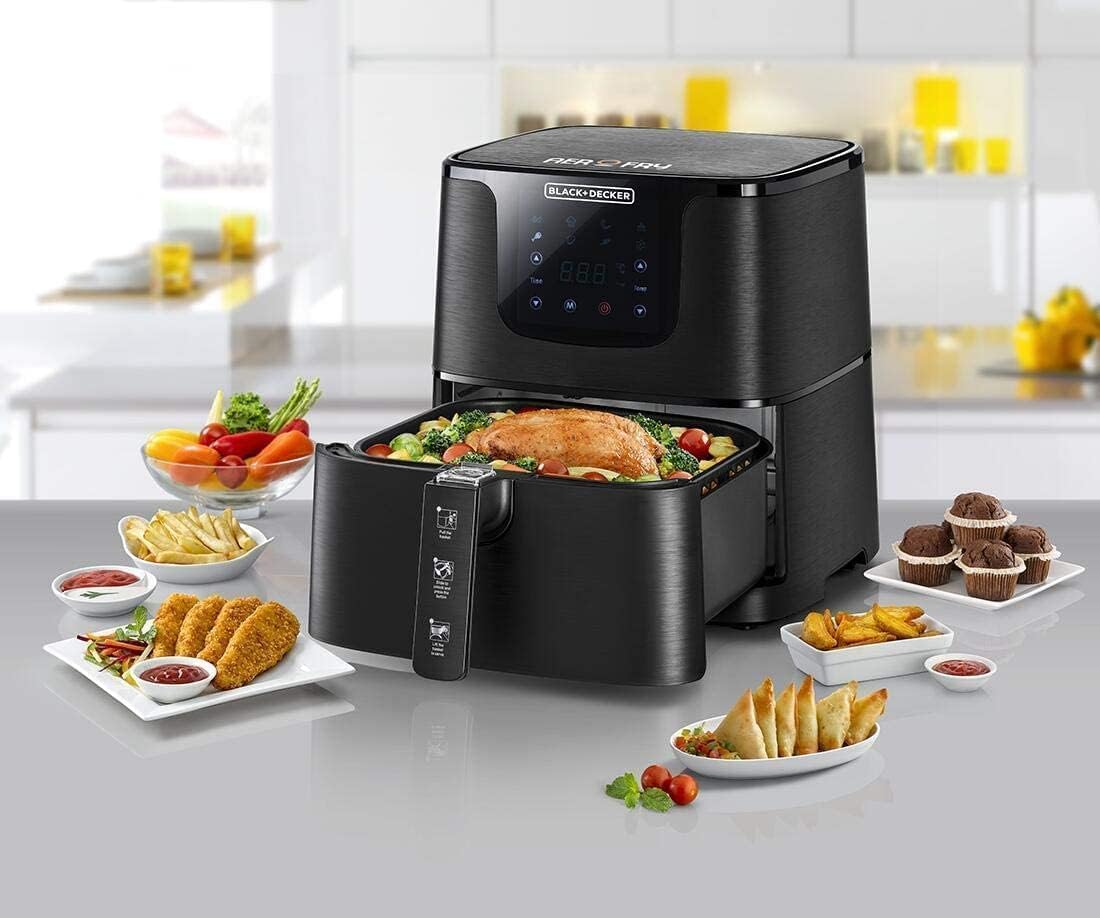
Image: The BLACK+DECKER Digital Air Fryer displayed with a variety of prepared dishes, including chicken, vegetables, and fries, showcasing its versatility.
Important Safety Instructions
- Read all instructions before use.
- Do not immerse the appliance, cord, or plug in water or other liquids.
- Close supervision is necessary when any appliance is used by or near children.
- Unplug from outlet when not in use and before cleaning. Allow to cool before putting on or taking off parts.
- Do not operate any appliance with a damaged cord or plug, or after the appliance malfunctions or has been damaged in any manner.
- Do not use attachments not recommended by the appliance manufacturer.
- Do not place on or near a hot gas or electric burner, or in a heated oven.
- Extreme caution must be used when moving an appliance containing hot oil or other hot liquids.
- Do not use the appliance for other than intended use.
- Ensure the basket is properly inserted before operating.
Product Overview
Components
- Main Unit with Digital Touch Control Panel
- Removable Frying Basket
- Basket Handle with Release Button
- Outer Pan
Setup
- Unpacking: Carefully remove all packaging materials and labels.
- Cleaning: Wipe the exterior of the appliance with a damp cloth. Wash the frying basket and outer pan with hot, soapy water. Rinse and dry thoroughly.
- Placement: Place the air fryer on a stable, heat-resistant surface, away from walls or other appliances to allow for proper air circulation. Ensure there is at least 10 cm of clear space on all sides.
- Initial Run: For the first use, it is recommended to run the air fryer empty for about 10-15 minutes at 180°C (356°F) to eliminate any manufacturing odors. A slight odor or smoke may be present, which is normal.
Operating Instructions
General Operation
- Prepare Food: Place your ingredients into the frying basket. Do not overfill the basket.
- Insert Basket: Slide the frying basket with the outer pan back into the main unit until it clicks into place.
- Power On: Plug the appliance into a grounded electrical outlet. The digital display will illuminate.
- Set Temperature and Time: Use the touch control panel to set the desired cooking temperature and time. The appliance features temperature control via touch interface.
- Start Cooking: Press the start button to begin the cooking process.
- Shake/Flip Food: For even cooking, some foods may require shaking or flipping halfway through the cooking time. Carefully remove the basket, shake, and reinsert.
- Finish Cooking: The air fryer will beep when the cooking time is complete. Carefully remove the basket and transfer food to a serving dish.
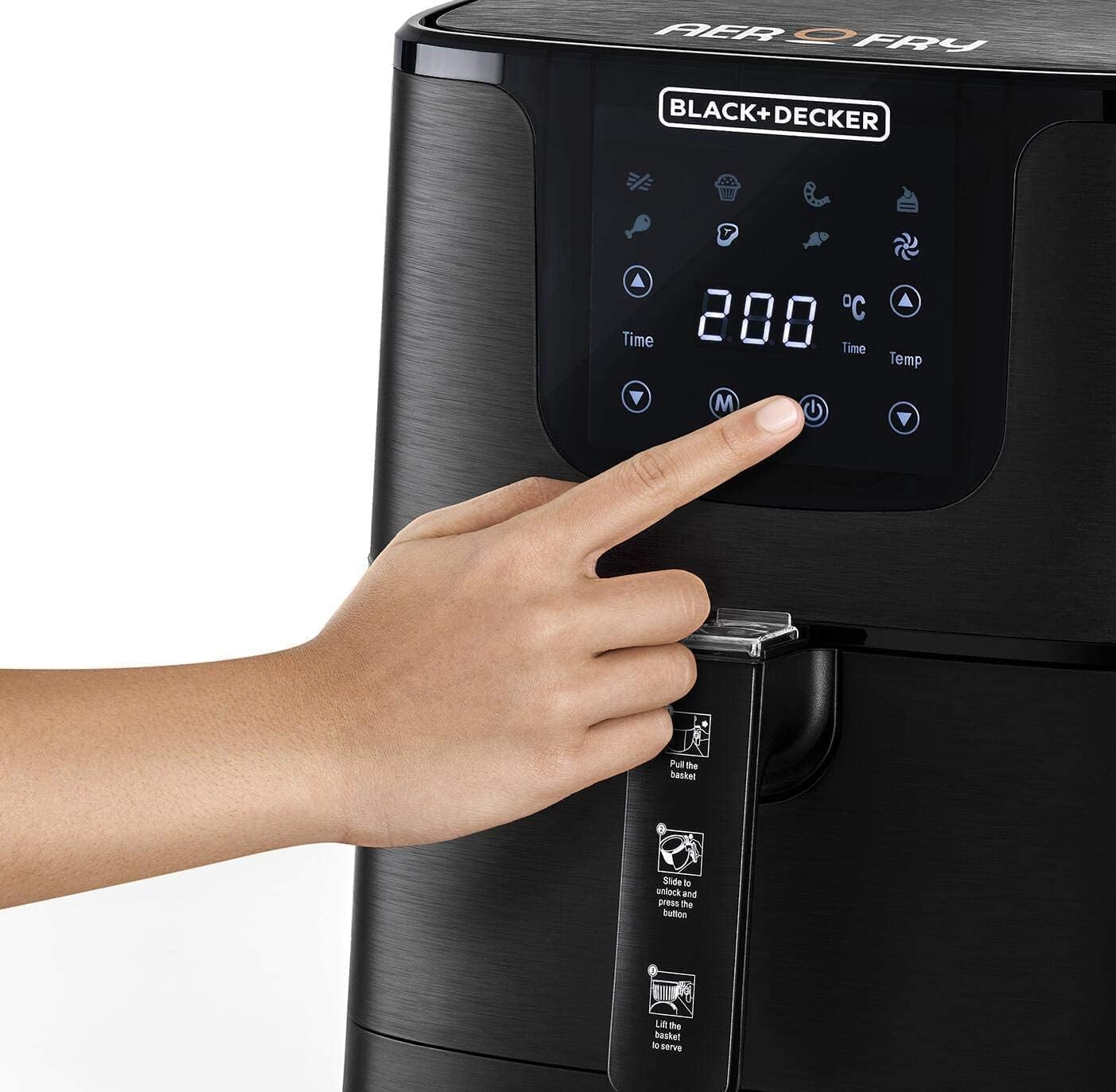
Image: A hand interacting with the digital touch control panel, specifically pressing the power button to initiate operation.
Removing the Basket
To remove the frying basket from the outer pan for serving or cleaning:
- Slide the clear safety cover forward.
- Press the basket release button located on the handle.
- Lift the frying basket upwards to separate it from the outer pan.

Image: A hand demonstrating how to slide the safety cover on the air fryer basket handle before pressing the release button.

Image: A hand holding the air fryer basket, which is being lifted out of the outer pan, with blue arrows illustrating the upward separation movement.
Maintenance and Cleaning
Proper maintenance ensures the longevity and performance of your air fryer.
- Unplug and Cool: Always unplug the air fryer and allow it to cool completely before cleaning.
- Basket and Pan: The frying basket and outer pan are not dishwasher safe. Wash them with hot, soapy water and a non-abrasive sponge. For stubborn food residue, soak them in hot water for about 10 minutes before cleaning.
- Exterior: Wipe the exterior of the appliance with a damp cloth. Do not use harsh abrasive cleaners or scouring pads.
- Interior: Clean the interior of the appliance with a damp cloth. If necessary, a soft brush can be used to remove food residue from the heating element.
- Storage: Store the cleaned and dried air fryer in a cool, dry place.
Troubleshooting
| Problem | Possible Cause | Solution |
|---|---|---|
| Air fryer does not turn on. | Appliance is not plugged in. Power outlet is not working. | Ensure the power cord is securely plugged into a working outlet. Check the circuit breaker. |
| Food is not cooked evenly. | Basket is overcrowded. Food was not shaken/flipped. | Cook food in smaller batches. Shake or flip food halfway through cooking. |
| White smoke comes from the appliance. | Grease from previous use. Fatty food being cooked. | Clean the basket and outer pan thoroughly after each use. Remove excess oil from food before air frying. |
| Food is not crispy. | Too much moisture in food. Not enough oil (if required). | Pat food dry before cooking. Lightly brush or spray food with oil for crispier results. |
Specifications
- Model: AF700-B5
- Brand: BLACK+DECKER
- Capacity: 5.3 Liters
- Power Output: 1700 Watts
- Dimensions (D x W x H): 40 cm x 33 cm x 35 cm
- Weight: 5.62 Kilograms
- Color: Black
- Control Method: Touch
- Air Frying Technology: Rapid Air Convection
- Exterior Material: Metal
- Interior Material: Stainless Steel
- Special Features: Temperature Control
- Dishwasher Safe Parts: No

Image: A visual representation of the air fryer with its dimensions clearly marked: 40cm (depth), 33cm (width), and 35cm (height).
Warranty and Support
Warranty Information
This BLACK+DECKER Digital Air Fryer Model AF700-B5 comes with an International Warranty. Please refer to the warranty card included in your product packaging for specific terms, conditions, and duration of coverage in your region.
Customer Support
For technical assistance, troubleshooting not covered in this manual, or warranty claims, please contact BLACK+DECKER customer support. Contact details can typically be found on the official BLACK+DECKER website or on the product packaging.


