
Introduction
This manual provides detailed instructions for the safe and effective use of your Energizer Rechargeable LED Flashlight X1000. Please read this manual thoroughly before operating the device and retain it for future reference.

Image: The Energizer Rechargeable LED Flashlight X1000, showcasing its sleek black aluminum body and the included USB charging cable. The flashlight emits a bright white light from its lens.
Product Features
- Hybrid Power Capability: Operates with a rechargeable lithium-ion battery or 3 AAA alkaline batteries (included for backup).
- Ultra Bright: Delivers up to 1000 lumens of light.
- Long Beam Distance: Projects light up to 300 meters (980 feet).
- Multiple Light Modes: High, Low, and Emergency Strobe.
- Durable Construction: Aircraft-grade aluminum body and shatterproof lens.
- Water Resistant: IPX4 rated for resistance against splashing water.
- Impact Resistant: Designed to withstand drops up to 3 feet.
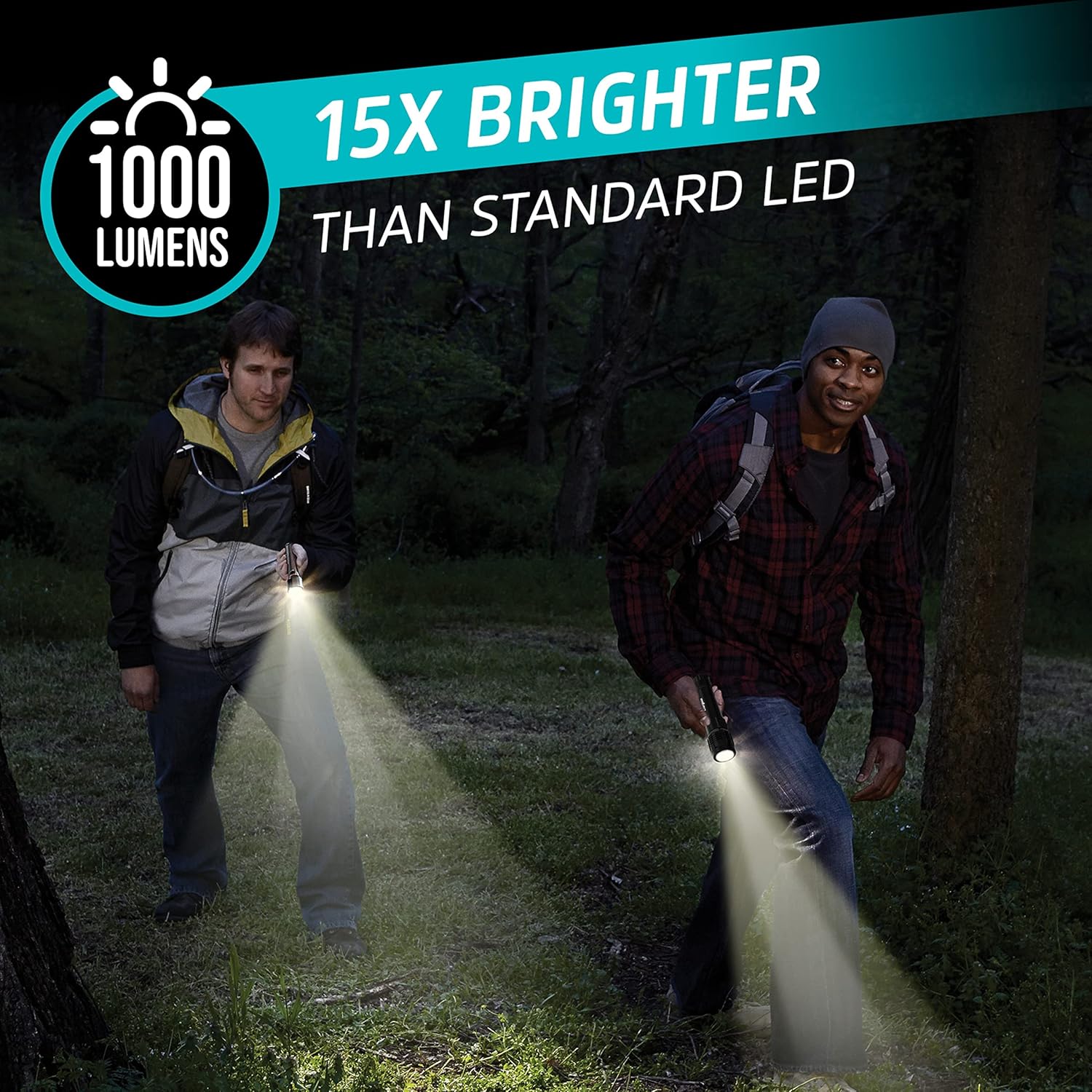
Image: Two individuals in a dark, wooded area, each holding an Energizer X1000 flashlight. The powerful beams illuminate the path ahead, illustrating the flashlight's 1000-lumen output and its ability to be 15 times brighter than standard LEDs.

Image: A person stands silhouetted against a night sky filled with stars, holding the Energizer X1000 flashlight. A powerful, focused beam of light extends far into the distance, demonstrating the impressive 300-meter beam range, capable of spanning three stadium fields.
Setup and First Use
Charging the Rechargeable Battery
- Locate the USB charging port on the flashlight body. It is typically covered by a rubber flap for protection.
- Open the rubber flap.
- Connect the included USB charging cable to the flashlight's port.
- Connect the other end of the USB cable to a standard USB power source (e.g., computer USB port, wall adapter, power bank).
- The charging indicator light will illuminate (refer to product for specific light behavior, e.g., red for charging, green for full).
- Allow the flashlight to charge fully before first use. Charging time may vary.
Installing AAA Batteries (Included for Backup)
The flashlight can also operate using 3 AAA alkaline batteries as a backup power source. These are included with the product.
- Unscrew the tail cap of the flashlight.
- Insert 3 AAA batteries into the included battery adapter, ensuring correct polarity (+/-).
- Place the battery adapter with AAA batteries into the flashlight body.
- Screw the tail cap back on securely.

Image: A visual representation of the flashlight's versatile power options. It shows the flashlight connected to a USB charging cable for its internal rechargeable lithium-ion battery, and separately, an illustration of how 3 AAA batteries can be inserted as an alternative power source.
Operating Instructions
Power On/Off
- To turn the flashlight ON, press the power button located on the side of the flashlight.
- To turn the flashlight OFF, press the power button again.
Changing Light Modes
The Energizer X1000 features multiple light modes: High, Low, and Strobe.
- With the flashlight ON, press the power button repeatedly to cycle through the modes: High → Low → Strobe → Off.
- The flashlight will remember the last used mode if turned off and on within a short period.

Image: A person holding the Energizer X1000 flashlight, which emits a bright beam. The image highlights the flashlight's three distinct light modes: High, Low, and Emergency Strobe, designed to handle various situations.

Image: A person is shown inside a tent, holding the Energizer X1000 flashlight, which provides ample illumination. This image emphasizes the flashlight's capability to provide up to 6 hours of reliable lighting when using the internal rechargeable battery on low mode.
Maintenance and Care
- Cleaning: Wipe the flashlight body with a soft, damp cloth. Do not use abrasive cleaners or solvents.
- Lens Care: Gently clean the lens with a lens cloth to maintain optimal light output. Avoid scratching the lens.
- Battery Care:
- For the rechargeable battery, charge it regularly, especially if not used for extended periods, to prolong its lifespan.
- If using AAA batteries, remove them if the flashlight will not be used for a long time to prevent leakage and damage.
- Storage: Store the flashlight in a cool, dry place away from direct sunlight and extreme temperatures.
- Water Resistance: While IPX4 water-resistant, do not submerge the flashlight in water. Ensure the USB port cover is securely closed to maintain water resistance.

Image: An exploded view or diagram of the Energizer X1000 flashlight, pointing out its key durable features: the aircraft-grade aluminum body, the shatterproof lens, and its IPX4 water resistance. Rain droplets are depicted to emphasize its water-resistant quality.
Troubleshooting
| Problem | Possible Cause | Solution |
|---|---|---|
| Flashlight does not turn on. | Battery is depleted or not properly installed. | Charge the rechargeable battery. If using AAA batteries, ensure they are new and inserted with correct polarity. |
| Light is dim. | Low battery charge. | Recharge the flashlight. Replace AAA batteries if applicable. |
| Flashlight flickers. | Loose battery connection or low battery. | Ensure battery cap is tightened. Recharge or replace batteries. |
| Charging indicator not working. | Faulty USB cable or power source. | Try a different USB cable or power source. Ensure the cable is fully inserted. |
Specifications
| Feature | Detail |
|---|---|
| Model Number | 039800139948 |
| Brightness | 1000 Lumens (High) |
| Beam Distance | Up to 300 meters (980 feet) |
| Power Source | Rechargeable Lithium-Ion Battery (internal) and 3 AAA Alkaline Batteries (included for backup) |
| Run Time (Rechargeable) | Up to 3.5 hours (High), Up to 6 hours (Low) |
| Material | Aircraft-Grade Aluminum |
| Water Resistance | IPX4 (Splash Resistant) |
| Impact Resistance | Up to 3 feet (0.9 meters) |
| Dimensions | 46.23 x 5.08 x 3.56 cm (approx.) |
| Weight | 195 g (approx.) |
| Included Components | Flashlight, USB Charging Cable, 3 Energizer AAA batteries |
Warranty and Support
For warranty information and customer support, please contact Energizer directly.
- Warranty: Refer to the warranty documentation included with your product or visit the official Energizer website for details on warranty coverage.
- Customer Support: For technical assistance, troubleshooting, or any product-related inquiries, please visit the Energizer Store on Amazon or their official website.