
1. Introduction and Overview
The Protimeter MMS3 is an advanced all-in-one moisture meter designed for comprehensive moisture assessment. Its ergonomic design allows for convenient one-handed operation. This instrument is capable of measuring moisture on and below surfaces, ambient air humidity, and includes an infrared thermometer for calculating the difference between dew point and surface temperature. The MMS3 is an essential tool for assessing moisture in new construction, refurbishing projects, and diagnosing moisture-related issues in existing buildings.
2. Package Contents
The Protimeter BLD9800-C MMS3 Standard Kit includes the following components:
- MMS3 Instrument (POL9800)
- Short Humidity Quickstick (BLD8751)
- Heavy Duty Moisture Probe (BLD5060)
- Calibration Check Device
- Instructions
- Software and Cable
- Hard Case (BLD5915)

Image: Protimeter MMS3 Moisture Meter with included accessories, including the main unit, humidity quickstick, heavy duty moisture probe, and connection cable.
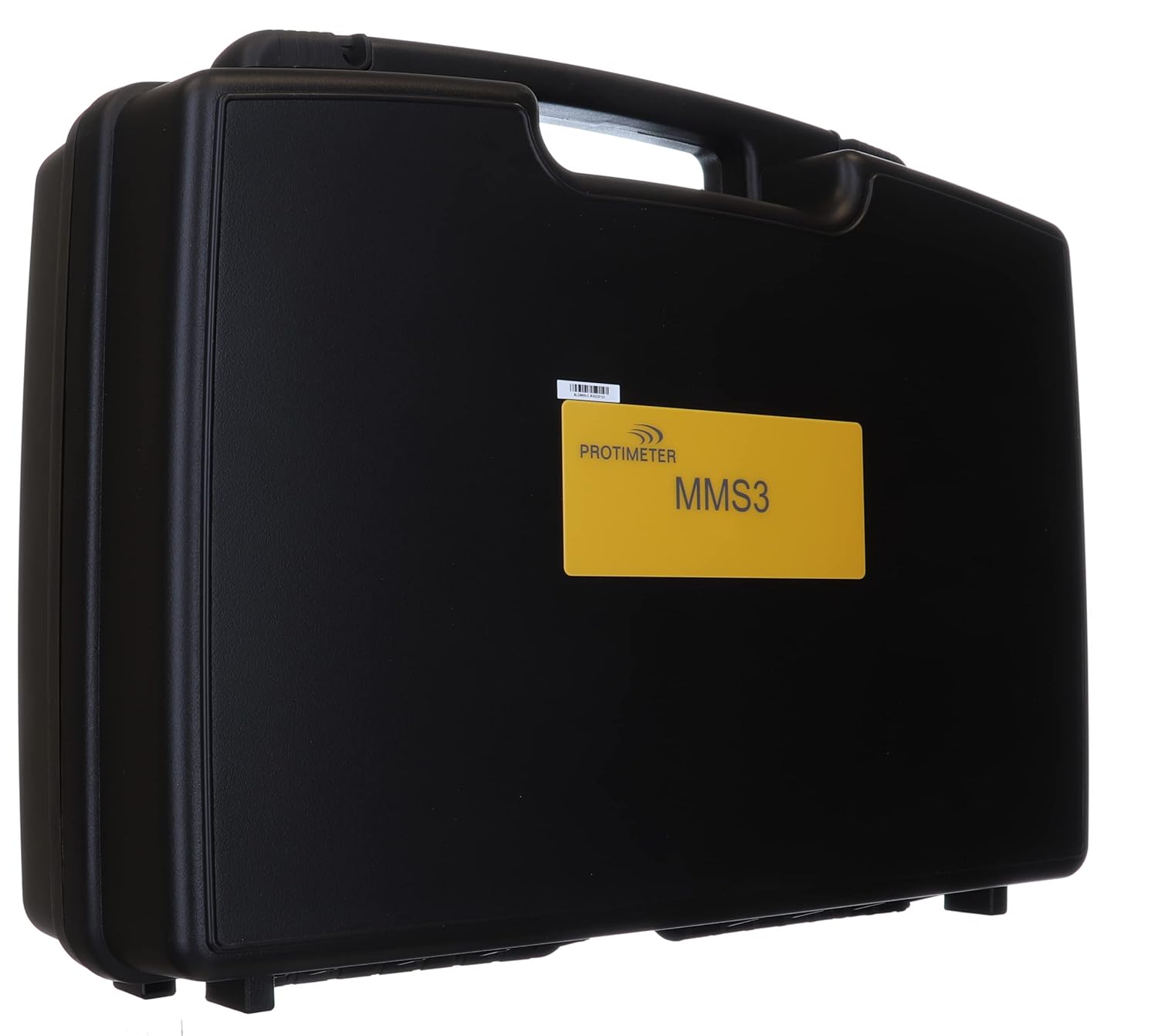
Image: The durable black hard case provided with the Protimeter MMS3 Standard Kit, featuring a yellow label with 'Protimeter MMS3'.
3. Setup
3.1. Battery Installation
The MMS3 requires two AA batteries for operation. These batteries are included with the kit. To install or replace batteries:
- Locate the battery compartment cover on the back of the instrument.
- Open the compartment cover.
- Insert two AA batteries, ensuring correct polarity (+/-) as indicated inside the compartment.
- Securely close the battery compartment cover.
3.2. Initial Power On
Press and hold the power button to turn on the device. The display will illuminate, and the device will perform a brief self-check before presenting the main menu or last used mode.
4. Operating Modes
The Protimeter MMS3 offers multiple operating modes to suit various measurement needs. Navigate through the modes using the directional buttons and select with the 'OK' button.
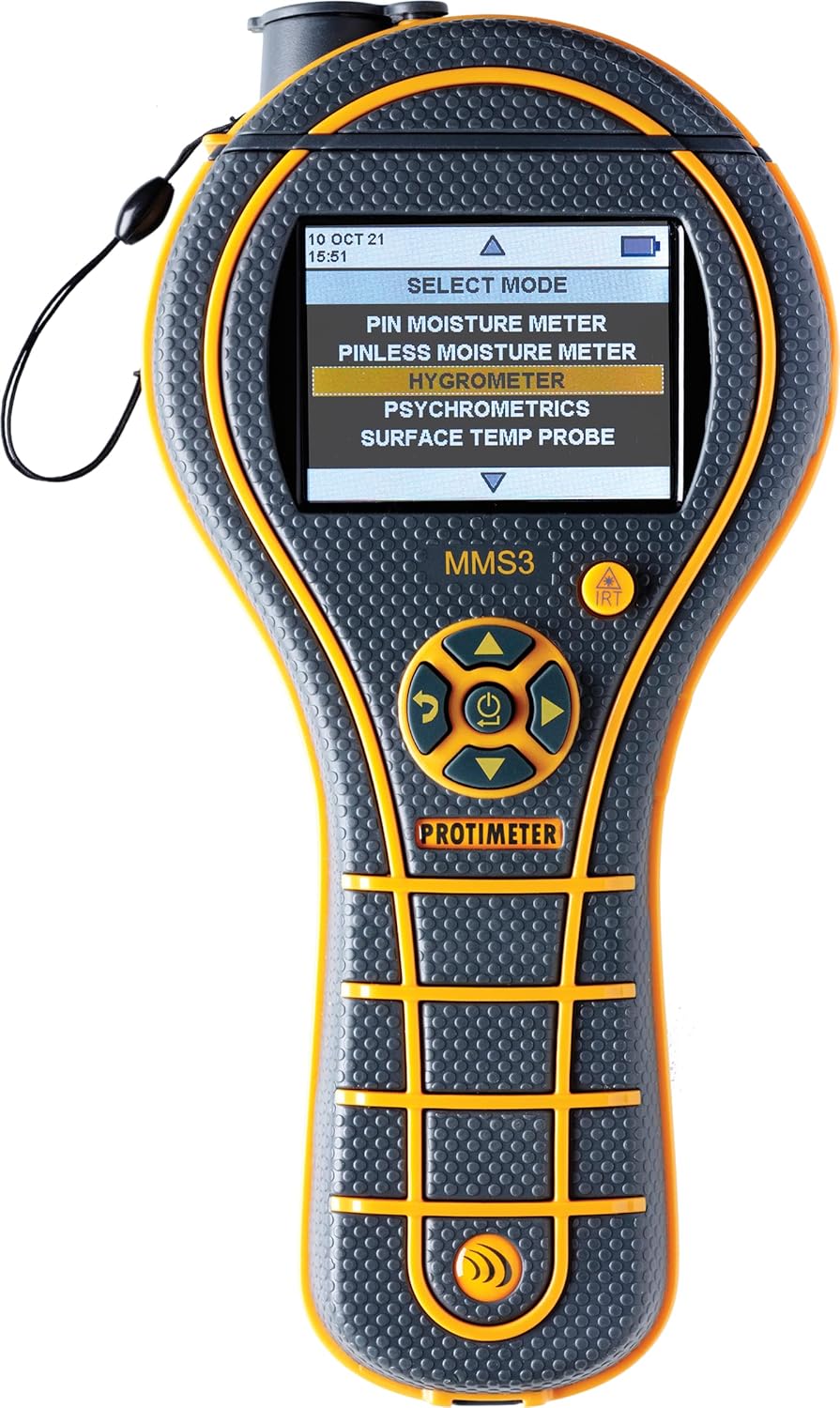
Image: The Protimeter MMS3 display screen showing the 'SELECT MODE' menu, highlighting various measurement options.
4.1. Pin Moisture Meter Mode
This mode uses the heavy-duty moisture probe (pin mode) to directly measure moisture content. It is ideal for diagnosing the extent of moisture intrusion, assessing damage, and monitoring the drying process of building structures. Insert the pins into the material to be measured.
4.2. Pinless Moisture Meter Mode
The non-invasive (pinless) mode allows for quick and surface-level moisture detection without causing damage. This mode is suitable for scanning behind ceramic tile, fine finishes, water stains, tile and vinyl floor coverings, wood, drywall, plaster, masonry, concrete, and concrete block. Place the sensor pad flat against the surface.
4.3. Hygrometry Mode
Hygrometry mode utilizes the Short Humidity Quickstick to measure ambient air humidity. This function is crucial for monitoring buildings for adequate ventilation, which directly impacts indoor air quality and helps identify potential moisture problems related to condensation or high humidity.
4.4. Surface Temperature Probe (Infrared Thermometer)
The integrated infrared thermometer measures surface temperature. When combined with hygrometry data, the MMS3 can calculate the difference between dew point and surface temperature, providing critical information for identifying conditions conducive to condensation and mold growth.
5. Maintenance
5.1. Cleaning
Wipe the instrument and probes with a clean, damp cloth. Do not use abrasive cleaners or immerse the device in water. Ensure the pins of the moisture probe are clean and free of debris for accurate readings.
5.2. Storage
When not in use, store the Protimeter MMS3 and its accessories in the provided hard case in a cool, dry place, away from direct sunlight and extreme temperatures. Remove batteries if the device will not be used for an extended period to prevent leakage.
5.3. Calibration
Regularly check the calibration of your MMS3 using the included Calibration Check Device to ensure measurement accuracy. Refer to the detailed instructions in the full user manual for specific calibration procedures.
6. Troubleshooting
If you encounter issues with your Protimeter MMS3, consider the following basic troubleshooting steps:
- Device not powering on: Check battery installation and ensure batteries are fresh. Replace if necessary.
- Inaccurate readings: Ensure probes are clean and making good contact with the material. Perform a calibration check.
- Display issues: If the display is dim or flickering, replace the batteries.
- Error messages: Refer to the comprehensive user manual for specific error code interpretations and solutions.
For persistent problems or advanced troubleshooting, please contact Protimeter customer support.
7. Specifications
| Feature | Specification |
|---|---|
| Model Number | BLD9800-C |
| Package Dimensions | 20.5 x 15.5 x 6.5 inches |
| Item Weight | 6.98 pounds |
| Batteries | 2 AA batteries (included) |
| Manufacturer | Protimeter |
8. Warranty and Support
8.1. Warranty Information
All Protimeter instruments, including the MMS3, come with a two-year warranty from the date of purchase. This warranty covers defects in materials and workmanship under normal use. Please retain your proof of purchase for warranty claims.
8.2. Customer Support
For technical assistance, warranty service, or further inquiries, please contact Protimeter customer support. Refer to the contact information provided in the full product documentation or visit the official Protimeter website.


